

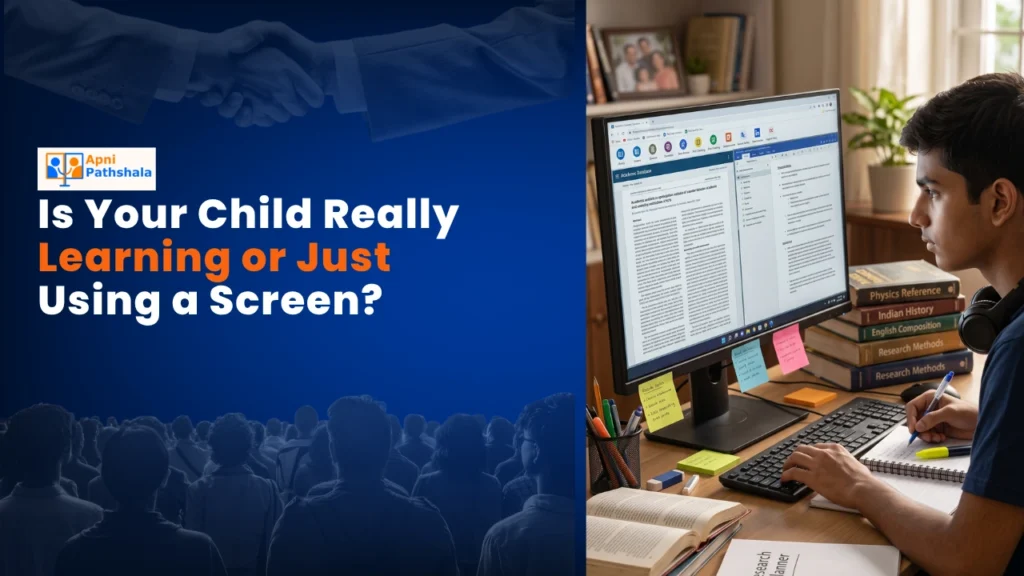
Your child is really learning on a screen if they can explain what they learned, fix their own mistakes, create something, ask follow-up questions and use screen time with a clear purpose. If they cannot remember yesterday’s lesson or keep jumping between apps, they are probably just passing time.
For example, a parent might watch a child spend hours on a laptop “learning coding” and wonder if anything is sinking in. Asking the child to show what they built is often the quickest way to find out.
What are the real signs a child is learning through screens?
Real learning leaves traces: your child does things, makes things and asks questions. Look for these five signs.
- They can explain what they learned. Ask for one thing they learned today. Explaining it in their own words, even simply, is a green flag. Going blank or repeating the teacher word for word is not.
- They make mistakes and fix them. Real learning involves struggle. Some frustration followed by another attempt is the learning process. Constant smooth sailing may mean too little challenge.
- They create, not just consume. A drawing, a story, simple code or notes in their own style is proof. Watching videos all day is not the same.
- They ask follow-up questions. “Why does that work?” or “What if I try this?” shows an engaged brain.
- Their screen time has structure. A clear start, end and task looks very different from random app-hopping.
Read more about the signs that your child is learning digitally to spot these patterns at home.
Which warning signs suggest a child is only passing time?
Forgetting lessons, anger when asked to stop and constant app-switching are the main warning signs. Not all screen time is equal.
| Learning | Passing time |
|---|---|
| Remembers and explains yesterday’s lesson | Cannot recall anything from it |
| Stops calmly at the agreed time | Gets angry or distracted when asked to stop |
| Works on one task | Switches between five different apps or sites |
| Has a notebook, project or output | Watches videos with nothing to show |
| Someone checks in and asks questions | Alone with no one asking |
These are not signs of failure. They are signals that something about how your child uses screens needs to change. Our guide on moving from passive screen use to active learning can help.
Does the device affect whether a child learns?
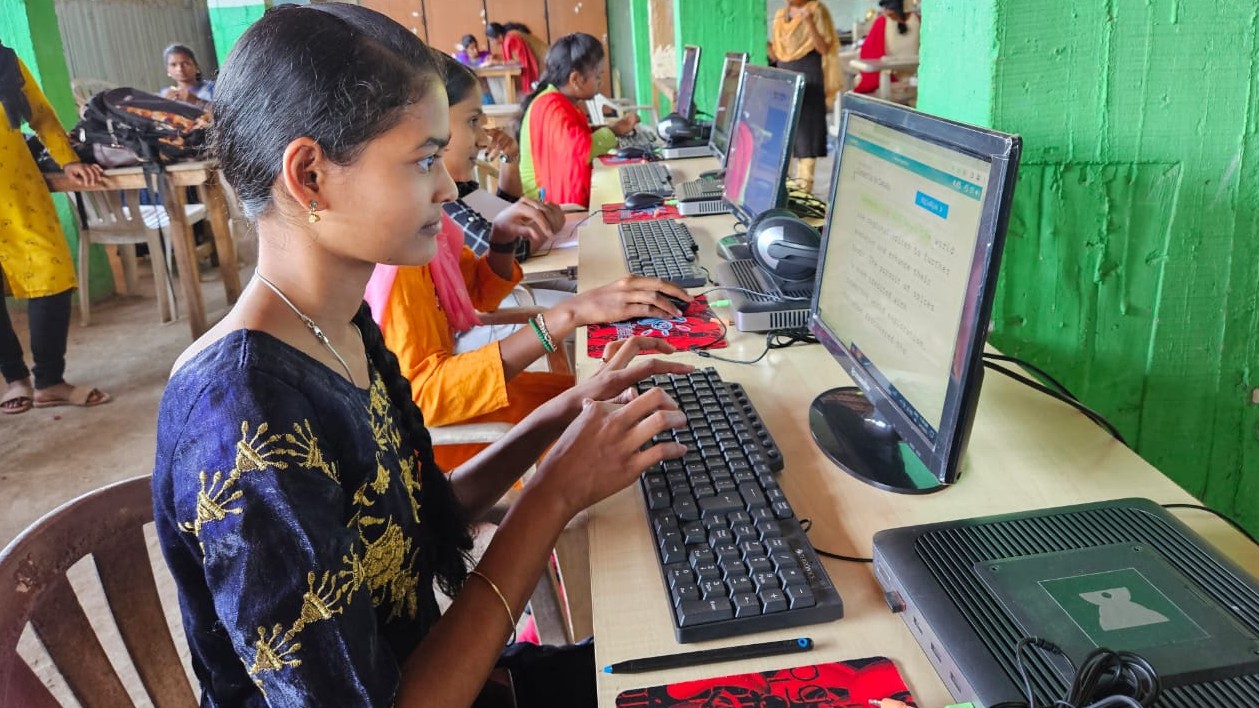
Yes, the device shapes behaviour. A proper educational computer is built for learning, while a phone or tablet is built mainly for scrolling.
The difference is like studying in a noisy market versus a quiet library. One setup supports focus and the other works against it. When children have real learning tools instead of endless feeds, purposeful screen time becomes much easier.
You can explore making the most of free time with a computer designed for students, not entertainment.
What questions should parents ask their child?
Ask open questions that need real answers. Do not just observe; these questions show what is really happening on the screen:
- “What was the hardest part of what you did today?”
- “Show me something you made or changed.”
- “What will you do differently next time?”
- “What didn’t you understand?”
- “Why does that matter?”
A child who is learning can answer most of these. A child who is passing time will struggle or give vague replies.
What does learning really mean?
Learning means being able to do something new, think differently or solve a problem your child could not solve before. It is not simply information going into their head. The general idea is described in this overview of what learning means.
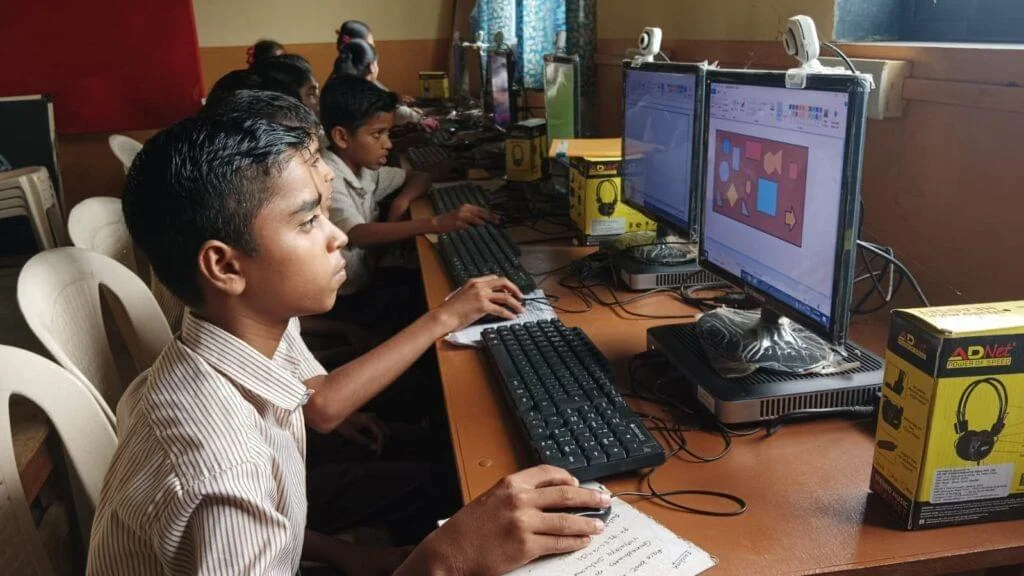
Digital learning in India is growing, supported by initiatives such as Digital India. But growth does not mean every screen session is productive, so you still need to judge for yourself.
What should parents focus on next?
Focus on purpose, not hours. Screen time is not the enemy; purposeless screen time is. Your job is to make sure devices serve your child’s learning rather than replace it.
Watch for creation, listen for questions and explanations, and notice whether frustration is the good kind (learning) or the bad kind (boredom or overload). These small observations tell you far more than the clock.
Frequently Asked Questions
How many hours of screen learning is too much?
There is no single number that fits every child. What matters more is purpose and output. If your child can explain what they learned, show something they made and stops calmly at the agreed time, the screen time is likely productive. Endless browsing is the real warning sign.
Is watching educational videos real learning?
It can be, if it leads to action. Videos help when your child takes notes, tries what they saw or asks questions afterwards. Watching video after video with nothing to show is consumption. Pair videos with a small task to turn them into real learning.
Should I sit with my child while they study on screen?
You do not need to sit beside them the whole time. Check in regularly, ask a couple of open questions and look at what they made. Being nearby and interested matters more than watching every minute, and it keeps your child accountable without feeling controlled.
For a computer built for purposeful learning rather than endless scrolling, explore Apna PC.