


The Sharma Family’s Computer Dilemma
Last Tuesday, Priya Sharma sat at her kitchen table in Indore, staring at her 14-year-old son Arjun’s report card. His grades had slipped, especially in maths. When she asked him why, Arjun sighed and said, “Mom, I can’t focus. Dad uses the family computer for work till 9 PM, my sister watches videos till 10, and by the time I get to study, I’m too tired.” Priya realized the family computer vs student computer question wasn’t just about having a device anymore. It was about her son’s future.
This isn’t just Arjun’s problem. Across Tier 2 and Tier 3 cities in India, thousands of students face the same battle over a shared computer. Parents struggle to decide whether to buy one family machine or invest in a personal student PC. The answer isn’t always obvious, but the impact on your child’s learning is real.
Why a Shared Family Computer Creates Real Problems
A shared computer sounds practical on paper. One device, one electricity bill, one internet connection, one family computer for everyone. But in reality, it creates chaos that directly hurts your child’s studies. This is where the family computer vs student computer debate starts for most parents.
First comes the schedule conflict. Your son needs to finish his science project at 7 PM, but your husband has an important work call. Your daughter wants to watch her favorite show. Everyone waits, frustrated. Studies show that interruptions break concentration for up to 23 minutes. When your student finally sits down to work, their mind isn’t fresh anymore.
Then there’s the privacy problem. Your child’s personal files, study notes, and passwords sit on a machine everyone touches. A younger sibling accidentally deletes his project file. Your wife clears the downloads folder and wipes his research materials. Your student feels unsafe storing anything important on a shared computer. This anxiety eats into study time.
Focus becomes impossible on a shared machine. Your student opens their study app, and right there in the taskbar is a video game your brother was playing. The temptation to switch tabs and procrastinate is always one click away. Without a dedicated space, self-discipline becomes much harder, especially for teenagers.
There’s also the issue of monitoring. You can’t easily track what your child is doing on a shared computer without invading everyone’s privacy. You don’t know if he’s actually studying or if he’s been distracted for the last hour.
When Sharing a Computer Still Works
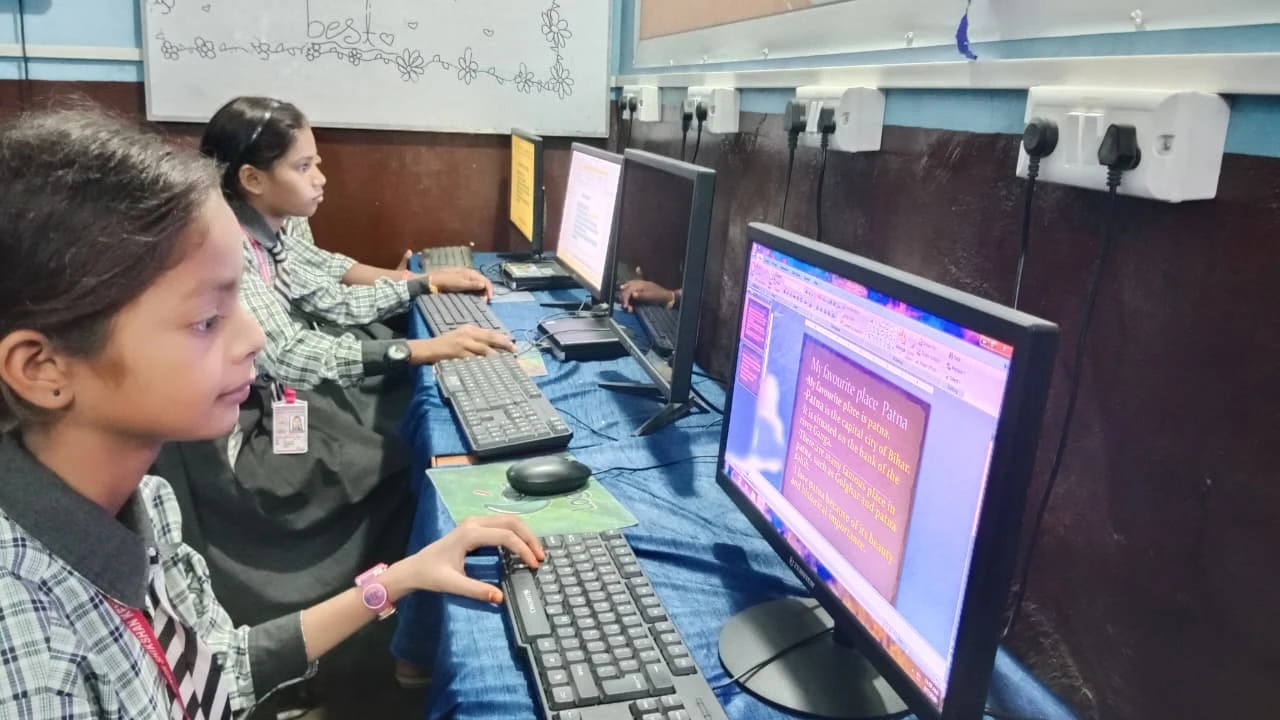
Before you rush to buy a personal student PC, let’s be honest. The family computer vs student computer choice is not black and white. A shared computer can work in some situations.
- Your child is under 10 years old. Younger kids need less study time and can share without major schedule conflicts.
- Your family has clear, fixed schedules. If everyone agrees that 6-8 PM is study time and no one uses the computer then, sharing can work.
- Your child only needs it occasionally. If he’s in a school that provides computer labs or uses mostly books and notebooks, a shared family computer might be enough.
- Your budget truly cannot stretch. Sometimes one device is all a family can afford right now, and that’s okay. Work with what you have.
Why Your Student Needs a Personal Computer
As your child enters middle school and high school, a personal student computer becomes less of a luxury and more of a necessity. The reasons are simple and backed by how education works today.
First, the curriculum demands it. Most schools now expect students to research online, create presentations, code, and submit assignments digitally. According to CBSE guidelines, digital literacy is now part of learning. A personal computer lets your student work at their own pace without waiting for family members to finish.
Second, focus and productivity skyrocket. When your child has their own device, they can set it up exactly how they need it. No distracting browser tabs from family members. No interruptions. They can save their work safely, organize their files, and build a study routine. Research from UNESCO education research shows that students with dedicated study devices perform better.
Third, independence grows. Your student learns responsibility by managing their own device. They understand that this computer is their tool for learning. They take better care of it. They become more organized because their files matter.
Fourth, you get peace of mind. With monitoring tools built in, you can see how your child is spending their time without hovering over their shoulder. You can set healthy boundaries around screen time and app usage.
Family Computer vs Student Computer: The Real Comparison
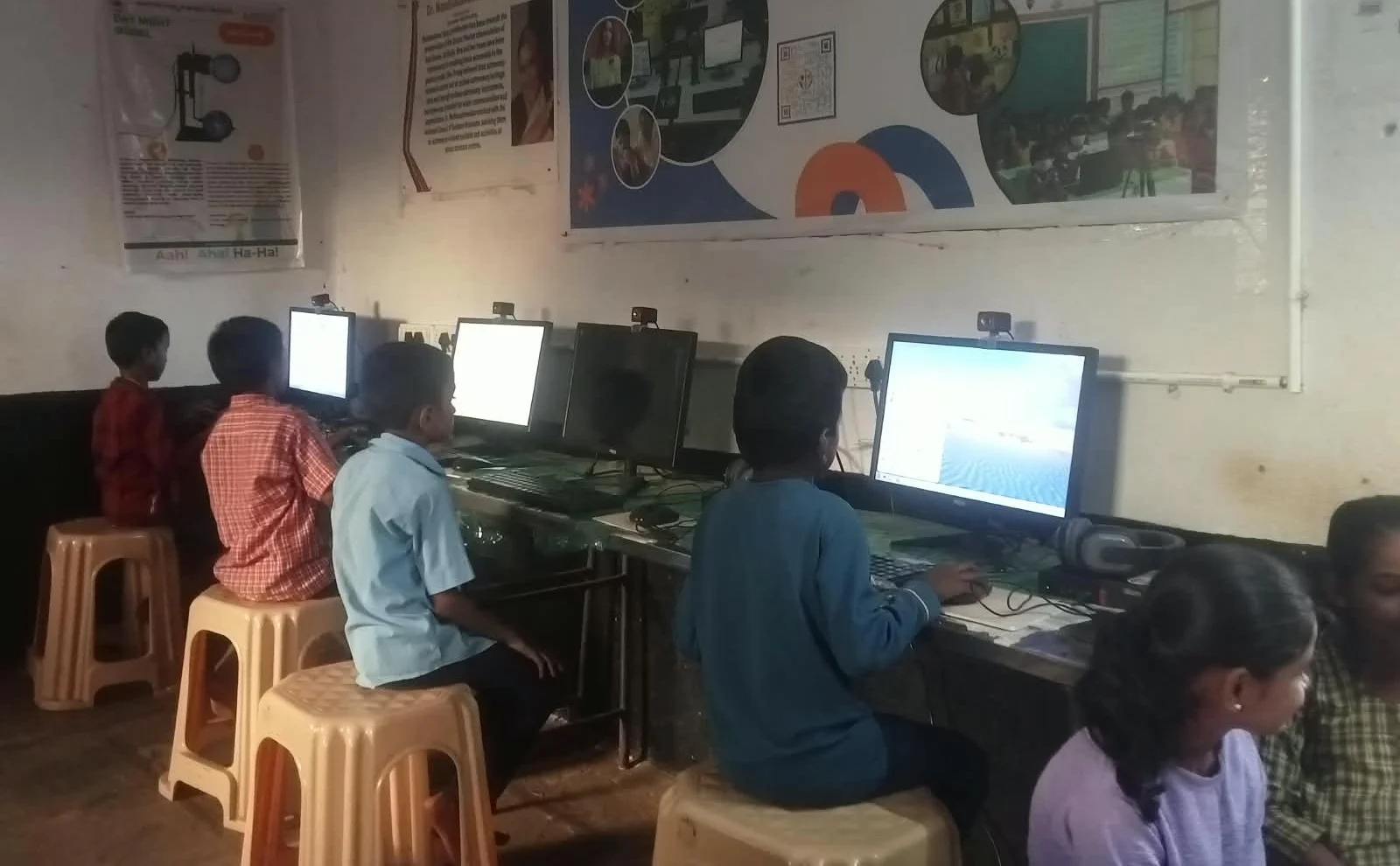
Let’s compare honestly. A family computer costs less upfront, usually Rs.25,000 to Rs.40,000. But hidden costs appear quickly. Your electricity bill rises as everyone uses it longer. Your internet speed slows. Your family stress increases over scheduling. Your child’s grades suffer because they can’t focus.
A personal student computer costs more initially, but the benefits compound. Your child studies better. Your family stops fighting over the device. Your student learns responsibility.
The family computer vs student computer debate often comes down to this: can you afford not to invest in your child’s dedicated study space?
Apna PC: Built for Indian Students Like Arjun
This is where Apna PC changes the game for families in Tier 2 and Tier 3 cities. At Rs.30,000, it’s designed specifically for Indian students. It’s not a gaming machine or a fancy laptop. It’s a focused, distraction-free study tool.
Apna PC comes with Zorin OS, which is clean and simple. It has LibreOffice for documents and presentations, just like you need. It runs Scratch for coding and learning programming basics. Most importantly, it comes pre-loaded with Apni Prerna, a student monitoring system that lets you track study time and app usage without invading privacy.
The specs are practical. 8GB RAM handles schoolwork smoothly. 128GB SSD storage keeps your child’s projects safe. It won’t slow down or crash during an online exam. Apna PC is built by Apni Pathshala, an education initiative that understands what Indian students actually need.
Compare this to a shared family computer. Your son gets his own device. Your husband keeps his work machine. Your daughter uses the family tablet. Everyone has space. No more fights. Your child’s grades improve because he can finally focus.
If you’re unsure whether a personal device is right for your student, you might also want to explore how different devices compare. Check out our tablet vs desktop comparison to see how a dedicated desktop PC beats tablets for serious studying.
Making Your Decision
Ask yourself these questions honestly. Does your child struggle to find time on the shared computer? Do family members fight over schedules? Is your student’s focus suffering? Does he lose his files or worry about privacy? If you answered yes to even two of these, a personal student computer isn’t optional anymore. It’s an investment in your child’s education.
The family computer vs student computer choice depends on your situation, but for most families with a school-age child, a dedicated device wins. Your student deserves a focused space to learn, just like they have a quiet corner to sleep. Apna PC makes this affordable for Indian families.
Your child’s education is worth protecting. Visit apnapc.com to learn more.