

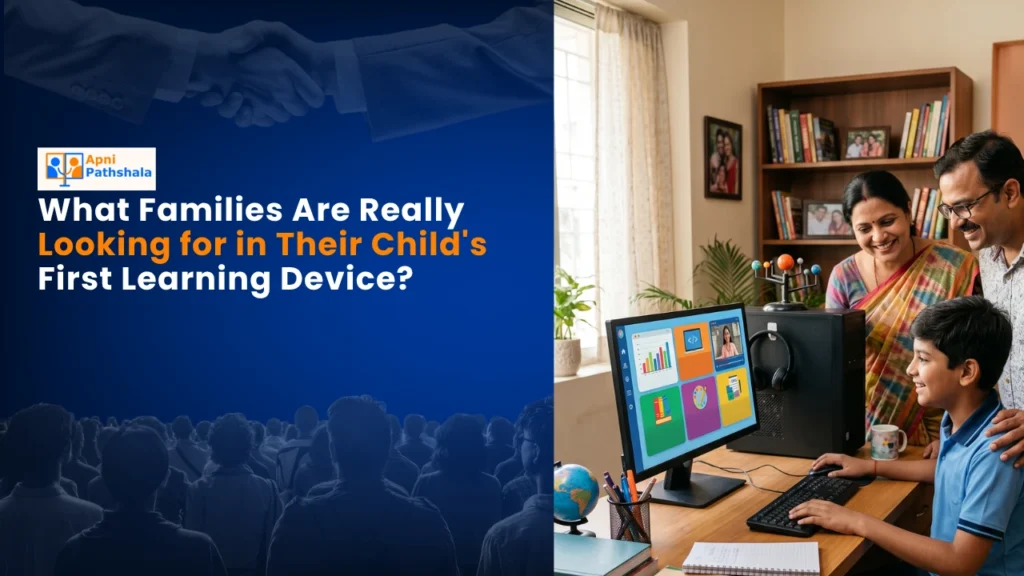
Families looking for a child’s first learning device mostly want five things: reliability through the school years, learning tools ready on day one, parental oversight that does not feel like spying, no unnecessary extras, and local support they can reach. The best first computer is the one that fits your family’s life, not the fanciest one.
For example, a parent whose daughter has just finished Class 6 might have 30,000 rupees saved and worry whether a cheap laptop will break or an expensive brand will waste money. Those are exactly the right questions to ask.
What should a first learning computer for students offer?
It should balance durability, cost, simplicity and learning value, while keeping the risk of gaming habits low. Families in cities like Indore, Nagpur, Lucknow and Jaipur tend to look for the same things:
- Reliability through the school years. Repairs every few months are not affordable, and the device must not fail during exam season.
- Pre-loaded learning tools. Everything should be ready on day one so your child can start studying immediately.
- Parental oversight without spying. You want to know what your child does online without hovering over their shoulder.
- No unnecessary bloatware. You are paying for a learning device, not a gaming machine.
- Local support you can reach. When something goes wrong, you need help from someone who understands your language and situation.
Why does an educational computer matter for a child’s first device?
A regular laptop is designed for everything, so it easily becomes a distraction machine. Your child opens it for homework and ends up on YouTube or games. An educational computer for kids is built for learning first.
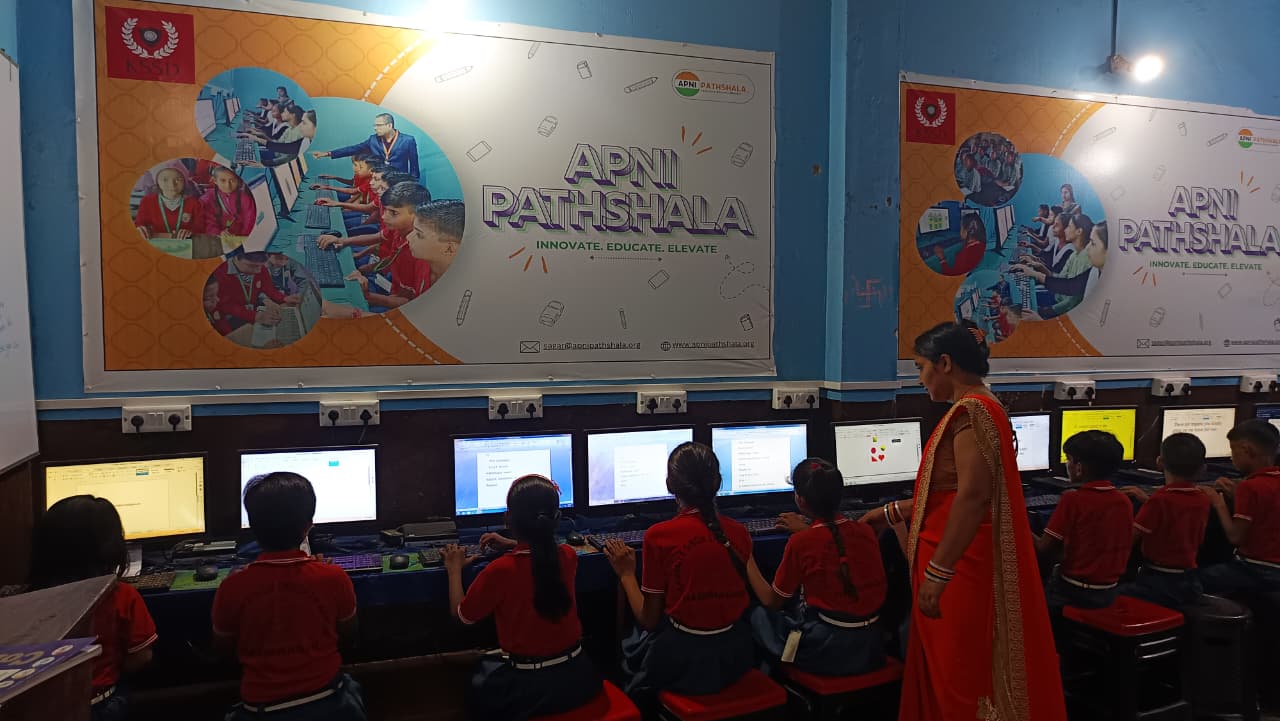
Think of a bicycle and a school bus: both have wheels, but one is built for a specific job. An educational PC comes with the right operating system, software and restrictions from day one.
Zorin OS is built on Linux but feels familiar, and it is lightweight enough to stay quick on modest hardware. LibreOffice covers documents, spreadsheets and presentations without licensing costs, and Scratch teaches coding through visual blocks. Read how a pre-loaded educational PC saves time for families.
What does Apna PC offer at its price?
Apna PC costs 30,000 rupees, which is neither the cheapest nor the most expensive option. It sits where many families need it.
| What you get | Why it matters |
|---|---|
| 8GB RAM | Runs several applications without lag |
| 128GB SSD | Room for years of projects and documents |
| Apni Prerna | Shows learning patterns and study versus entertainment time |
| Zorin OS | Stable, secure and less prone to crashes during assignments |
Apni Prerna, built by Apni Pathshala, is not spyware. It helps you understand your child’s learning patterns and set healthy boundaries without constant conflict. Learn more about how Apni Prerna helps set screen time limits.
How does a learning device build real study habits?
The device itself shapes discipline. When a child sits down at a computer built for learning, they develop different habits than they would on a general-purpose laptop.
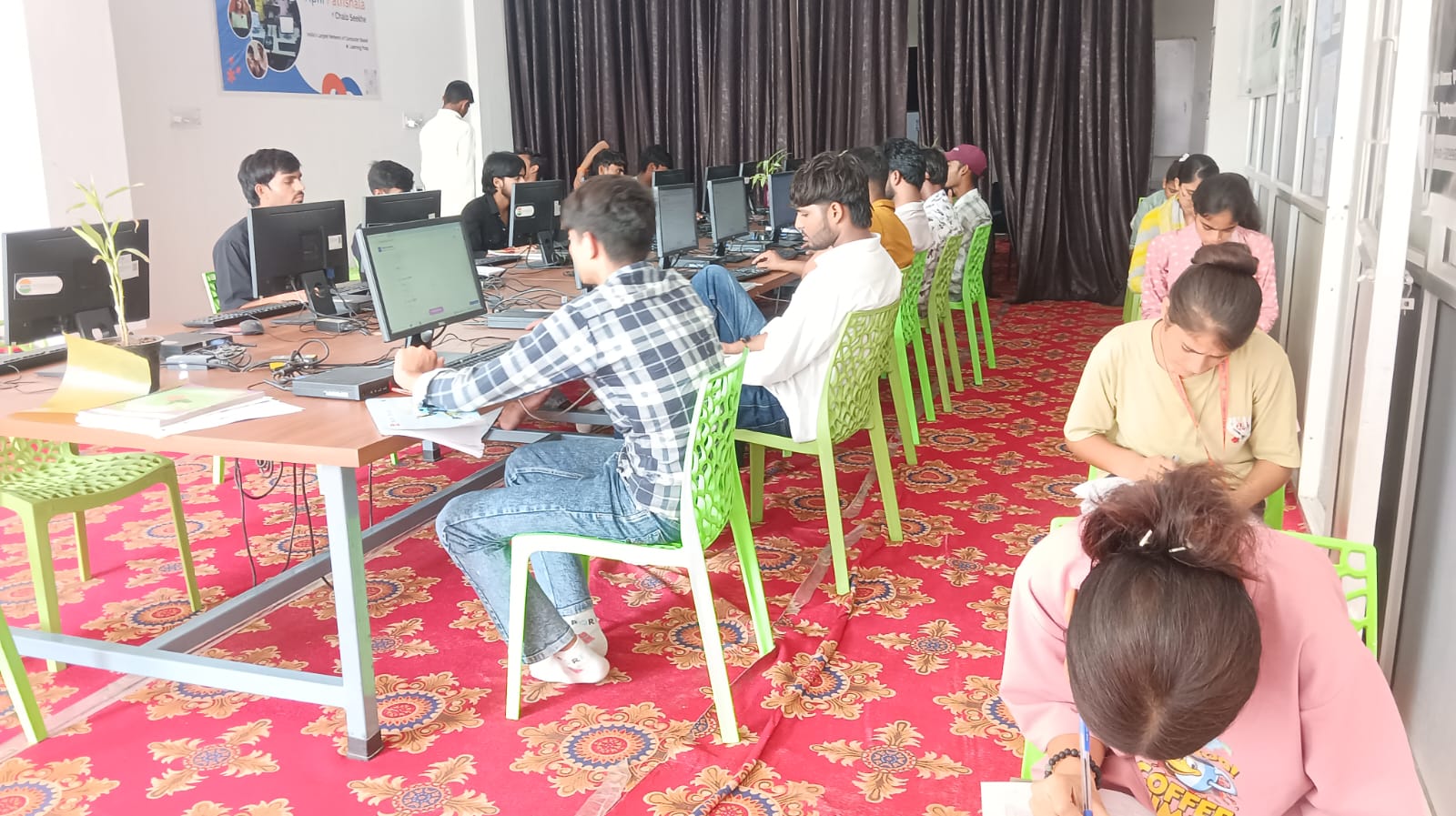
A device built for education adds friction against distractions, so your child spends less energy fighting temptation and more time learning. Over months and years, that adds up. Discover how digital learning builds strong study habits.
Pre-loaded software also keeps choices simple. Your child opens Scratch to learn coding, LibreOffice to write essays and the browser for research.
How does a first computer prepare children for India’s digital future?
A first computer gives your child a way to take part in a digital India, not only today but for years ahead. The Digital India initiative has made technology access a priority, and devices like Apna PC help make that real for families outside metros.
The personal computer history shows how far computing has come in becoming accessible. Digital literacy is now a foundation, and the right tool at the right price helps your child avoid feeling left behind.
Is a 30,000 rupee learning computer worth it?
For many families, yes, if the device is used for learning, affordable without stress and lasts through school. It is fair to ask whether you can spend 30,000 rupees now, and also fair to ask what it costs if your child falls behind in digital skills.
Apna PC is designed to meet all three needs: real use for learning, a sensible price and durability through the school years.
Frequently Asked Questions
Should my child’s first computer be a laptop or a desktop?
For home study, a desktop is often the better first computer. It stays in one study spot, is harder to drop or damage and encourages a routine. A laptop makes sense mainly if your child needs to carry it to school or move between homes regularly.
How do I stop a first computer turning into a gaming device?
Choose a device built for learning and set it up with study software first. Use a tool like Apni Prerna to see how time is spent and agree on study hours together. Clear routines from the first week work better than rules added after habits form.
What should I check before buying my child’s first computer?
Check the RAM and storage, what software is pre-loaded, whether parental oversight is included and where you can get it repaired locally. Also ask how long it is expected to last. A slightly higher price for reliability can cost less than repeated repairs.
Your child deserves a device built with their education in mind. Visit Apna PC to learn more.