


Not all screens help children learn. Educational technology that actually works gives students tools to create, practise, and build skills, not just watch and scroll. Apna PC is designed around this difference: a distraction-free computer with pre-loaded learning software, built for Indian school students at an affordable price.
Why Your Child Needs More Than Just a Screen
Your child’s regular laptop or tablet is built for many things, most of them unrelated to studying. Every app wants attention. Every notification pulls focus. The browser has countless distractions waiting for a bored or tired mind. Kids’ technology has spread widely, but most of it still treats screens as passive entertainment. Learning technology should work differently. It should guide and structure your child’s attention while they build real skills.
Apna PC was designed with this exact problem in mind. Here is what makes it different:
- Zorin OS pre-loaded: A clean, distraction-free operating system that does not show ads or social notifications.
- Apni Prerna built in: A student monitoring tool that lets you see what your child is doing, how long they are learning, and where they need support.
- LibreOffice ready: Professional tools for writing, spreadsheets, and presentations without ongoing subscription fees.
- Scratch programming: Your child can learn coding by creating games and animations, not just watching tutorials.
- 8GB RAM and 128GB SSD: Fast enough for real work, smooth enough that frustration does not kill motivation.
This is educational technology that replaces passive screen use with something genuinely useful.
Screen Time That Actually Means Something
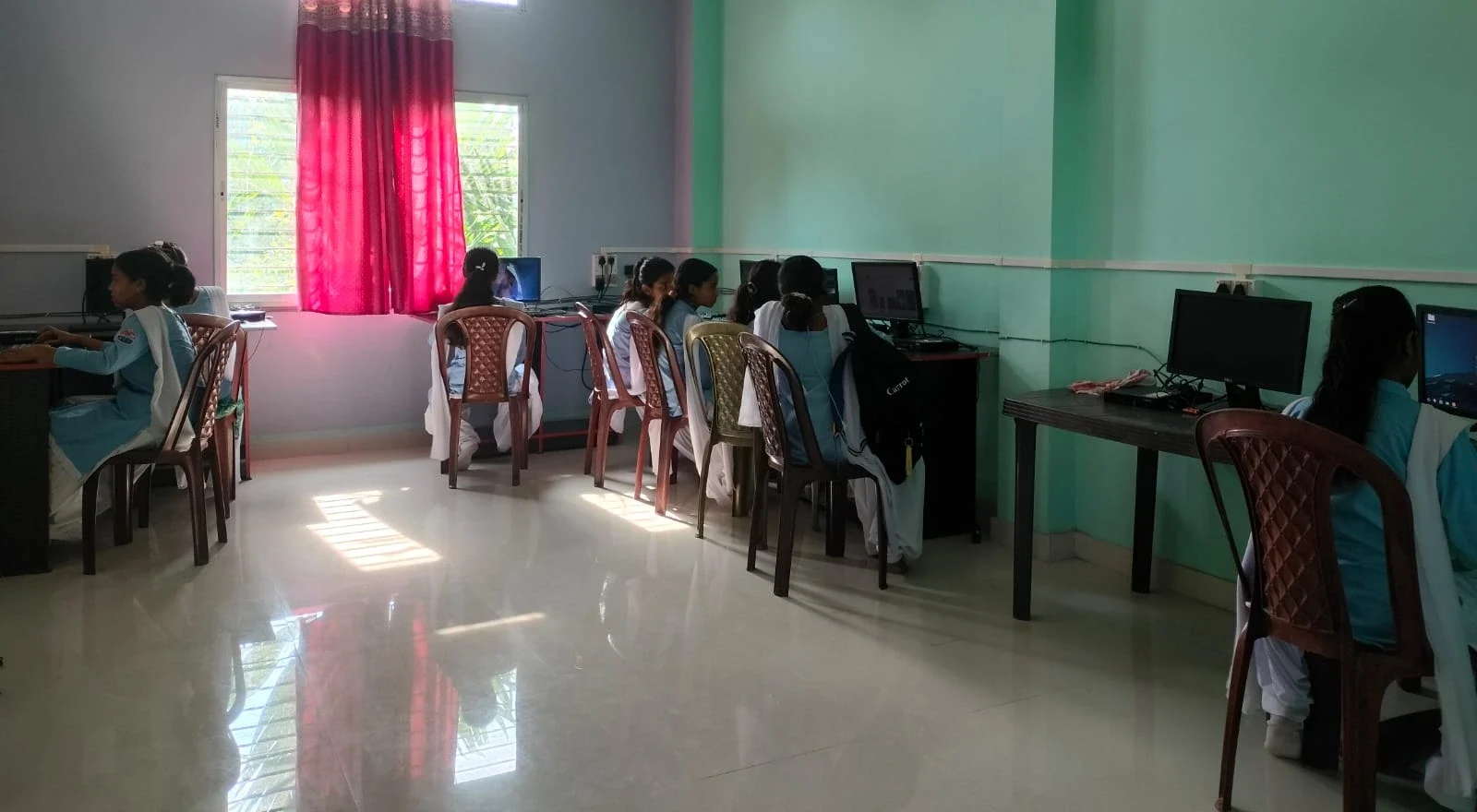
The screen is not the problem. It is what your child is doing on it. When children switch from passive consumption to active creation, screen time changes character. A child writing a story in LibreOffice, building a game in Scratch, or preparing a presentation for school is using screen time productively. A parent checking Apni Prerna can see exactly what their child is working on instead of guessing based on mood.
Good learning technology should transform screen time from passive watching into active building. That is the difference between your child being a user and your child being a creator. See the difference between passive and active screen time for a detailed look at why this matters for student development. The Digital India initiative has pushed technology into schools across the country, but technology alone is not enough. Your child needs the right tools, the right environment, and the right structure. Apna PC provides all three.
Building Independent Learning Habits That Last
Children who use Apna PC consistently tend to become more independent learners over time. They are not waiting for a video to load. They are not distracted by notifications. They are focused on the task in front of them. When your child works on a machine designed for learning, something shifts. They start asking better questions. They start troubleshooting on their own.
They develop independent learning habits that will help them in school and beyond. Apni Prerna helps you guide this process without hovering. You can see progress reports, check which applications they are using, and understand where they are spending their learning time.
The Real Cost of Waiting
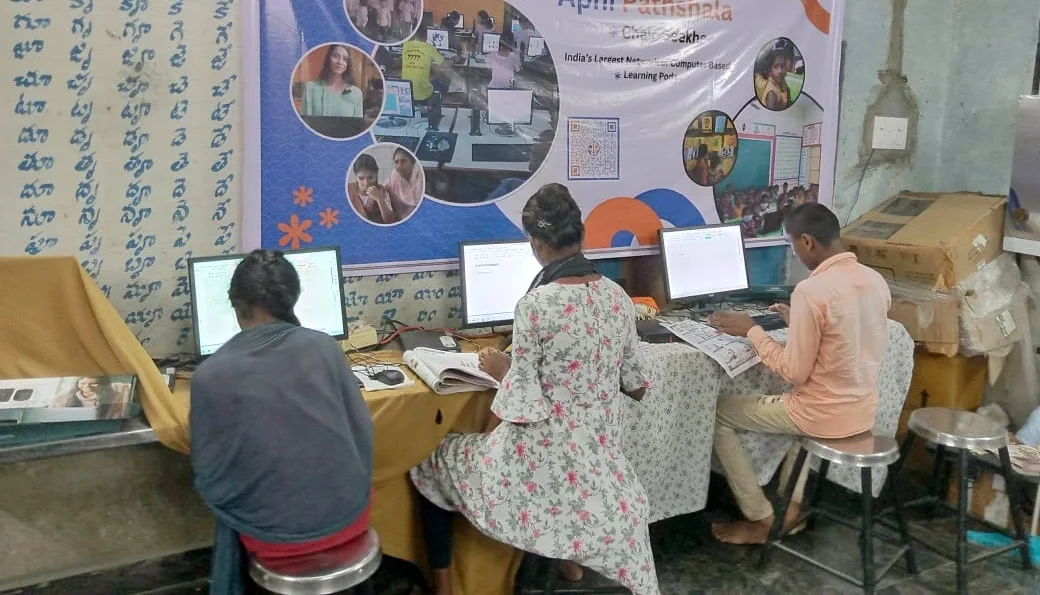
At Rs.30,000 (plus shipping and GST), Apna PC is not the cheapest computer on the market, but it is built specifically for your child’s learning. Compare it to a year of tuition classes or the ongoing cost of learning app subscriptions, and the investment looks different. With Apna PC, you are not paying for another distraction machine. You are paying for a tool that has the right software already loaded and the right environment already set up.
Think about technology as an investment in your child’s skills, confidence, and independence. See how Apna PC compares to a regular computer for students to understand what you are getting that a standard device does not offer.
Who Is Apna PC Built For?
Apna PC is designed for Indian school students in Class 3 through Class 12, particularly in Tier 2 and Tier 3 cities where good coaching and hardware are both expensive. It is for families who want their child to have a proper learning device without paying for a premium laptop that comes pre-loaded with games and entertainment apps.
Parents who want visibility into what their child is doing on screen, and children who need a focused space to do their schoolwork, are the people Apna PC was built for.
Frequently Asked Questions
How is Apna PC different from just buying a cheap laptop for my child?
A standard cheap laptop typically comes with general-purpose software, ad-supported apps, and no built-in monitoring. Apna PC comes with Zorin OS, Scratch, LibreOffice, and Apni Prerna pre-configured for student use, so your child starts learning immediately rather than getting distracted.
Can I use Apna PC for all school subjects, or just for coding?
Apna PC supports all subjects. LibreOffice handles writing, presentations, and spreadsheets for any subject. Scratch supports coding and logical thinking. The browser and Zorin OS allow access to platforms like DIKSHA for any curriculum area.
What does Apni Prerna show me about my child’s screen use?
Apni Prerna shows you which applications your child has used, how much time they spent on each, and their learning activity patterns. This gives you useful information to support your child without monitoring every keystroke or sitting beside them the whole time.
Is Apna PC worth the cost compared to a tablet?
Tablets are designed for consuming content. Apna PC gives your child a full keyboard, a large screen, and professional-grade tools for creating, writing, and coding. For a student who needs to do real school projects and build practical skills, a desktop computer is a significantly better fit than a tablet.
Give your child educational technology that actually helps them learn. Visit apnapc.com to learn more about Apna PC.