


An easy student computer helps children complete schoolwork, explore new concepts, and develop digital skills without facing unnecessary technical difficulties. For parents, the ideal computer supports education without requiring constant maintenance or technical knowledge.
A computer does not need advanced specifications or hundreds of applications to be useful. What matters is how comfortably a student can use it every day. From completing homework to practising coding, the right computer should make learning a natural part of a child’s daily routine.
What Makes an Easy Student Computer Suitable for Daily Learning?
Students need a computer that responds well to their everyday learning requirements. Waiting for applications to load, searching through complicated menus, or dealing with frequent interruptions can affect their concentration.
A reliable learning computer should offer:
- Quick startup and responsive performance.
- An organised and understandable desktop.
- Essential educational applications.
- Safe internet browsing.
- Convenient access to saved assignments.
- Comfortable keyboard and mouse controls.
These features allow children to spend more time learning and less time figuring out how their computer works.
Why Does a Simple Computer Help Students Learn Independently?
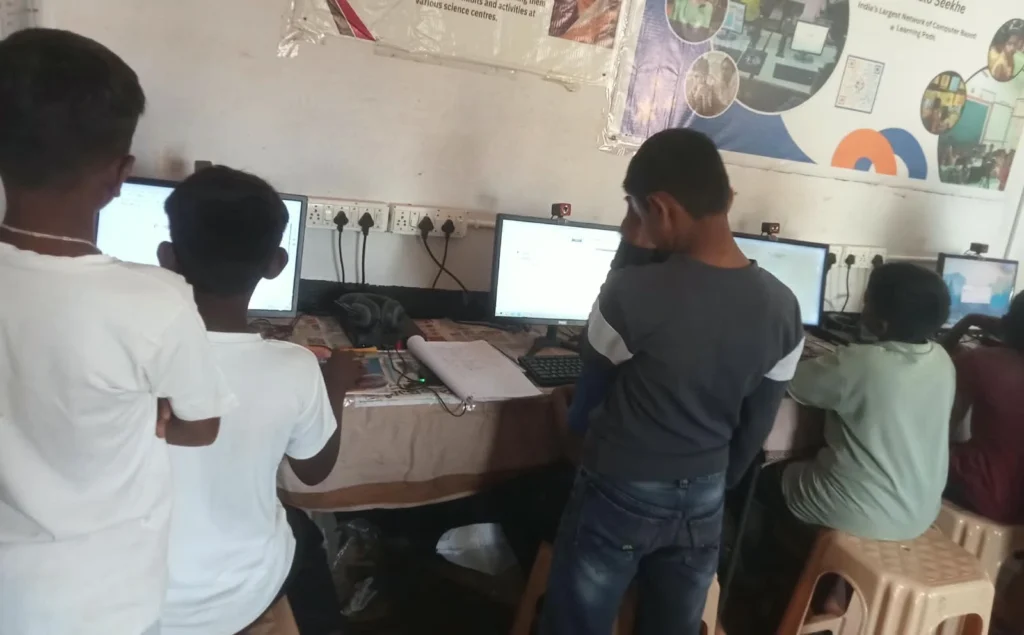
Children should not have to depend on their parents every time they want to open an application, create a document, or access learning materials.
A simple computer encourages students to perform everyday tasks independently. They gradually learn how to organise folders, find information, prepare assignments, and manage their digital workspace.
For beginners, small achievements such as saving a document correctly or creating their first presentation can build confidence.
Parents can explore what makes Apna PC practical for first-time PC users to understand how a beginner-friendly system supports independent learning.
How Does Reliable Performance Improve Daily Study?
A student may need to switch between a textbook, an educational video, and a document while completing an assignment. A computer that struggles with these basic activities can interrupt the learning process.
Apna PC includes 8GB RAM and 128GB SSD storage, providing a practical configuration for everyday educational activities.
Instead of investing in expensive hardware designed for demanding professional applications, parents should consider whether the computer can comfortably handle their child’s actual learning requirements.
Consistent performance makes it easier for students to develop regular study habits.
What Educational Tools Should a Student PC Include?
A useful student PC should support both academic learning and practical skill development. Children need opportunities to create something rather than simply consume information.
Essential learning activities include:
- Writing school assignments and reports.
- Preparing presentations and spreadsheets.
- Practising basic programming.
- Researching academic topics.
- Developing typing and computer skills.
Educational tools such as LibreOffice allow students to create documents, manage information, and prepare presentations without purchasing additional office software.
Students can also explore the DIKSHA digital learning platform for educational videos, textbooks, and interactive learning resources.
Why Is a Parent-Friendly PC Important for Home Learning?
Many parents want to introduce computers into their children’s education but worry about inappropriate content, unnecessary screen time, and complicated settings.
A parent-friendly PC should make digital supervision manageable, even for families with limited technical experience.
Apna PC includes Apni Prerna, which helps parents understand computer usage and supports a more focused digital learning environment.
Parents can guide their children towards productive activities while gradually encouraging responsible and independent computer use.
Read more about why a student PC for parents should be simple.
How Does a Dedicated Computer Improve Learning Habits?
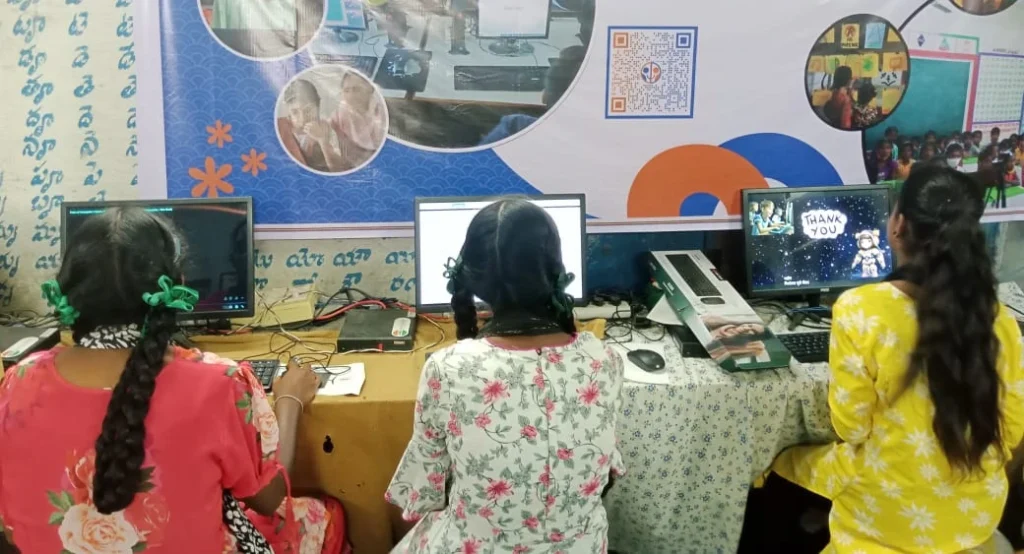
With a dedicated computer for education, children can establish a consistent learning routine at home.
They can revisit difficult topics after school, complete unfinished assignments, practise digital skills, and explore subjects beyond their textbooks.
Over time, these activities help students become more familiar with technology. The computer becomes a workspace where they can experiment, make mistakes, and improve through practice.
Regular access also gives children the freedom to learn at their own pace without depending entirely on classroom computer sessions.
How Does Apna PC Support Everyday Student Learning?
Apna PC is designed around the educational requirements of students and families. Its beginner-friendly Zorin OS, pre-installed learning applications, and focused desktop environment make everyday computer activities more accessible.
From preparing school projects to exploring programming, students can use the computer for different stages of their educational journey.
An easy student computer should ultimately help children become confident, responsible, and independent learners. Apna PC brings together the tools and features needed to support that journey.
Frequently Asked Questions
1. What is an easy student computer?
It is a computer designed to make everyday educational activities accessible through straightforward navigation, reliable performance, and essential learning applications.
2. Is 8GB RAM sufficient for daily student use?
Yes. For typical school assignments, internet research, presentations, and beginner-level coding, 8GB RAM is generally sufficient.
3. Can parents manage a student computer without technical knowledge?
Yes. A parent-friendly PC with accessible monitoring features can make digital supervision easier for parents with limited computer experience.
4. Is Apna PC suitable for children learning computers for the first time?
Yes. Apna PC offers a beginner-friendly operating system and pre-installed educational tools that support first-time computer users.