


Rajesh sat at the kitchen table in Indore, staring at the cardboard box that’d just arrived. His daughter Priya was starting 6th grade, and the school had sent a list of computer requirements. His hands felt shaky. He’d never owned a computer before. What if he couldn’t set it up? What if Priya couldn’t use it? What if he wasted money on something that’d just sit in a corner gathering dust?
If you’re a parent in a Tier 2 or Tier 3 city, you’ve probably felt this same worry. The first setup for parents isn’t just about unboxing hardware. It’s about confidence, about making sure your child has the right learning device without the headache of complicated installations and endless troubleshooting.
That’s exactly where Apna PC changes everything.
Why the First Setup for Parents Feels So Overwhelming
Let’s be honest. Most computers come with Windows or some unfamiliar operating system. You get a box, an English manual, and a prayer. For parents, setup usually means hunting for drivers, installing software, worrying about viruses, and spending hours on YouTube videos you don’t fully understand.
Then there’s the software. Your child needs LibreOffice for documents. Maybe Scratch for coding. Possibly Google Classroom. You’re downloading, installing, configuring. One wrong click and something breaks. Your internet’s slow, so downloads take forever. It’s exhausting before your kid even opens a textbook.
Apna PC solves this by doing the heavy lifting before it reaches your home.
Everything Pre-Loaded and Ready to Go
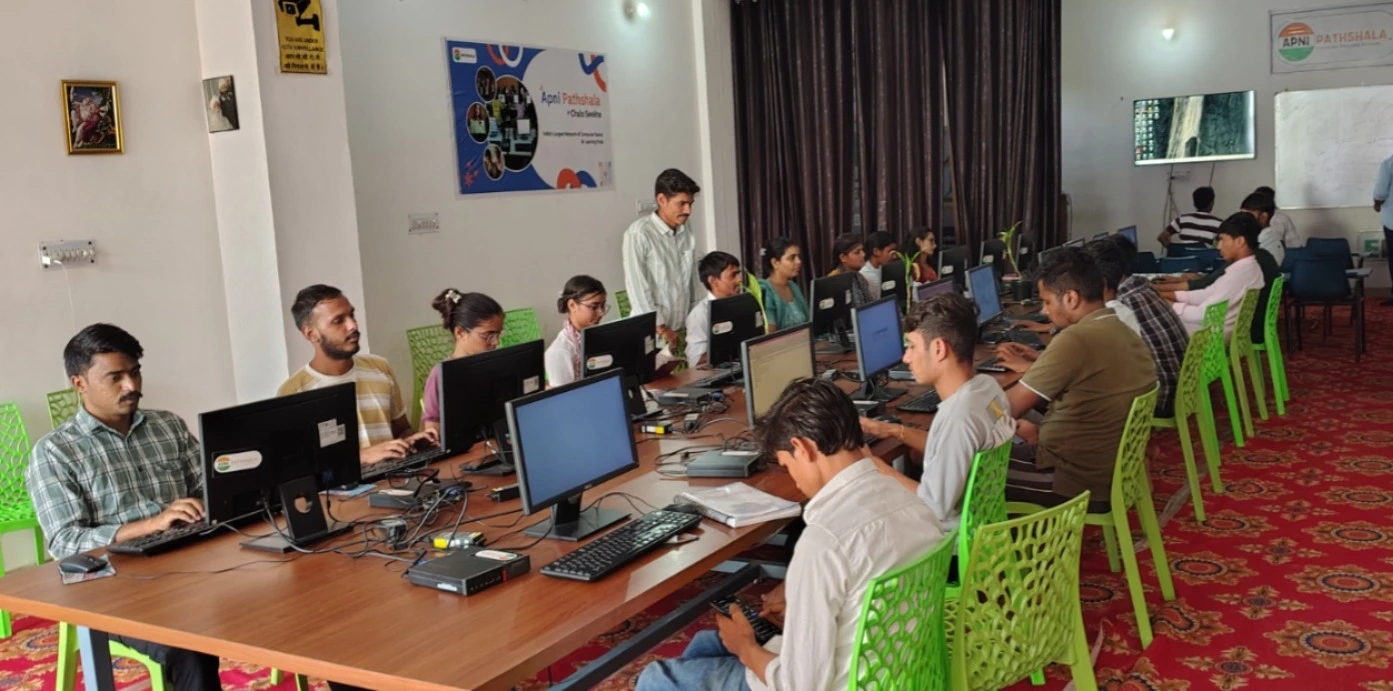
When your Apna PC arrives, it’s not a blank slate. It comes with Zorin OS, a clean and simple operating system that feels less intimidating than Windows. No bloatware. No confusion. Just a student PC setup that’s ready to work from day one.
Here’s what’s already installed:
- Zorin OS – An intuitive operating system designed for education and everyday use
- LibreOffice – For documents, spreadsheets, and presentations your child needs for school
- Scratch – A visual programming tool that makes coding fun and accessible
- Apni Prerna – A student monitoring tool so you can track your child’s learning progress and screen time
You don’t need to hunt for these. You don’t need to install them. You don’t need to worry about compatibility. They’re there, tested, and working.
The 8GB RAM and 128GB SSD mean your child’s learning device won’t slow down when they work on projects or watch educational videos. No lag. No frustration. Just smooth performance for homework, coding, and research.
How the First Setup for Parents Works with Apna PC
Apna PC isn’t a gaming machine disguised as a study device. It’s purpose-built for education. That matters. Your child won’t get distracted by heavy graphics or gaming temptations. They’ll focus on what matters: learning.
The ready computer comes with everything your child needs to meet school requirements. Whether it’s for CBSE, state boards, or online classes, Apna PC handles it. You can even set up Google Classroom in minutes if their school uses it.
Apni Prerna, the built-in student monitoring tool, lets you stay involved without hovering. You’ll see what your child’s working on, how much time they’re spending, and get peace of mind that the learning device is being used responsibly. It’s the bridge between independence and parental guidance.
No Technical Headaches, Just Simplicity
The first setup for parents shouldn’t require a computer science degree. With Apna PC, you just plug it in, turn it on, and you’re done. There’s no driver hunting. No software conflicts. No late-night calls to your tech-savvy nephew asking for help.
Zorin OS is built to be beginner-friendly. If you’ve used a computer before, you’ll feel at home immediately. If you haven’t, it’s forgiving and straightforward. Your child can start their homework the same day the box arrives.
The 128GB SSD keeps your learning device fast. No gradual slowdown like older computers. Your child’s projects, research files, and schoolwork have plenty of space without eating into performance.
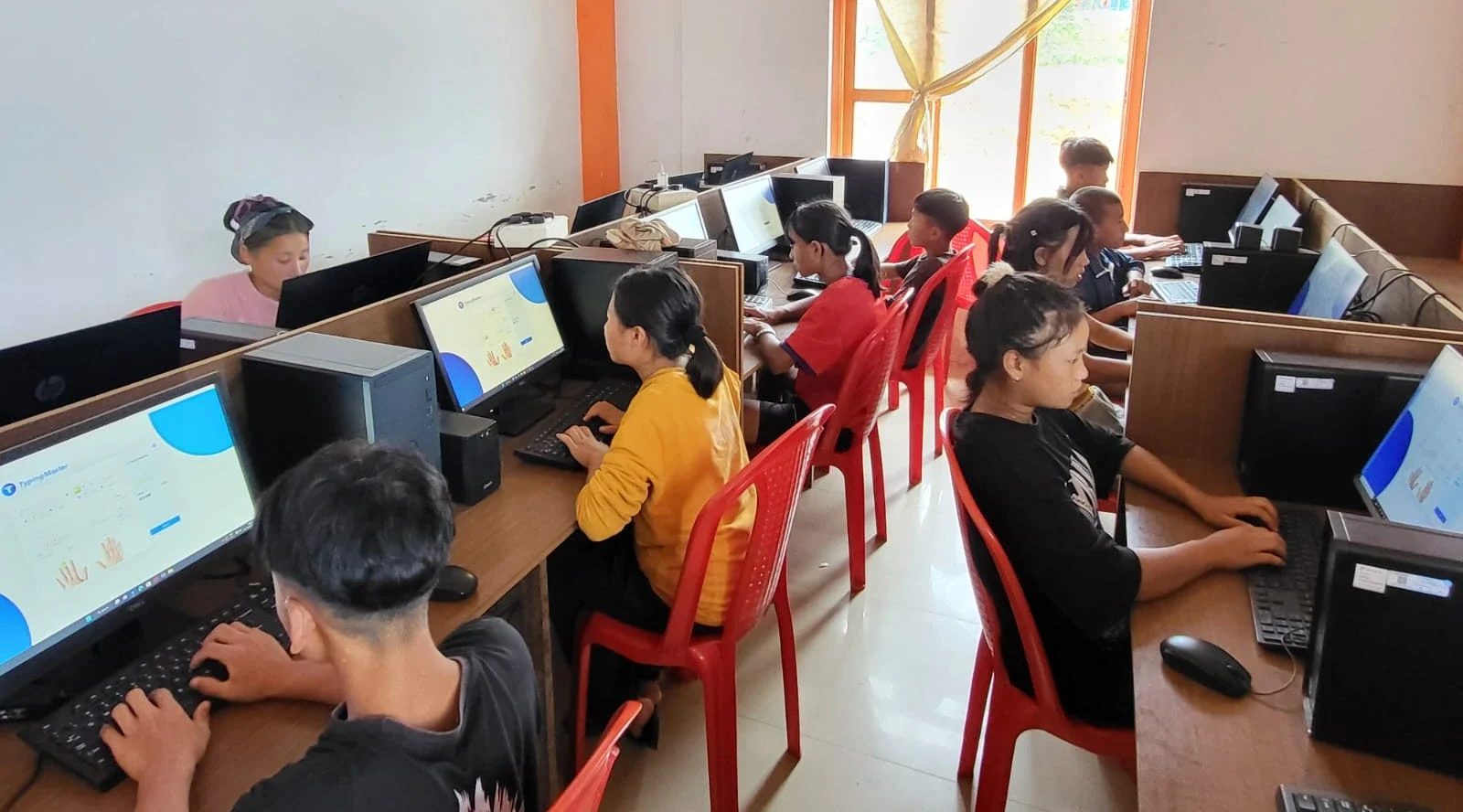
Supporting India’s Digital Learning Push
India’s Digital India initiative and the Ministry of Education have made it clear: digital literacy is essential. Schools are moving online. Assignments are digital. Coding and technology skills are no longer optional.
Apna PC puts your child on equal footing with students in metros. It’s not about luxury. It’s about access. It’s about making sure your child in Indore, Lucknow, or Nagpur has the same tools as kids in Delhi or Mumbai.
For CBSE students and others following structured curricula, Apna PC is specifically designed to meet those needs. Your child gets a ready computer that’s aligned with what schools actually require.
Why Apna PC Comes from Apni Pathshala
Apna PC isn’t made by a random hardware company. Apni Pathshala built it, an organisation that’s spent years understanding how Indian students learn and what they actually need. That experience shows in every detail.
The pre-loaded software isn’t random. We chose it because teachers use it. Students need it. Parents can trust it. There’s no guesswork. There’s no bloat. Just thoughtful choices made by people who care about education.
At Rs.30,000 (before shipping and GST), Apna PC is built for families like yours. It’s not the cheapest option, but it’s not overpriced either. It’s fair value for a device that’ll serve your child for years without technical headaches.
Remember Rajesh? When his Apna PC arrived, he opened it, plugged it in, and within 10 minutes, Priya was doing her first assignment. No confusion. No stress. No late-night tech support calls. Just a parent watching his daughter learn on a device that actually works.
That’s what the first setup should feel like for parents. That’s what Apna PC delivers. Your child deserves a learning device that’s ready to go, and you deserve the peace of mind that comes with it. Visit apnapc.com to learn more.