


A distraction-free study setup for students needs three things: a clean operating system without gaming or social media apps, a dedicated device that belongs only to the student, and a consistent routine the whole family can follow. Apna PC at Rs.30,000 addresses all three in one purpose-built package.
Why Your Current Study Setup Is Not Working
Most computers today run Windows or macOS, which are designed for general use. They push notifications, suggest games, and show entertainment content alongside study tools. Your child needs enormous willpower to ignore these when they are sitting down to study.
Shared family devices make this worse. Your child cannot leave notes open, cannot build a consistent routine, and faces constant interruptions from other users. The problem is not your child’s discipline. The device itself is designed to compete for attention.
What Does a Distraction-Free Study Setup Actually Look Like?
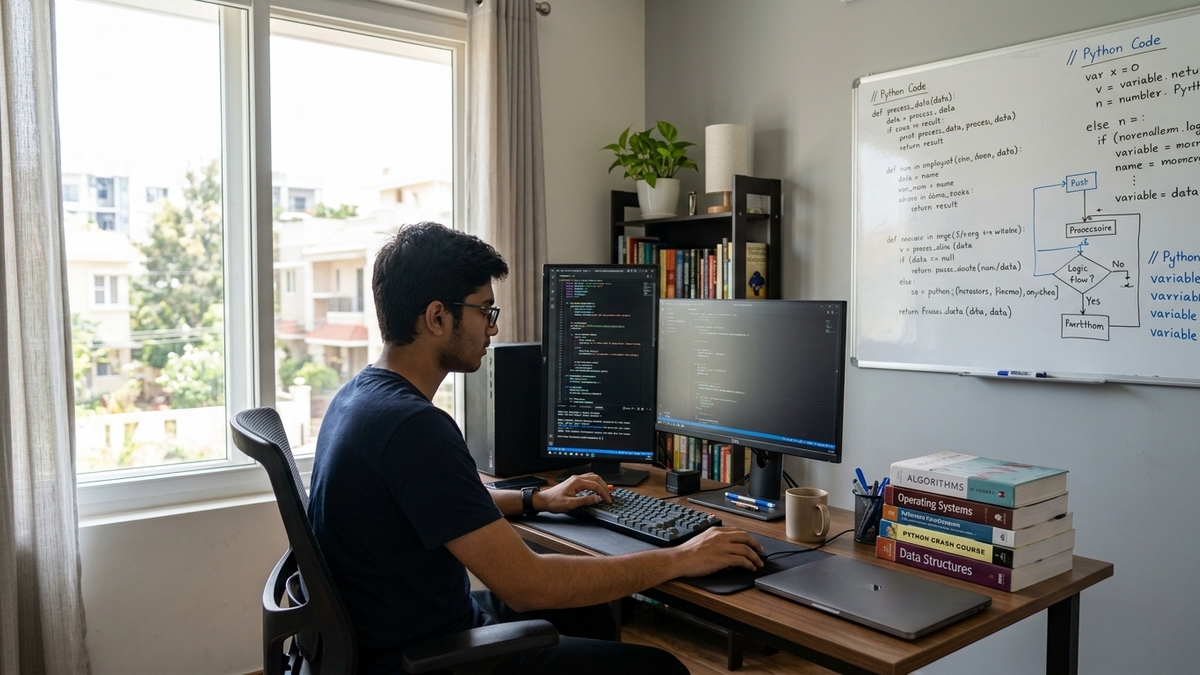
A proper distraction-free setup has three features. First, the operating system should have no gaming platforms, social media apps, or entertainment software built in. Second, educational software should be pre-loaded so your child can start immediately. Third, the price should make buying a dedicated device feel like a smart decision rather than an unnecessary expense.
Apna PC delivers all three. It runs Zorin OS, a Linux-based system that keeps things clean. Your child opens the computer and sees LibreOffice for writing, Scratch for coding, and Apni Prerna for tracking progress. There is no Steam, no YouTube app, no social media shortcut on the desktop.
How Does Apna PC’s Monitoring Help Students Stay Focused?
Apni Prerna, the built-in monitoring system, shows parents what subjects their child focused on and for how long. This creates useful conversations instead of guessing games.
You can see whether your child spent time on writing assignments or spent the session unfocused. This information helps you support your child’s learning without hovering over their shoulder every evening. Find out more in our guide to reading Apna PC’s usage reports as a parent.
- Subject focus tracking: See which subjects got the most attention
- Session length: Understand how long your child studied each day
- Transparent reporting: Review activity together to build study habits
How Do You Build a Study Routine With a Distraction-Free Computer?
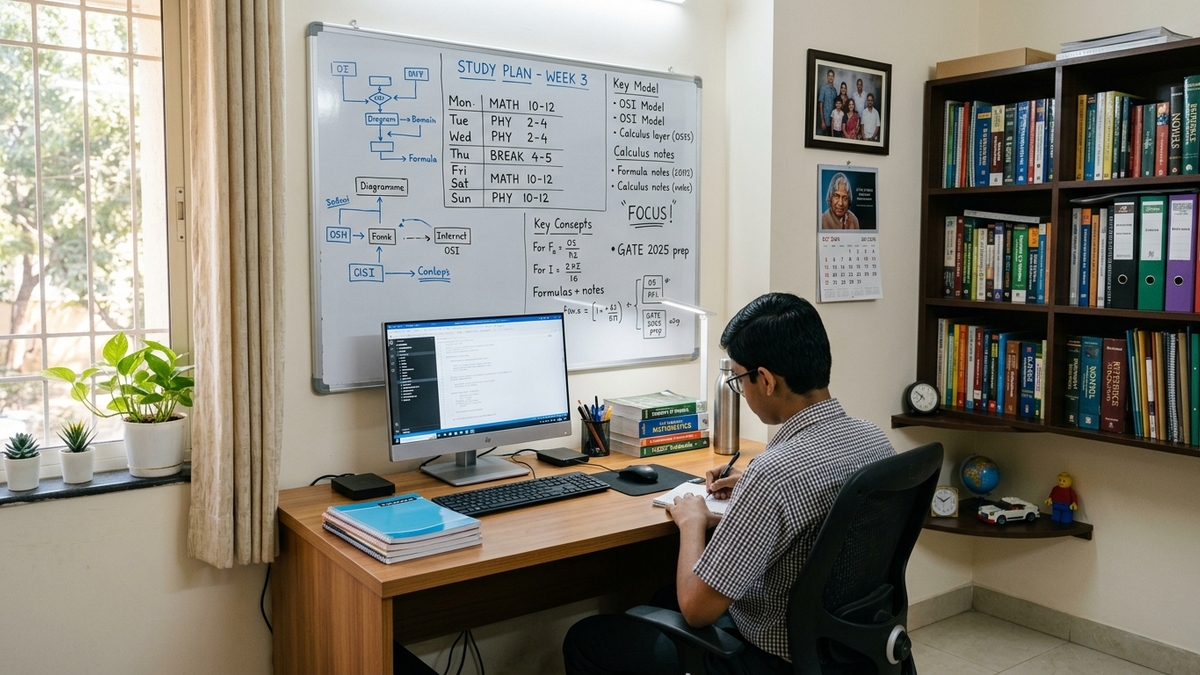
Start by choosing a fixed study spot in a common area, away from the TV. Place the computer there and keep it there. When your child sits down at that spot, it signals study time.
Set a regular schedule and stick to it. Your child knows when study time begins and ends. The computer supports this because it has nothing else competing for their attention during that window.
Explain the purpose to your child. When they understand that this device is their learning tool, they respect it. Over time, the habit builds itself. Read about helping a child move from passive screen use to active learning for more practical steps.
What Does This Setup Cost and How Does It Compare?
Good mainstream laptops cost far more than what most students actually need. Most of that money goes toward features that your child does not need for studying and that create distractions they do not need either.
Apna PC at Rs.30,000 (before shipping and GST) is priced so that buying a dedicated student device feels achievable. The 8GB RAM and 128GB SSD handle online classes, document editing, and web browsing without lag. Learn what Apna PC is and how it helps Indian students before you decide.
What Is the Real Benefit Beyond the Hardware?
The genuine benefit of a distraction-free setup is what happens inside your child’s mind. When external distractions are removed, your child can settle into focused work. This is where real learning happens, where your child moves from covering material quickly to understanding it properly.
Understand the biggest advantage a student can have today and you will see why the right environment matters as much as the right textbooks. A focused mind, the right study setup, and the right tools can change how your child approaches every subject.
Frequently Asked Questions
Can my child use Google Classroom and school apps on Apna PC?
Yes. Apna PC connects to the internet normally and runs all browser-based platforms including Google Classroom, Microsoft Teams, Zoom, and school portals. The distraction-free design removes entertainment apps, not educational tools your child needs.
What pre-loaded software does Apna PC include for students?
Apna PC comes with LibreOffice for creating documents and presentations, Scratch for learning coding basics, and Apni Prerna for tracking study progress. These tools cover most school needs and are ready to use from the first day without any extra downloads.
How is Apna PC different from just installing parental control software on a regular laptop?
Parental control software adds restrictions on top of a device designed for entertainment. Apna PC builds a clean learning environment from the ground up. The operating system itself has no gaming or social media built in, so there is less to restrict and fewer workarounds for children to discover.
How long does the hardware last for daily student use?
The 8GB RAM and 128GB SSD are sized for student tasks. With Zorin OS running lean, the hardware handles years of daily school use without the slowdown that comes from Windows bloatware accumulating over time on budget laptops.
Visit apnapc.com to learn more about Apna PC and see how a distraction-free study setup can change your child’s learning habits.