


A distraction-free computer for students removes gaming apps, social media, and entertainment software so children can focus on homework and online classes. Apna PC is built for this purpose: a learning-only desktop at ₹30,000 (shipping and GST excluded) that keeps study time productive from the first day.
Why does screen time become a problem without a dedicated study computer?
Children with access to general-purpose computers often drift from homework to games or videos within minutes. Shared family devices make this worse because entertainment software sits alongside study tools. A device designed only for learning removes these exits so the child opens it and finds only study resources waiting.
Schools are increasingly digital, with assignments on platforms like DIKSHA, online submissions, and video classes. A device that pulls children towards entertainment undermines this shift rather than supporting it.
What makes a computer genuinely distraction-free?
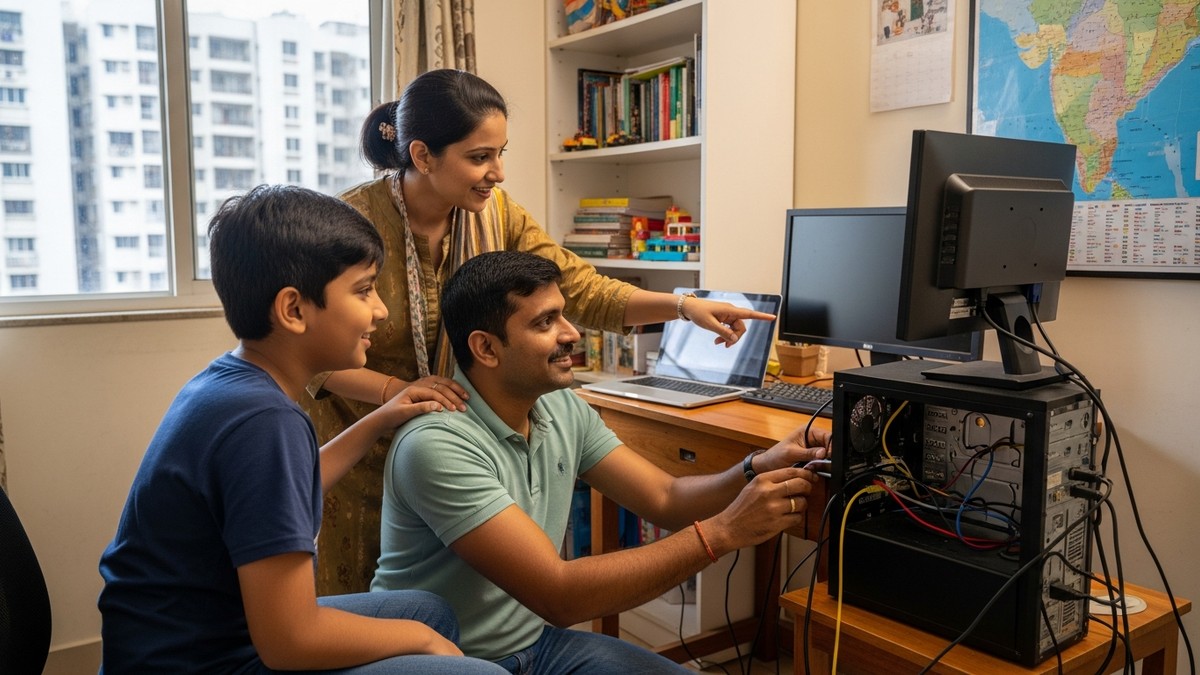
A distraction-free study computer strips out gaming software, app stores, and social media browsers from the operating system itself, not through add-on filters that children learn to bypass. Built-in parental controls let parents set study hours and monitor activity without installing separate software.
- No gaming apps or entertainment stores pre-installed
- Built-in parental controls for setting study hours and blocking unrelated sites
- Pre-loaded educational software so the child can start working immediately
- Fast, reliable performance so the child is not frustrated into looking elsewhere
How does Apna PC create a focused learning environment?
Apna PC runs Zorin OS, a lightweight operating system designed for reliability and security. It comes pre-loaded with LibreOffice for documents, Scratch for coding, and Apni Prerna for learning progress tracking. There is no bloatware, no trial software, and no gaming capability built in.
The processor and storage handle video calls, document editing, and multiple browser tabs without lag. For daily school submissions and online classes, consistent performance matters. How Apna PC creates a distraction-free learning experience explains the design choices in detail.
How does Apna PC compare to adding parental controls to any computer?
Installing parental control apps on a general computer still leaves the underlying system intact. Children with motivation can find workarounds or switch accounts. Apna PC builds restrictions into the system architecture rather than layering filters on top, making the controlled environment more reliable for parents who cannot supervise every session. Apna PC vs parental control software outlines the key differences.
What do parents get with Apna PC beyond the hardware?
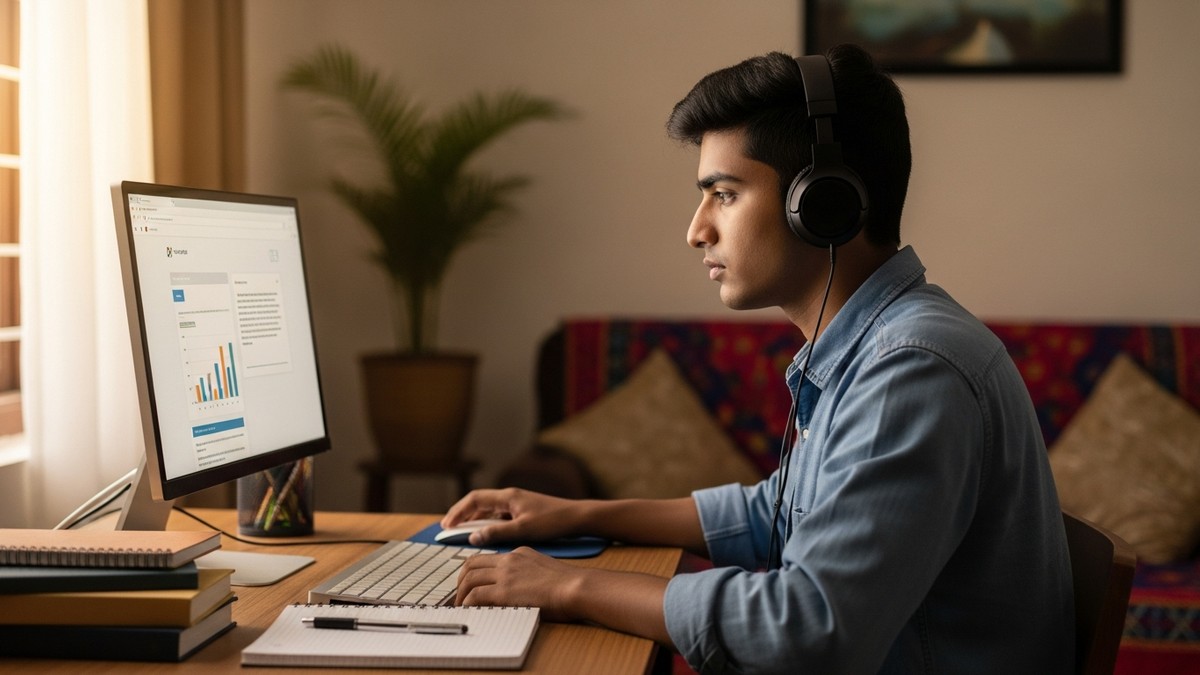
At ₹30,000 (shipping and GST excluded), Apna PC includes pre-loaded software, parental monitoring through Apni Prerna, and a system optimised for the Indian school curriculum. Parents do not need to buy Microsoft Office, antivirus software, or productivity tools separately. The device is ready for school use from the first day.
Monitoring through Apni Prerna shows what a child is working on and for how long, without intrusive surveillance. This helps parents identify when a child is struggling with a subject rather than just watching a screen. Learn about building better digital habits in children for more on this approach.
How should parents set up a distraction-free study space at home?
Place the computer in a common area where parents can glance over occasionally, rather than in the child’s bedroom. Good lighting, a stable table, and a comfortable chair reduce fatigue during long study sessions. The Digital India initiative supports affordable technology access for all students, and a purpose-built learning device meets that goal reliably at home.
Read about the hidden cost of not having a computer and why every Indian student needs their own computer at home to understand how much the right device matters for academic progress.
Frequently Asked Questions
Can my child access YouTube on a distraction-free study computer?
YouTube access depends on the parental controls a parent configures on Apna PC. Parents can allow specific educational channels and block others. The system lets children access school-related video content while preventing general entertainment browsing during study hours.
Does Apna PC work with the online platforms my child’s school uses?
Apna PC works with Google Meet, Zoom, Microsoft Teams, and most school portals used in India. The pre-loaded browser handles video calls, document uploads, and interactive sessions without technical issues. Children can submit assignments and attend live classes without additional software.
What if my child needs internet access for homework research?
Apna PC includes a full browser for research, so children can access educational websites, school libraries, and reference materials. Parents can configure which sites are accessible during study hours and which are blocked, giving children the research tools they need while keeping entertainment sites off-limits.
Is ₹30,000 the total cost, or are there other expenses?
₹30,000 covers the Apna PC unit itself, with shipping and GST excluded. The device comes with all essential educational software pre-loaded, so there is no need to buy LibreOffice, antivirus, or school productivity tools separately. This keeps the total investment lower than most comparable options.
A distraction-free computer for students is one of the most practical investments a parent can make in a child’s study environment. Visit apnapc.com to learn more about Apna PC and how it supports focused learning at home.