


Rajesh’s Dilemma: When a Computer Becomes Essential
Rajesh sat in his small Indore home, watching his son Arjun struggle with a borrowed laptop during online classes. The screen kept freezing during math lectures, and Arjun couldn’t download the CBSE curriculum materials properly. His wife asked, “Should we buy a computer for students now, or wait?” Rajesh realised that as Arjun moved from Class 6 to Class 7, the demands on his study setup had completely changed.
This isn’t just Rajesh’s story. Thousands of parents in Tier 2 and Tier 3 Indian cities face the same question every year. Your child’s needs don’t stay the same as they progress through school. A basic machine for Class 5 serves a different purpose than one needed in Class 9 or Class 12.
Why Student Computer Needs Change With Each Class
As your child moves into higher classes, their subjects become more complex. They’re no longer just typing essays and watching educational videos. They’re solving coding problems, creating presentations with detailed graphics, and downloading large educational resources from platforms like DIKSHA.
The workload increases significantly. What worked in Class 6 might slow down your child’s productivity by Class 10. You’ll notice your child getting frustrated with a sluggish machine, which affects their concentration and study quality.
What Your Child Needs in Lower Classes (Class 6-8)
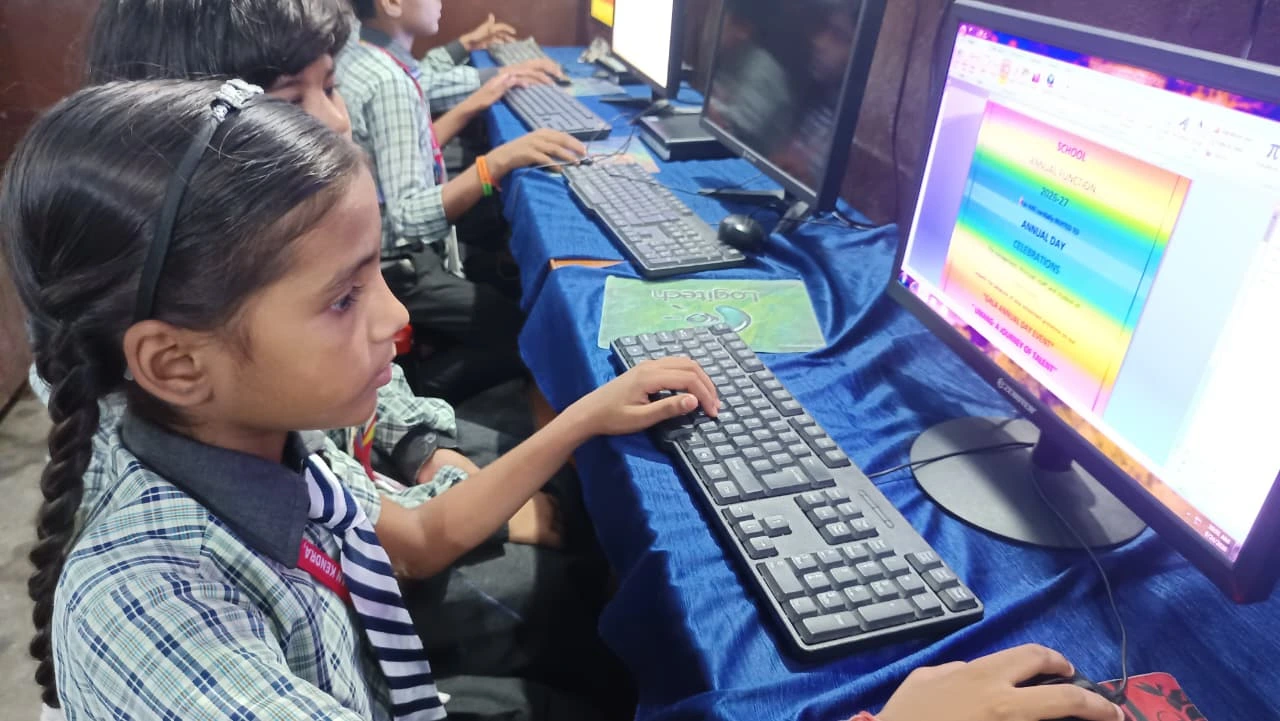
In lower classes, your child needs a basic but reliable computer for students that can handle document writing, simple research, and online learning. They’re learning to type properly, create basic presentations, and watch educational content. The focus is on building confidence with technology.
A machine with 4GB RAM and basic storage worked fine here. Your child doesn’t need a gaming laptop or a high-end workstation. They need something durable that doesn’t crash during online classes and that loads websites quickly.
- Document creation: Writing essays, assignments, and project reports
- Online classes: Attending video lectures on platforms like Ministry of Education-approved channels
- Basic research: Downloading and reading study materials
- Simple coding: Introduction to programming concepts
The Jump to Middle Classes: Where Computer Upgrade Becomes Real
When your child moves to Class 9, everything changes. The curriculum becomes more demanding. Science practicals require video explanations and simulations. Mathematics involves complex graphing and calculations. Languages require audio-visual learning materials.
Your child now needs a student computer with better performance. They’re multitasking more: keeping a video lecture open while taking notes in a document, downloading large PDF files, and possibly exploring coding through platforms like Scratch. A sluggish machine becomes a real problem here.
This is where your student computer needs to shift from “basic” to “capable.” You need at least 8GB RAM and 128GB storage. Your child should be able to run multiple applications without the system freezing or slowing down.
Class 11-12: When Your Computer for Students Becomes a Serious Tool
By Class 11, your child is preparing for competitive exams like JEE, NEET, or board exams. They download large video lectures, solve mock tests online, and manage multiple study resources at once. A weak computer isn’t just inconvenient for students anymore. It’s a barrier to their success.
Your child needs smooth multitasking. They should open YouTube lectures, keep notes open in LibreOffice, run a calculator, and still not experience lag. At this stage, the computer upgrade isn’t optional. It’s necessary for productivity.
They also need a system that doesn’t distract them with games or unnecessary software. A clean, focused operating system like Zorin OS helps them stay on track with their studies.
The Right Computer for Students at Every Stage
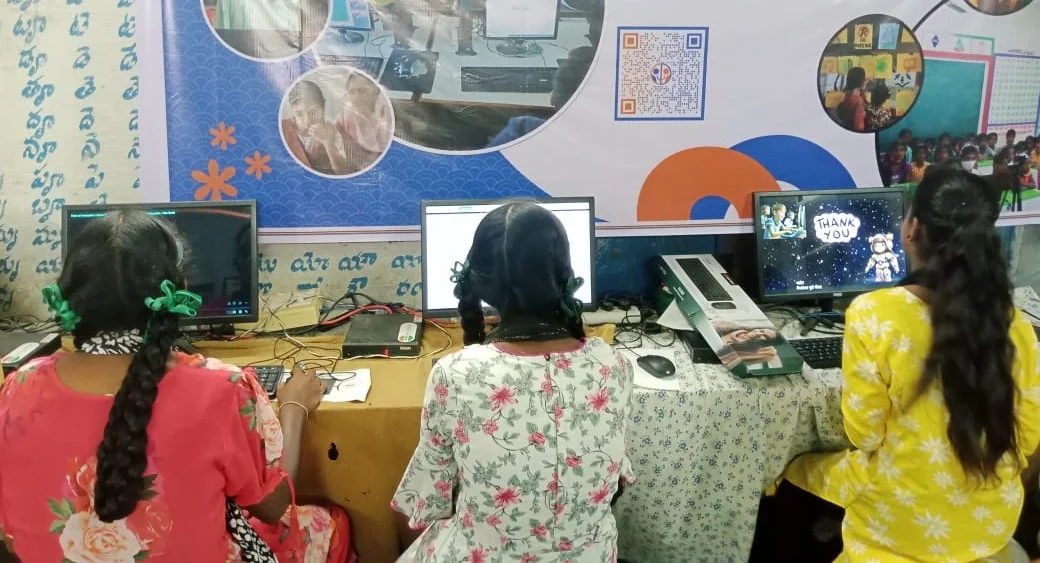
You don’t need to buy a new machine every year. But you do need to ensure your child’s machine grows with their academic demands. A computer for school and college students should be built specifically for learning, not gaming or entertainment.
Look for a system that has enough RAM to handle multiple applications, solid storage for large files, and an operating system designed for focus and learning. The Apna PC, built by Apni Pathshala, comes with 8GB RAM and a 128GB SSD, exactly what your child needs from Class 9 onwards.
It runs Zorin OS, which keeps distractions away. It comes pre-loaded with LibreOffice for documents and presentations, Scratch for coding, and Apni Prerna for parental monitoring. At just Rs.30,000 (excluding shipping and GST), it’s designed for Indian families who want quality without overspending.
Features Your Child Will Actually Use
- 8GB RAM: Smooth multitasking during online classes and study sessions
- 128GB SSD: Fast boot times and enough space for study materials
- Zorin OS: Clean, distraction-free environment for focused learning
- LibreOffice: Create documents, presentations, and spreadsheets for projects
- Scratch: Learn coding fundamentals through visual programming
- Parental monitoring: Track study time and ensure healthy device usage
Making the Computer Upgrade Decision
Ask yourself: Is your child’s current machine slowing down their studies? Do they get frustrated waiting for applications to load? Are they missing class time due to technical issues? If you answered yes, it’s time to upgrade the computer.
Don’t wait until Class 12 board exams to realise your child needs a better system. By then, it’s too late to adjust. Upgrade when your child moves to Class 9, when academic demands genuinely increase.
Your child’s education deserves the right tools. A reliable computer for students isn’t a luxury. It’s an investment in their future. When you choose a system designed specifically for learning, like the Apna PC, you remove technical barriers and let your child focus on what matters: studying well and achieving their goals.
Your child’s success in higher classes depends on many factors, but having a capable, focused student PC is one you can control. Visit apnapc.com to learn more.