

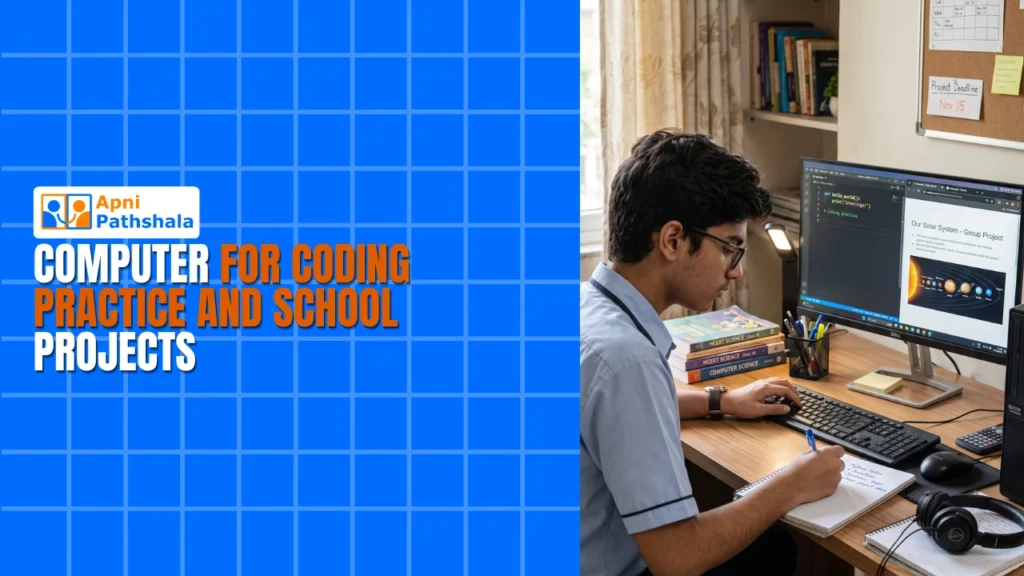
A good computer for coding practice and school projects needs to be fast, always available to your child and ready with the right software. Apna PC fits this need with 8GB RAM, a 128GB SSD and Scratch, LibreOffice and other learning tools pre-loaded, at a price built for family budgets.
For example, a student whose school has just started Python may only have an old shared laptop that takes 10 minutes to boot. A dedicated machine removes that daily frustration.
Why does your child need a dedicated coding computer?
Because coding needs regular practice, and a shared or slow machine gets in the way. Whether it is Scratch projects in Class 5, Python in Class 8 or web development in Class 10, your child needs a computer that does not lag or crash.
When code runs instantly instead of hanging for 30 seconds, a child stays motivated. When there is no lag while editing graphics for a school project, work gets finished faster. The Digital India initiative gives useful background on the national push for digital skills, and schools in Tier 2 and Tier 3 cities are rolling out computer science lessons.
- Speed matters: a slow machine kills a student’s interest in programming quickly.
- Availability is key: your child should not have to wait for someone else to finish before practising.
- Right software: the machine should come with Scratch for beginners, Python environments and office applications ready to use.
- Monitoring features: parents should be able to see what children are doing online.
What specifications does a student coding computer need?
A student coding computer does not need to be a gaming rig or a workstation. It needs to be fast enough for coding, affordable and pre-loaded with what your child will use.
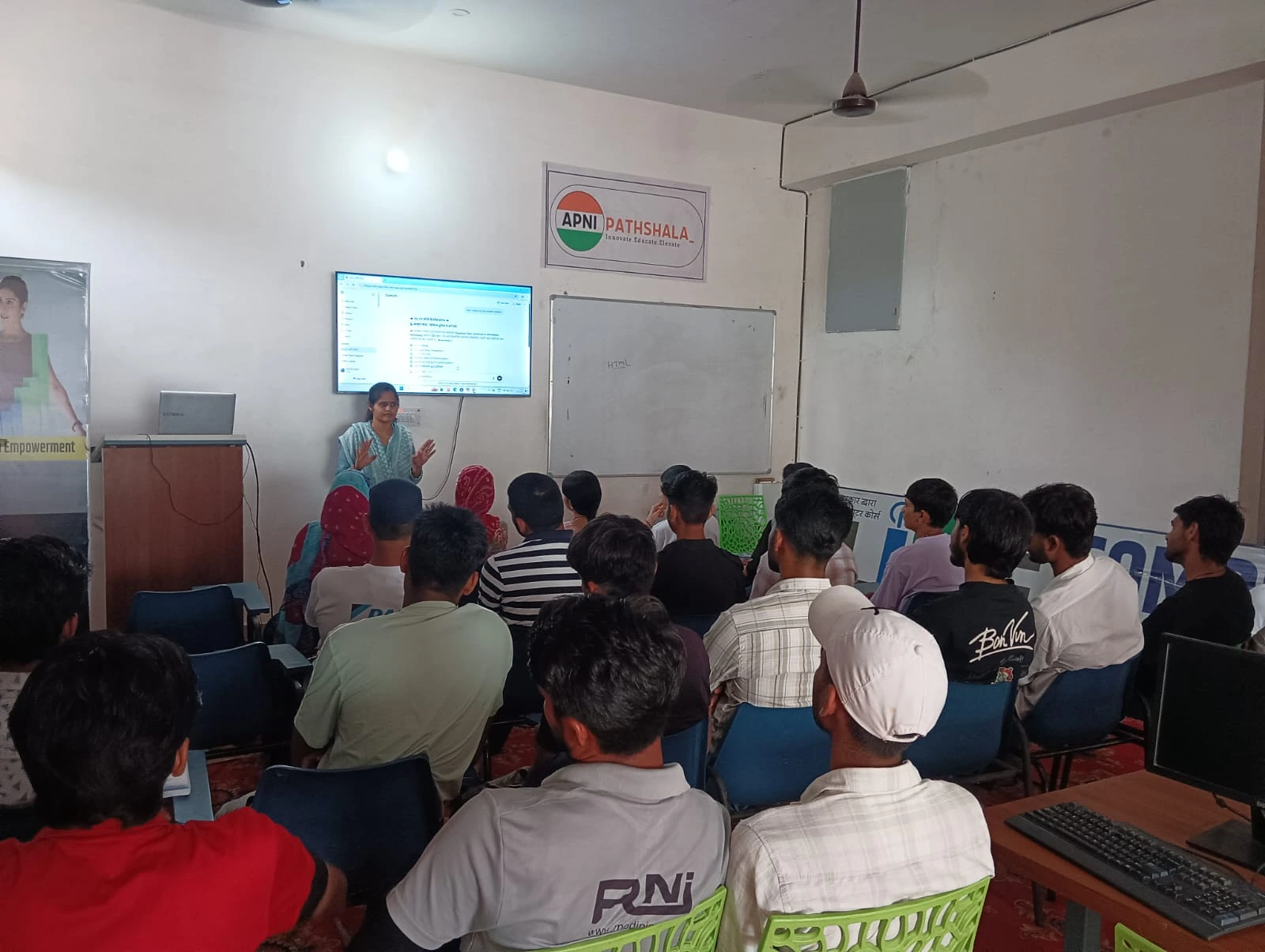
Apna PC is a student desktop computer designed by Apni Pathshala for Indian families. At Rs.30,000 (before shipping and GST), it is priced for real budgets. Here is what it includes:
| Feature | What it does for your child |
|---|---|
| 8GB RAM | Runs browser tabs, coding editors and school apps together without slowing down |
| 128GB SSD | Boots in seconds and handles files quickly |
| Zorin OS | A Linux-based system that is beginner-friendly, secure and good for learning computer programming |
| Pre-loaded software | Scratch for visual programming and LibreOffice for documents and presentations from day one |
| Apni Prerna monitoring | Lets you see what your child is doing, set time limits and keep the focus on study |
How does a dedicated computer save your child time?
Your child no longer has to wait for a parent to finish office work. They sit at their own desk, open Scratch and start the animation project due next week.
The machine responds instantly and code runs without lag, so a task that once dragged on for two hours can take 30 minutes. That saved time goes into learning rather than waiting. If your child is just starting, our guide on how to teach your child coding with Scratch is a good first step.
Can it handle school projects as well as coding?
Yes. School projects now include presentations, research, graphics editing and group work, and Apna PC handles all of these without slowing down.
LibreOffice comes pre-loaded, so your child can write essays, create slideshows and work on spreadsheets immediately. There is no expensive software to buy and no compatibility trouble.
For coding practice, whether Scratch for younger children or Python for older students, the 8GB RAM and SSD keep things smooth. Your child can run several programs, test code and debug without frustration, which builds confidence. For project ideas, see school projects and science fair work on Apna PC.
Is a desktop better than the family laptop for coding?
For regular study and coding, usually yes. Laptops get passed around, filled with games and videos, and slow down over time.
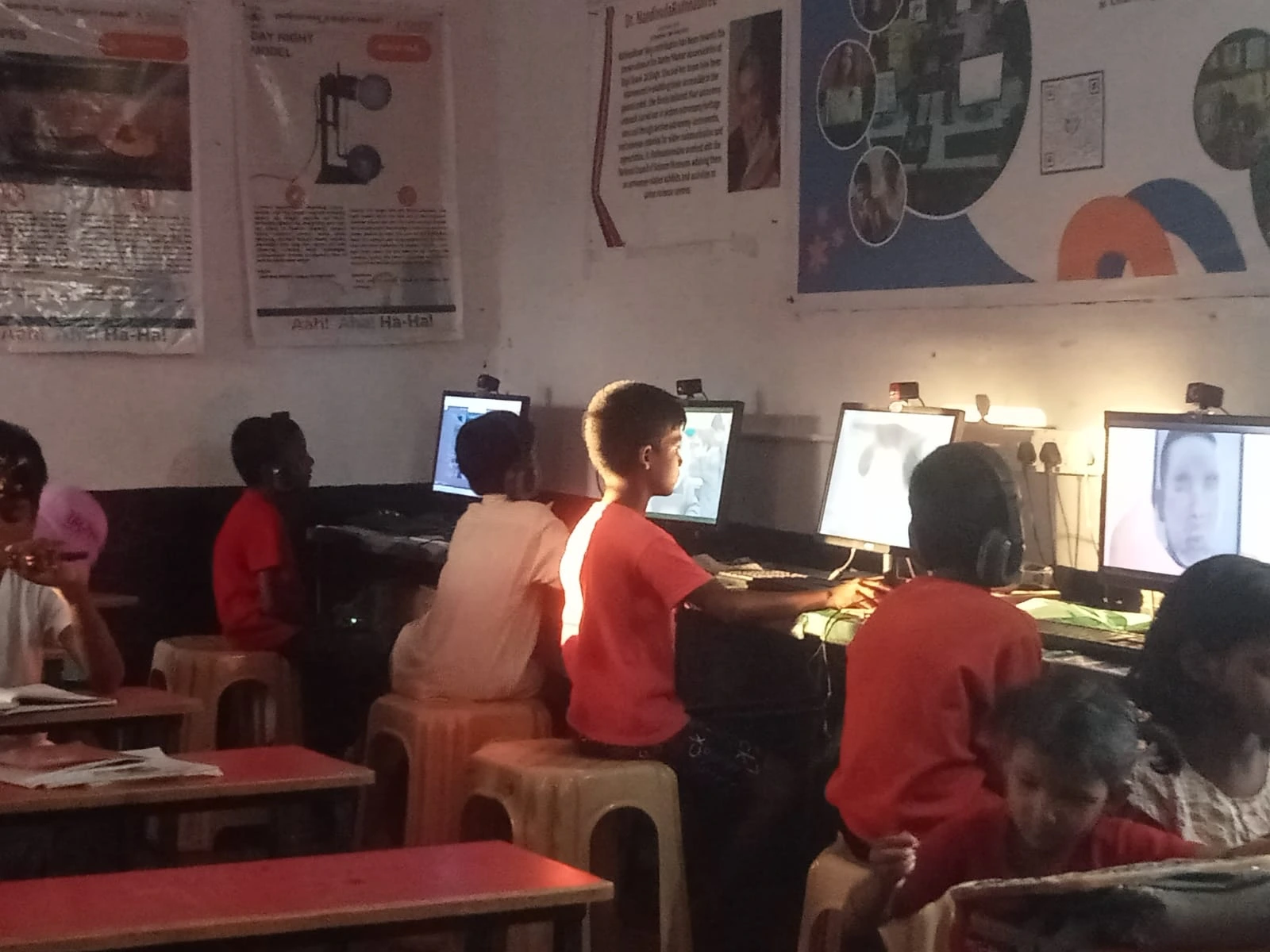
A desktop stays in one place, stays focused on studies and performs consistently. Your child gets a machine that is theirs, set up for their needs, with parental controls built in. Our guide on desktop vs laptop for students explains the differences in detail.
If budget is your main concern, read our budget study computer guide to compare options before you decide.
How quickly can your child start using it?
Within minutes of unpacking. You plug it in and your child can open Scratch within 10 minutes, with no installation headaches or waiting for downloads.
When the technology simply works, children spend more time learning and less time frustrated. Projects come in on time, and coding work can show more creativity because the machine is not holding them back.
Frequently Asked Questions
Can my child learn Python on Zorin OS?
Yes. Zorin OS is a Linux-based system that supports Python and other programming tools well. It is beginner-friendly and secure, so your child can move from Scratch to Python on the same computer as their school lessons progress, without needing a different machine.
Does my child need an expensive laptop for school coding?
No. School coding in Scratch and Python does not need a gaming or high-end machine. What matters is a computer that responds quickly, is always available and has the right software ready, so your child can practise regularly without lag or long waits.
Can I see what my child does on the computer?
Yes. Apna PC includes Apni Prerna monitoring, which lets you see what your child is doing and set time limits. This helps you keep the computer focused on studies and coding practice while still giving your child their own space to work.
A coding computer for students does not have to be expensive or complicated. It just has to work and be theirs. Visit Apna PC to learn more and give your child the tools for computer science and school projects.