

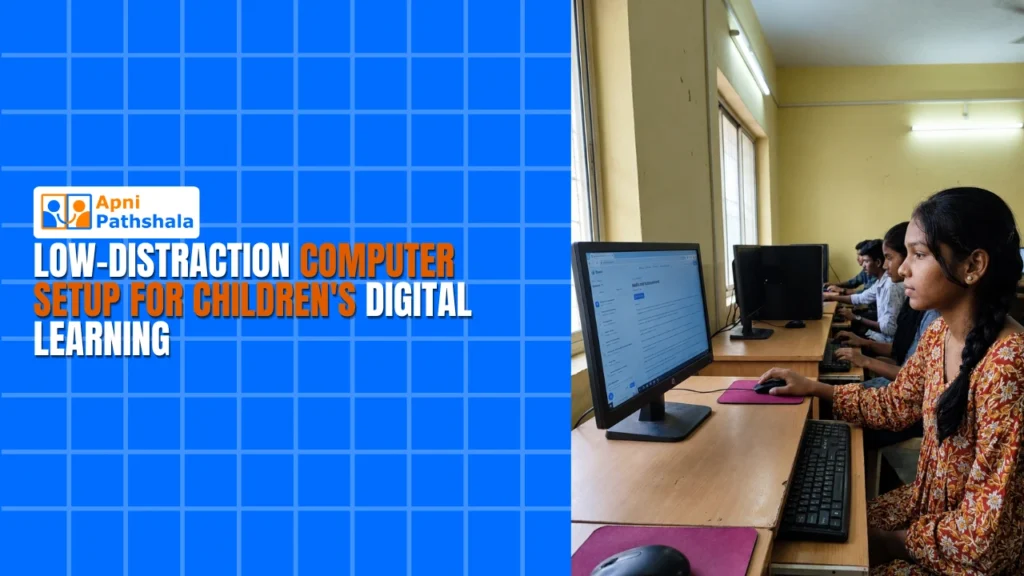
Rekha sits at her kitchen table in Indore, watching her 10-year-old son Arjun study on the family laptop. Within minutes, he’s clicked away from his math assignment to YouTube, then to a gaming site, then back to his schoolwork. She’s frustrated, he’s distracted, and his grades are suffering. This scene plays out in thousands of Indian homes every day, especially in Tier 2 and Tier 3 cities where parents are trying to balance digital learning with screen safety.
The problem isn’t your child’s focus. It’s the computer itself. A regular personal computer is built for everything: entertainment, work, gaming, and browsing. When your child sits down to study, they’re surrounded by distractions. A low-distraction computer changes this entirely. It’s designed with one purpose: learning.
What Makes a Study-Only PC Different?
A study-only PC isn’t just a regular computer with some apps deleted. It’s built from the ground up to support focused learning. The operating system is streamlined, the software is educational, and the distractions are removed before your child even opens the screen.
The Apna PC is exactly this kind of device. It comes pre-loaded with Zorin OS, a clean Linux-based system that won’t slow down over time like Windows often does. You’ll find LibreOffice for document work, Scratch for coding basics, and Apni Prerna for student monitoring. There’s no bloatware, no hidden games, and no surprise notifications pulling your child’s attention away.
- 8GB RAM and 128GB SSD: Fast enough for online classes, document creation, and educational apps without lag.
- Zorin OS: A clean, distraction-free operating system designed for learning.
- Pre-loaded educational software: Your child has what they need from day one.
- Parental control built-in: You stay in control of what your child can access.
At Rs.21,000 (shipping and GST excluded), this is an investment in your child’s academic focus, not a luxury gadget.
Parental Control: The Safety Layer You Need
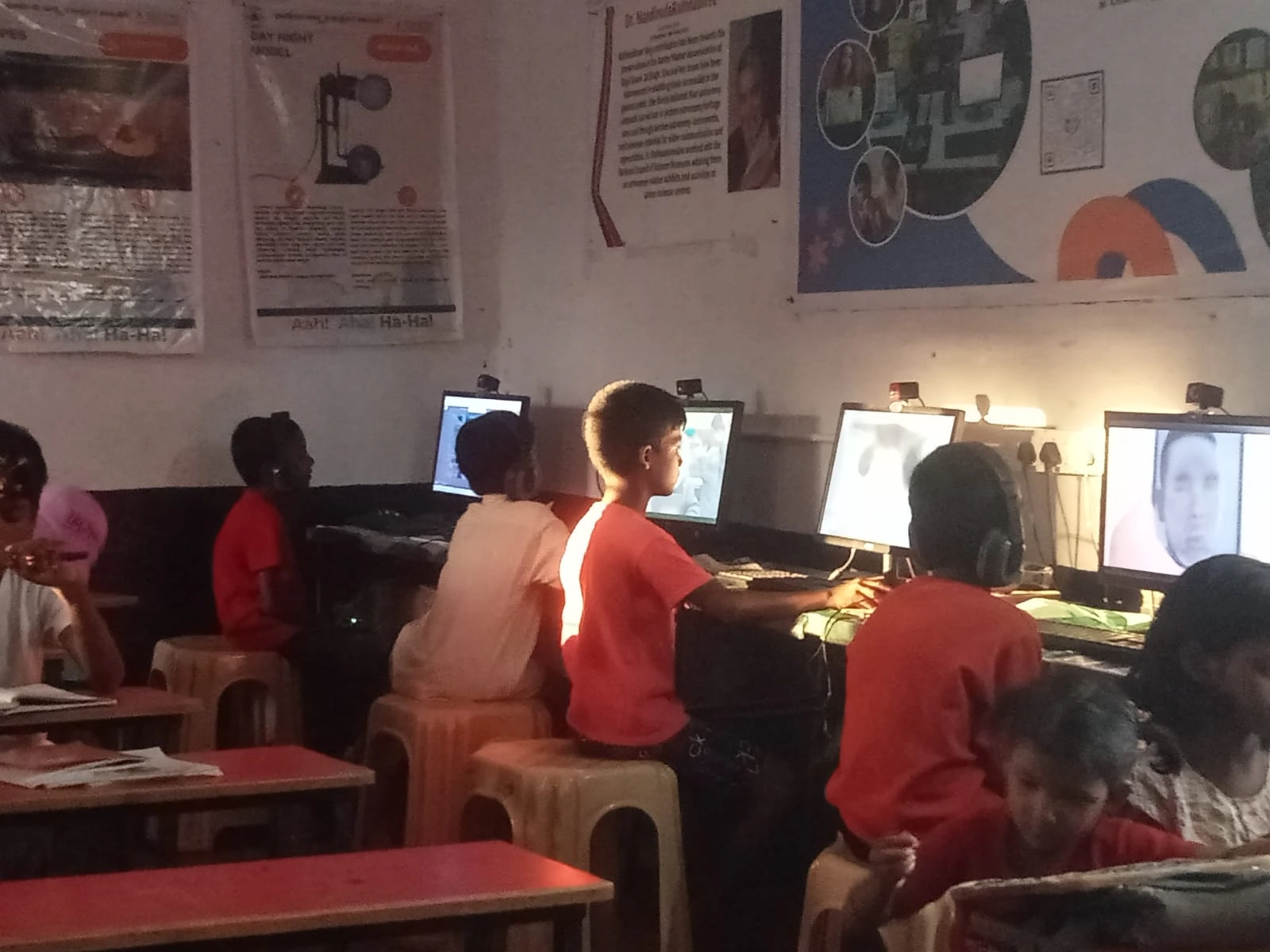
Every parent worries about what their child might stumble upon online. A safe computer puts you in charge. With Apni Prerna student monitoring built into the Apna PC, you can see what your child is doing, set time limits, and restrict access to certain websites or applications.
This isn’t about spying. It’s about creating boundaries. Your child learns that study time is study time, and you’re there to support their learning, not police them. The parental control system helps you enforce these boundaries without constant arguments about screen time.
How a Low-Distraction Computer Improves Learning Outcomes
When distractions disappear, focus improves. Research shows that students who study on dedicated devices perform better because they’re not context-switching between homework and entertainment every few minutes. Your child’s brain doesn’t have to fight the urge to check Instagram or play a game.
Teachers in your child’s school are already using technology for learning. With the right device at home, your child can do online classes, access educational websites, complete assignments, and learn coding skills. All without the temptation to drift into entertainment.
The Apna PC supports all major video conferencing platforms for online classes. LibreOffice handles all the document, spreadsheet, and presentation work your child needs. Scratch introduces coding concepts in a fun, educational way. Your child gets a complete learning toolkit.
Why Tier 2 and Tier 3 City Parents Choose This?
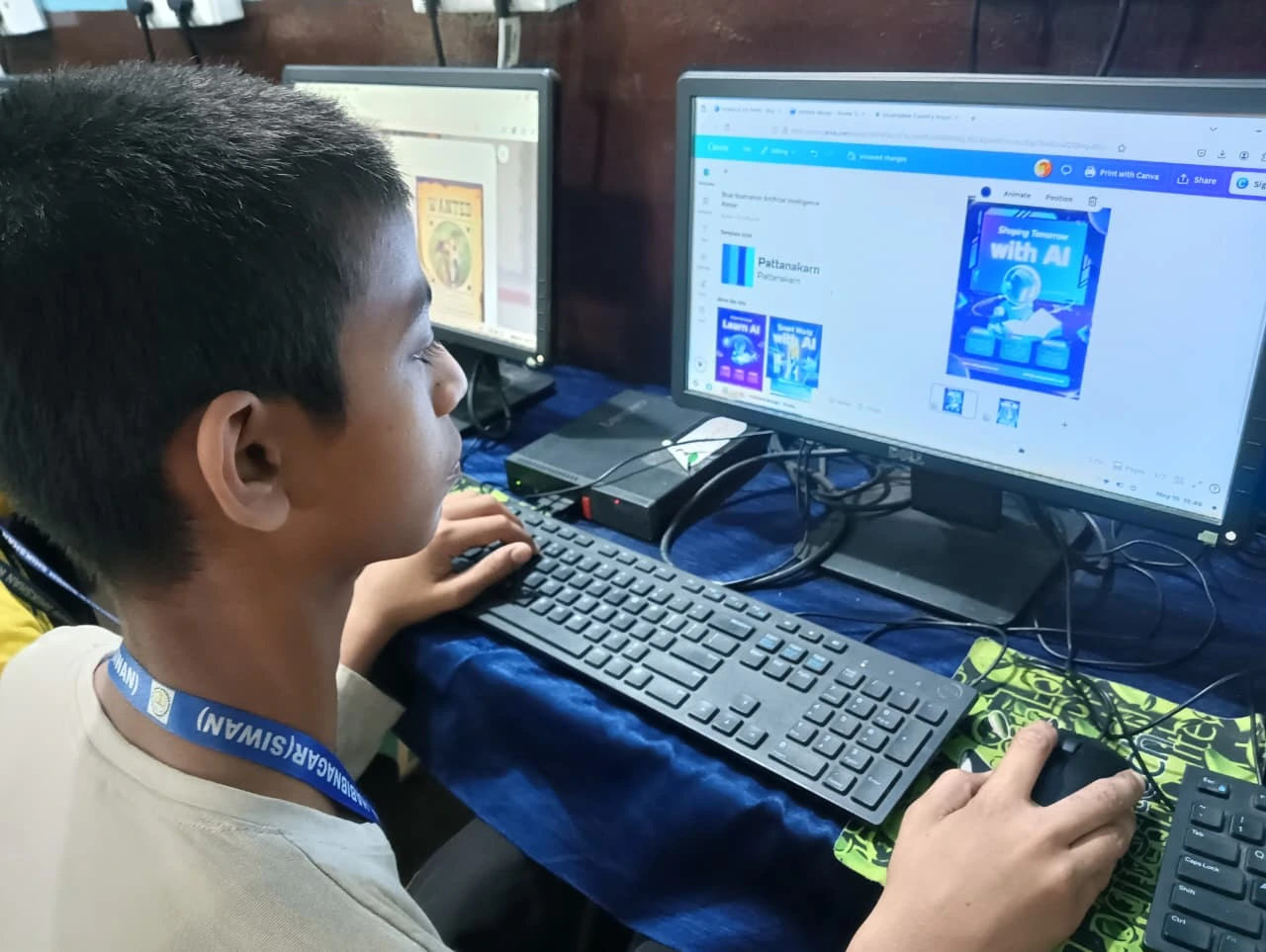
Parents in smaller cities often face a choice: buy an expensive gaming laptop that’ll distract your child, or settle for an old, slow computer that frustrates them both. The Apna PC is the third option. It’s affordable, it’s built for learning, and it’s built for India.
Shipping works across India, and the support team understands the needs of students in Tier 2 and Tier 3 cities. You’re not buying from a company that thinks every student needs a gaming machine. You’re buying from Digital India initiative partners who believe every student deserves access to quality educational technology.
Setting Up Your Child’s Study Space
Once you bring home the right device, here’s what works best. Set up a dedicated study desk or table. This isn’t the living room couch where your child watches movies. It’s a space for learning. Place the computer there and nowhere else.
Set clear rules about study hours. When the computer is on during these hours, it’s for schoolwork only. Use the parental control features to enforce this. Your child will quickly learn that this device is different from the family tablet or your personal laptop.
Make sure your child knows how to use the software. Spend 30 minutes together exploring LibreOffice, Scratch, and the other tools. When your child feels confident using the computer, they’ll focus more on learning and less on figuring out how things work.
Real Results From Real Families
Parents across India have seen their children’s focus improve within weeks of switching to a dedicated learning machine. Homework gets done faster. Online classes are less chaotic. Grades improve because studying actually happens.
One parent from Nagpur noticed her daughter’s math scores jumped after getting a study-only PC. Another from Lucknow said his son finally completed his coding assignments without getting sidetracked. These aren’t special cases. They’re normal families who chose the right tool for learning.
The Long-Term Investment
You’re not just buying a computer. You’re teaching your child that some tools have specific purposes. A low-distraction computer teaches discipline, focus, and responsibility. These are skills that’ll help them in school and beyond.
As your child grows, they can learn more advanced skills on this same machine. Coding in Python, creating digital art, writing research papers, preparing presentations. The Apna PC grows with your child’s learning needs.
Learn more about creating a safe computer for kids environment. Or explore how other parents are using a no-gaming computer for students to boost academic performance. Your child’s focus is worth the investment. Visit apnapc.com to learn more.