

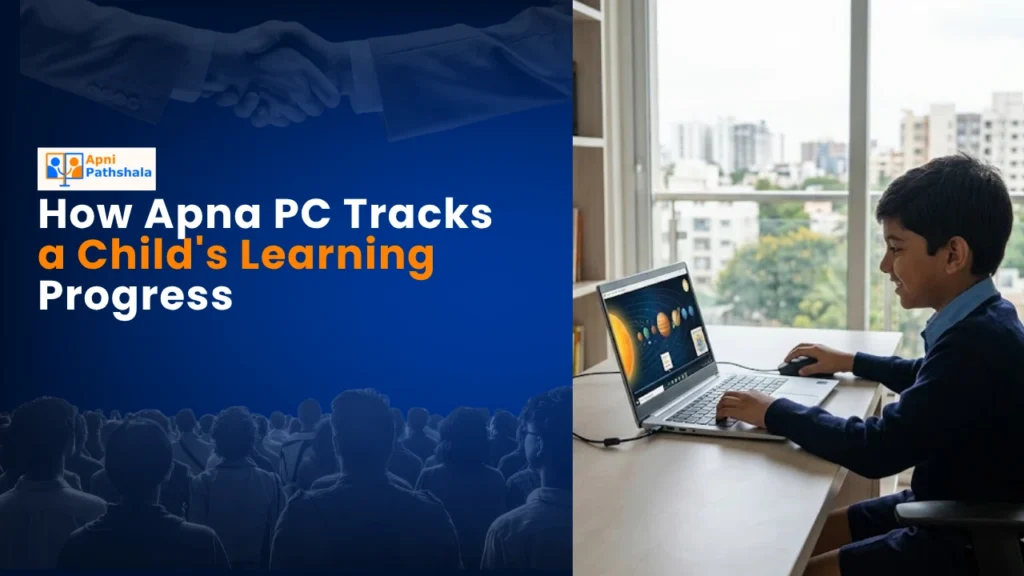
You can track your child’s learning progress on Apna PC through Apni Prerna, the built-in monitoring system. It records which lessons your child opens, how long they spend on each topic and how they do on practice questions, then shows it in a dashboard so you can spot weak areas early.
For example, a parent who sees only a low maths mark on a report card can use this data to find the exact topics causing trouble, instead of guessing.
How can parents see their child’s learning progress in real time?
Parents see progress through the Apni Prerna monitoring system on Apna PC. It shows which lessons your child completed, how long they spent on each topic and which areas they found hard.
You no longer need to ask “Did you study today?” You can see what they studied, when and how they performed on practice questions. The system tracks completion rates, time spent on difficult concepts and quiz scores automatically, which helps you catch learning gaps before they grow.
For students in classes 1 through 12, this covers all major subjects, from multiplication tables to board exam preparation. You can spot patterns such as “my child always struggles with word problems” or “she is moving faster in science than expected.”
How does tracking help identify weak areas before exams?
Tracking shows the specific topics a child struggles with, not just a weak subject. A child who seems weak in maths may actually be strong in arithmetic and stuck only on geometry or algebraic equations, which means you can arrange targeted help instead of generic tuition.
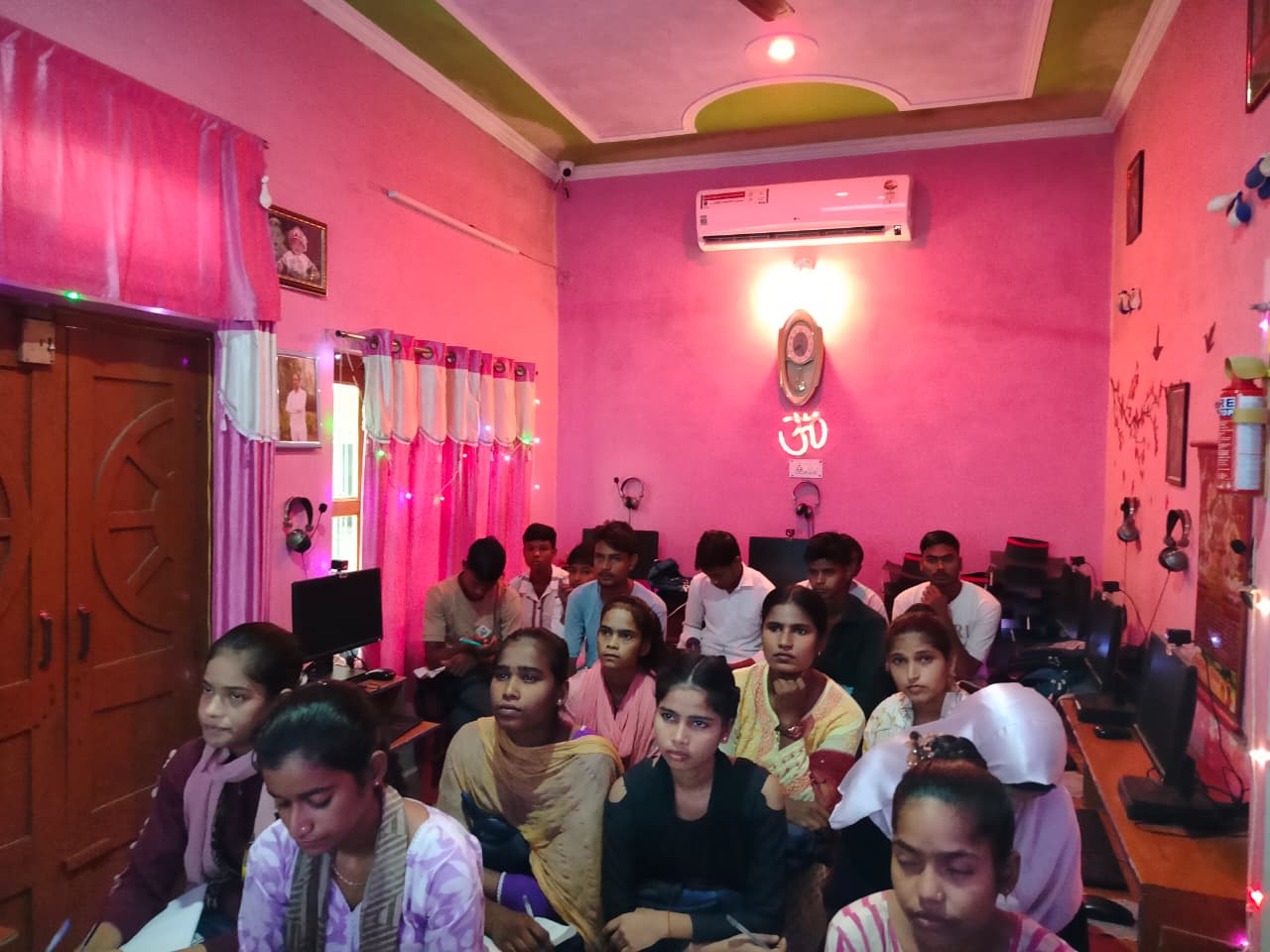
The learning analytics highlight which topics need focus, so your child spends less time on what they already know. You can also follow progress across weeks and months to see whether fractions are finally clear or reading comprehension is improving. Students feel motivated when they see their own progress, too. Read more on using Apni Prerna to find learning gaps.
How does Apna PC’s monitoring work?
Apni Prerna comes preloaded and tracks educational activity automatically, with no manual input from you or your child. Apna PC runs Zorin OS with 8GB RAM and 128GB SSD, enough to handle learning sessions smoothly.
- It captures data from educational software, online learning platforms and practice exercises.
- It records which lessons are opened, time spent on each and performance on assessments.
- All of this flows into a dashboard you can check whenever you like.
If you have more than one child, see how Apna PC supports multiple children with separate learning profiles and individual progress tracking.
Does tracking learning mean more screen time?
No, because Apna PC also limits daily use. Apna PC’s automatic screen time lock lets you set daily limits, and the computer locks once the time is up.
Your child gets the benefits of digital learning and progress tracking without spending all day on the computer, so you can follow learning and protect your child’s health at the same time.
What does the learning analytics dashboard show?
The dashboard breaks down progress by subject, topic and difficulty level, with percentages, completion rates and time spent. This overview of how learning works is useful background on how students learn.
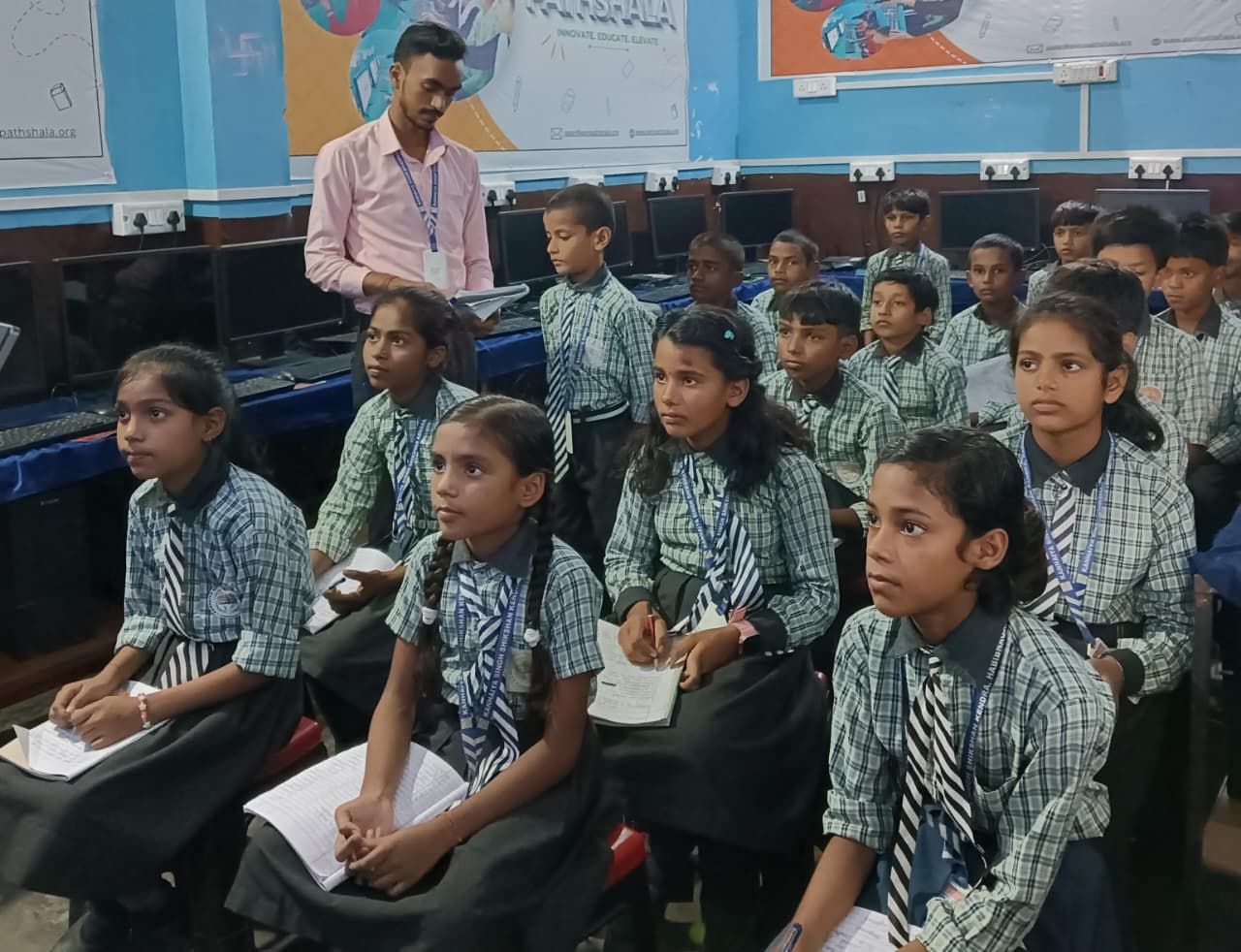
This data leads to better conversations. Instead of vague questions, you can ask specific ones: “I see you spent 45 minutes on algebra yesterday. Did the concept make sense?” Platforms like the DIKSHA digital learning platform are also moving toward data-driven learning.
Is progress tracking the same as spying on your child?
No. Tracking is about partnership, not surveillance. You become an informed parent who supports your child with real information instead of guesses, and your child knows which topics they have mastered.
Apna PC is priced at Rs. 30,000 (shipping and GST excluded) and comes ready to use. Apni Prerna starts working as soon as your child uses educational software, alongside LibreOffice for documents and Scratch for coding.
Frequently Asked Questions
Do I need to set anything up to start tracking?
No. Apni Prerna comes preloaded on Apna PC and starts recording educational activity as soon as your child uses learning software. There is nothing to install and no complex settings to configure. You simply open the dashboard when you want to review your child’s lessons, time spent and practice results.
Can I track more than one child on the same computer?
Yes. Apna PC supports multiple children with separate learning profiles, so each child’s progress is tracked individually. This means you can see where each child is strong or struggling without their data getting mixed together, which makes conversations about study plans fairer and clearer.
How often should I check my child’s progress dashboard?
A short weekly review works well for most families. Look at which topics took the most time and where practice scores were low, then talk with your child about them. Checking trends over weeks and months tells you more than reacting to a single day’s activity.
Your child’s learning does not have to stay a mystery. Visit Apna PC to learn more about a study computer with built-in progress tracking.