

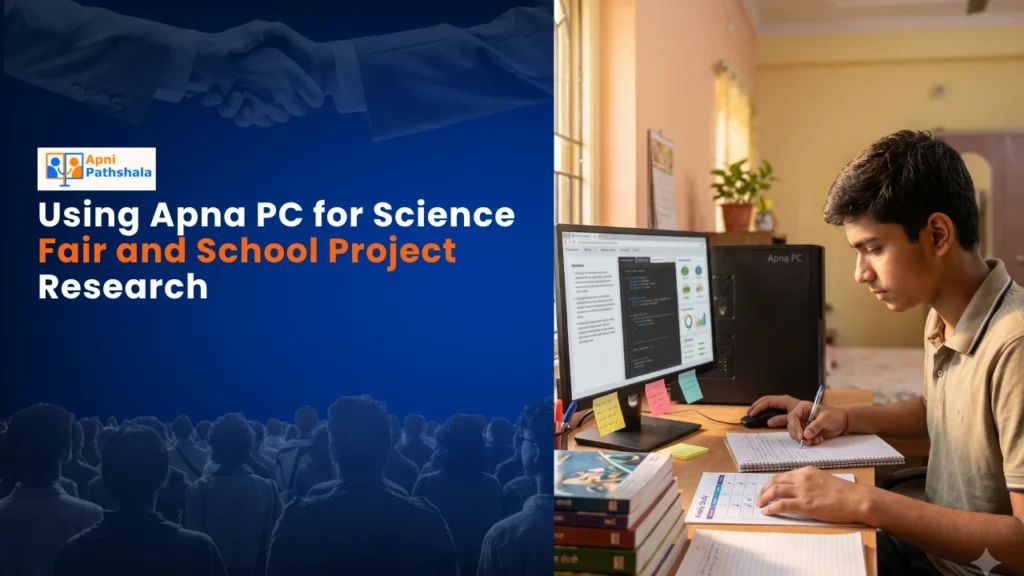
A good computer for school projects lets your child research safely, organise data into charts, write formatted reports and build presentations at home, without relying on a cyber cafe. Apna PC does this with 8 GB of RAM, a 128 GB SSD and pre-loaded LibreOffice, Scratch and Zorin OS, at Rs. 30,000.
For example, a student with a science fair deadline weeks away and no home computer may pay Rs.50 per hour at a local cyber cafe and still not finish. A computer at home removes that pressure.
Why do school projects need the right computer?
Because projects mean juggling many tasks at once, and a slow computer kills momentum. Students search for information, download research papers, write reports, create presentations and sometimes code a small program.
Apna PC’s 8 GB of RAM and 128 GB SSD keep things running smoothly without freezing. LibreOffice handles reports and presentations, Scratch handles coding, and Zorin OS is fast and reliable, with no bloatware eating storage.
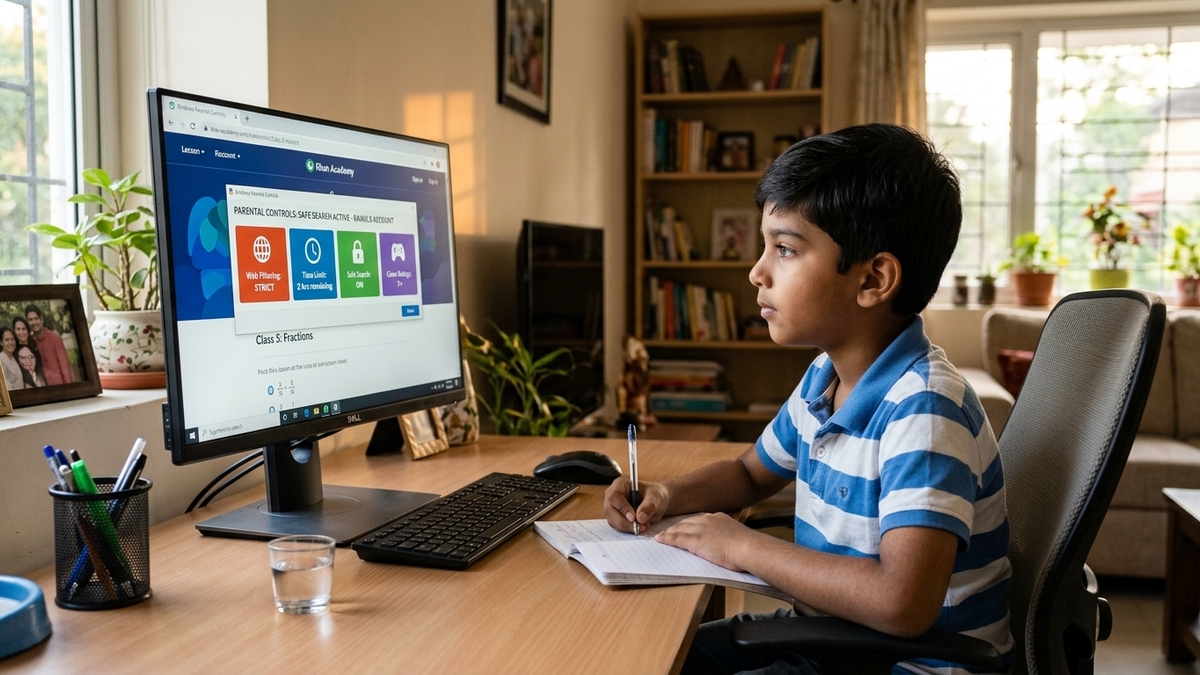
Parents can also use Apni Prerna, the student monitoring system, to see study time and help their child stay focused. It supports a healthy study environment rather than spying.
Which tools help with science fair projects?
Spreadsheets, a word processor and a simple coding tool cover most science fair needs. Here is how each one helps.
| Tool | Use in a project |
|---|---|
| LibreOffice Calc | Enter data on weather, pollution or attendance and turn it into charts |
| LibreOffice Writer | Write reports with proper formatting, headings and citations |
| LibreOffice Impress | Build a clear, professional presentation for judges |
| Scratch | Learn coding basics for projects involving programming or automation |
Students also need to research online without ads and pop-ups, and to download images, videos and papers without worrying about viruses. Zorin OS is based on Linux, which is secure and rarely infected, and the 128GB SSD has room for project files, videos, images and backups.
For a step-by-step approach, see how students can plan a small research project at home.
What skills do school projects build?
Projects teach research, organising information, critical thinking and clear presentation, not only marks. A good computer supports each of these and builds digital literacy for the future.
Many students in Tier 2 and Tier 3 cities like Indore, Nagpur, Lucknow and Guwahati lack a good computer at home, and their projects suffer. With their own computer, they can research as deeply and present as professionally as students in metro cities.
The same computer helps with scholarship exams and olympiads, and with computer practical exams if your child’s school offers IT or computer science.
How is a study computer different from a budget laptop?
It is built around learning rather than general use. Apna PC is designed by an education team, with no gaming software or unnecessary features, and every program and setting chosen to support study.
At Rs. 30,000 (excluding shipping and GST), it is priced for middle-class families. You pay for a machine built for education, not a brand name or fancy design.
The Apni Pathshala team built it around three needs: students get distracted, parents worry and teachers want to see progress. Apna PC includes tools for all three.
How can parents help a child plan a project on the computer?
Break the project into small stages and give each stage a session. A simple plan keeps a long deadline from turning into a last-minute rush:
- Choose the topic and question
- Research and save sources in one folder
- Collect data and make charts in Calc
- Write the report in Writer
- Build and practise the presentation
Why does this matter for a child’s future?
Computers are becoming essential tools in school education. Background on schooling is in this overview of schools, and the Ministry of Education shares national education policy and programmes.
Whether a project is in environmental science, history, maths or technology, having their own computer means no cyber cafe trips and no borrowing an old laptop, so your child can do their best work.
Frequently Asked Questions
Can my child make charts for a science project without paid software?
Yes, LibreOffice Calc is free and comes pre-loaded on Apna PC. Your child can enter project data, such as weather or pollution readings, and turn it into clear graphs. These charts can then be added to a Writer report or an Impress presentation for the judges.
Is it safe to download research papers and images?
It is safer on Zorin OS, which is based on Linux and rarely gets infected. Your child should still download only from trusted sites and save files in one project folder. That keeps research organised and reduces the risk of opening anything harmful.
Does a project computer need a lot of storage?
Not a huge amount for school work. The 128 GB SSD on Apna PC has room for documents, images, videos and backups across many projects. Encourage your child to keep each project in its own folder and delete files they no longer need.
To give your child a reliable computer for projects and research at home, explore Apna PC.