

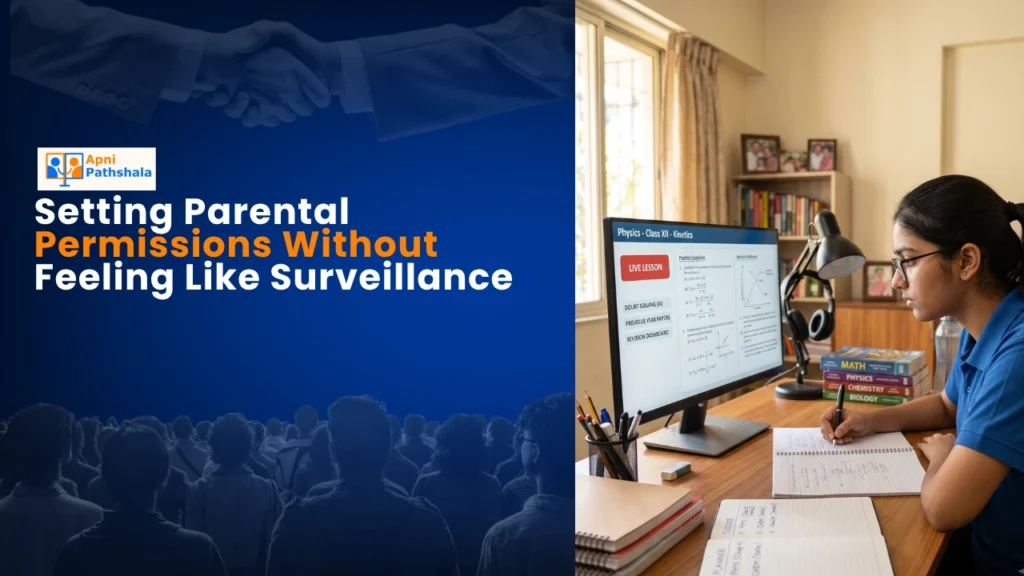
You can set parental controls on a student computer without it feeling like surveillance by agreeing the rules with your child, using automatic limits instead of constant checking, and being open about what you can see. Controls work best as quiet guardrails that your child understands, not as hidden tracking.
For example, a parent who finds hours of gaming videos in a child’s history during exam time may feel both angry and guilty about checking. There is a middle path between no limits and spying.
Why does a student computer need permissions rather than spying?
Because blocking everything breeds resentment, while no supervision leaves children exposed. Smart permissions work quietly in the background and protect without preaching.
Think of parental controls like traffic signals. They do not stop cars moving; they guide them safely. Your child still explores and learns, while you keep them away from dangerous territory.
Apna PC comes with Apni Prerna, a built-in monitoring system designed for Indian families. It is about boundaries your child understands, not watching every keystroke:
- You set the rules: decide when the computer can be used, which sites are allowed and for how long.
- Your child learns responsibility: an automatic screen time lock shows that limits are real and fair.
- You stay informed, not intrusive: reports tell you what is happening without hovering.
How do you set screen time limits that actually work?
Decide them together with your child and make them predictable. Limits work best when children know exactly when the computer will lock.
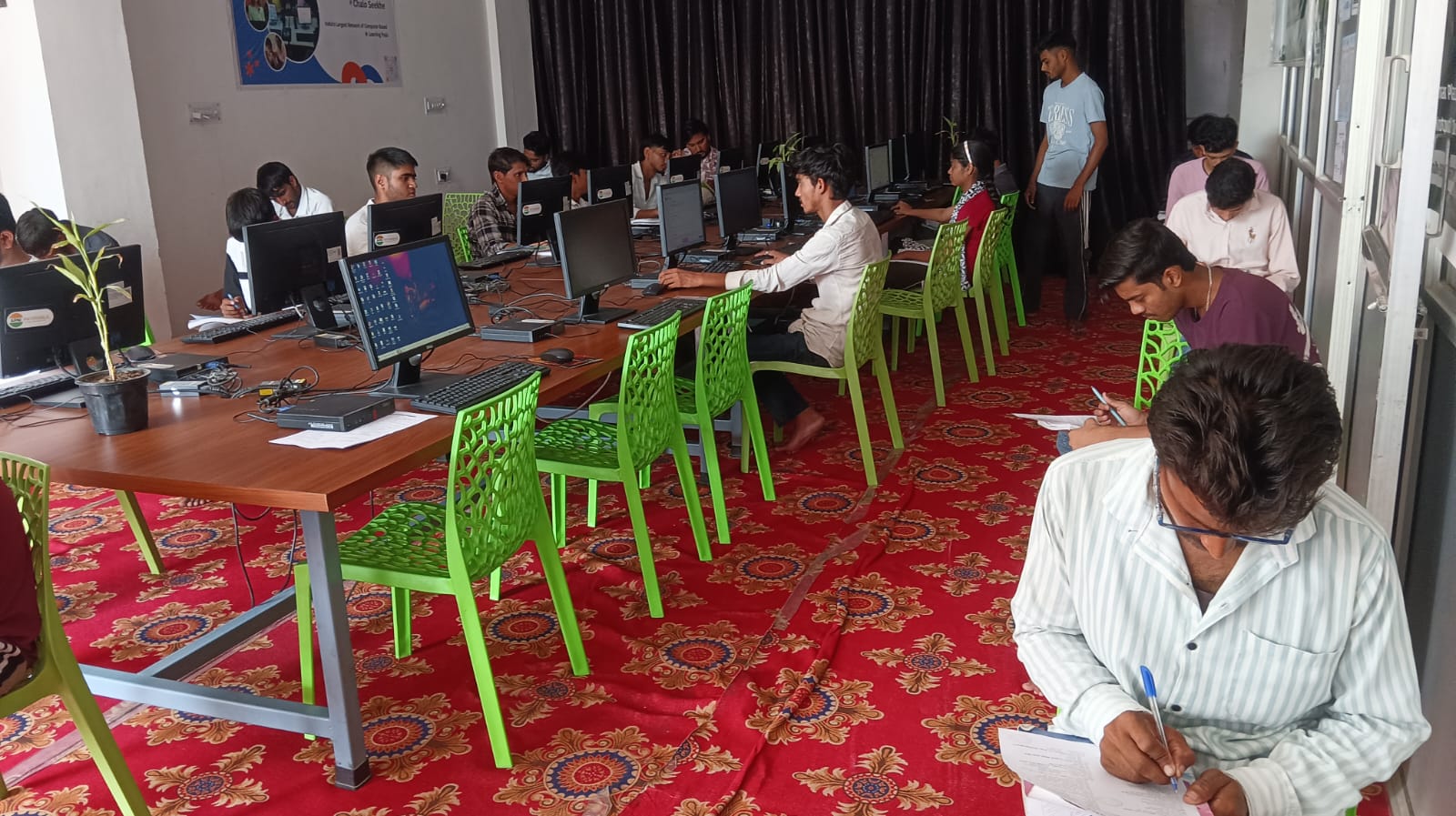
Instead of shouting about distractions, sit down and ask: “How much time do you need for homework? How much for fun?” Then set the screen time lock to close entertainment sites once homework time ends. A child who helped make the rules is not surprised by them.
With Apni Prerna, you can set different limits for different activities. Here is an example plan:
| Activity | Example setting |
|---|---|
| Study apps | Open throughout study hours |
| Gaming sites | One hour after 6 PM |
| YouTube | Blocked on school days, allowed at weekends |
You are not saying “no” to everything. You are saying “yes, but sensibly.”
How can parents keep a child safe online without guilt?
Use automatic filtering for harmful sites and talk openly about why. You cannot watch your child every second, and you should not have to.
Apna PC comes with Zorin OS, a safe operating system designed for families. Combined with Apni Prerna’s filtering, inappropriate websites can be blocked automatically, so your child never sees them.
Technology alone is not enough, though. Explain why limits exist, ask what your child is interested in and help them find safe resources.
Can controls be adjusted for children with learning differences?
Yes. The learning differences setup on Apna PC lets you customise the experience with larger fonts, simpler menus and tailored app access.
Your child gets the tools they need without feeling singled out, and the same principle applies: explain the setup and involve them in it.
How does transparency build trust with your child?
Open monitoring builds trust, while hidden monitoring breaks it. When children discover secret tracking, they feel betrayed and look for workarounds.
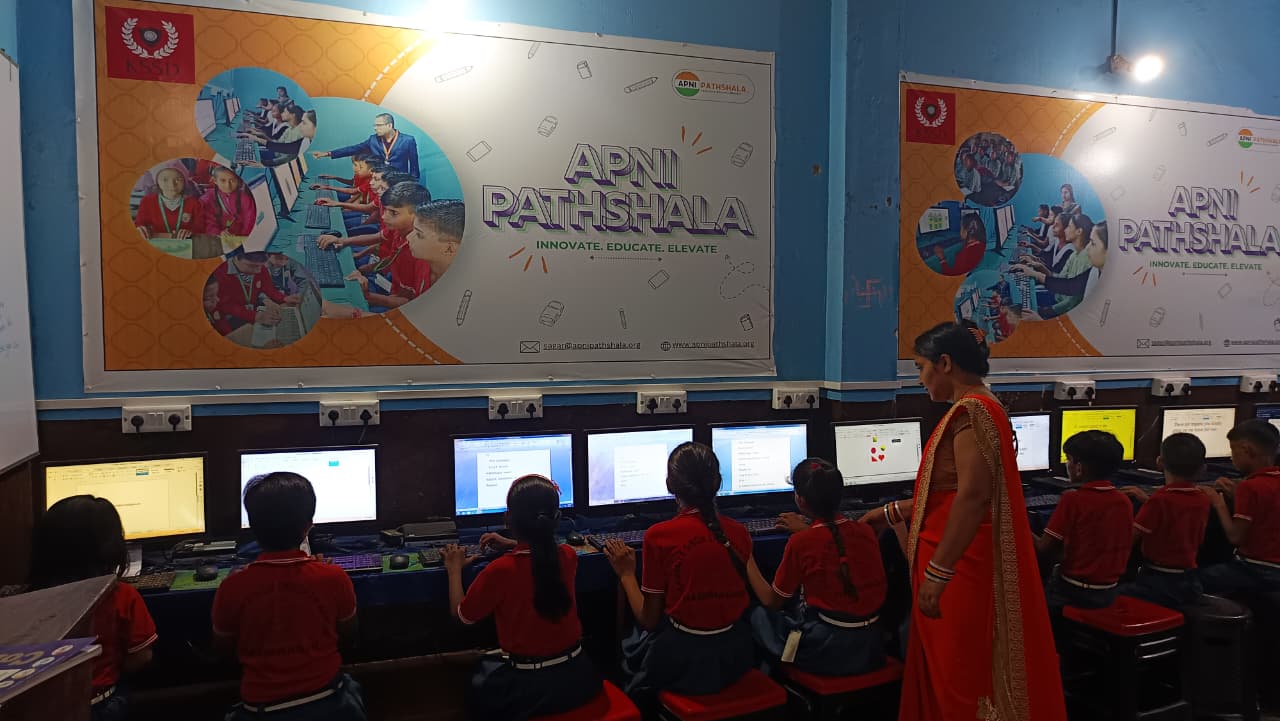
Show your child the Apni Prerna dashboard. Explain what you can see and why, and make clear you are trying to keep them safe, not catch them out. Read more on why monitoring progress is not spying.
When gaming time is earned and limited, children stop sneaking around and parents feel less stressed. Both sides can trust the system.
What makes a student computer a tool rather than a battleground?
Clear permissions, built-in monitoring and honest conversations. Your child gets freedom with guardrails, and you get safety without feeling like a surveillance parent.
The personal computer has changed how children learn, and the Digital India initiative is bringing technology into classrooms. Apna PC is built for this, with 8GB RAM, 128GB SSD and pre-loaded LibreOffice and Scratch, at Rs.30,000 (shipping and GST excluded).
Frequently Asked Questions
Should I tell my child that I can see their activity?
Yes, always be open about it. Hidden monitoring usually gets discovered, and children then feel betrayed and look for workarounds. Showing the dashboard and explaining why you use it builds trust, and children are more likely to follow rules they understand.
What if my child keeps trying to get around the limits?
Treat it as a signal to talk, not just to tighten controls. Ask whether the limits feel fair and whether homework time is realistic. Rules made together are easier to respect, and an automatic lock removes the daily argument about when to stop.
Is blocking YouTube completely a good idea?
Not always, since some videos help with learning. A balanced approach is blocking it on school days and allowing it at weekends, or limiting it to set times. That way your child keeps access to useful content without it taking over homework time.
To set up fair, open parental controls for your child, explore Apna PC and Apni Prerna.