


Priya’s First Computer Day: A Mother’s Relief
Priya sat at her kitchen table in Jaipur, staring at the cardboard box that had just arrived. Her son Arjun was still in school, and she’d decided to set up his first computer before he got home. Her hands trembled a little as she opened it. She’d bought computers before, but those experiences meant hours on the phone with technicians, confusing driver installations, and Windows activation codes that never seemed to work. This time, she was determined it would be different. She’d chosen an out-of-the-box student computer from Apna PC, and what happened next completely surprised her.
What You’ll See When You Turn It On
The moment Priya plugged in the Apna PC and pressed the power button, something felt different. No loading screens asking her to choose a language. No setup wizard demanding she create a Microsoft account. No requests for product keys. The screen lit up with a clean, simple desktop running Zorin OS, an operating system built specifically for learning and productivity.
What greeted her was exactly what she needed: a ready-to-use computer that demanded nothing of her. The desktop was organised, calm, and welcoming. Icons for LibreOffice (documents and spreadsheets), Scratch (coding), and a web browser were right there, waiting. Everything was already installed. Everything was already working. She didn’t need to call anyone. She didn’t need to hunt for drivers or activation codes.
This is what an out-of-the-box student computer actually means. It means you open the box, plug it in, and it works. No technician visit. No confusion. No wasted time.
The Software Your Child Needs Is Already There
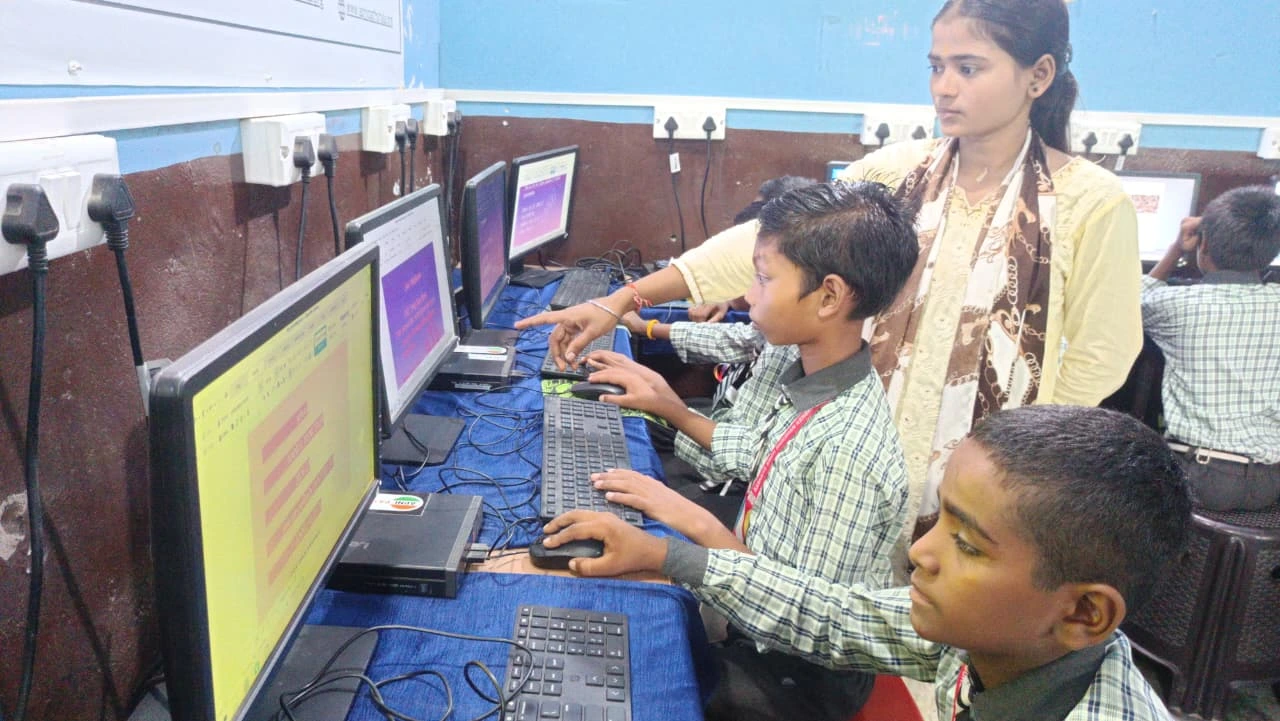
Priya clicked through the pre-loaded applications and realised the Apna PC team had thought about what her son would actually need. LibreOffice was ready for assignments and projects. Scratch was installed so Arjun could start learning to code without any extra steps. The system was lightweight, fast, and didn’t come bloated with games or unnecessary programs that would distract from learning.
But something else made her pause. A program called Apni Prerna was also installed. This parental monitoring tool let her see what Arjun was doing on the computer, how much time he spent on different activities, and whether he stayed focused on his schoolwork. She could set screen time limits. She could see which websites he visited. As a parent buying a first computer for her child, she didn’t want this to be an afterthought or an add-on she had to figure out herself. It was built in from day one.
This is the difference between a student PC setup that works and one that leaves you scrambling. The Apna PC comes with everything a parent needs to feel confident about their child’s digital learning.
No Activation Screens, No Driver Hunts, No Technician Calls
Priya had been dreading the moment she’d have to deal with Windows activation. She remembered her own laptop asking her to activate Windows every few weeks, threatening to slow down if she didn’t buy a license. She remembered the frustration of finding drivers for a printer that wouldn’t connect. She remembered calling a technician and paying 500 rupees just to come to her house.
None of that happened with the Apna PC. Zorin OS is free and fully activated. It doesn’t nag you. It doesn’t require product keys. It doesn’t ask you to prove you own it. The hardware was already tested and configured to work with this operating system, so there were no missing drivers, no compatibility issues, no mysterious error messages.
When Arjun came home from school, Priya simply called him to the computer. “It’s ready,” she said. He sat down, opened a web browser to access his school portal, and started his homework. No setup delays. No waiting for updates. No need to explain technical problems to his teacher. The computer just worked.
Why This Out-of-the-Box Student Computer Matters for Parents Like You
If you’re a parent in a Tier 2 or Tier 3 city, you might not have easy access to a computer technician. Even if you do, calling one costs money and time. You might not be confident about technology yourself. You might worry that buying a computer will create more problems than it solves.
An out-of-the-box student computer removes that anxiety. The Apna PC, priced at just Rs.30,000, is designed so that a parent can set it up alone, without technical knowledge, and it will work immediately. Your child can start learning right away. You can monitor their activity without installing extra software or figuring out complicated settings.
You can also connect your child’s computer to your family’s learning needs. The Apna PC makes it easy to use one good computer for the whole family while keeping your child’s learning separate and safe. And when your child is ready to use online learning platforms, you can quickly set up Google Classroom for your child without any confusion.
Built for Indian Students and Parents
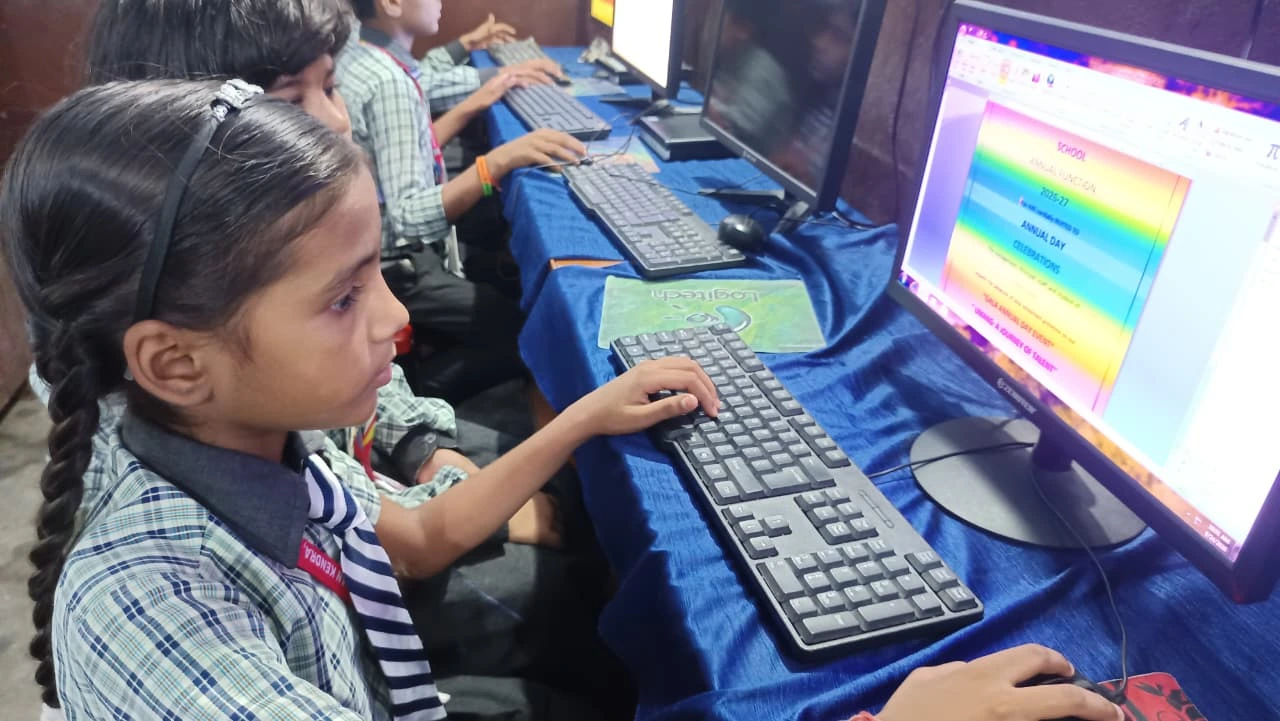
The Apna PC isn’t a generic computer shipped from overseas and repackaged. Apni Pathshala built it, and it understands Indian education, Indian internet speeds, Indian teaching styles, and Indian family structures. The software choices reflect this. Scratch is included because coding is becoming essential in Indian schools. LibreOffice is included because it’s free and works with the file formats your child’s school uses. Zorin OS is included because it’s reliable, fast on modest hardware (8GB RAM and 128GB SSD), and doesn’t require expensive licenses.
When you buy this computer, you’re not just buying hardware. You’re buying a system that understands your context. You’re buying peace of mind. You’re buying a ready-to-use computer that lets you focus on your child’s learning, not on technical problems.
Your Child’s First Learning Computer Can Be This Simple
By the time Arjun had been using the Apna PC for a week, Priya had stopped worrying. She checked in with Apni Prerna every few days to see how he was spending his time. She saw his screen time, his focus habits, and his progress. She felt confident that he was learning safely and productively. She didn’t regret the purchase for a second.
This is what an out-of-the-box student computer should feel like: simple, reliable, and built for your family’s needs. No stress. No surprises. Just a computer that works.
If you’re ready to give your child their first computer without the headaches, the Apna PC is designed for exactly this moment. For more context on digital learning in India, explore resources from the India Ministry of Education and the DIKSHA digital learning platform.
Your child deserves a computer that’s ready to help them learn from day one. Visit apnapc.com to learn more.