


A Delhi Mother’s Dilemma: When Should You Replace Your Child’s Computer?
Priya sat in her small Noida flat, staring at her son’s laptop. It was a budget HP he’d bought three years ago for 28,000 rupees. Now it took five minutes to open Google Chrome. His online classes were freezing. Last week, the hard drive made a clicking sound that made her stomach drop. She had one question: should she buy a new machine or keep repairing this one? If you’re a parent facing this same worry, you’re not alone. Understanding your student’s computer lifespan will help you make the right choice at the right time.
Student Computer Lifespan: How Long Should It Really Last?
A well-built student computer lasts between 5 and 7 years with basic care. This isn’t a guess. It’s what happens when you pair solid hardware with proper maintenance. But here’s the truth many parents don’t know: cheap second-hand desktops and budget laptops often start failing after just 2 to 3 years. The difference comes down to what’s inside.
Quality components matter more than the brand name on the box. A machine with a solid-state drive (SSD) will outlast one with an old spinning hard drive. A reliable power supply keeps everything stable. Poor ventilation kills components faster. When you invest in a student computer built to last, you’re really investing in uninterrupted study time.
What Decides Your Student Computer Lifespan?
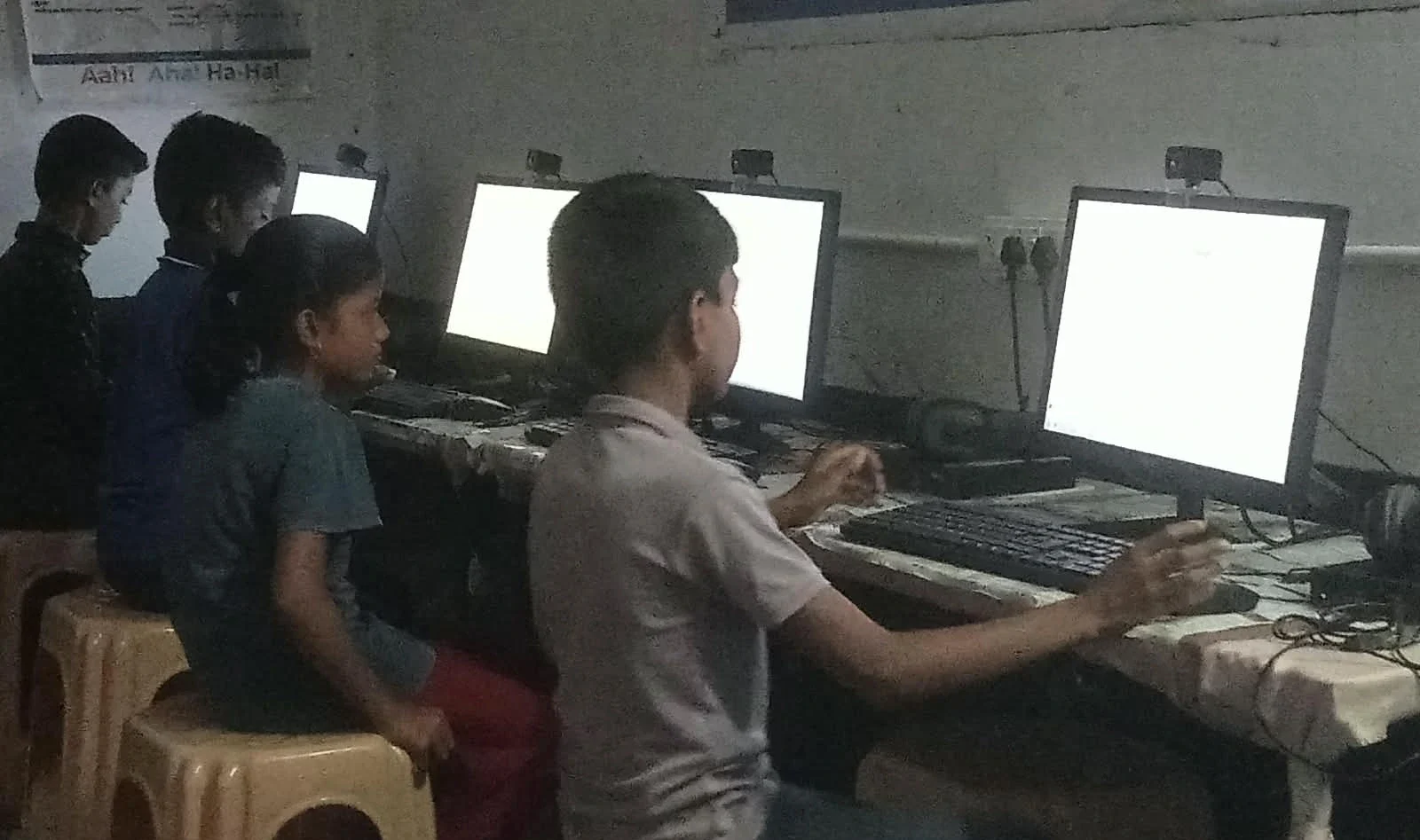
Four things control how long your machine will work:
- Component Quality: SSDs don’t fail as spinning drives do. Better capacitors and power supplies mean fewer breakdowns.
- Maintenance Habits: Dust clogs cooling fans. Overheating kills processors. A simple annual cleaning adds years to your machine’s life.
- How It’s Used: A computer used for online classes and typing assignments lasts longer than one running heavy games or video editing all day.
- Software Support: This is where Linux wins. Operating systems like Zorin OS get free updates for years and run smoothly on older hardware. Windows support ends, forcing expensive upgrades.
Parents in Tier 2 and Tier 3 cities often don’t realise that free, open-source software keeps machines working longer. You don’t need to pay for updates. You don’t get locked into expensive subscription models. The machine just keeps working.
Warning Signs It’s Time to Replace Your Student Computer
Don’t wait until your child’s computer dies during board exams. Watch for these red flags:
- Repeated Hardware Failures: If you’re fixing something every month, the machine’s lifespan is nearing its end. Parts are failing faster now.
- Slow Even After Cleanup: You’ve cleared the storage. You’ve removed viruses. It still crawls. This suggests the processor or RAM is ageing, or the hard drive is failing.
- Unsupported Software: Your child needs to run new educational apps, but the operating system won’t support them. You’re locked out of learning tools.
- Repair Costs Climbing: If a single repair costs more than 40% of a new machine’s price, buying new makes sense. You’re throwing money at a dying machine.
The signs a student computer is worth keeping are the opposite. It boots fast. It runs your child’s apps without lag. Software updates are free and available. Repairs are rare and cheap.
Why Cheap Second-Hand Machines Cost You More
You find a used desktop for 12,000 rupees. It seems like a bargain. But here’s what actually happens: the power supply fails in six months. The hard drive starts clicking. You spend 3,000 rupees on repairs. Then the motherboard overheats. Another 2,500 rupees. By month eighteen, you’ve spent 18,000 rupees on a machine that’s still slow and unreliable.
This is planned obsolescence in reverse. Cheap hardware was never built to last. It was built to fail fast so you’d buy again. A quality student computer, even if it costs more upfront, spreads that cost over 5 to 7 years. That’s real savings.
Planning Your Replacement So Study Never Stops
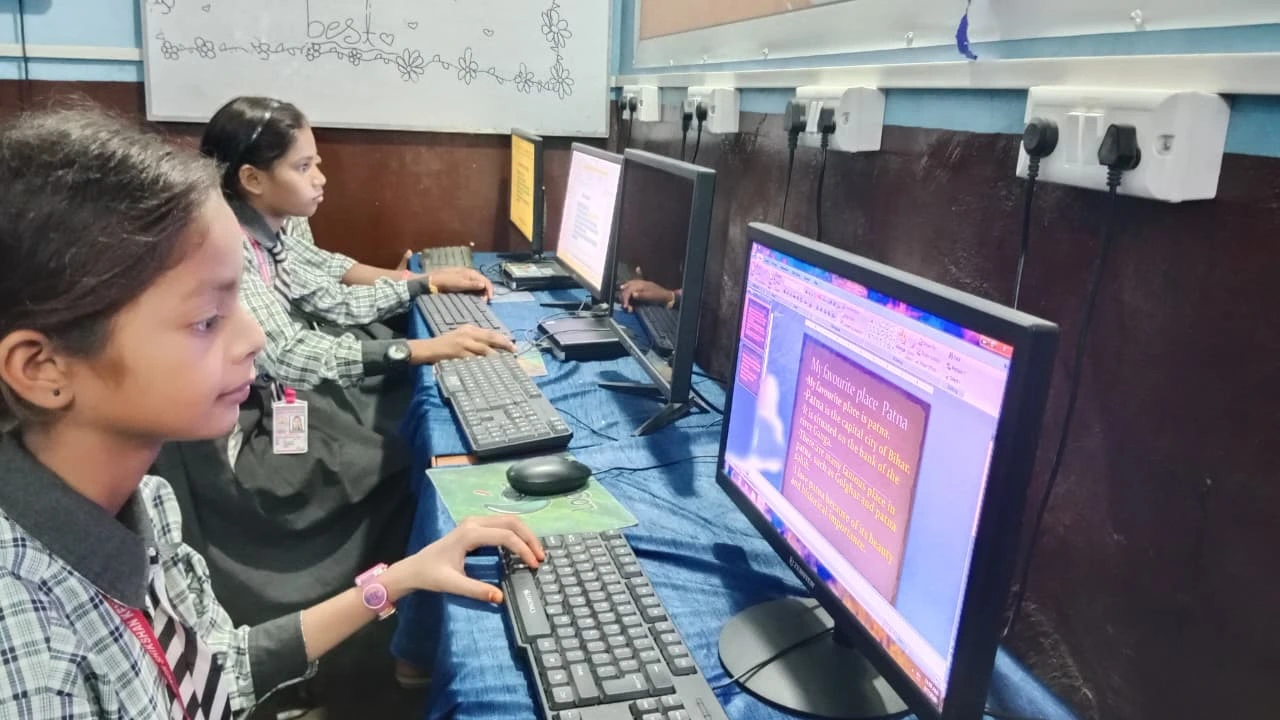
Smart parents don’t wait for the computer to die. You plan ahead. If your child’s machine is four years old and still working well, start researching replacements now. Don’t rush into a purchase, but know your options.
Think about the average student computer lifespan before you rush. If possible, time the replacement during a school break. Summer holidays are ideal. Your child won’t miss online classes. You won’t interrupt their study schedule. A machine built to last, like one from Apni Pathshala, arrives ready to use. No setup hassles. No wasted days fixing the software.
The Apna PC costs 30,000 rupees (before shipping and GST). It comes with 8GB RAM and a 128GB SSD. Zorin OS is pre-loaded, so updates are free forever. LibreOffice, Scratch, and Apni Prerna (student monitoring) are already installed. This machine isn’t designed to fail in three years. It’s built to last.
The True Cost of Keeping a Dying Student Computer
Every day your child’s computer runs slowly, they’re losing study time. Waiting for programs to open. Watching videos buffer during online classes. Restarting because of crashes. That’s not just frustration. That’s lost learning.
When repair costs exceed 40% of a new machine’s price, you’re not saving money anymore. You’re spending it on a machine that’ll fail again next month. Better to invest once in a computer built to last 5 to 7 years.
And when that old machine finally retires, don’t throw it away. Proper electronic waste recycling keeps toxic materials out of landfills. Many schools and NGOs accept old computers for refurbishment. Your child’s old machine could help another student in a village somewhere.
What You Should Do Right Now
Check your child’s computer today. How old is it? Is it still fast? Are repairs becoming frequent? If it’s under three years old and running well, you’re fine for now. Keep maintaining it. Clean the dust. Don’t let it get too hot. Use free software when possible.
If it’s between four and six years old, start planning. Research options. Read reviews. Understand what makes a computer last. If it’s over six years old or failing regularly, it’s time to replace it. Don’t let a dying machine ruin your child’s education.
Quality matters in a student computer’s lifespan. Cheap machines fail fast. Well-built machines with good components, proper cooling, and free software support last 5 to 7 years or more. Plan your replacement before a crisis hits. Your child’s studies depend on reliable technology. Visit apnapc.com to learn more.