


Priya’s Daughter Lost Her Online Classes Every Evening
Priya sits in her small flat in Indore, watching her daughter Ananya’s screen go black at 6 PM every single day. The power cuts last two hours, sometimes three. Ananya’s online tuition class from Delhi ends abruptly. Her homework on the computer gets lost. Priya feels helpless because she knows her daughter is falling behind, and there’s nothing she can do about the electricity board’s schedule.
This isn’t just Priya’s problem. Across Tier 2 and Tier 3 cities in India, millions of students face the same issue. You’re investing in your child’s education, buying them a computer, and then the power cuts steal those study hours away. But what if your student computer could keep working even when the lights go out? What if a UPS for a student computer could protect both your investment and your child’s learning?
Why Your Student Computer Needs a UPS Right Now
A desktop UPS is like a safety net for your child’s studies. When the power cuts, the UPS kicks in instantly and keeps your computer running for 30 minutes to an hour, depending on the model you choose. Your child doesn’t lose their work, miss their online class, or face the frustration of starting over.
Think about what happens without a UPS. Your child is in the middle of an online exam on the DIKSHA digital learning platform. The power goes. The exam closes. The answers vanish. Your child’s score drops. Their confidence drops too. With a UPS for a student’s computer, none of this happens.
Power backup also protects your computer hardware. Sudden shutdowns damage the hard drive, corrupt files, and reduce your computer’s lifespan. A good UPS prevents these issues and saves you money in repairs down the road.
How Apna PC Works With a UPS
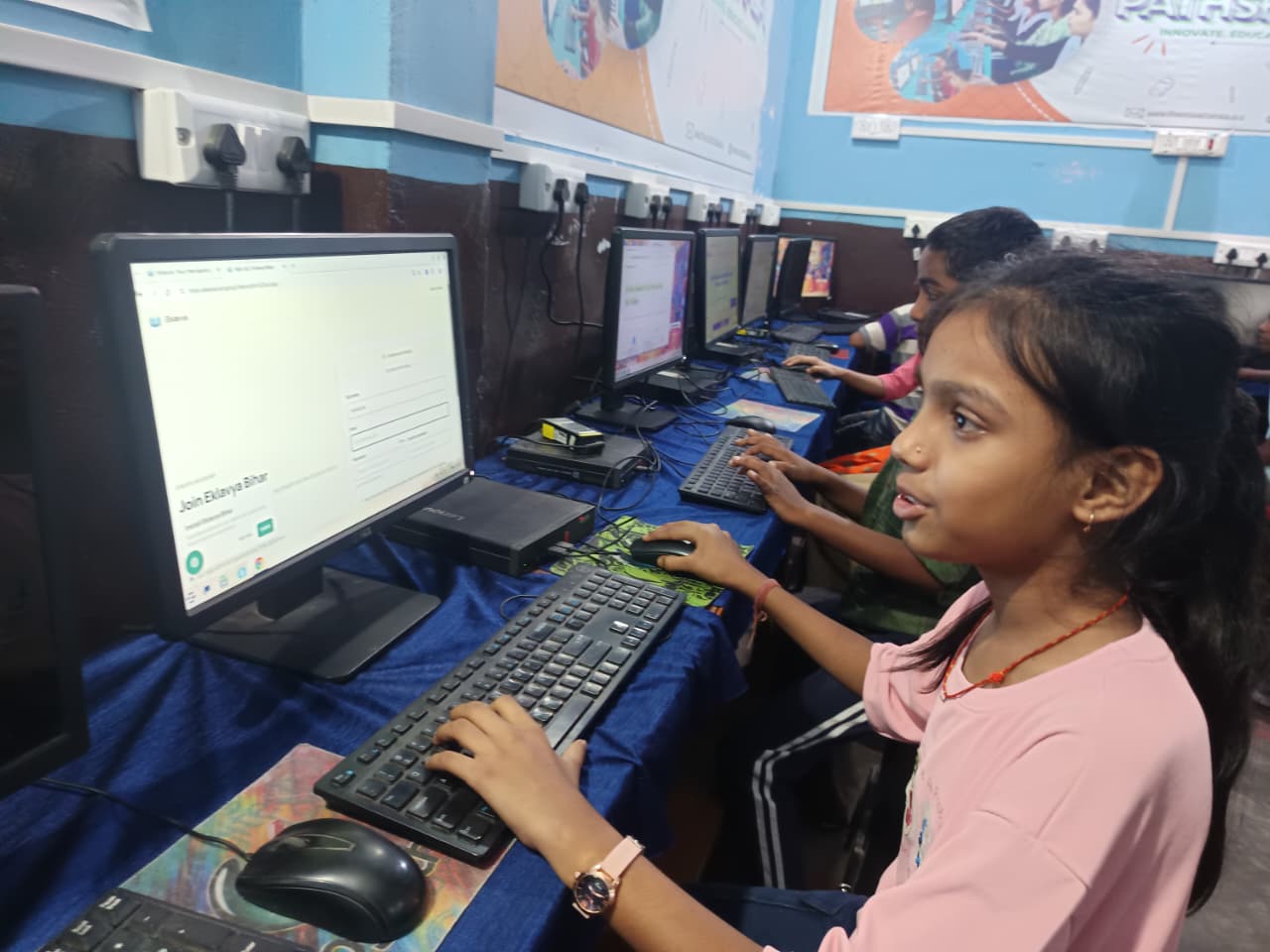
Apna PC is built specifically for students like Ananya. It comes with 8GB RAM and a 128GB SSD, which means it runs smoothly even when your child is juggling multiple tabs for research, online classes, and assignments. The system runs Zorin OS, a student-friendly operating system that’s fast and reliable.
Here’s what makes Apna PC special for power backup situations. Paired with a desktop UPS, it gives your child a complete learning setup that doesn’t depend on the electricity board’s schedule. Apna PC costs just Rs.30,000 (before shipping and GST), making it affordable for most families in smaller cities.
The computer comes pre-loaded with LibreOffice for document work, Scratch for learning coding, and Apni Prerna for tracking your child’s progress. You can monitor your child’s progress through the personal learning dashboard. Everything is designed to keep your child focused and safe.
Choosing the Right UPS for Your Student Computer
Not all UPS systems are the same. For a student computer, you need one that’s reliable, affordable, and easy to use. Here’s what to look for:
- Battery capacity: Look for a UPS that gives you at least 30-45 minutes of backup time. This is enough for your child to save their work and finish an online class.
- Wattage: A desktop UPS typically needs 600-1000 VA for a student computer setup. Check your computer’s power requirements before buying.
- Automatic voltage regulator: This protects your computer from power fluctuations, which are common in Indian cities.
- Price: A good desktop UPS costs between Rs. 3,000 and Rs. 8,000. It’s an investment that pays for itself by protecting your Rs.30,000 computer.
Many brands like APC, Luminous, and V-Guard offer student-friendly UPS options. Visit a local electronics store and ask which models they recommend for computer safety.
Real Benefits You’ll See in Your Home
When Priya finally bought a UPS for her daughter’s computer, things changed. Ananya stopped losing her assignments. She completed her online classes without interruption. Her grades improved because she no longer stressed about power cuts. Priya noticed her daughter was more confident and focused.
You’ll see the same benefits. Your child won’t interrupt their study flow. They won’t lose hours of work. They won’t miss online classes or exams. Most importantly, they won’t feel helpless when the power goes out.
A UPS also gives you peace of mind. You won’t constantly worry about whether the computer will survive the next power cut. You’re protecting your investment and your child’s future at the same time.
Combining Apna PC With Power Backup
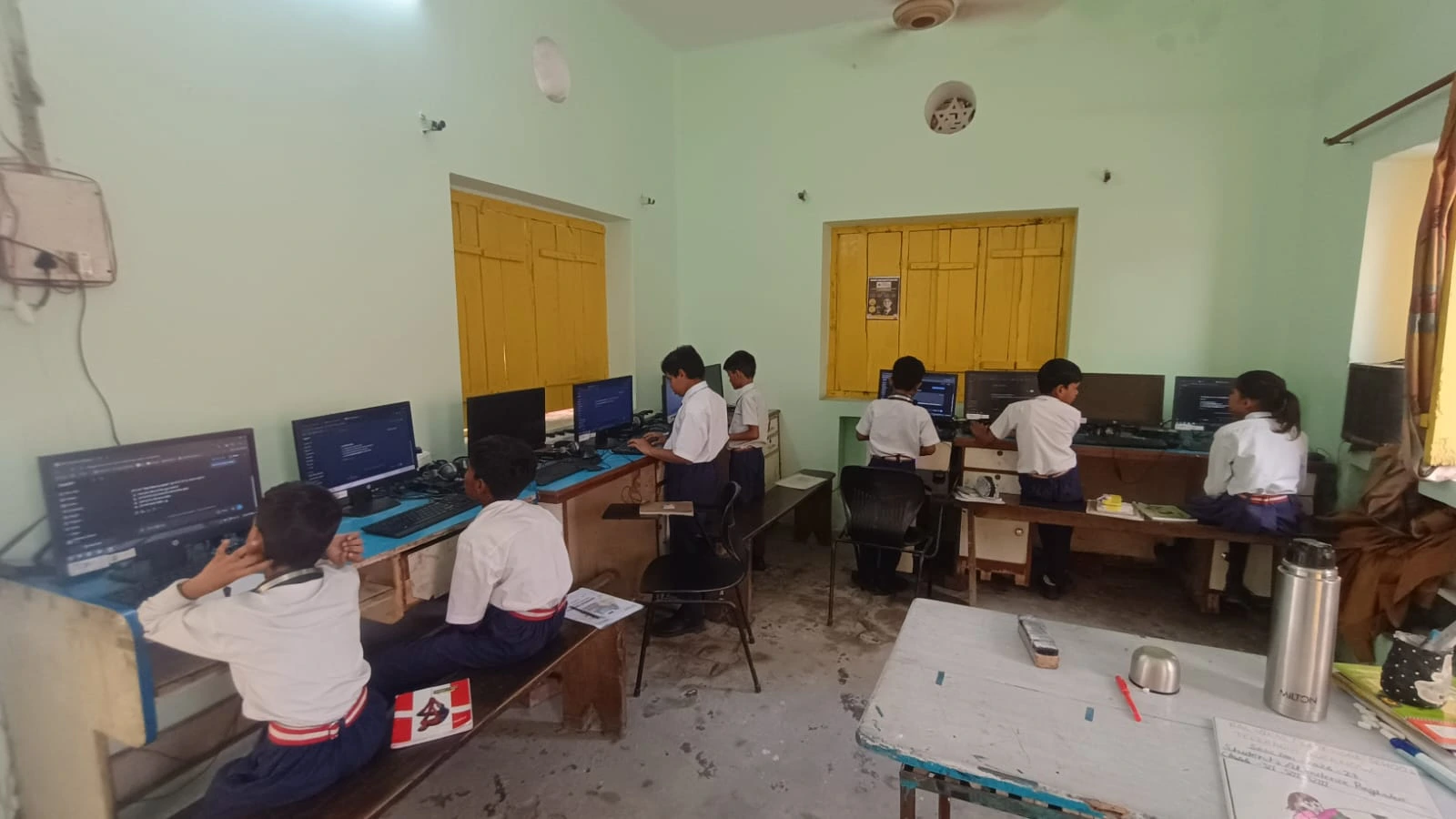
The best setup for your family is Apna PC paired with a reliable desktop UPS. Apna PC gives you a powerful, affordable, student-focused computer. The UPS gives you the security of uninterrupted power. Together, they create an environment where your child can learn without worrying about the electricity board.
Check out the Apni Pathshala blog for more tips on setting up the perfect study space for your child. You can also learn how to track your child’s progress through online learning platforms aligned with the Central Board of Secondary Education curriculum.
Making the Investment Today
Your child’s education can’t wait for the power board to fix the grid. Every day without proper backup is a day of lost learning. The cost of a UPS is small compared to the value of uninterrupted study time and computer safety.
Start with Apna PC at Rs.30,000. Add a reliable UPS for Rs.5,000. That’s Rs.35,000 total for a complete, protected learning setup. It’s an investment that will support your child’s education for years.
Don’t let power cuts steal your child’s future. Give them the tools to keep learning, no matter what happens with the electricity. Visit apnapc.com to learn