


Rajesh’s Daughter Lost Her Marksheet. Then DigiLocker Changed Everything.
Rajesh sat in the school office in Indore, sweating through his shirt. His daughter Priya needed her 10th-grade marksheet for college admission, but they lost the original during their house move three months ago. The principal smiled and said, “Sir, don’t worry. It’s all on DigiLocker now.” Rajesh didn’t understand what DigiLocker was, but that day, everything changed for his family.
If you’re a parent or student in India, you’ve probably heard about DigiLocker. It’s a digital storage system where your school records, marksheets, certificates, and documents live safely online. But here’s the question many families like Rajesh’s ask: can your student use DigiLocker on a regular home computer? The answer is yes, and it’s easier than you think.
What Is DigiLocker and Why Does Your Student Need It?
DigiLocker is part of India’s Digital India initiative. Your child’s school uploads digital documents there instead of just printing paper copies. Marksheets, character certificates, admit cards, and transfer certificates all go into your student’s DigiLocker account.
Think of it like a personal filing cabinet in the cloud. Your student can access it anytime, from anywhere, on any device. No more hunting through old files or worrying about lost papers. The government keeps these documents safe and verified.
Your student gets a DigiLocker account automatically when they enrol in school. The school registers them using their Aadhaar number. You don’t need to do anything extra to create it.
Using DigiLocker on Your Home Computer
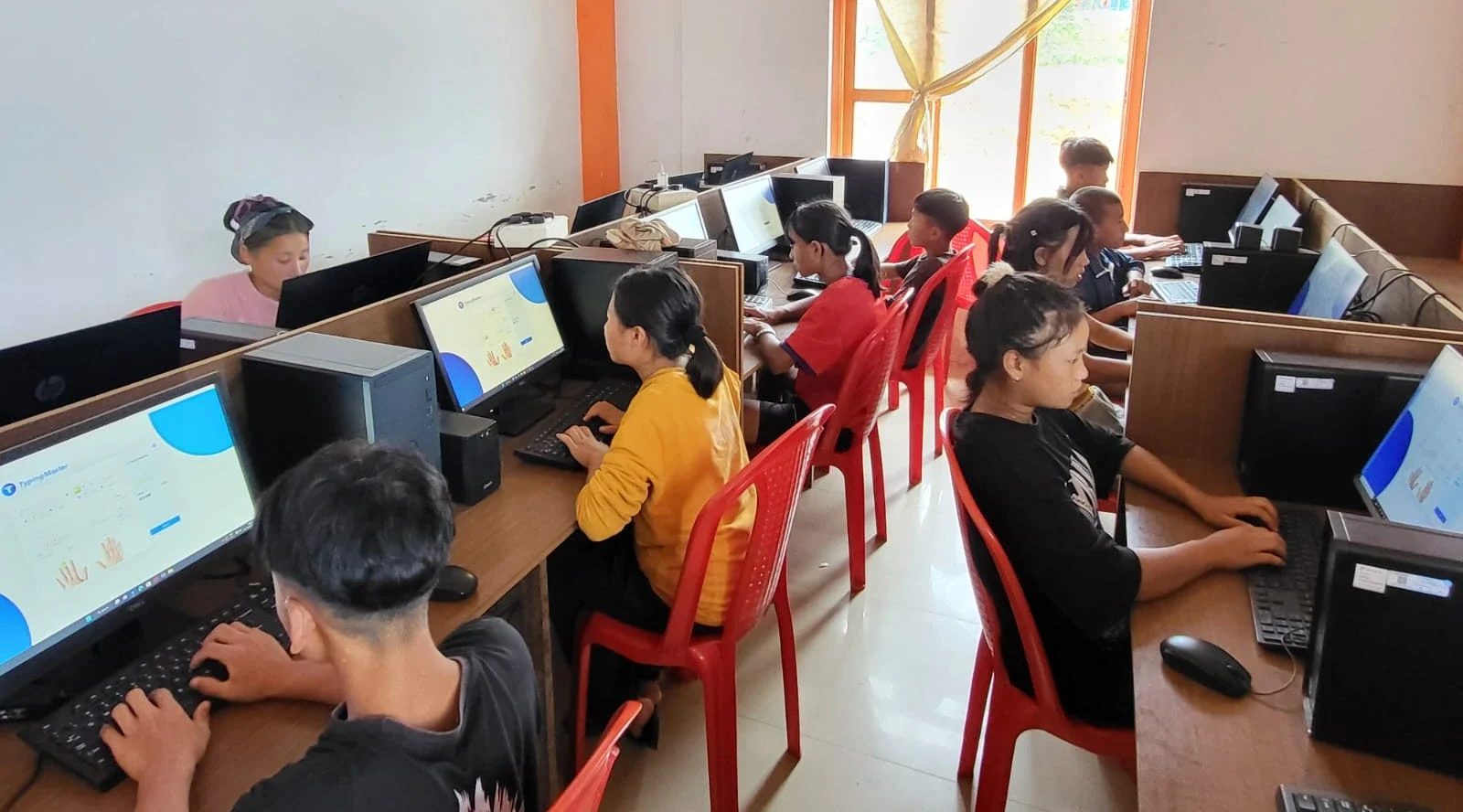
Yes, your student can use DigiLocker on any home computer. You don’t need anything fancy. A basic computer with internet works perfectly. This is where a reliable machine like Apna PC can help your family.
Here’s how your student accesses DigiLocker on a computer:
- Visit the official DigiLocker website (digilocker.gov.in) on your home computer
- Log in using the Aadhaar number or mobile number that’s linked to their account
- Enter the OTP (one-time password) sent to your phone
- Download or view all documents right there on your screen
That’s it. Your student can print marksheets, save PDFs, or share documents with colleges and employers. Everything happens from your home computer in just a few minutes.
Why a Good Computer Matters for Digital Documents
Your student needs a reliable, fast computer to access digital documents like those in DigiLocker. Slow machines or old systems can frustrate your child when they’re trying to download important marksheets or certificates.
A computer with decent RAM and storage keeps everything running smoothly. When your student is juggling school portal logins, DigiLocker access, and online learning platforms at the same time, a good machine keeps up without freezing.
Apna PC comes with 8GB RAM and 128GB SSD storage. This means your student can access DigiLocker, download multiple documents, and work on schoolwork without the computer slowing down. The machine also comes with LibreOffice pre-loaded, so your child can edit and save documents in standard formats that colleges accept.
Digital Documents Are the Future for Students
Schools across India are moving toward digital records. Your student will need to access these documents many times in their life. For college applications, job interviews, scholarship forms, and government applications, DigiLocker documents are now accepted everywhere.
The Digital India initiative has made this official. No school or employer can reject a DigiLocker document. Your student’s marksheets and certificates are legally valid online.
A reliable home computer means your student can access these documents whenever needed. They won’t have to rush to school or depend on parents to get papers. They learn independence and digital responsibility early.
What Your Student Can Do With DigiLocker Documents
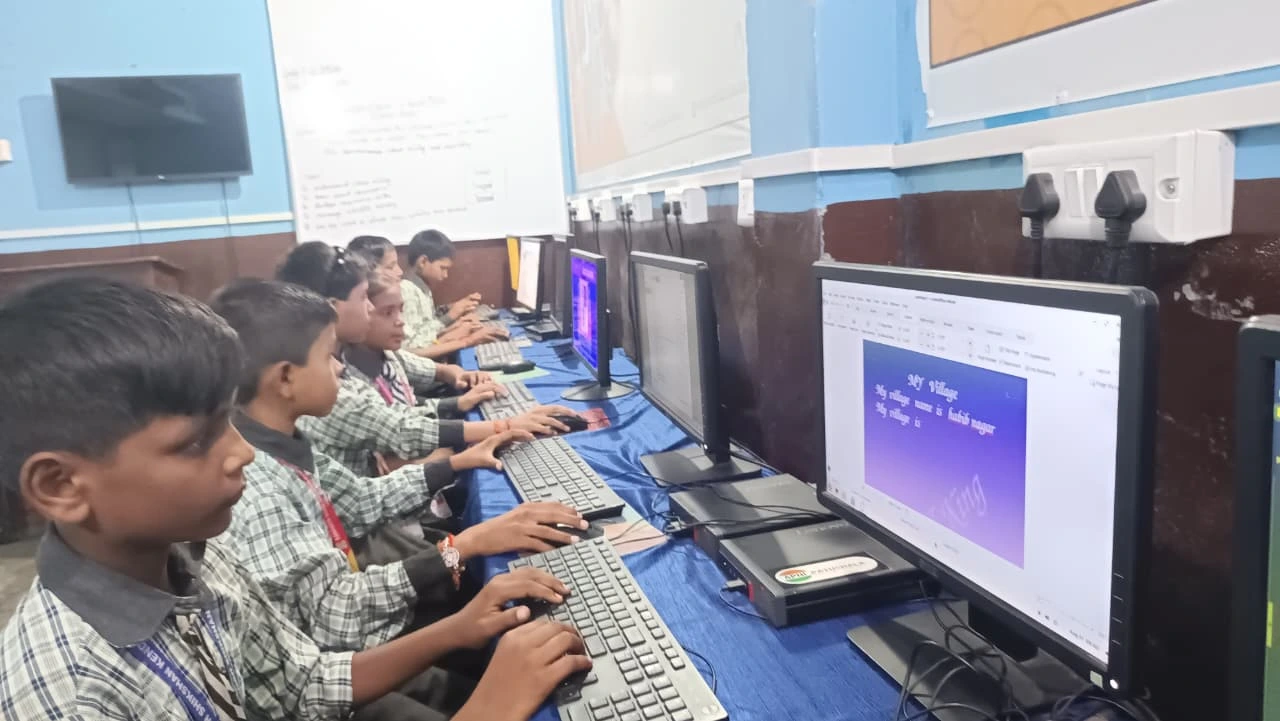
Your child can do much more than just view documents. Here’s what DigiLocker enables:
- Download marksheets as PDF files for college forms
- Share documents directly with educational institutions
- Print certificates at home or at a local shop
- Store documents safely without fear of loss or damage
- Access records anytime, even years after leaving school
All of this is free. Your student won’t pay anything to use DigiLocker. It’s a government service designed to help Indian families like yours.
Setting Up Your Home Computer for School Records
When you set up a home computer for your student, make sure it has a working internet connection. That’s the only real requirement for DigiLocker access. A computer with good processing power ensures smooth browsing and document downloads.
Your student should also learn basic computer safety. They should never share their DigiLocker login details with anyone. The account is personal and contains important documents.
A computer running a stable operating system like Zorin OS (which comes on Apna PC) gives your student a secure environment to access government portals safely. Your child can focus on their studies without worrying about slow performance or technical issues.
Rajesh’s daughter Priya downloaded her marksheet from DigiLocker in 30 seconds using their home computer. She submitted it to three colleges within an hour. What would have taken days of running around now happens from their living room. Your student can have the same experience. Visit apnapc.com to learn more.