


Ravi’s Discovery: Why Your Friends Need Your Quiz
Ravi sat in his small room in Indore, staring at his chemistry notes. He’d just finished studying for his board exams, and his friends kept asking him to help them prepare. That’s when he had an idea: what if he created a quiz maker for students that his friends could actually enjoy taking? He wanted to make learning fun, not boring like their textbooks. Within an hour, Ravi built a simple quiz on his computer, shared it with five friends, and watched them compete for the highest score.
You don’t need to be a coding expert to create something like this. A student quiz maker is one of the easiest ways to test your friends’ knowledge while having fun together. Whether you’re preparing for exams, learning a new topic, or just want to challenge your classmates, building your own student quiz is simpler than you think.
Why Create a Quiz Maker for Students?
Creating a student quiz isn’t just about testing knowledge. It’s about making learning interactive and engaging. When you build your own quiz, you learn the material twice: once while studying it, and again while creating questions about it.
- You remember more: Creating questions forces your brain to think more deeply about the topic.
- Your friends learn better: Interactive learning sticks longer than passive reading.
- It’s fun and competitive: Quizzes turn boring study sessions into games.
- You can reuse it: Your quiz can help many batches of students year after year.
Think about it this way: if you’re the one asking the questions, you’re essentially becoming a quiz master. That’s a powerful position in any study group.
Simple Tools to Build Your Student Quiz
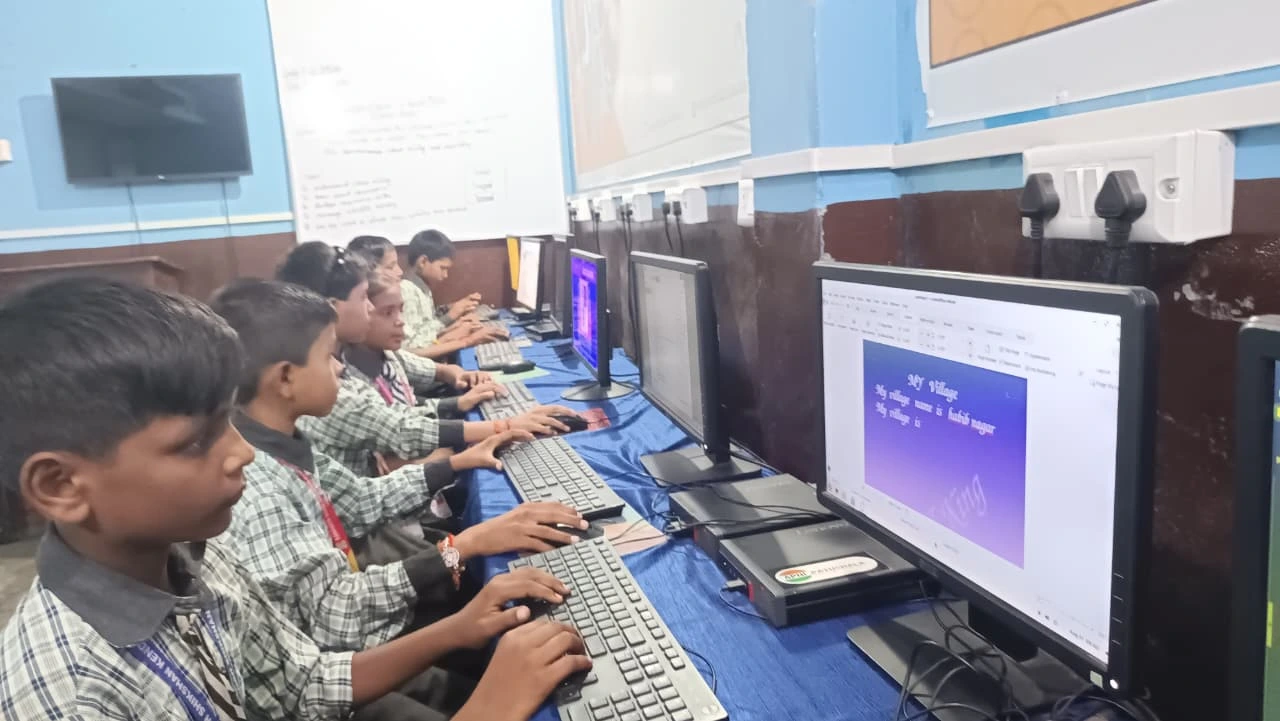
You don’t need expensive software. Here’s what you can use right now:
Google Forms: This is the easiest option. Open Google Forms, add your questions, set multiple-choice options, and you’re done. Share the link with your friends, and they can take the quiz anytime. Google even shows you the results automatically.
LibreOffice: If your computer has LibreOffice (like the Apna PC does), you can create a quiz document with questions and answers. It’s more traditional but works perfectly for offline quizzes.
Scratch: If you want something more interactive, Scratch lets you code a simple quiz game. It’s pre-loaded on Apna PC, and you can make it visually interesting with animations and sounds.
Online Quiz Platforms: The DIKSHA platform offers quiz-making tools designed specifically for Indian students. It’s free and connects you to a larger learning community.
Step-by-Step: Building Your First Quiz
Let’s say you’re using Google Forms. Here’s exactly what to do:
Step 1: Choose Your Topic. Pick something you’ve just studied. Your chemistry chapter, history dates, or English grammar. Pick something you’re confident about.
Step 2: Create 5-10 Questions. Don’t make it too long. Your friends will lose interest after 15 minutes. Mix question types: multiple choice, true-false, and short answer.
Step 3: Make Questions Clear. Read each question twice. Remove confusing words. Your friends shouldn’t struggle to understand what you’re asking.
Step 4: Add a Timer. In Google Forms, you can set a time limit. This makes it feel like a real exam and keeps it exciting.
Step 5: Share and Collect Responses. Copy the link and send it to your friends through WhatsApp or email. Google Forms will automatically collect and show you results.
Making Your Quiz More Interesting
A basic quiz is good, but an engaging quiz is better. Here’s how you can level up:
Add Images and Videos: If your topic has diagrams or concepts, include them. Google Forms lets you add images. It makes the quiz more visual and interesting.
Mix Difficulty Levels: Start with easy questions to build confidence. Add medium and hard questions later. This keeps your friends engaged throughout.
Include Explanations: After someone answers a question, show them why that answer is correct. Google Forms can do this automatically. Your friends will learn as they take the quiz.
Create a Leaderboard: Ask your friends to share their scores. Make it fun and competitive. You can use a simple Excel sheet or just track scores on paper.
How This Helps You Teach Others
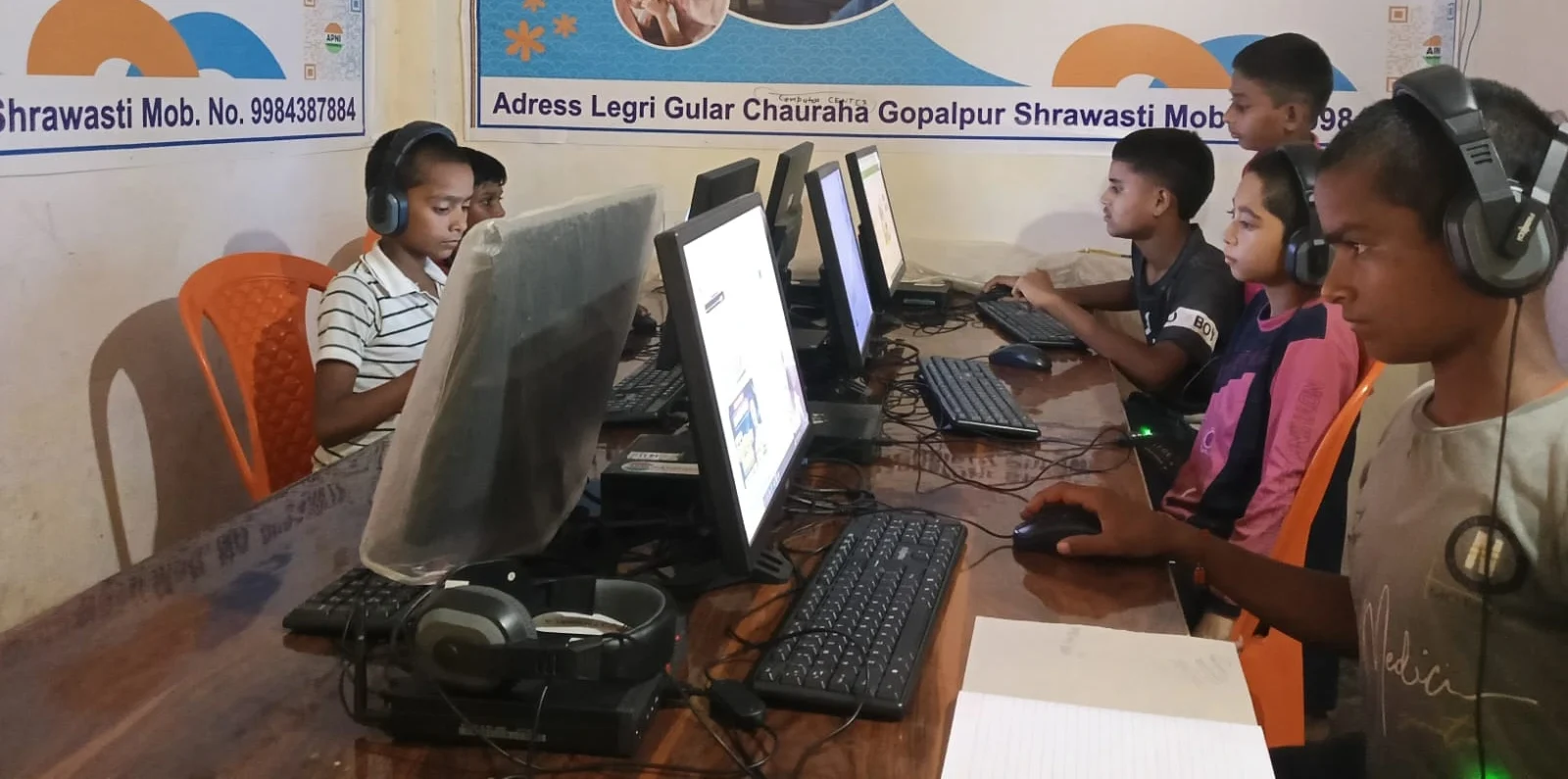
When you create a quiz, you’re not just testing knowledge. You’re actually practising how to teach others. Good teachers know how to ask the right questions. Your quiz-making skills will help you in class presentations, group projects, and even tutoring younger students.
This is also a form of digital collaboration. You’re using technology to help your friends learn together, even if you’re not in the same room. That’s a skill that’ll help you throughout your career.
The Right Computer Makes It Easier
Building a quiz maker for students works best on a reliable computer. The Apna PC comes with everything you need: 8GB RAM handles multiple browser tabs and applications smoothly. The 128GB SSD stores your quizzes, notes, and projects without slowing down.
It comes preloaded with LibreOffice for document creation and Scratch for coding interactive quizzes. Zorin OS is user-friendly and doesn’t distract you with unnecessary features. At just Rs. 30,000, it’s designed for students like you who need a computer that works without the unnecessary price tag.
Your friends will appreciate the effort you put into creating a quiz. You’ll remember the material better. And you’ll develop skills that go way beyond just studying. Start small, create your first quiz this week, and watch how your study group transforms into an interactive learning community.
Building a quiz maker for students is one of the smartest ways to prepare for exams while helping your friends. Visit apnapc.com to learn more.