


Ravi’s Water Problem and How Digital Tools Changed Everything
Last monsoon, Ravi’s family in Indore faced a problem that thousands of families face. Their colony’s water tank was broken, and no one knew how to organise repairs. Ravi, a Class 8 student, sat with his father one evening and said, “Papa, what if I made a list of all families and their phone numbers on a computer? We could send messages to everyone.” His father smiled but didn’t think much would come of it.
That’s when Ravi’s school gave him access to a computer. Within days, he’d created a simple spreadsheet, contacted families, and helped organise a meeting. The tank got fixed in two weeks. What started as a student’s small idea became a real solution to a local problem. This is exactly what digital tools can do for your child and your community.
Why Your Child Needs Digital Tools to Solve Local Problems
You’re probably wondering why your child needs to learn about solving community problems. Here’s the truth: students who use digital tools to tackle local issues develop skills that schools can’t teach from textbooks. They learn planning, communication, and teamwork all at once.
Digital tools like spreadsheets, presentation software, and coding platforms let your child turn observations into action. When your child sees a pothole, broken streetlight, or garbage pile, they can document it, create a report, and share it with the right people. This isn’t just about fixing problems. It’s about building confidence and responsibility.
According to the Education in India framework, practical problem-solving skills are now recognised as essential learning outcomes. Your child isn’t just preparing for exams anymore. They’re preparing for real life.
Real Examples of Student Problem-Solving With Digital Tools
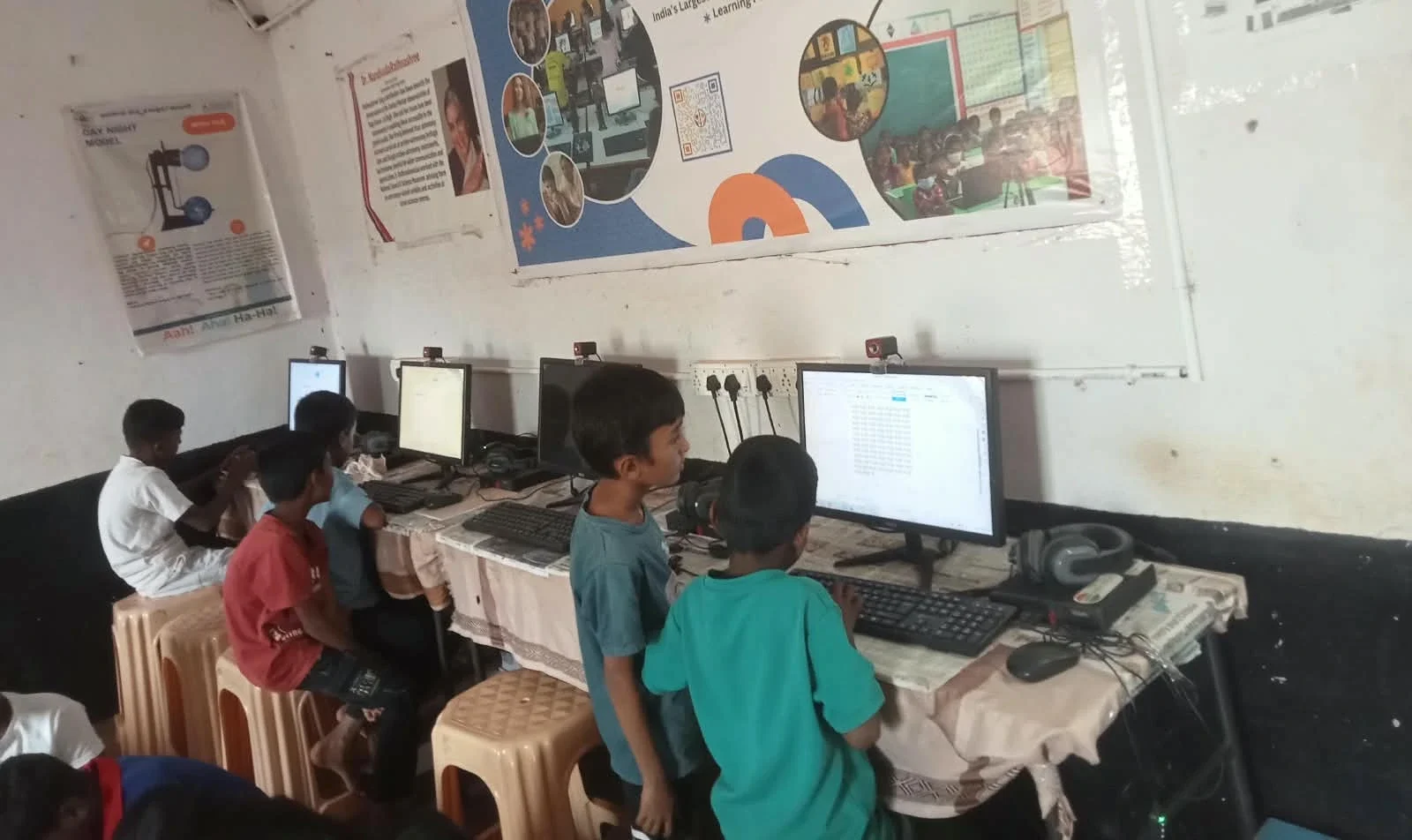
Let’s look at what students in Tier 2 and Tier 3 cities have actually done:
- Priya from Nagpur: Created a Google Form to survey neighbours about street safety. She collected 150 responses and presented them to the municipal corporation with charts and graphs.
- Arjun from Lucknow: Made a simple website listing local shops that deliver groceries to elderly people who couldn’t go out during lockdowns.
- Divya from Bhopal: Used Scratch to create a game that teaches younger kids about water conservation and waste management.
These aren’t tech geniuses. They’re regular students like yours who had access to digital tools and a reason to use them. Your child can do the same.
Which Digital Tools Work Best for Community Projects
You don’t need expensive software or complicated programs. Here’s what actually works for student problem-solving:
- Spreadsheets (LibreOffice Calc): For collecting data, organising information, and creating charts that clearly show problems.
- Presentation software (LibreOffice Impress): For presenting findings to school, community leaders, or local officials.
- Scratch: For creating educational games or interactive tools that teach others about local issues.
- Simple coding: For building tools that help track or organise community information.
The good news? You don’t need a fancy laptop for any of this. A basic computer with 8GB RAM and 128GB storage handles all these tools smoothly. This is exactly what Apna PC offers. It comes pre-loaded with Zorin OS, LibreOffice, and Scratch. Your child can start working on community projects on day one.
How to Help Your Child Get Started
Start small. Ask your child what bothers them about your neighbourhood. Is it dirty streets? Poor lighting? Limited sports facilities? Lack of study spaces? Once they identify a problem, help them think about how digital tools could help.
Your child could create a survey using Google Forms. They could make a spreadsheet of volunteers willing to help. They could film a short video and edit it on a computer. They could even turn ideas into projects that actually matter.
The DIKSHA digital learning platform offers free resources on data collection and presentation. Your child can learn while solving real problems. The Ministry of Education also encourages schools to support student-led community initiatives.
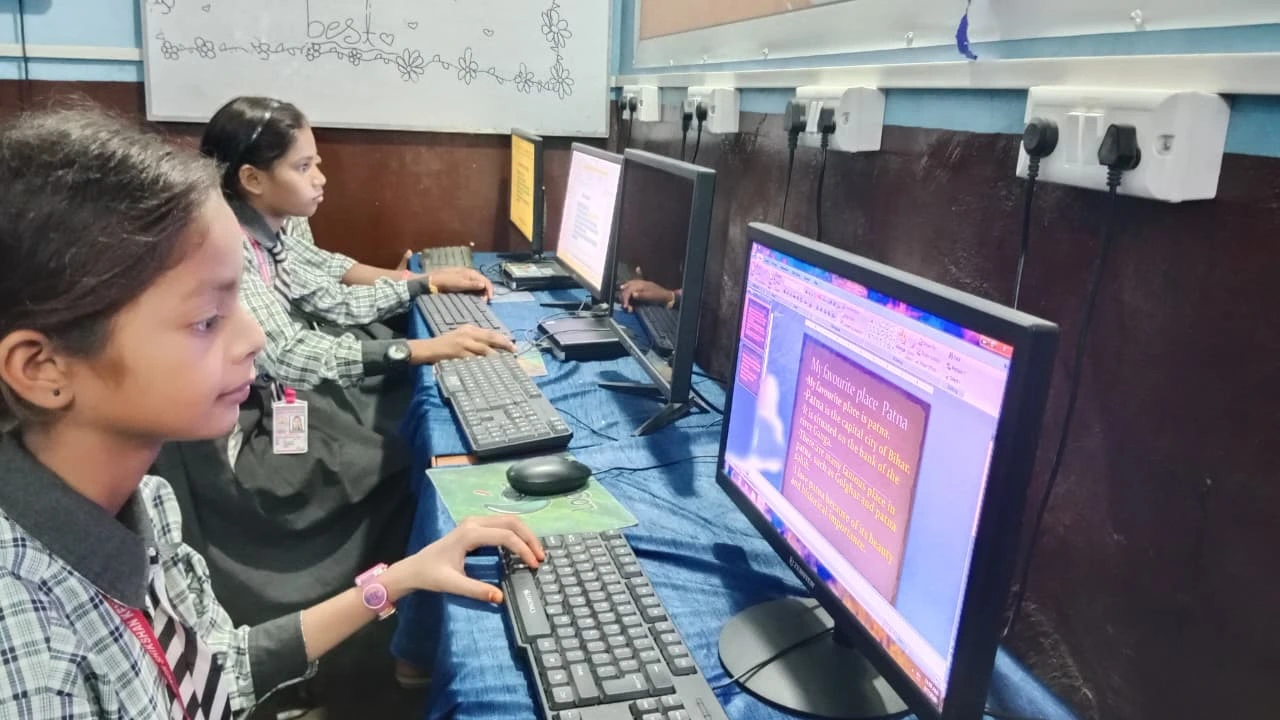
The Role of a Good Computer in Your Child’s Success
Here’s what you need to know: not every computer works well for student projects. Some are too slow. Some crash when you open multiple programs. Some don’t have enough storage for files and projects.
Apna PC is built for exactly this. With 8GB RAM and 128GB SSD, it runs smoothly even when your child’s working with large spreadsheets, videos, or coding projects. Zorin OS is beginner-friendly. Pre-loaded Scratch means your child can start coding immediately. Apni Prerna lets you monitor their learning progress.
At Rs.30,000 (shipping and GST excluded), it’s affordable for most families in Tier 2 and Tier 3 cities. More importantly, it’s built for Indian students solving Indian problems. Your child can explore fun projects while building real skills.
What Happens When Students Solve Problems
When your child solves a local problem using digital tools, something shifts. They stop being passive observers. They become active citizens. They develop confidence that no textbook can give them.
Teachers notice. Colleges notice. But more importantly, your community notices. Your child learns that their ideas matter. That they can make a difference. That technology isn’t just for gaming or social media. It’s a tool for creating real change.
Ravi’s water tank story didn’t end after the repairs. His colony now has a WhatsApp group, and he helps manage it. He’s learning spreadsheets and basic coding. His school recognised him as a problem-solver. All because he had access to digital tools and the confidence to use them.
Your child could be next. Equip them with the right tools and watch what they can accomplish. Visit apnapc.com to learn more.