


Rahul’s Discovery: From Student to Teacher
Rahul sat in his Lucknow home, staring at his mathematics homework. He’d finally understood how to solve quadratic equations after his tutor explained it three times. His younger sister Priya walked in, frustrated with the same topic. Instead of calling the tutor again, Rahul grabbed his notebook and started drawing diagrams. Within 20 minutes, Priya understood it better than ever before. That moment changed everything. Rahul realised he could create student tutorials that actually work because he remembered exactly where he got stuck.
Your child knows things. Maybe they’re great at coding, understand English grammar better than their classmates, or can explain science experiments in a way that makes sense. That knowledge is valuable. It’s no longer just sitting in their head. It can become real student tutorials that help other kids learn, and your child can build confidence, skills, and even earn while doing it.
Why Your Child Should Start Creating Tutorials Right Now
Teaching is one of the best ways to learn. When your child creates a tutorial, they’re not just recording what they know. They’re organising their thoughts, finding the clearest way to explain complex ideas, and catching gaps in their own understanding. This is deeper learning than any textbook can offer.
Student tutorials also teach real-world skills. Your child learns how to communicate clearly, structure information logically, and use technology confidently. These aren’t just school skills. These are skills that matter in college applications, job interviews, and life.
The third reason? Your child’s tutorials can reach hundreds or thousands of other students. In tier 2 and tier 3 cities, finding good explanations for tough topics is hard. Your child’s clear, relatable tutorials can fill that gap. Many students start with tutorials as a side project and build real income from it.
What Your Child Can Tutorial About
- Academic subjects: Math tricks, science experiments explained simply, history stories that stick, language learning hacks
- Skills they’ve learned: How to code in Scratch, how to use LibreOffice for projects, how to edit videos, how to create presentations
- Hobbies they love: Drawing techniques, music basics, chess strategies, sports tips
- Things that confused them: The exact topics they struggled with are the ones they can explain best
The best tutorials come from real problems your child solved. If they figured out how to pass their biology exam, finish their computer project on time, or understand fractions, that’s tutorial material right there.
Getting Started: The Simple Steps
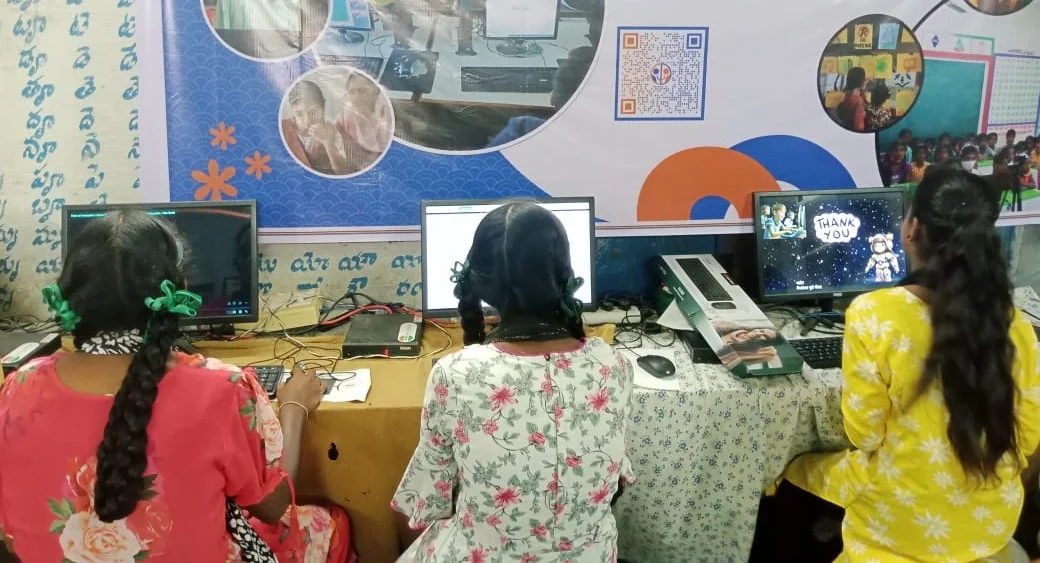
Your child doesn’t need expensive equipment. They need a computer with basic software and internet. This is where Apna PC comes in. It’s built exactly for students who want to create content, learn coding, and practice digital skills without breaking your budget.
Apna PC comes pre-loaded with everything your child needs. Zorin OS runs smoothly even for video editing projects. LibreOffice lets them create professional-looking documents and presentations. Scratch is perfect for coding tutorials. The 8GB RAM and 128GB SSD handle multiple tasks without slowing down. At Rs. 30,000, it’s an investment in your child’s learning and future earning potential.
Once your child has the right computer, here’s their tutorial creation roadmap:
- Choose a topic: Something they know well and can explain in 5-10 minutes
- Plan the tutorial: What’s the problem? What’s the solution? What’s the main takeaway?
- Record or write: Video tutorials, written guides with screenshots, or step-by-step posts all work
- Make it clear: Use simple language, show examples, avoid jargon
- Share it: YouTube, blog, social media, or educational platforms like DIKSHA digital learning platform
Your child might want to try video editing at home to make their tutorials more polished and engaging. They can also explore fun things students make to get inspiration from what other young creators are doing.
Real Platforms Where Student Tutorials Matter
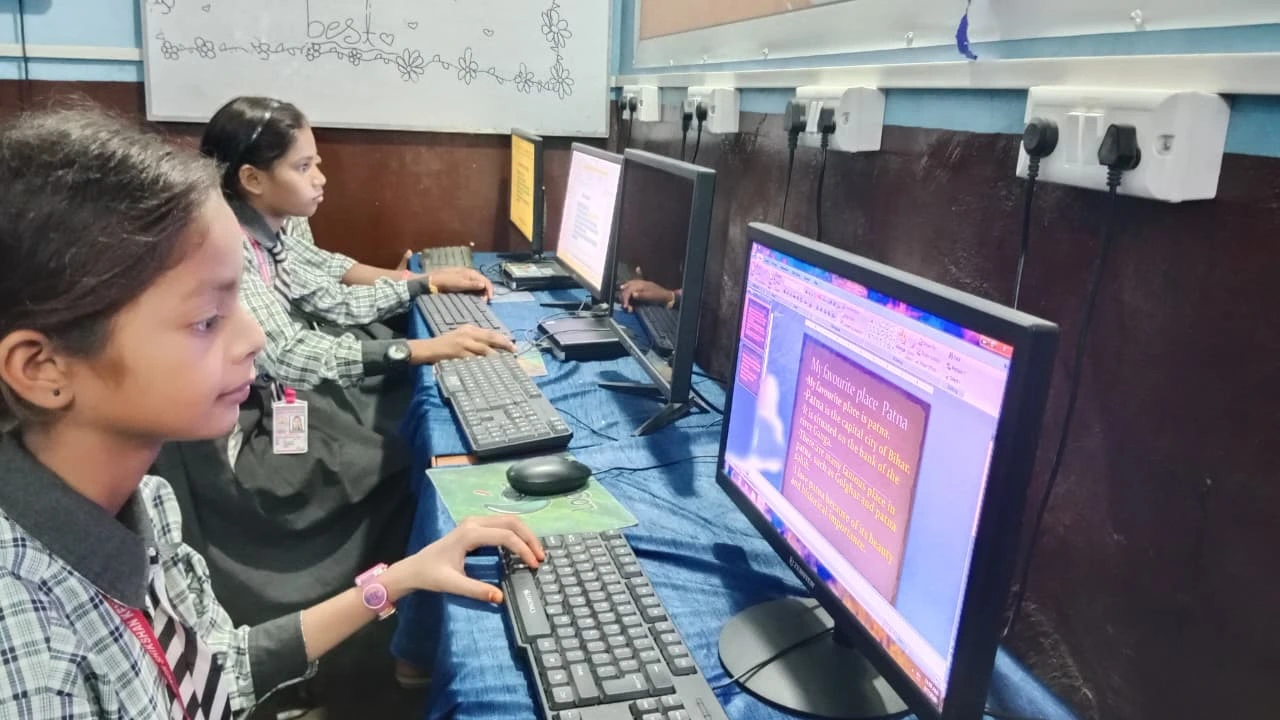
Your child’s tutorials can reach real audiences. YouTube is the obvious choice, but it’s not the only one. The Central Board of Secondary Education encourages digital learning resources. Platforms like Khan Academy, Unacademy, and local education groups actively look for fresh, student-created content.
In tier 2 and tier 3 cities, there’s huge demand for tutorials in regional languages and local contexts. Your child’s tutorial explaining math with examples from their own city might reach thousands of students who’ve never found an explanation that clicks.
What Makes a Good Student Tutorial
Good tutorials are honest. Your child should explain things the way they actually understand them, not the way textbooks do. They should admit when something’s tricky. They should show their working, their mistakes, and how they fixed them.
Good tutorials are short and focused. A 7-minute video on one specific topic beats a 30-minute ramble every time. Your child should answer one clear question per tutorial.
Good tutorials have personality. Your child’s voice, examples, and way of thinking make their tutorial different from thousands of others. That’s their strength.
Supporting Your Child’s Tutorial Journey
You don’t need to be tech-savvy to support this. You just need to believe your child has something worth sharing. Ask them questions about what they’re explaining. Help them test their tutorials on younger siblings or cousins. Watch their confidence grow as they realise they can teach.
Invest in the right tools. A computer like Apna PC gives your child the platform they need. It’s not just for tutorials. It’s for coding practice, digital projects, online learning, and all the skills they’ll need in school and beyond.
Your child’s knowledge has value. When they turn that knowledge into student tutorials, they’re not just helping other kids learn. They’re building skills, confidence, and opportunities for themselves. Start today.
Visit apnapc.com to learn more.