


Suresh’s Daughter Needed Help, and One Digital Library Solved It
Suresh sat in his small shop in Nagpur, scrolling through his daughter Ananya’s school fees receipt. Twelve thousand rupees for the year, and that didn’t include books, let alone a digital reference library she could use at home. His wife had already spent three thousand on textbooks alone, and Ananya still needed reference materials for her board exams. That night, Suresh asked Ananya a simple question: “What if we could get all your books on one device?” She looked confused. He didn’t have an answer yet, but he knew something had to change.
Many families like Suresh’s face the same problem. You want your child to study well, but buying physical books strains your budget. A library like this solves this. It’s a collection of e-books, study materials, and learning resources stored on a computer or device. Your child can access thousands of books, notes, and educational content from one place, anytime, anywhere.
Why Your Child Needs a Digital Reference Library Right Now
A digital library isn’t just about saving money, though that matters. It’s about giving your child access to unlimited knowledge. When Ananya had a doubt about chemistry at 9 PM, she couldn’t walk to a library. But with this setup, she could search for answers instantly.
Your child saves time. Instead of hunting through five books for one concept, they find it in seconds. They learn better. Studies show that students who use multiple learning resources score higher than those who rely on one textbook. They develop research skills early. Your child learns to find, verify, and organize information like professionals do.
Consider the practical side too. Physical books take up space. They get damaged. They become outdated. A library like this lives on your computer, stays fresh with updates, and costs a fraction of what physical books do.
Building Your Digital Reference Library: Step by Step
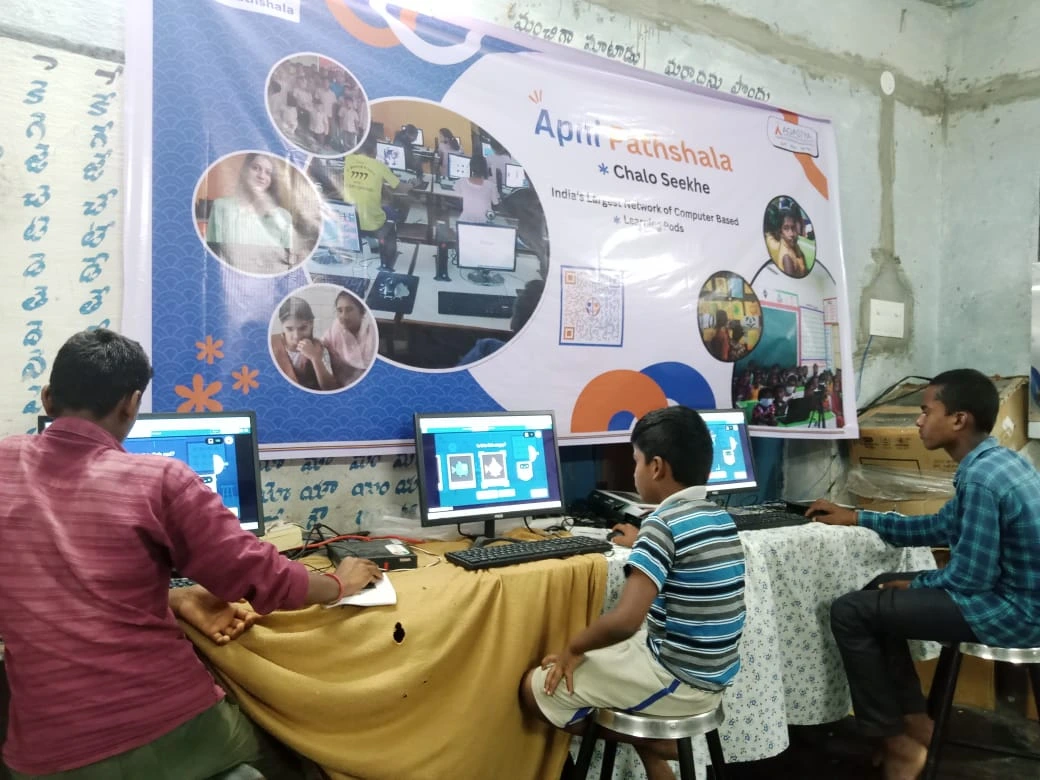
Start with free resources and build your digital reference library around them. DIKSHA is India’s national digital learning platform. It has textbooks, videos, and practice questions for most subjects. Your child can search by class, subject, and topic. It’s completely free and made for Indian students.
Next, add subject-specific e-books. Project Gutenberg has thousands of classics your child might study. OpenStax offers free textbooks for science and math. Many state education boards now provide free digital textbooks on their websites. Your child can download these and organize them by subject.
Use YouTube channels for visual learning. Channels like Crash Course, Khan Academy, and Indian creators like Physics Wallah offer free lessons. Your child watches these alongside their textbooks. Video explanations stick better than reading alone.
Create a note-taking system. Use LibreOffice (which comes free on Apni Pathshala‘s educational computer) to organize notes by subject and chapter. Your child can link these notes to relevant e-books and videos. Over time, they build their own personalized study guide.
Join online communities. Websites like Reddit’s r/Indian_Academia and local WhatsApp study groups let your child ask questions and share resources. Teachers often recommend materials here too.
Making It Work: Tools and Devices That Matter
You don’t need an expensive laptop. A good computer with decent storage and RAM can hold thousands of e-books and videos. The Apna PC, priced at just Rs.30,000, comes with 8GB RAM and 128GB SSD. That’s enough space for a complete digital reference library for your child’s entire school life.
What makes Apna PC special for students? It comes with Zorin OS, a user-friendly system that won’t distract your child with unnecessary features. LibreOffice is pre-loaded, so your child can create and organize notes immediately. Apni Prerna helps you monitor study time without being intrusive. Your child focuses on learning, not gaming.
The device is built for students like Ananya. It’s affordable, reliable, and designed specifically for educational needs. Read about how a reading habit on Apna PC helps children develop better study routines.
Organizing Your Study Files Like a Pro
Create a folder structure that makes sense. Use main folders for each subject: Mathematics, Science, English, Social Studies. Inside each, create subfolders for chapters or topics. Your child always knows where to find what they need.
Use a spreadsheet to catalog everything. Write down the title, subject, chapter, and file location of each resource. This takes an hour but saves weeks of searching later. Your child can even add notes about which resources helped them most.
Backup everything. Use Google Drive or any cloud service to store copies of important materials. If your computer crashes, your child’s entire library stays safe.
Update regularly. As your child moves to new classes, add new materials. Remove resources they’ve outgrown. A living library grows with your child.
Real Results: What Happens When Students Use Digital Reference Libraries
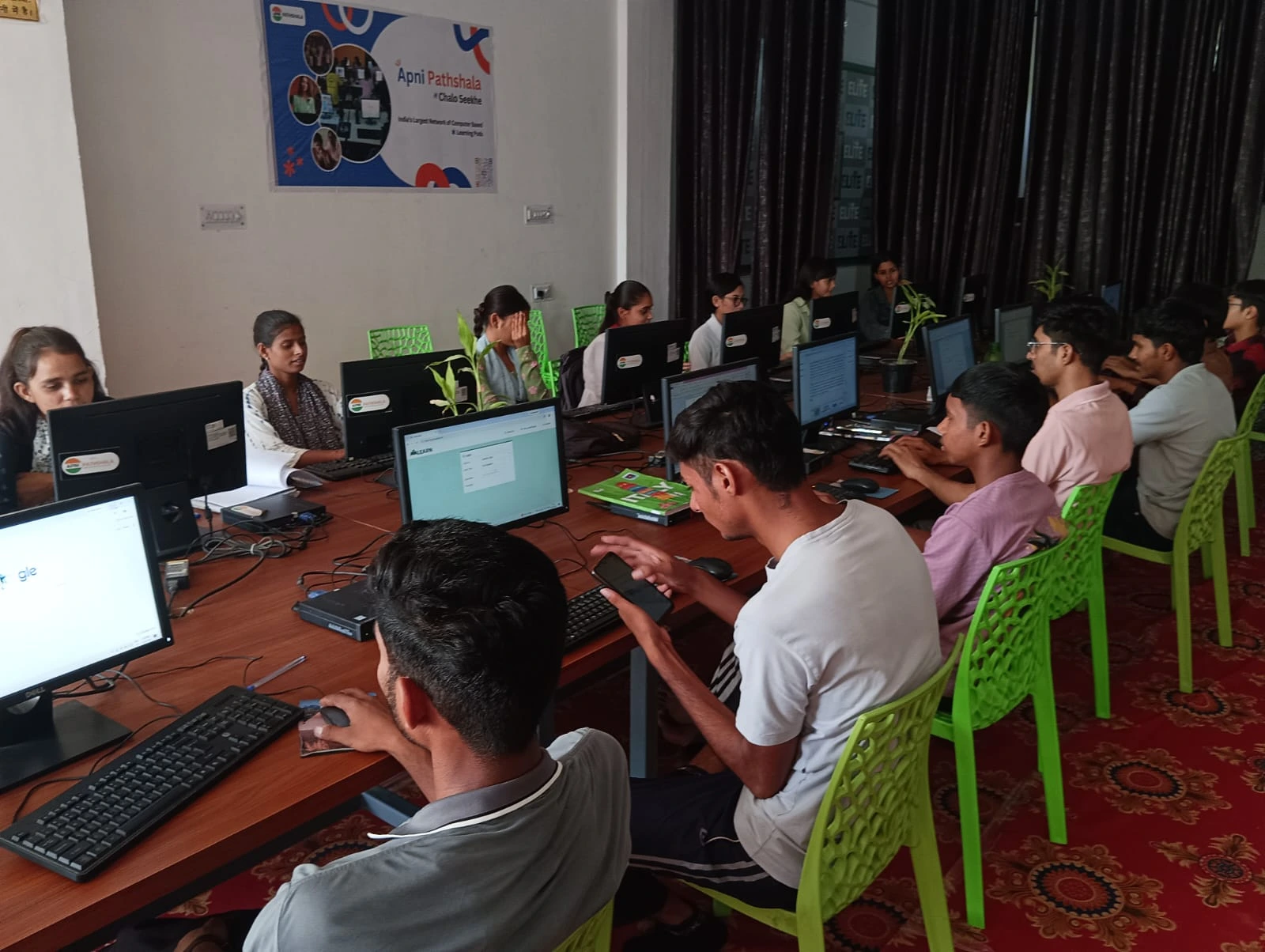
Ananya’s story didn’t end with just buying a computer. Within three months, she’d collected 150 e-books, organized them by subject, and created a personal study guide. Her exam scores jumped. More importantly, she developed a habit of learning independently. She wasn’t just studying for exams anymore. She was genuinely curious.
Your child can experience the same transformation. UNESCO education research confirms that students with access to diverse learning resources perform better academically and develop stronger critical thinking skills.
The investment you make today in building such a system pays dividends for years. Your child learns how to learn. That skill matters more than any single exam score.
Start Today, See Results Tomorrow
You don’t need to spend thousands on books or expensive computers to give your child a world-class education. Building one costs almost nothing and everything to gain. Start with one free platform like DIKSHA. Add one e-book collection. Get a reliable device like Apna PC. Watch your child’s confidence and curiosity grow.
Your child deserves access to the best learning resources no matter where you live, and a digital reference library makes that possible. Visit apnapc.com to learn more.