


Rahul’s Discovery: When Science Came Home
Rahul sat in his small room in Indore, staring at his physics textbook. Circuits made no sense in those black-and-white diagrams, and his mother, a nurse on double shifts, couldn’t afford expensive tuition classes. That evening she brought home an Apna PC from a local shop. Within an hour, Rahul built virtual circuits on his screen and watched electricity flow in real time. Science simulations for students like Rahul turn confusing diagrams into experiments he can actually run. His grades jumped from 62% to 78% in two months.
Science simulations aren’t just fancy animations. They’re interactive tools that let you experiment without breaking equipment or wasting materials. Your child can repeat experiments as many times as needed, pause to understand concepts, and learn at their own pace. For families in Tier 2 and Tier 3 cities where lab facilities are limited, science simulations for students are a game changer.
What Are Science Simulations and Why They Work
An educational simulation is a computer program that mimics real-world scientific processes. Instead of reading “water boils at 100 degrees,” your child sees water molecules speed up, watches bubbles form, and understands why. Virtual experiments teach cause and effect instantly.
Research shows students retain 75% more information when they interact with content rather than just read it. Science simulations for students create that interaction. Your child becomes an active learner, not a passive one. They ask questions, test ideas, and discover answers themselves.
Free Science Simulations for Students to Start Using Today
PhET science simulations from the University of Colorado are completely free and available in Hindi. Your student can explore circuits, gravity, light, and chemical reactions through interactive games. The platform has over 200 simulations covering physics, chemistry, and biology.
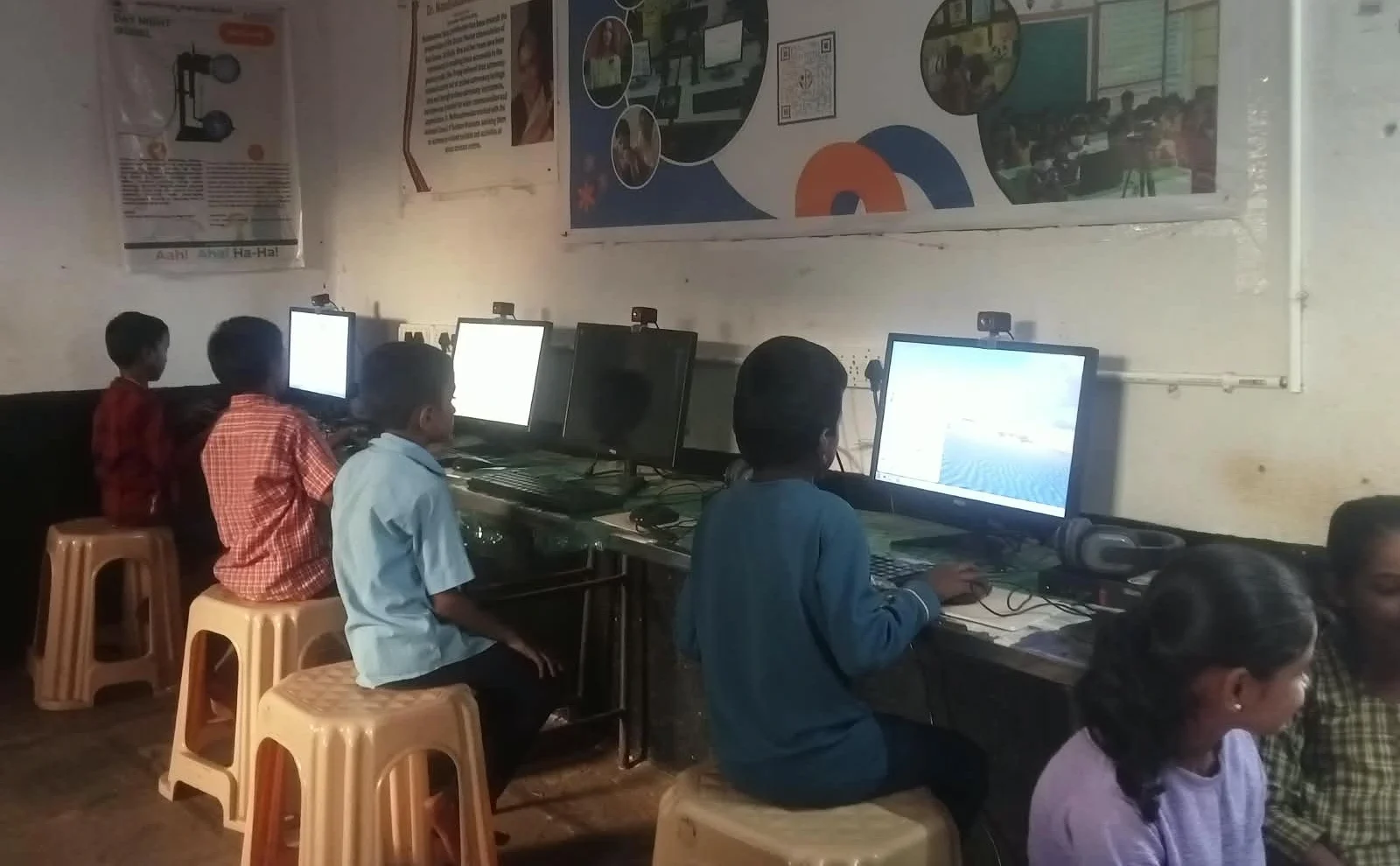
DIKSHA is India’s official digital learning platform. It offers virtual experiments aligned with the NCERT curriculum. Many simulations work offline, perfect for areas with unreliable internet. Your child can learn at 2 AM if they want, without waiting for a lab slot.
- Physics simulations: Build circuits, launch projectiles, explore forces and motion
- Chemistry simulations: Mix virtual chemicals, see reactions, understand molecular bonds
- Biology simulations: Dissect virtual frogs, observe cells, study ecosystems
- Mathematics simulations: Visualise graphs, understand geometry, solve problems interactively
Why Your Home PC Matters for Science Learning
Not all computers can run science simulations smoothly. Your family’s old laptop might freeze or crash when loading complex virtual experiments. An education computer is built specifically for learning software. It has enough power without unnecessary gaming features that drain your budget.
Apna PC comes with 8GB RAM and 128GB SSD storage, perfect for running multiple simulations without lag. It’s priced at Rs.30,000 (shipping and GST excluded), making it affordable for middle-class families. The system runs Zorin OS, a student-friendly operating system that’s simple and secure.
Your student also gets Scratch pre-loaded, which lets them code their own simulations. They’re not just using science tools; they’re creating them. That’s real learning.
Setting Up Your Home Science Lab
Start small. Download one free simulation and spend 30 minutes exploring it together. Let your child lead the discovery. Ask them questions: “What happens if we change this?” “Why did that occur?” Your role is to guide curiosity, not provide answers.
Create a routine. Set aside 45 minutes three times a week for virtual experiments. This beats cramming the night before exams. Your child’s brain needs time to process concepts, and repetition through simulations builds deep understanding.
Connect simulations to real life. After exploring a gravity simulation, go outside and drop objects. After a water cycle simulation, observe rain and clouds. Virtual and real learning reinforce each other.
What Parents Should Know
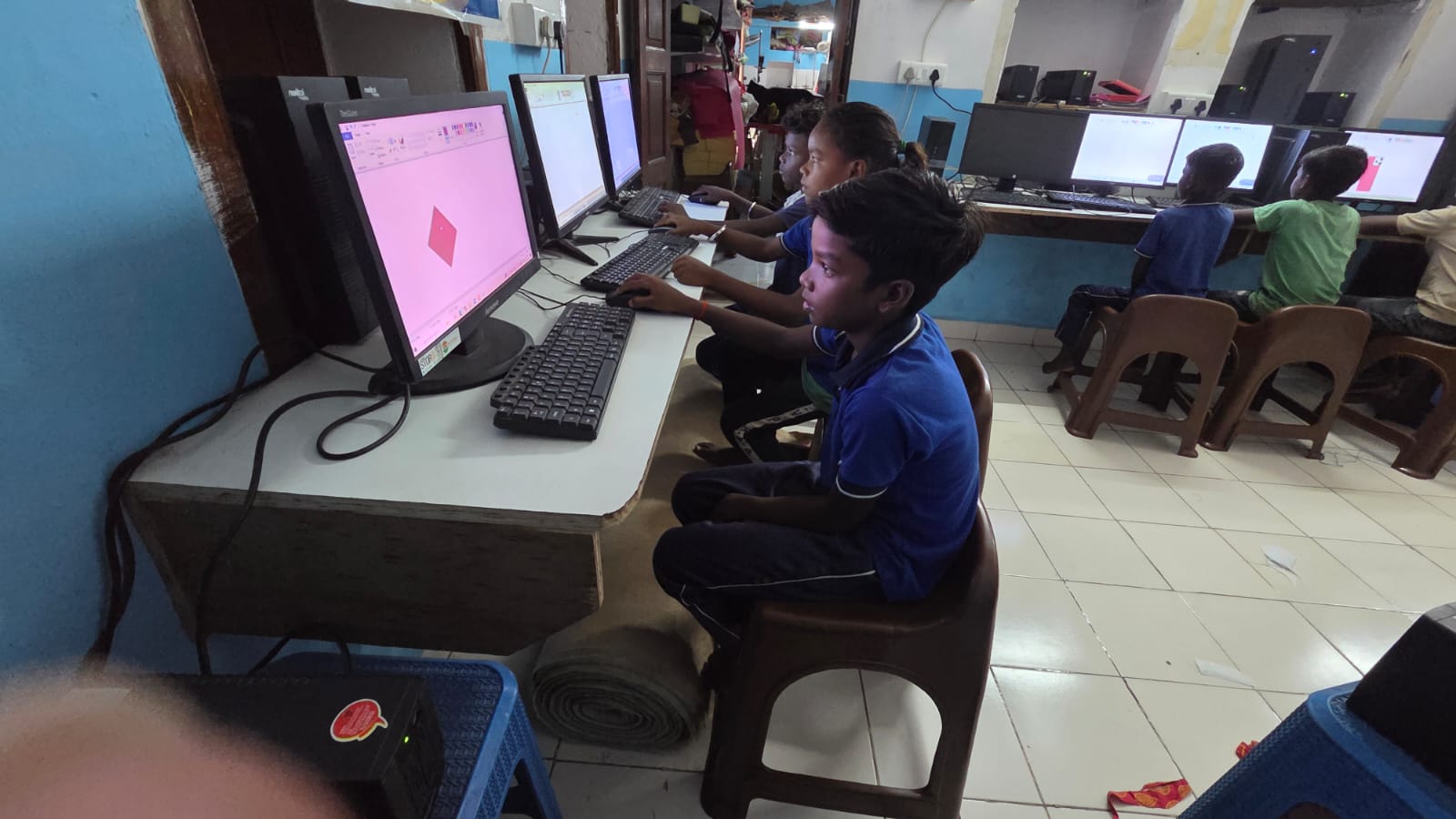
Your child won’t replace textbooks with simulations. They’ll use both. Simulations show the “how” and “why.” Textbooks provide context and theory. Together, they create complete learning. Apni Pathshala understands this balance, which is why Apna PC comes pre-loaded with both simulation tools and traditional educational software.
Screen time concerns are valid. But 45 minutes of focused, interactive learning is different from mindless scrolling. Your child’s eyes won’t strain from quality educational software as they do from social media. Plus, Apna PC includes Apni Prerna, a monitoring tool that helps parents track study progress.
Science simulations level the playing field. Your child in a small town now has access to the same virtual labs as students in Delhi or Mumbai. That’s the real power here. Geography shouldn’t limit opportunity.
Real Results: Science Simulations for Students Deliver
Students using science simulations typically show improvement within 4-6 weeks. Concept clarity increases first. Your child stops asking “what is this?” and starts asking “why does this work?” That shift matters. Exam scores follow naturally.
Confidence grows too. When your child successfully builds a virtual circuit or balances a chemical equation through simulation, they feel capable. That confidence carries into the classroom. They participate more, ask better questions, and engage with science as curious learners, not scared students.
Parents report another benefit: reduced tuition costs. When your child understands concepts through simulations, they need fewer expensive coaching classes. For many families, the Apna PC pays for itself in saved tuition fees within one year.
GoLabz and Chem Collective are two more free options worth bookmarking once your child outgrows the basics.
Science simulations build problem-solving, experimentation, and digital literacy in ways textbooks alone cannot. Visit apnapc.com to learn more.