


Rajesh sat in his Bangalore apartment, staring at the old Dell desktop his company had given him when he retired last year. His daughter Priya, now in class 8, needed a computer for her online classes and coding assignments. “Why buy a new one?” he thought. “This machine still works fine.” But when he turned it on, Windows 10 crawled like a tortoise, the hard drive ground, and he wasn’t sure the old office PC would help Priya learn or just frustrate her every time she opened a browser.
If you’re a parent in a tier 2 or tier 3 Indian city facing the same question, you’re not alone. Many families have an old desktop gathering dust at home, and reusing it feels smarter than throwing it away. But can an old office computer really work well as a student computer? The answer is more nuanced than a simple yes or no.
What Does an Old Office PC Usually Have
Most old office computers from 5-10 years ago came with basic specs that were fine for email and spreadsheets. Here’s what you’ll typically find:
- Processor: Intel Core i3 or i5 (older generations), which is still usable but slower than current chips
- RAM: 4GB or 8GB, often the first bottleneck when running modern software
- Storage: 500GB or 1TB hard disk drive (HDD), not a solid-state drive (SSD), which means slow boot times and sluggish file access
- Operating System: Windows 7, Windows 8, or older Windows 10, sometimes without a valid licence
- Warranty: None, since the manufacturer’s support ended years ago
The biggest issue? That machine probably has a mechanical hard drive, not an SSD. When your daughter opens 5 browser tabs for research, the computer will struggle.
When Reusing an Old Office PC Actually Works
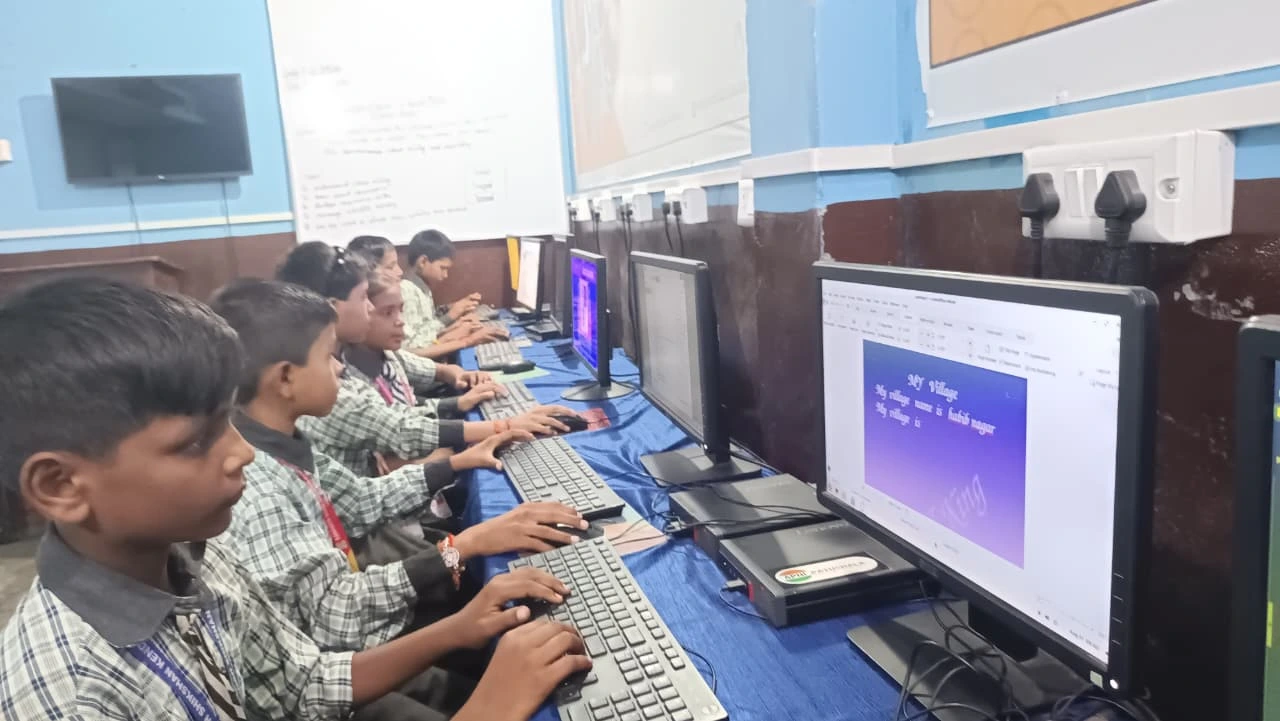
An old office PC can work as a student computer if it meets certain conditions. First, it needs at least 8GB of RAM and ideally an SSD (or you’d need to upgrade the storage yourself). Second, the processor should be from the last 8-10 years. Third, you must be willing to replace the operating system with something lightweight like Linux, which is free and doesn’t require a Windows licence.
If it has these specs and you’re comfortable installing free software like LibreOffice for documents and Scratch for coding, you may be able to make it work for basic schoolwork. Your son or daughter can watch videos, complete assignments, and attend online classes without constant freezing. However, this route requires some technical knowledge or a trusted technician nearby.
Check the hard drive age too. If it’s been running continuously for 8+ years, it could fail suddenly, and you’ll lose all your child’s school projects. That’s a real risk.
When Reusing Doesn’t Make Sense
Stop right here if the machine has 4GB RAM, a 7+ year old HDD, or Windows 7. These machines will make your child’s homework sessions painful. Joining online classes will lag, typing in Google Docs will feel delayed, and opening PDF textbooks will take forever. Your student will get frustrated, and so will you.
Also, if the computer has never been properly cleaned (physically or digitally), dust may be clogging the fan or old software may be slowing it down. Restarting it after years of storage won’t magically fix these problems.
And here’s something many parents don’t think about: if it doesn’t have a valid Windows licence and you can’t easily install a free OS, you’re stuck. Buying a Windows licence separately costs Rs.8,000-15,000, which starts eating into the savings you hoped to make.
The Real Cost of Upgrading an Old Office PC
Let’s do the math. If you want to upgrade that desktop to make it student-ready, you’d need to replace the hard drive with an SSD (Rs. 3,000-5,000) and possibly add more RAM (Rs. 2,000-4,000). You might also need to buy a Windows licence (Rs. 8,000-15,000) or hire someone to install Linux properly (Rs. 500-1,500). That’s Rs.13,500-25,500 in total costs, plus the risk that the old machine still fails unexpectedly.
When you factor in your time, the hassle, and the lack of warranty, upgrading such a machine becomes less attractive than it first seemed.
How the Apna PC Compares
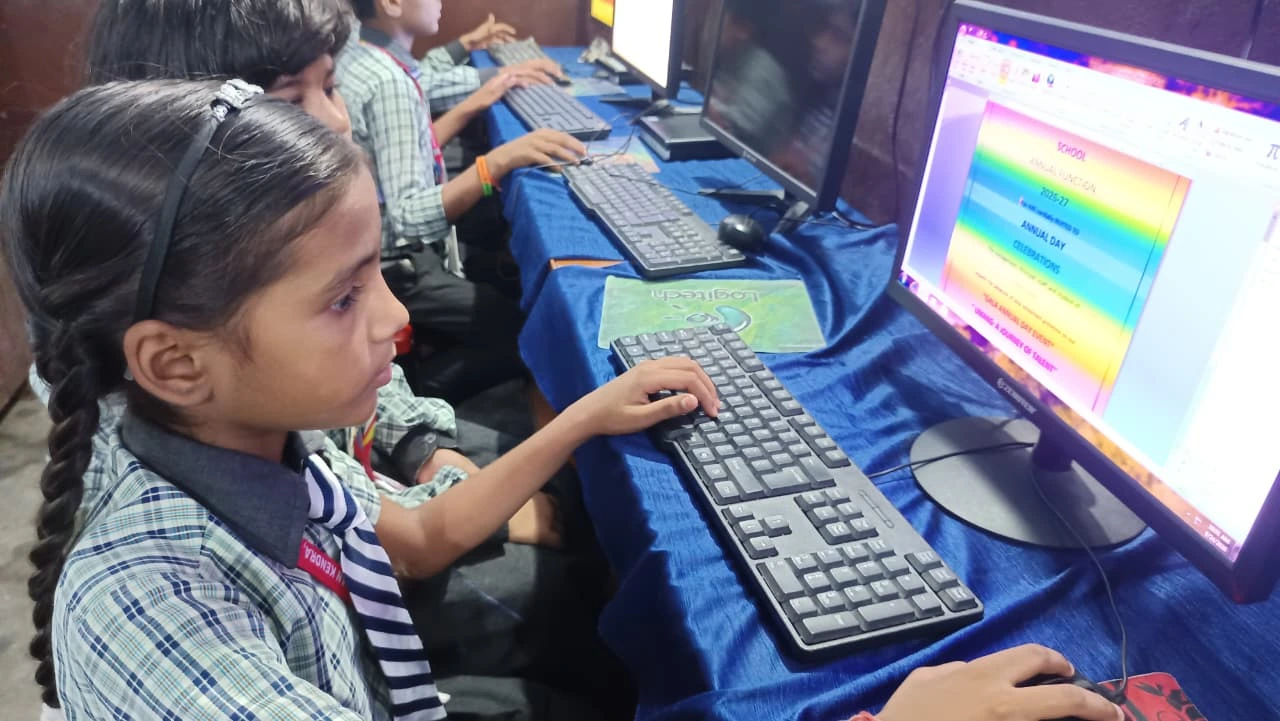
This is where a purpose-built student computer like the Apna PC makes sense. Designed by Apni Pathshala, the Apna PC costs Rs.30,000 (shipping and GST excluded) and comes ready to use out of the box. It’s built specifically for Indian students, not repurposed from an office environment.
Here’s what you get with an Apna PC instead of struggling with ageing hardware:
- 8GB RAM and 128GB SSD: Fast, responsive, no lag when your child multitasks
- Zorin OS: A free, lightweight Linux operating system that’s stable and secure
- Pre-loaded software: LibreOffice for documents, Scratch for coding, and Apni Prerna for parental monitoring
- Warranty and support: You’re not on your own if something goes wrong
- No licence worries: All software is legal and included
- Educational focus: Built for learning, not leftover office work
The Apna PC is Rs. 4,500- 10,000 more expensive than upgrading a decade-old desktop, but you get a machine designed for your child’s needs, not a repurposed office box that might fail next month. For parents in tier 2-3 cities where technical support isn’t always easy to find, this peace of mind matters.
Making Your Decision
Ask yourself three honest questions before deciding whether to reuse that old desktop. First: does it have at least 8GB RAM and an SSD, or are you willing to spend Rs.5,000-10,000 to upgrade it? Second: do you have the technical skills or local support to install a free OS like Linux, or buy a Windows licence? Third: can you afford to replace it if it fails in the middle of your child’s school year?
If you answered no to any of these, reusing an old office PC isn’t the smart choice you think it is. You’re not really saving money. You’re just delaying the purchase and risking your child’s studies.
Whether to replace or upgrade a student’s computer depends on your situation, but for most Indian families, a new student-focused computer is a better investment than gambling on ageing hardware. By choosing a computer built for learning, you’re also reducing electronic waste, supporting India’s Digital India initiative, and giving your child the tools to succeed, whether they’re following the Central Board of Secondary Education (CBSE) curriculum or another board.
Your child’s education deserves a computer that won’t let them down. Visit apnapc.com to learn more.