


Meera sat at her kitchen table in Indore, watching her 14-year-old son Arjun struggle with his history project. He’d spent three hours printing photos and cutting them out with scissors when his teacher asked for a digital poster with edited images. His older cousin in Bangalore had casually mentioned photo editing for students, and suddenly Meera realised her son didn’t have the right tools or the right computer. She didn’t know where to start, but she knew something had to change. That’s when she discovered that photo editing software and visual projects aren’t just for professionals anymore. They’re essential skills for today’s students.
Why Photo Editing for Students Matters Now
Your child’s school projects aren’t what they used to be. Teachers across India now expect students to create posters, presentations, and social media graphics that look polished and professional. Whether it’s a science project poster for the school exhibition or a social studies presentation, photo editing skills make the difference between a good project and a great one.
Photo editing doesn’t mean expensive software or complicated tools. It means your student can take a simple photo, crop it, adjust the brightness, add text, and create something that looks like they spent hours on it. These skills help build confidence and creativity while making schoolwork easier. That’s why photo editing has become part of everyday homework in Indian schools.
Free Photo Editing Software Your Student Can Use Right Now
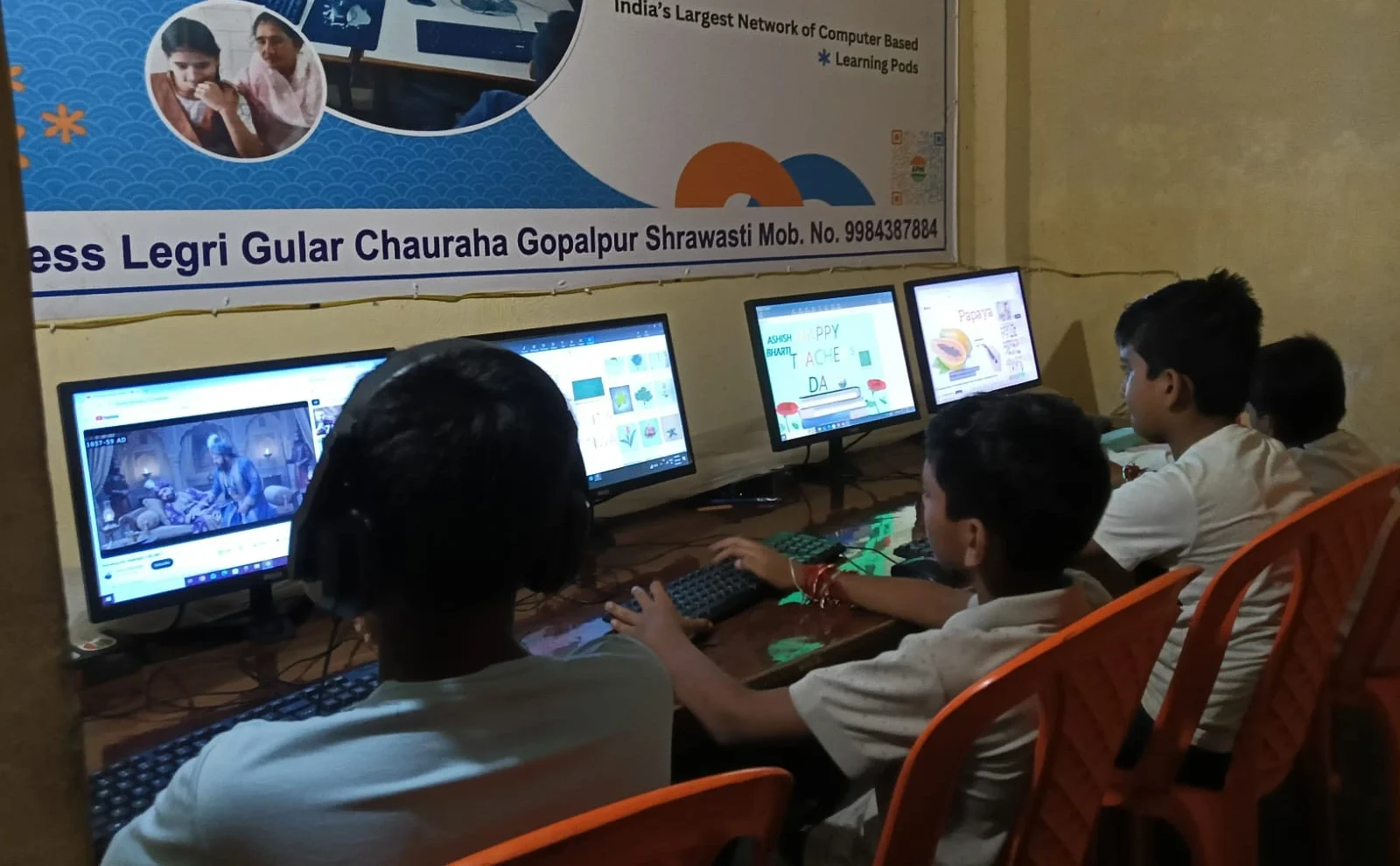
You don’t need to spend money to get started. Here are tools your child can use today:
- GIMP – A powerful, free photo editing software that works like Photoshop but costs nothing. It’s perfect for creating posters and editing images.
- Canva – Free online tool with templates for social media graphics, presentations, and posters. Your student just needs to log in and drag-and-drop images.
- Pixlr – Simple, browser-based editor that doesn’t require installation. Great for quick edits and adding effects.
- Photopea – Works like Photoshop in your web browser. No installation needed, completely free.
- Paint.NET – Lightweight and easy to learn. Perfect for beginners who find GIMP too complicated.
Your student can start with any of these today. They’re all free, work on basic computers, and are powerful enough for school projects.
What Your Student’s Computer Actually Needs for Visual Projects
Here’s what matters: RAM and storage. When your child opens photo editing software and works with images, the computer needs enough memory to handle multiple files at once. A computer with 4GB RAM will struggle; 8GB RAM runs smoothly without freezing.
Storage matters too. A few edited photos don’t take much space, but when your student’s working on multiple projects with high-resolution images, you want at least 128GB of storage so nothing slows down. The processor should be decent enough to handle rendering and saving files without making your child wait forever.
You also need an operating system that doesn’t cost extra. Windows licenses are expensive, but alternatives like Zorin OS give you everything you need without the extra cost. Your student gets a computer that’s ready to work, not a computer that needs updates and licenses the moment you buy it.
Real Uses: From School Projects to College Portfolios
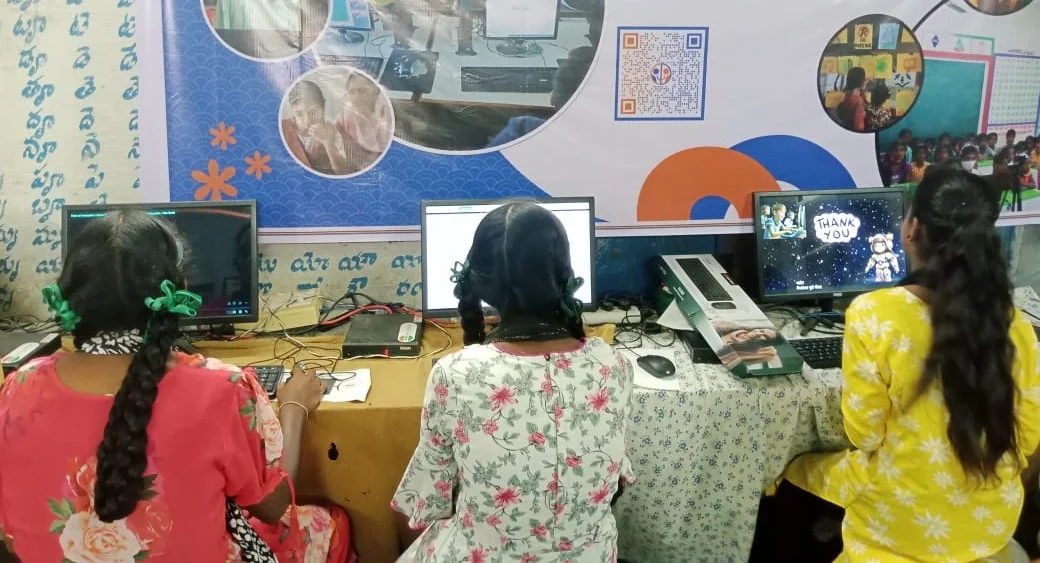
Think about what your child actually needs to create:
- Science Fair Posters – Edit photos of experiments, add labels, create professional-looking displays that stand out at school exhibitions.
- History and Social Studies Projects – Combine historical images, add captions, create timelines with edited visuals.
- Presentation Slides – Add custom graphics, edit background images, make presentations look polished instead of boring.
- Social Media Graphics – For school clubs, events, or even personal projects. Students learn how to create content that actually gets noticed.
- Portfolio Building – By the time your child reaches college, having examples of visual projects makes their applications stronger.
These aren’t luxury skills. They’re practical abilities that help your student succeed in school and prepare for college. Photo editing for students feeds straight into these assignments, from the class notice board to the college application file.
Apna PC: The Computer Built for Student Projects Like These
This is where Apna PC comes in. At Rs.30,000, it’s designed specifically for students who need to do real work without spending a fortune. It comes with 8GB RAM and 128GB SSD storage, which means your child can run photo editing software smoothly without the computer freezing or crashing mid-project.
The computer comes pre-loaded with Zorin OS, which is free and built for people who want something familiar but without Windows costs. It includes LibreOffice for document work, Scratch for learning coding, and Apni Prerna, the student monitoring system, so you stay connected to your child’s learning.
More importantly, Apni Pathshala, an organisation focused on education, made Apna PC. This isn’t a random budget computer. It’s built with students in mind. Your child gets a computer that handles photo editing, video projects, presentations, and all the visual work modern schools require. If your student is interested in more creative work, they can even explore learning animation on their own PC.
The government’s DIKSHA digital learning platform and Digital India initiative are pushing schools toward digital learning. Your student needs a computer that can keep up with these changes. Apna PC does exactly that without breaking your budget.
Getting Started with Photo Editing for Students
Start by letting your child experiment with free software like Canva or GIMP. See what they create, see what they’re interested in. You don’t need expensive tools to discover whether your child enjoys visual projects.
When you’re ready for a computer that can handle serious photo editing and visual projects without lag or frustration, Apna PC gives you that power at a price that makes sense for Indian families. Your child deserves tools that match their ambitions, not a computer that holds them back. Visit apnapc.com to learn more.