


When Aarav Got His Own Personal PC for Kids
Last month, Priya from Indore made a decision that changed everything for her 10-year-old son Aarav. He’d been sharing the family laptop with his older sister, waiting his turn, losing his creative momentum. When Aarav finally got his own personal PC for kids, something shifted. Within days, he wasn’t just doing homework. He was building things. Digital things. Things that made his eyes light up.
Aarav started small. A simple animation in Scratch. Then a poster for his school project using LibreOffice. His teacher noticed the difference immediately. The work was sharper, more detailed, more his own. Priya realised she’d given her son more than a computer. She’d given him a creation tool.
Your Child Needs More Than Just a Device
Most parents think a personal PC for kids is about gaming or watching videos. Thats only half the story. When you give your child the right device with the right software, you’re opening doors to skills they’ll need for the next decade. Coding. Digital design. Content creation. Video editing. All of these start with a space to experiment.
The problem is expensive laptops and complicated software get in the way. Your child needs something simple, affordable, and designed specifically for learning and creation. Thats exactly what a personal PC should do.
What Makes a Personal PC Perfect for Creative Learning
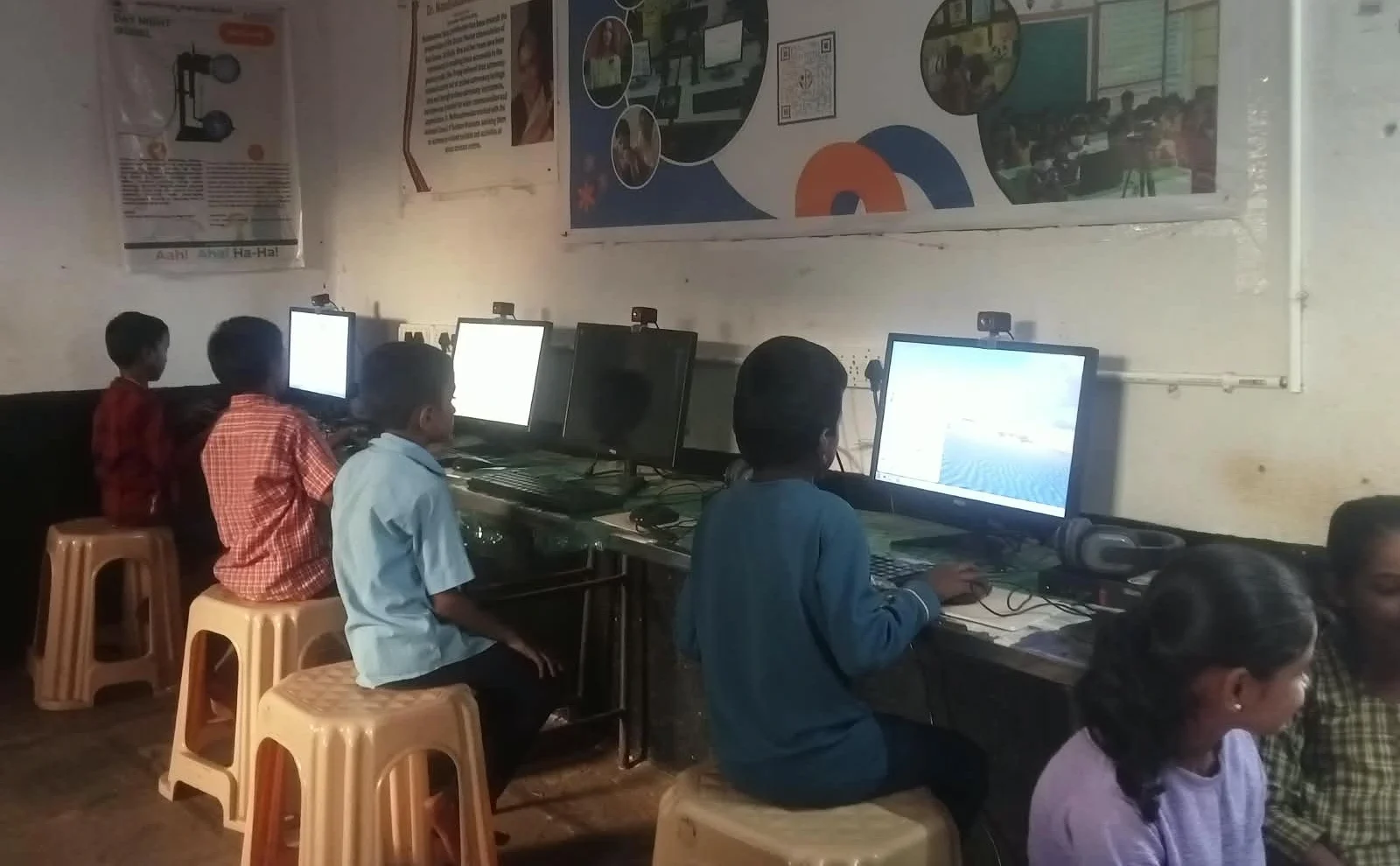
A personal PC for kids needs four things. First, enough power to run creative software smoothly. Second, software that teaches, not just entertains. Third, parental controls so you know what’s happening. Fourth, affordability so it fits your budget.
- Smooth Performance: 8GB RAM and 128GB SSD means no lag when your child is creating. Scratch runs fast. LibreOffice opens instantly. Video projects dont freeze halfway through.
- Right Software Stack: Pre-loaded creative tools matter. Your child shouldnt need you to install complicated programs. Everything should be ready to use.
- Parental Visibility: You need to see what your child is working on and how much time they’re spending. This isn’t about spying. It’s about being involved in their digital life.
- Affordable Price: A quality personal PC at Rs.30,000 (before shipping and GST) is realistic for tier 2 and tier 3 city families. It’s an investment in skills, not a luxury.
Real Projects Your Child Can Create Today
When you give your child a personal PC, they’re not just consuming content. They’re producing it. Here’s what actually happens in homes across India when kids get their own devices.
Science projects become interactive presentations. Your child uses LibreOffice to build slideshows with animations, images, and data visualisations. History assignments turn into video documentaries. They film, edit, and narrate their own stories. Math concepts get coded into Scratch games where other students can learn by playing. These aren’t just school projects. They’re portfolios of skills.
One student from Nagpur used her personal PC to create a Scratch game teaching younger kids about water conservation. Another from Pune built a digital poster series on climate change. These weren’t assignments. These were creations that came from having their own space to think, experiment, and build.
Why Zorin OS and Apni Prerna Matter
The operating system matters more than you think. Zorin OS is built for students. It’s clean, intuitive, and free from distractions. Your child sees what they need to see. Nothing else.
Apni Prerna is the monitoring software from Apni Pathshala. It lets you track your child’s learning without invading their privacy. You see which apps they’re using, how long they spend on creative work versus distractions, and you can set healthy limits. It’s peace of mind built in.
Check the benefits of a personal computer for a student to understand how these features directly impact learning outcomes. Research from UNESCO shows that personalised learning devices significantly boost engagement and skill development.
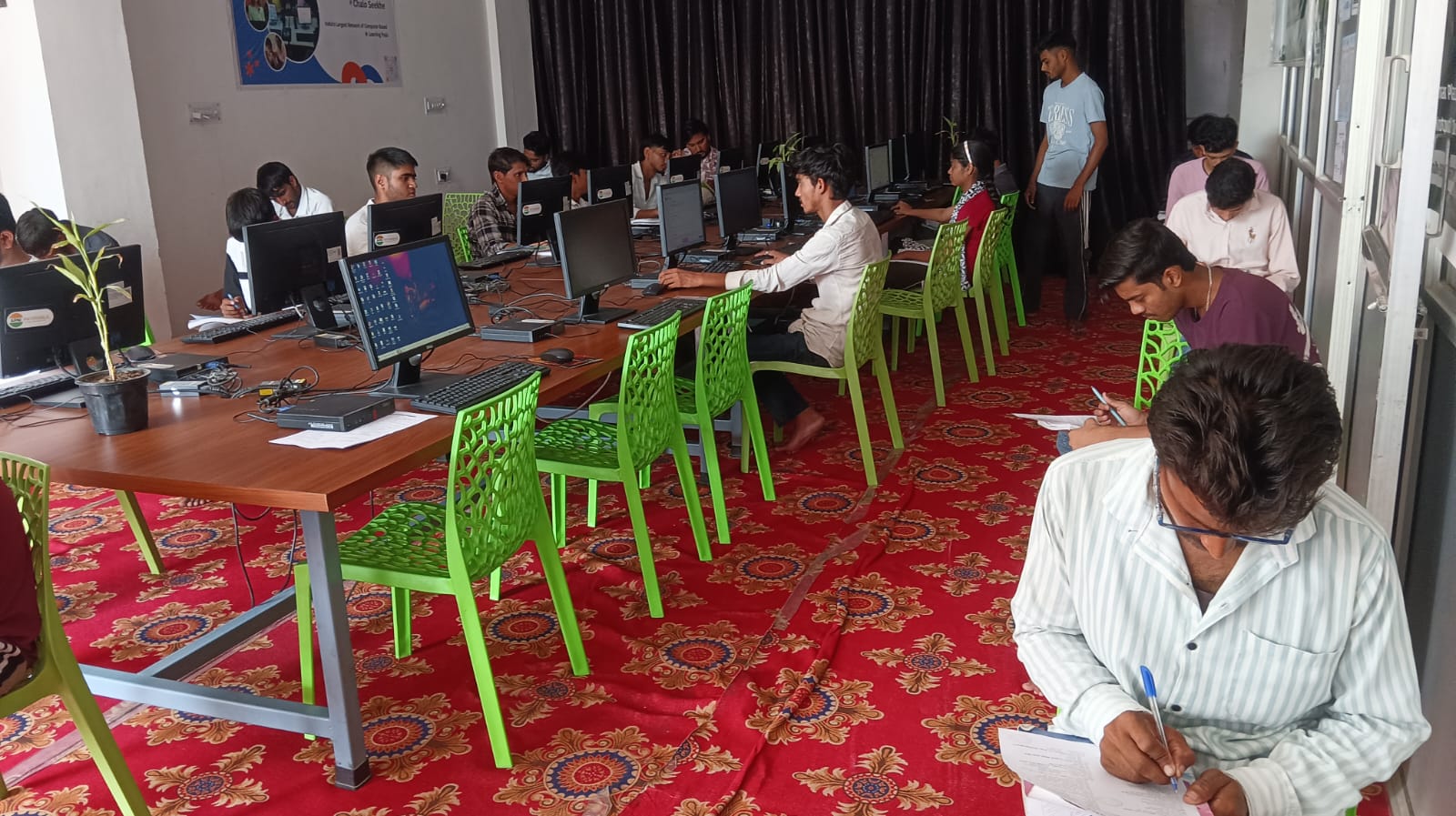
Alignment With Your Child’s Curriculum
Your child’s school curriculum already expects digital skills. The CBSE official site emphasises coding and digital literacy from class 6 onwards. The DIKSHA digital platform, used by millions of Indian students, requires devices that can run educational software smoothly.
When your child has a personal PC with Scratch pre-loaded and LibreOffice ready, they’re not just keeping up with curriculum expectations. They’re getting ahead. They understand how digital tools work. They can create instead of just consume. They develop problem-solving skills that go way beyond the textbook.
The Investment That Keeps Paying Back
Rs.30,000 feels like a big number. But spread it across the years your child will use this device, it’s actually affordable. More importantly, you’re not just buying hardware. You’re investing in your child’s ability to create, learn, and express themselves digitally.
Aarav from Indore is now 11. His personal PC has become his thinking space. His creative lab. His learning companion. Priya says she sees him more focused, more confident, more excited about school projects. That shift happened because he had his own device. His own space. His own tools.
Your child deserves the same opportunity. A personal PC designed for kids isn’t a luxury anymore. It’s how learning happens today. Visit apnapc.com to learn more.