


Rajesh sat in his small flat in Indore, staring at his laptop screen. His son Arjun had just cleared his 10th board exams and would start college in two months. The boy needed a computer for his engineering entrance prep, but Rajesh was confused. Should he buy a gaming laptop? A budget Windows machine? An old second-hand Dell? His brother suggested one thing, his colleague another. Rajesh realised he didn’t know what to actually look for. He wasn’t alone. Thousands of parents across Tier 2 and Tier 3 Indian cities face the same confusion when comparing student computers.
Choosing the right computer for your child isn’t just about spending money. It’s about picking a tool that actually helps them study, doesn’t distract them, and fits your family’s budget. This guide will walk you through what you should really compare before making that decision.
Start With Your Child’s Actual Needs: Not Gaming, Not Showing Off
Before you start comparing computers, ask yourself what your child will actually do on this machine. Will they watch online classes? Write assignments? Code for programming exams? Research projects? Most students need a computer for learning, not for playing the latest games or running heavy software.
This changes everything about what you should compare. A gaming computer costs twice as much, but your child doesn’t need those features. You’re paying for something they’ll never use. That’s wasted money.
Ask your child’s school or coaching centre what software they recommend. Check if they use platforms like the DIKSHA digital platform for classes. Check the official CBSE site to see which learning tools they suggest. This research takes 20 minutes but saves you thousands of rupees.
Processor, RAM, and Storage: The Real Student Computer Comparison
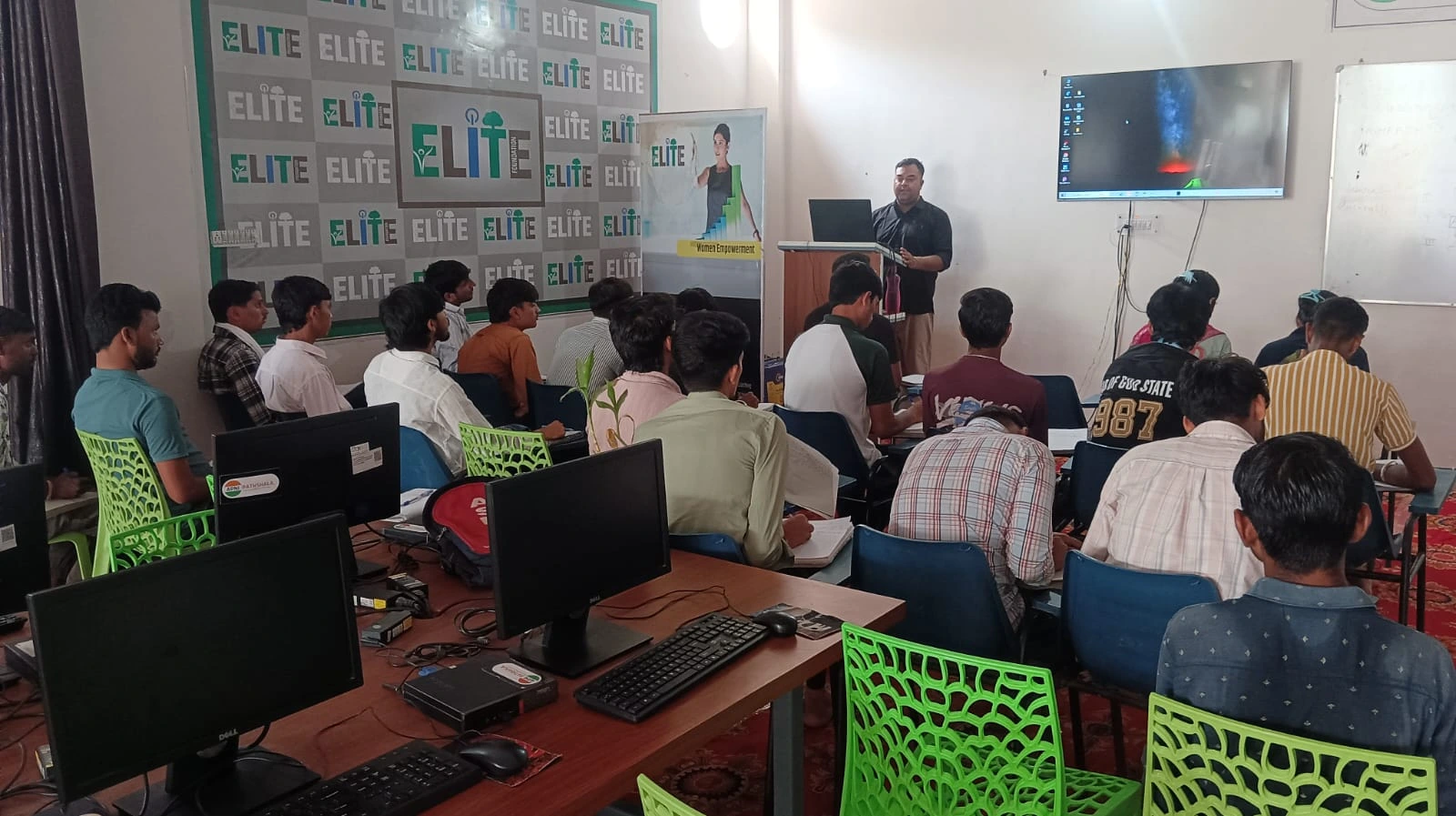
When you compare student computers, focus on three things: processor, RAM, and storage. Ignore the marketing talk about “ultra-fast” or “gaming-grade.” Look at actual specs.
Your child needs:
- A decent processor (Intel i3 or AMD equivalent) that handles multiple browser tabs and office work without freezing
- At least 8GB RAM so they can keep 10 tabs open, write a document, and have a video call without the computer crashing. Read our RAM guide for student computers to understand why this matters
- 128GB or 256GB SSD storage for assignments, projects, and study materials without running out of space
Don’t fall for the “i7 processor” trap. Your child studying chemistry doesn’t need what a video editor needs. An i3 with 8GB RAM works perfectly for school and college coursework.
Operating System Matters More Than You Think
Here’s where many parents make mistakes when comparing student computers. They assume Windows is the only option because “everyone uses it.” But that’s not true anymore.
Windows machines are cheap but come loaded with bloatware. Your child gets distracted by games, ads, and unnecessary programs. Linux-based systems like Zorin OS are clean, focused, and built for learning. They block distractions and help students focus on studying.
Some computers even come with built-in student monitoring features and learning apps already installed. This means you’re not buying a blank machine. You’re buying a learning tool that’s ready to use on day one.
Price Isn’t Everything, But Your Budget Is Real
You probably have a budget. Maybe Rs.30,000. Maybe Rs.50,000. That’s okay. When you compare student computers, don’t just pick the cheapest option. Pick the best value for your money.
A cheap computer that crashes every week wastes your money and your child’s study time. A reliable computer at Rs.30,000 with enough RAM and ready for learning is better than a Rs.45,000 gaming machine your child will never use for games.
Look for computers specifically designed for students. They cost less because they don’t have unnecessary gaming features. They come with educational software already loaded. They’re built for what students actually do.
Software and Pre-Loaded Features: The Hidden Advantage
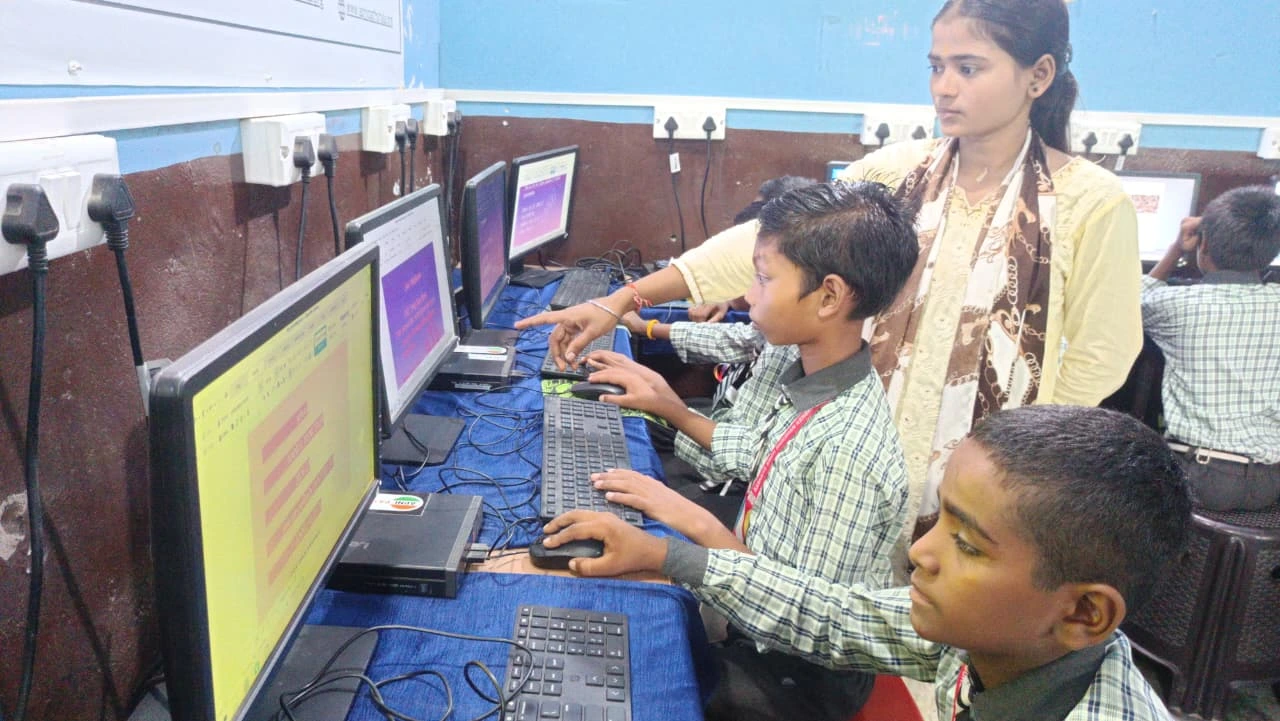
When comparing computers, check what software comes pre-installed. Does it have LibreOffice for writing assignments? Scratch for learning coding? Video conferencing tools? Study apps?
If you have to buy and install everything separately, you’re adding Rs. 5,000 to Rs. 10,000 to your actual cost. Some student computers come with everything built in. You save money, and your child starts studying immediately.
Look for computers from educational organisations. Apni Pathshala has designed computers specifically for Indian students. They understand what students need because they work in education.
Digital India and Your Child’s Future
India is moving toward digital learning. The government’s Digital India initiative is pushing technology in education. Your child will need a computer eventually. It’s not a luxury anymore. It’s becoming essential.
When you compare student computers today, you’re not just buying for this year. You’re investing in your child’s ability to learn and compete in a digital world.
The Smart Parent’s Checklist for Student Computer Comparison
Before you buy, compare these things:
- Processor: i3 or equivalent is enough
- RAM: Must be 8GB minimum
- Storage: 128GB SSD at least
- Operating System: Clean, distraction-free (like Zorin OS)
- Pre-installed Software: Office tools, coding apps, learning platforms
- Build Quality: Durable enough for daily student use
- Warranty and Support: Available in your city
- Price: Best value, not just cheapest
When you compare student computers using this checklist, you’ll make a decision you won’t regret. Your child gets a tool that actually helps them study. You get peace of mind knowing you made the right choice.
Apna PC is built exactly for this purpose. At Rs.30,000, it has everything your child needs: 8GB RAM, 128GB SSD, Zorin OS for focus, and pre-loaded educational apps. No distractions. Just learning. Visit apnapc.com to learn more.