


Rajesh’s Dilemma: A Real Story from Nagpur
Rajesh sat in his small electronics shop in Nagpur, scrolling through his phone. His daughter Priya had just passed her 10th board exams and needed a computer for her engineering entrance prep. “Beta, should I buy her a blank PC from the market or one with software already loaded?” he asked his wife over chai. His wife wasn’t sure, and neither was he. Like many parents in Tier 2 and Tier 3 cities across India, Rajesh knew a computer with software mattered, but he didn’t know whether it was worth the extra cost.
This confusion is real. When you’re shopping for a student computer, you face a tough choice: buy a blank PC and install everything yourself, or buy a computer with software already installed. The answer matters more than you think, especially if your child is serious about studies.
What Does a Computer With Software Already Installed Mean?
A computer with preinstalled software means the device arrives ready to use. Instead of a blank screen and an operating system, you get applications already installed and configured. Think of it like buying a furnished flat versus an empty one. You don’t have to hunt for tools, install drivers, or waste time on setup.
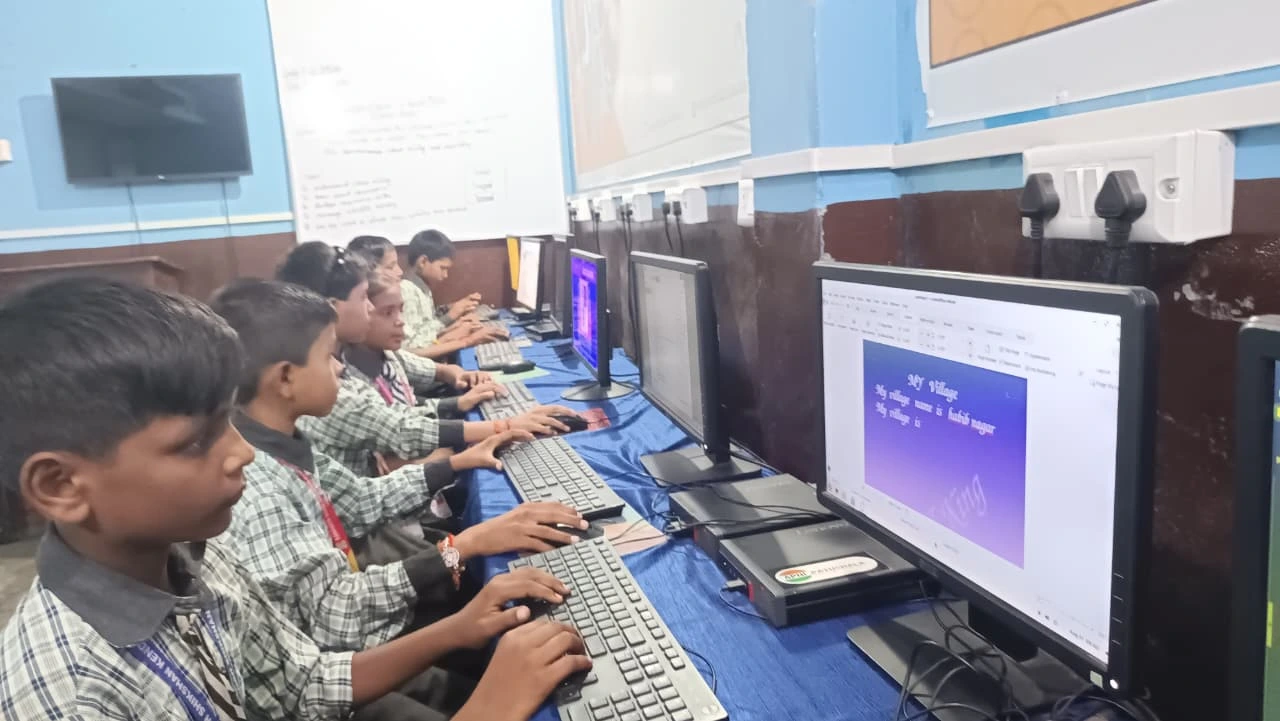
Apna PC, developed by Apni Pathshala, is a perfect example. It comes loaded with Zorin OS (a student-friendly operating system), LibreOffice (for documents and presentations), Scratch (for coding), and Apni Prerna (a tool to monitor your child’s learning progress). Your child opens the computer and starts studying immediately. No confusion. No wasted time.
Compare this to a blank PC. You buy the hardware, then spend hours installing an operating system, hunting for legitimate software, and hoping everything works together. Many parents end up buying expensive software licenses or, worse, using pirated versions.
Why Blank PCs Seem Cheaper But Cost You More
A blank PC looks cheaper upfront. You might save Rs. 5,000 to Rs. 10,000 initially. But here’s what actually happens next. You need to buy Windows (Rs.5,000 to Rs.15,000 for legitimate versions). You need Microsoft Office (Rs.6,000 onwards annually). You need antivirus software. You need coding tools. Suddenly, your “cheap” computer costs more than one that came with software already included.
Beyond money, there’s the time cost. Your child loses study hours while you figure out installations. Your child gets frustrated with a slow, bloated system full of unnecessary programs. Your child might fall behind in their studies because the computer isn’t optimised for learning.
Parents in Tier 2 and Tier 3 cities often don’t have easy access to tech support. If something breaks, you can’t just walk into a service centre. A blank PC becomes a headache.
Why a Computer With Software Beats a Blank PC Every Time
Educational software isn’t just about having programs installed. It’s about having programs for your child’s needs. Apna PC includes Scratch, which teaches coding to beginners. It includes LibreOffice, which is free, powerful, and perfect for students. It includes Apni Prerna, which lets you monitor what your child is learning and how much time they’re spending on studies.
This monitoring feature matters. As a parent, you can see if your child is actually studying or just scrolling through social media. You can identify weak areas and help them focus. This isn’t about spying on your child. It’s about being in their education, which research shows improves academic performance.
Zorin OS, the operating system on Apna PC, is lightweight and fast. It doesn’t slow down over time like Windows often does. Your child’s computer stays responsive and reliable throughout their studies. No frustration. No lost productivity.
Cost Comparison: The Numbers That Matter
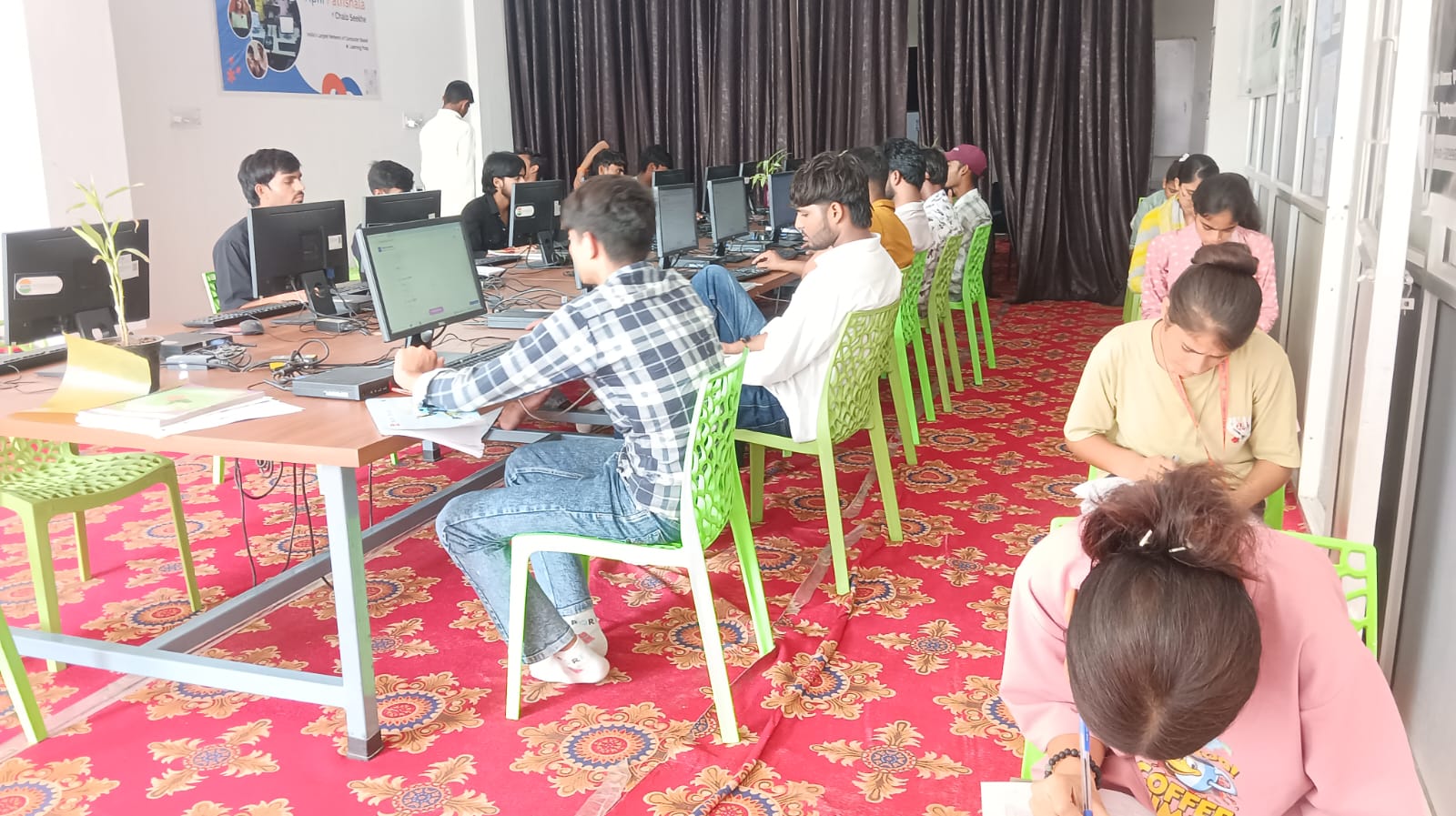
Lets do the math. Apna PC costs Rs.30,000 (excluding shipping and GST). It comes with 8GB RAM and 128GB SSD, plus all the software your child needs. Compare this to building a blank PC with similar specs and then buying software.
- Blank PC hardware: Rs.25,000 to Rs.28,000
- Windows 11 license: Rs.8,000 to Rs.12,000
- Microsoft Office (annual): Rs.6,000 to Rs.10,000 per year
- Antivirus software: Rs.2,000 to Rs.5,000 per year
- Tech support and fixes: Rs.1,000 to Rs.3,000 (over time)
- Your time and stress: Priceless
In year one alone, a blank PC costs you Rs.42,000 to Rs.58,000 when you add everything up. A computer with software like Apna PC costs Rs.30,000 and includes everything. In year two and beyond, you save even more because you’ve already paid for the software.
Is a Blank PC Ever the Right Choice?
Yes, but only in specific situations. If your child is a tech expert who enjoys building and configuring systems, a blank PC might work. If you have access to free, legitimate software and know how to install it properly, you could manage. If you have a trusted tech support person nearby, it becomes less risky.
For most families in India, though, these conditions don’t apply. Most parents aren’t tech experts. Most students need to start studying, not learning how to set up a computer. Most families benefit from having everything ready to go.
If you’re considering a second-hand option, check out second-hand office PC options, but remember used computers come with their own risks and may not include the educational software you need.
What Educational Experts Say About Preinstalled Software
According to UNESCO education research, students learn better when technology removes barriers, not creates them. When a student opens a computer and finds everything ready, they focus on learning, not troubleshooting. Research shows classroom productivity increases when students spend less time on setup and more time on actual work.
India’s Digital India initiative pushes for technology access in education. This vision includes making computers affordable and ready-to-use for students. Apna PC aligns with this vision by providing educational technology that works out of the box.
A personal computer is only useful if it actually gets used for its intended purpose. If setup barriers prevent your child from using it, it’s just an expensive paperweight.
Back to Rajesh and Priya
After researching, Rajesh decided to buy Priya a computer with preinstalled software. He chose Apna PC because it came ready for her engineering entrance prep. Priya opened it on day one and started solving problems immediately. No installation headaches. No wasted time. No pirated software worries.
Six months later, Priya’s grades improved. She spent less time figuring out technology and more time studying. Rajesh’s wife could see through Apni Prerna what Priya was learning and for how long. The family felt confident that the investment was worth every rupee.
Your family can have the same experience. A computer with software saves you money, saves you time, and helps your child study better. When you’re choosing between a blank PC and one with software, choose the one that lets your child focus on what matters: learning. Visit apnapc.com to learn more.