


Rajesh’s Dilemma: Why His Daughter Needed More Than a Chromebook
Rajesh Kumar sat in his small flat in Indore, staring at the school fee receipt. His daughter Priya, a class 8 student, needed a computer for her science project on renewable energy. The local shop owner had suggested a Chromebook, calling it “enough for schoolwork.” But Rajesh felt uncertain. He wanted something that would last through her entire school journey, not just this year. His concern was real: would a Chromebook truly handle everything Priya’s education would demand?
This is the question many parents in tier 2 and tier 3 Indian cities are asking right now. The choice between a desktop vs a Chromebook for your child’s schooling isn’t just about price. It’s about what your child can actually do with the device, how long it will serve them, and whether it supports their learning properly. A desktop computer offers capabilities that a Chromebook simply cannot match, especially for serious academic work.
What Can Your Child Really Do on a Chromebook?
Chromebooks are lightweight and cheap. They load fast and are perfect for watching videos or browsing the internet. But here’s the catch: they rely entirely on an internet connection and cloud-based applications. If your internet cuts out (which happens often in many Indian cities), your child can’t do their homework. Chromebooks also can’t run software like Adobe Creative Suite, advanced spreadsheet tools, or programming environments that schools increasingly expect students to learn.
Think about science projects. Your child needs to create 3D models, edit videos, or use specialised educational software. A Chromebook will disappoint you here. The same goes for coding classes, which are now part of school curriculum in many cities. Chromebooks have limited programming support compared to a full desktop operating system. Your child will hit a wall when they need to do real work.
- Internet dependency: Chromebooks need a constant connection. Your child can’t work during load shedding or poor WiFi days.
- Limited software: No desktop applications means no professional tools for design, video editing, or coding.
- Weak performance: Chromebooks struggle with multiple browser tabs and heavy applications.
- Storage issues: Most Chromebooks have only 32GB of storage, which fills up quickly.
- No offline work: Creating projects offline is nearly impossible on a Chromebook.
Why a Desktop Computer Wins for School and Beyond
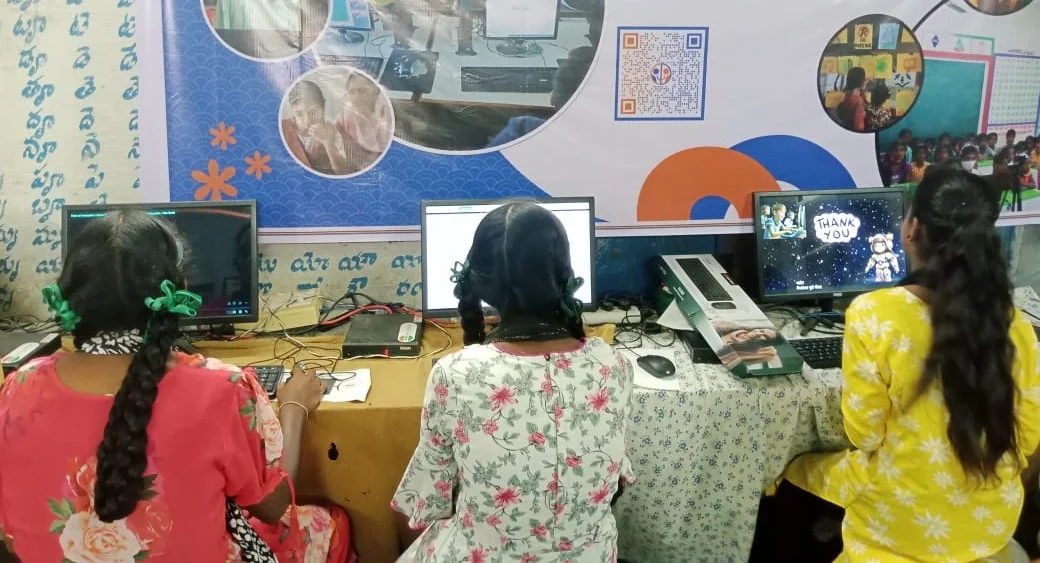
A desktop computer gives your child real power. It works offline for projects, runs any software a school might require, and handles multitasking smoothly. When your child is in Class 10 and preparing for CBSE board exams, they need a machine that can handle study apps, video lectures, online tests, and research at the same time. A desktop does all this without breaking a sweat.
The performance difference matters too. A desktop with 8GB RAM and 128GB SSD storage can run LibreOffice, design software, and educational platforms like the DIKSHA digital learning platform without slowing down. Your child can actually focus on learning instead of waiting for the computer to respond. Speed builds confidence and keeps them engaged with their studies.
Storage capacity is another huge advantage. A Chromebook with 32GB storage fills up immediately. A desktop with a 128GB SSD gives your child room to save projects, notes, videos, and resources for years. Your investment lasts longer and adapts to your child’s growing needs.
The Real Cost of Choosing Wrong
Here’s what many parents don’t realise: buying a cheap Chromebook today means buying another device in two years. Your child outgrows it as their curriculum becomes more demanding. You end up spending more money overall. A quality desktop, on the other hand, supports your child from class 6 through class 12 and beyond into college.
Consider Apna PC by Apni Pathshala. This educational computer is designed specifically for Indian students and priced at just Rs.30,000 (plus shipping and GST). It comes pre-loaded with Zorin OS, LibreOffice for documents and spreadsheets, Scratch for coding, and Apni Prerna for student monitoring. Your cṄhild gets a real desktop that handles serious schoolwork, not a limited web browser.
If you’re wondering whether an assembled desktop or a branded one is better, read our comparison on assembled PC vs branded PC. The answer might surprise you. Quality matters, but so does purpose-built design for your child’s needs.
What Education Experts Say About Technology for Learning
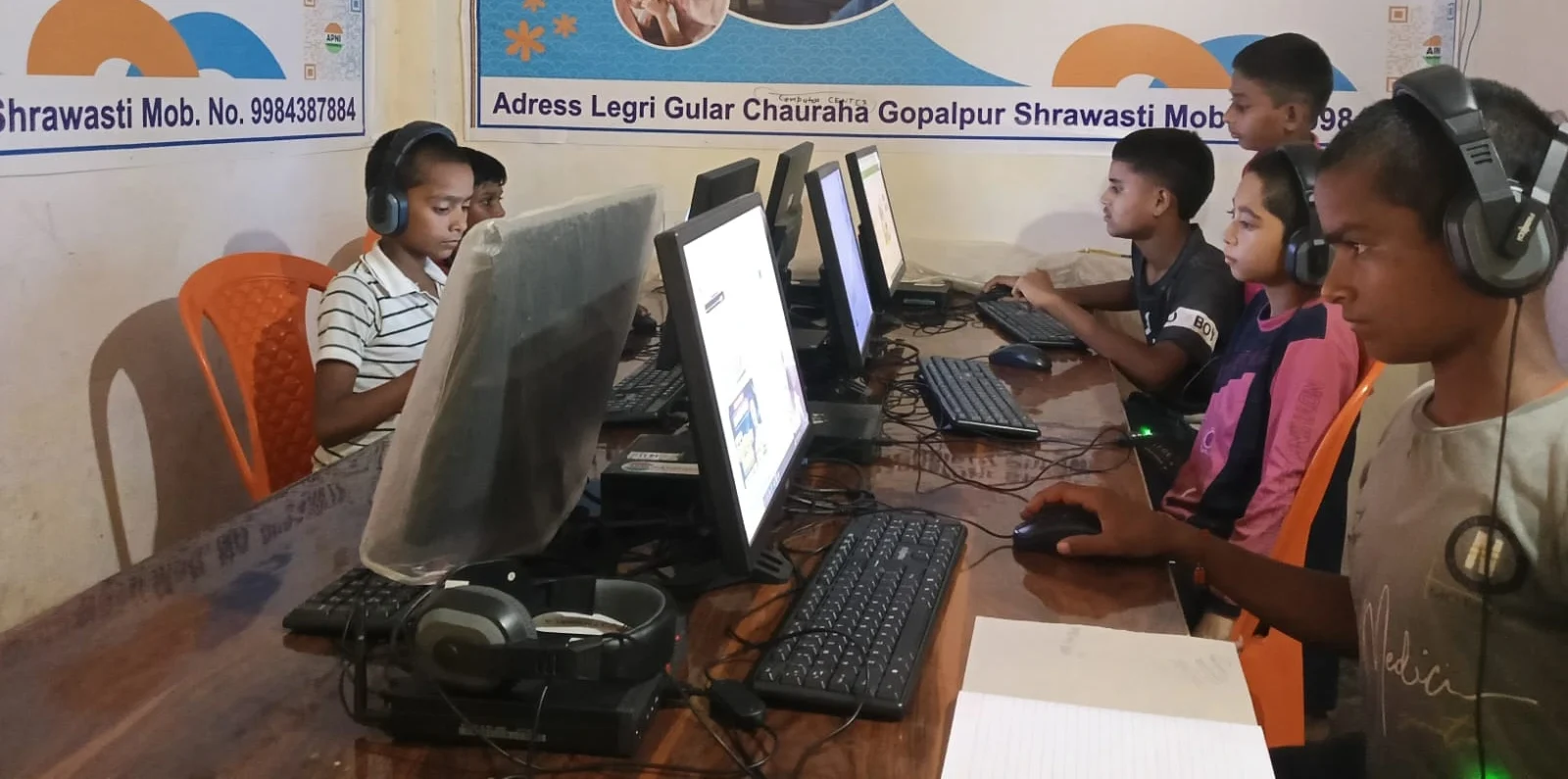
Research from UNESCO shows that students learn better when they have tools that match their learning tasks. A Chromebook limits what students can attempt. A desktop opens possibilities. With the right machine, your child can explore coding, digital art, video production, and complex problem-solving.
Schools in India are moving toward more practical, hands-on learning. Your child needs a computer that can keep up with this shift. A desktop isn’t just about doing homework faster. It’s about preparing your child for a world where digital skills matter deeply.
Making the Right Choice for Your Family
Priya’s father, Rajesh, chose a desktop. Today, she uses it for science projects, online classes, coding practice, and exam preparation. The same machine will serve her through high school and college. His investment was smart because he thought long-term.
Your child deserves a computer that supports their full potential, not one that limits them to web browsing. A desktop for students isn’t a luxury in 2026. It’s a necessity for serious academic work. Chromebook for school might seem cheaper upfront, but a desktop for students pays for itself through years of reliable service and genuine learning support.
Apna PC offers you exactly what your child needs: a powerful, affordable desktop computer designed by educators who understand Indian schools. It’s not just about the hardware. It’s about giving your child the right tool to excel. Visit apnapc.com to learn more.