


Rajesh’s Dilemma in Nashik: Finding the Right Computer for His Daughter
Rajesh sat in the small cyber cafe near his home in Nashik, staring at two quotes on his phone. His daughter Priya had just cleared her 10th boards, and he wanted to buy her a computer for her engineering entrance prep. One quote showed a monitor-included computer for Rs.30,000. The other showed a basic CPU for Rs.18,000 plus a monitor for Rs.15,000 separately. His wife asked the question every parent in Tier 2 cities asks: “Which one gives better value for money?”
If you’re facing the same choice, you’re not alone. Thousands of Indian parents struggle with this decision every year. The question isn’t just about price; it’s about what actually works for your child’s studies. Let’s break down whether a complete computer setup or buying components separately makes sense for you.
Monitor Included Computer: What You Actually Get
A monitor-included computer comes as a complete package. Everything is tested together, delivered together, and works together from day one. You unbox it, plug it in, and start studying. No confusion about compatibility, no running around to different shops.
Take Apna PC as an example. This educational computer comes preloaded with 8GB RAM, a 128GB SSD, Zorin OS, LibreOffice, and Scratch. The monitor is already calibrated for the system. You don’t waste time on setup or troubleshooting hardware conflicts. For students in smaller cities where tech support isn’t easily available, this matters a lot.
The real value shows in what comes pre-loaded. Apni Prerna helps parents monitor study progress. LibreOffice handles all your document needs at no extra cost. Scratch teaches coding basics to beginners. These aren’t random additions; they’re built specifically for Indian students preparing for competitive exams and board studies.
Buying Separately: The Hidden Costs Nobody Mentions
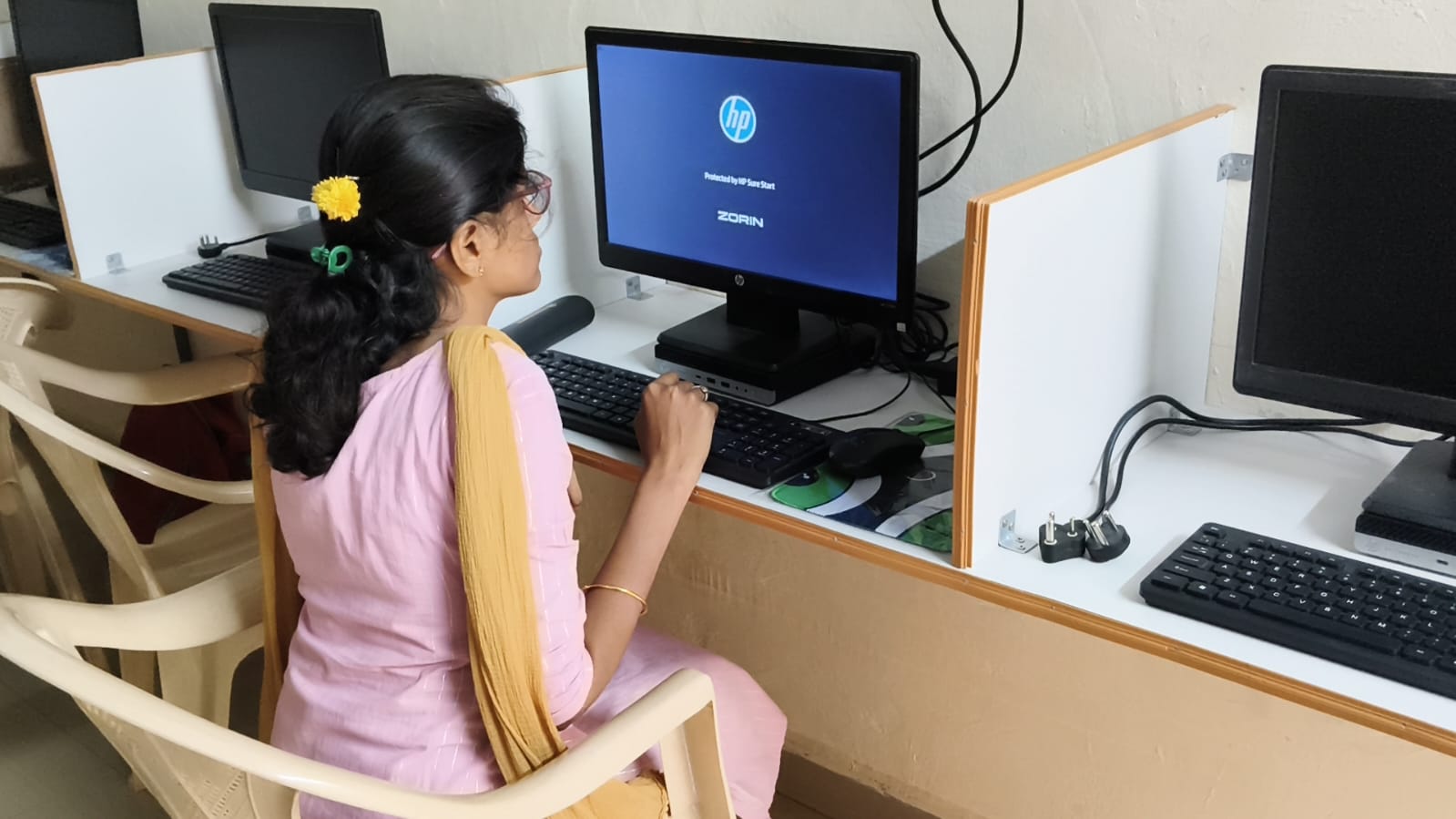
Buying a CPU and monitor separately seems cheaper on paper. You might find a CPU for Rs. 18,000 and a monitor for Rs. 15,000, for a total of Rs. 33,000. But wait, there’s more.
First, you’ll need cables, adapters, and connectors. That’s another Rs. 1,000 to Rs. 2,000. Second, you might need installation help if you’re not tech-savvy. Third, and this is crucial, the warranty becomes complicated. If something breaks, you contact the CPU maker or the monitor maker, not one person. Your time gets wasted in back-and-forth.
Many parents in Tier 2-3 cities don’t realise that separate components often come from different sellers with different warranty terms. One part might have a 1-year warranty; another might have 6 months. If your monitor fails after 13 months and your CPU is still under warranty, you’re stuck paying for repairs yourself.
What About Future Upgrades?
Some people argue that buying separately lets you upgrade individual parts later. This sounds smart but rarely happens in practice. Most students use a complete desktop for 4-5 years without upgrades. By then, the technology has moved on so much that upgrading one part makes little sense.
With a complete computer setup, you get a balanced system designed to work together. A student monitor needs to match the CPU’s processing power. You don’t end up with a powerful computer connected to a cheap monitor or vice versa.
Real Talk: Which Monitor-Included Computer Wins for Students?
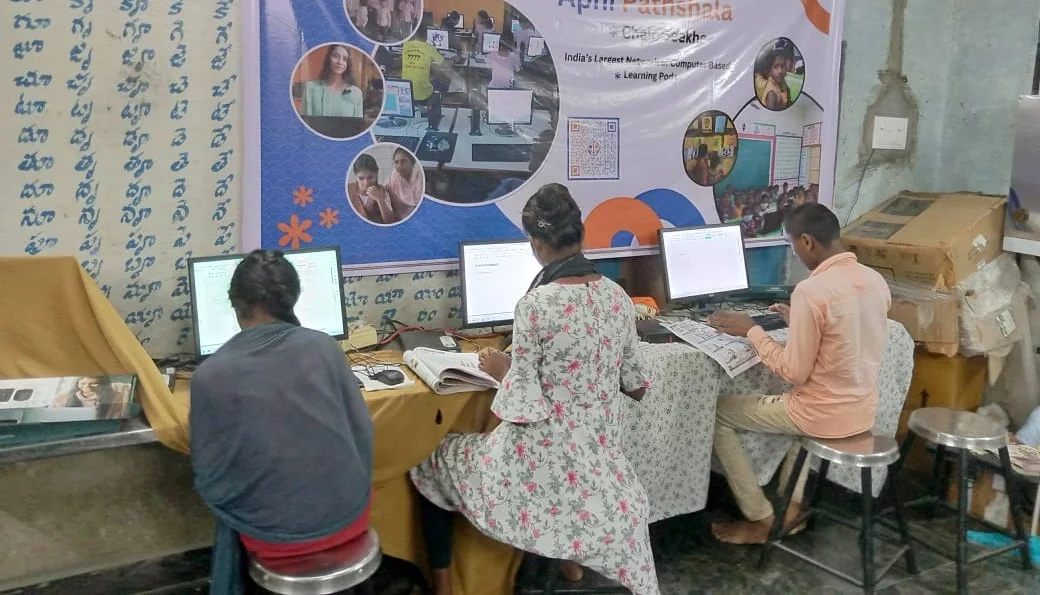
For Priya in Nashik, or for your child, a monitor-included computer wins on three fronts. First, it’s simpler. One purchase, one delivery, one warranty. Second, it’s cheaper when you count all hidden costs. Third, it’s designed specifically for what students need to do: online classes, competitive exam prep, research, and project work.
The Apni Pathshala team understands Indian students’ needs. They designed Apna PC knowing that parents want reliability without complexity. The computer comes with everything a student needs to succeed in their studies and competitive exams.
If you’re still unsure whether a complete setup or separate components suit your needs better, check out the all-in-one vs desktop comparison on Apna PC. The government’s Digital India initiative encourages affordable tech access for students. The Ministry of Education and DIKSHA platform also recommend complete, reliable systems for uninterrupted learning.
Making Your Decision
Rajesh chose the monitor-included computer for Priya. Six months later, she’s preparing for her entrance exams without any technical headaches. Her parents got peace of mind, not just a computer. That’s what good value really means.
Don’t let confusion delay your child’s preparation for competitive exams and studies. Visit apnapc.com to learn more.