


Rahul’s Discovery: Why Computer Audio Skills Changed His Online Learning
Rahul sat in his small room in Indore, staring at his laptop screen during an online class. The teacher’s voice came through tinny, broken speakers from his old computer. He couldn’t hear half the words. His friends in bigger cities had proper headphones and speaker systems. That’s when his mother asked him a simple question: “Why don’t you learn how to set up your computer audio properly?” That question opened a door Rahul didn’t know existed. Learning computer audio isn’t just about making things sound better. It’s about taking control of your learning experience, especially when you’re studying online from home.
You’re probably wondering why computer audio matters when you’re focused on studies. Here’s the truth: your ears are gateways to learning. If your computer audio is poor, you lose information every day. Whether you’re watching educational videos, attending live classes, or listening to recorded lectures, sound quality directly affects how much you understand and remember.
What Is Computer Audio and Why Should You Care
Computer audio isn’t complicated. It’s simply the sound that comes out of your device through speakers or headphones. But here’s what most students don’t know: a lot is happening behind the scenes. Your computer has audio settings, volume controls, driver software, and connection options that you can learn to manage.
When you understand computer audio, you can:
- Connect the right headphones or speakers to your device without struggling.
- Adjust sound levels so you don’t miss important information in lectures.
- Troubleshoot problems when audio stops working during important classes
- Choose the right equipment that fits your budget and study needs.
- Protect your hearing by understanding safe volume levels.
Think about it. How many times have you missed what a teacher said because the audio was unclear? How often have you had to ask someone to repeat themselves in a video call? These aren’t small problems. They’re learning blockers.
Computer Audio Skills for Online Learning
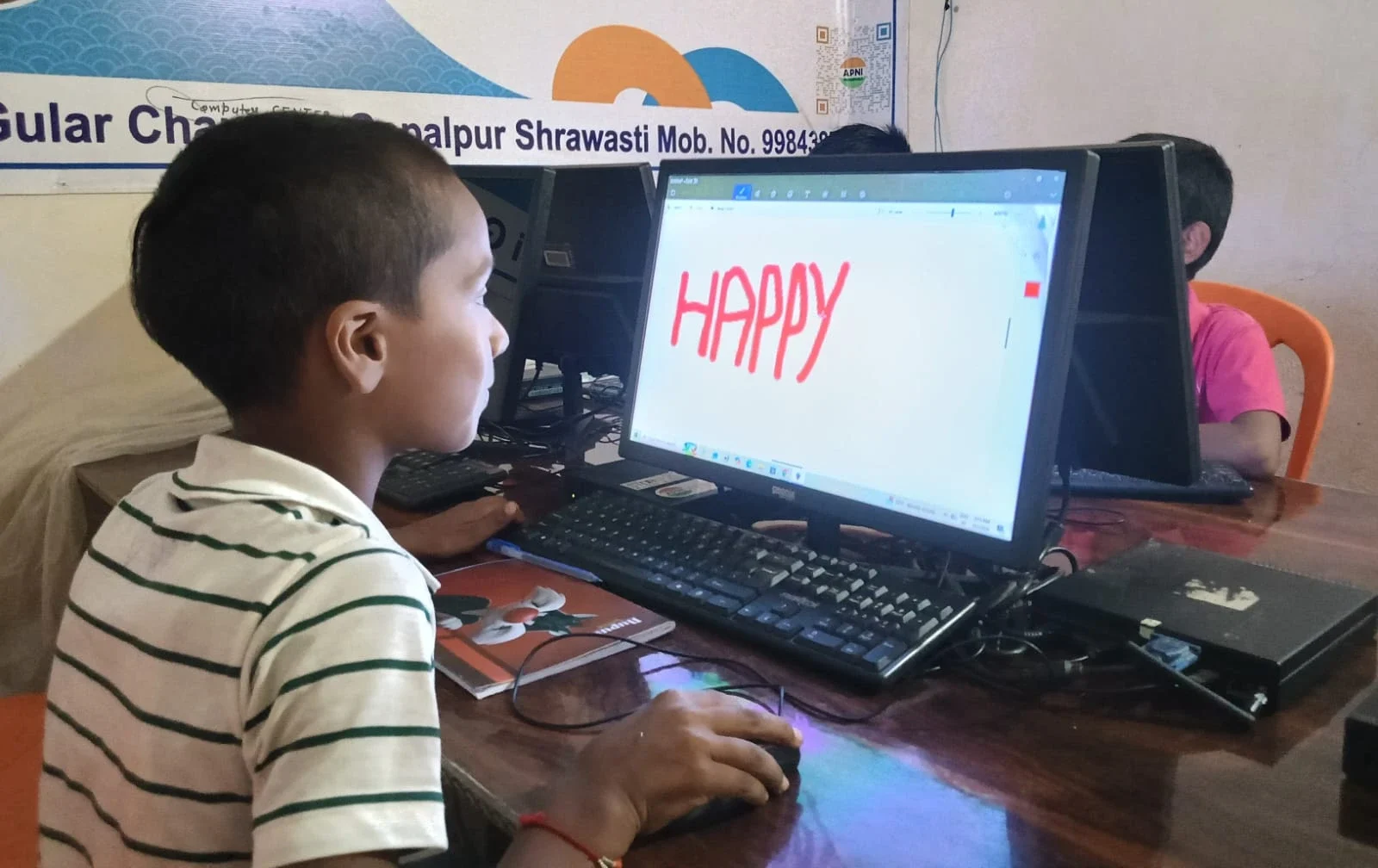
Online learning is now part of your reality. Whether you’re using DIKSHA, YouTube tutorials, or live classroom sessions, you’re depending on audio quality. Students in tier 2 and tier 3 cities often face internet issues, older computers, and budget constraints. Learning computer audio helps you work around these limitations.
When you know how to manage your student computer’s audio settings, you can:
- Make low-quality audio sound clearer by adjusting equaliser settings.
- Switch between headphones and speakers without losing sound.
- Record your own lectures with proper audio for revision.
- Participate better in group study calls and online discussions.
The Apni Pathshala platform understands this need. That’s why the Apna PC comes pre-loaded with everything a student needs, including proper audio support through Zorin OS.
Headphones vs Speakers: What’s Right for Your Study
You don’t need expensive equipment. You need the right equipment for your situation. Let’s break this down.
Headphones are better when: You’re studying in a shared space, you want to focus without distractions, you’re attending live classes, or you need privacy. Even basic Rs. 500 headphones work if they’re comfortable for long hours.
Speakers are better when you’re studying alone, want to reduce ear fatigue, watch educational videos, or present to family members. Small USB speakers cost between Rs. 1,000 and Rs. 3,000.
The truth is, you don’t need both right away. Start with one good option and expand later. What matters is understanding how to connect and use them properly.
Learning Computer Audio Doesn’t Cost Much
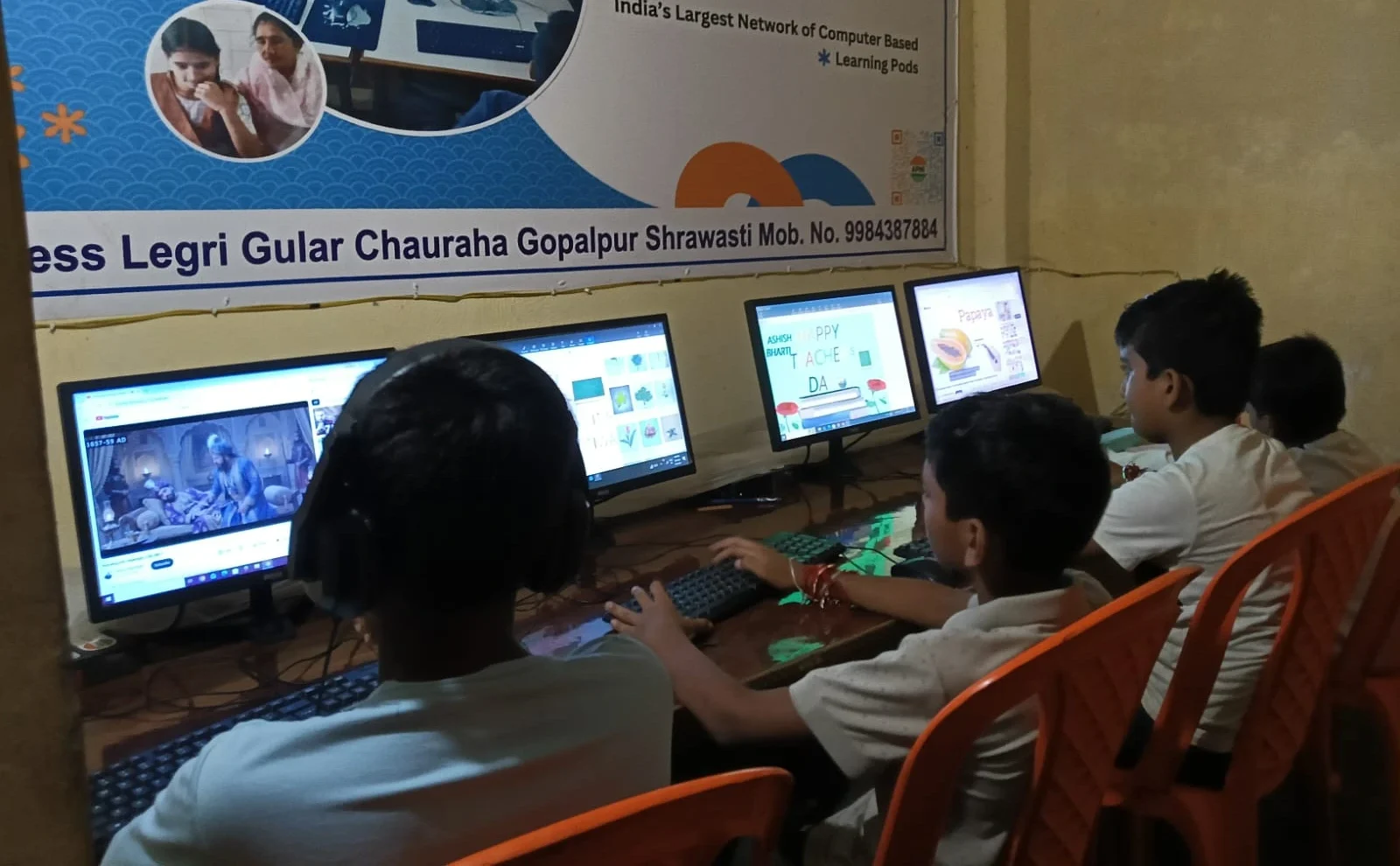
Here’s what parents worry about: “Will learning these skills require expensive equipment?” The answer is no. Most student computers already have built-in speakers and audio jacks. You can start learning today with what you have.
The Apna PC at Rs. 30,000 comes with 8GB RAM and a 128GB SSD so that it can handle audio applications smoothly. It runs Zorin OS, an operating system designed for students, with all the audio tools you need already installed-no extra purchases required to start learning.
According to Ministry of Education guidelines, students should have access to quality learning tools. Computer audio skills fall under this category because they directly improve learning outcomes.
Practical Skills You’ll Gain
When you learn computer audio, you’re not just learning theory. You’ll gain hands-on skills you’ll use for years. Here’s what you’ll actually do:
- Install and update audio drivers on your student computer.
- Configure audio input and output devices
- Use recording software to capture lectures.
- Troubleshoot common audio problems
- Optimise audio for studying with music or focus sessions.
UNESCO education research shows that students who actively engage with their learning tools perform better. When you understand your computer’s audio system, you’re actively engaging with your learning environment.
Why Your Future Self Will Thank You
Right now, learning computer audio might seem like a side skill. But think ahead. In college, you’ll attend online lectures. In your career, you’ll join video conferences. In freelance work, you might record tutorials or podcasts. All of these require understanding audio.
Students who know computer audio are more confident. They don’t panic when something goes wrong. They can help their friends and family. They’re prepared for whatever technology throws at them.
Your computer is a tool. The better you understand its audio capabilities, the better you can use it for learning. Start today by exploring your current device’s audio settings. Then, when you upgrade to a proper student computer like Apna PC, you’ll already know what to do.
Investing in learning computer audio is investing in your education and future career. Visit apnapc.com to learn more.