


Rahul sat in his coaching centre in Indore, staring at his computer screen. His friend had just installed Windows on the family laptop, and suddenly it wouldn’t start. The teacher asked him to fix it before the online class began. Rahul felt helpless. He didn’t understand what an operating system was, let alone how to troubleshoot it. That moment changed everything for him. He realised that basic knowledge of an operating system isn’t just technical jargon; it’s a survival skill in today’s digital world.
If you’re a student in India, especially in smaller cities, you’ve probably felt this same confusion. Your parents bought you a computer, but nobody really explained how it works. You know how to open Chrome and submit assignments, but what happens when something breaks? Understanding your operating system is the foundation of everything you do on your computer.
What Is an Operating System and Why Should You Care?
An operating system is the software that runs your computer. Think of it as your machine’s manager. Windows, Linux, and macOS are the three main operating systems you’ll encounter. Your operating system controls everything, from how it stores your files to how it runs your programs.
Here’s why this matters for you as a student. When you submit an assignment, your operating system manages the file. When you attend an online class, your operating system handles the camera and microphone. When your computer slows down, your operating system is often the reason. Without basic knowledge of how your operating system works, you’re essentially driving a car without knowing where the steering wheel is.
The Digital India initiative has pushed technology into every classroom. Your school probably uses computers for exams, assignments, and online learning. But are you truly prepared to use them effectively? Operating system knowledge is no longer optional; it’s essential.
How Operating System Knowledge Helps Your Studies
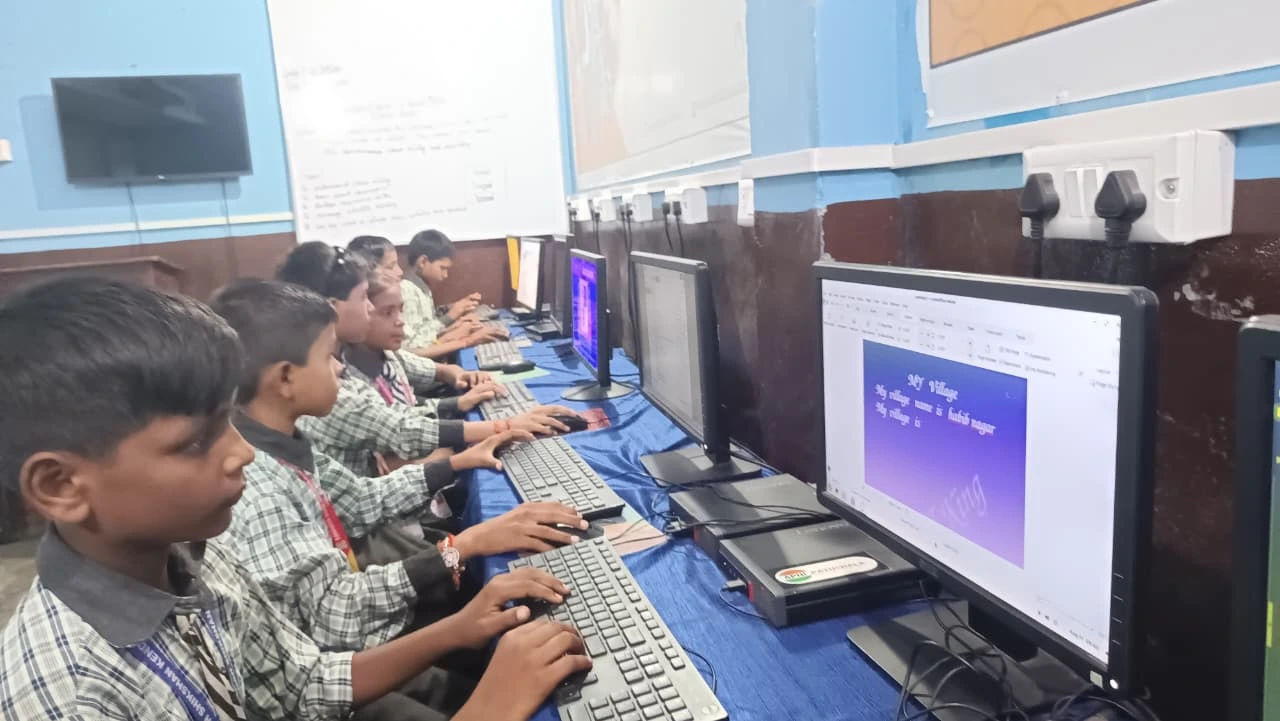
Let’s be practical. You need to organise your study materials, right? Your operating system’s file management system is where everything lives. If you don’t understand folders, file paths, and storage, you’ll waste hours searching for that one document you saved three weeks ago.
When you’re preparing for CBSE exams or competitive tests, you might use educational software. Understanding your operating system means you can install these programs correctly, troubleshoot when they don’t work, and manage your system resources so your computer doesn’t lag during important study sessions.
Consider these real situations you’ll face:
- Installing software: You need a specific app for coding practice or math problems. You can’t just click randomly and hope it works.
- File management: Your teacher asks you to submit five documents in a specific format. You need to know how to organise and convert files properly.
- System security: Your computer gets infected with malware. You understand your operating system well enough to remove it without losing your project work.
- Performance issues: Your computer is running slowly. You know how to check running programs and free up space instead of panicking.
- Backup and recovery: You accidentally delete an important assignment. You know how to recover it from your system.
These aren’t advanced skills. They’re basic operating system knowledge that separates confident students from frustrated ones.
Windows, Linux, and Finding the Right Operating System for You
Most Indian households use Windows because it’s familiar. Your parents probably know Windows. Your school computers probably run Windows. But Windows isn’t your only option, and it’s not always the best choice for students.
Linux is free, secure, and increasingly popular in educational settings. It teaches you how computers actually work because you can see under the hood. Many competitive exams and coding courses use Linux environments. Learning Linux now gives you a significant career advantage later.
The beauty of learning multiple operating systems is that you understand the principles behind them all. File systems, permissions, processes, and memory management work similarly across Windows and Linux. When you know both, you’re not dependent on one.
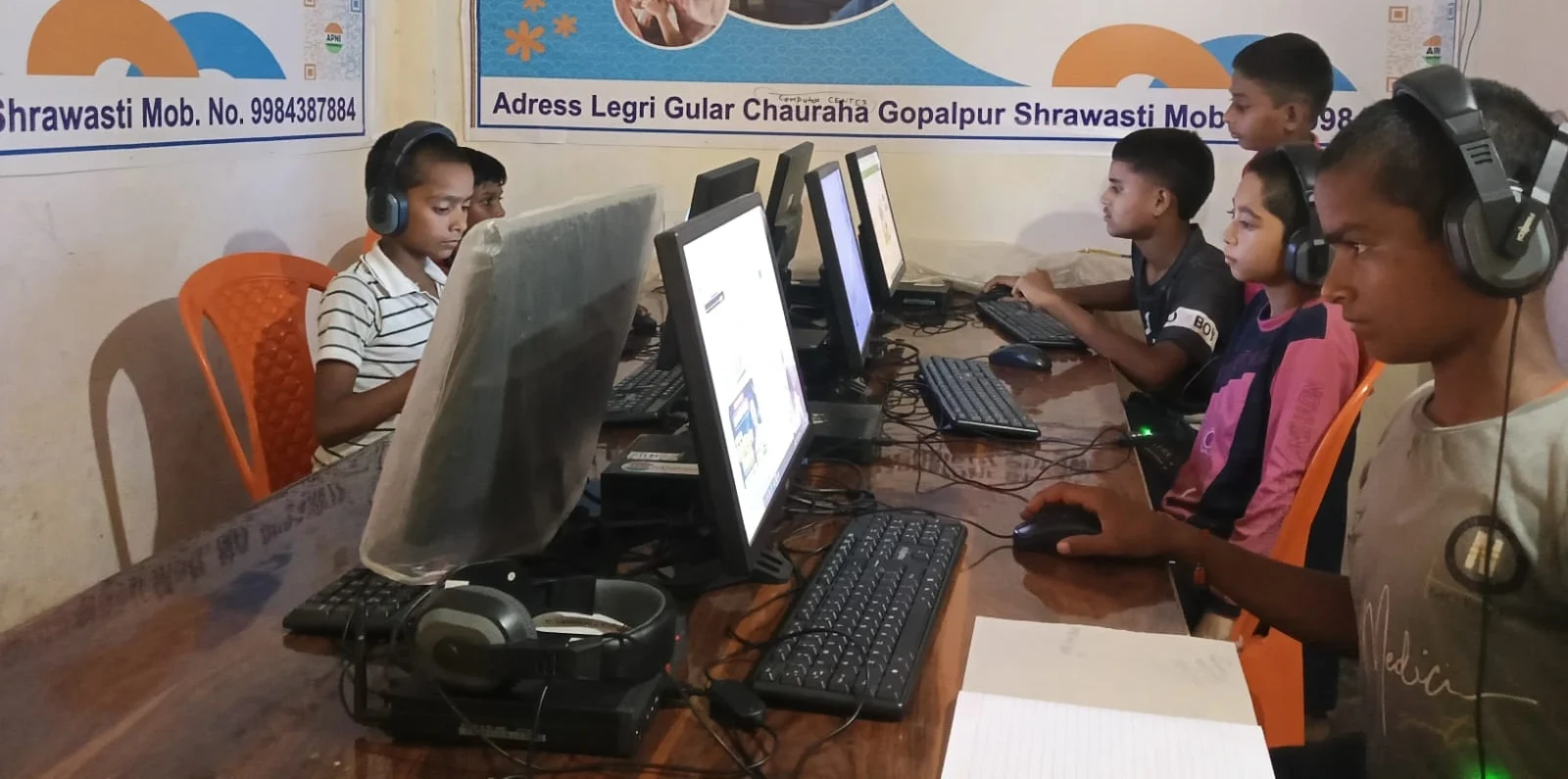
This is where devices like Apna PC become valuable. Pre-loaded with Zorin OS (a Linux-based operating system), it’s specifically designed for Indian students. You get hands-on experience with Linux while still having a familiar, user-friendly interface. You’ll learn how your operating system actually works, not just how to click buttons.
Building Skills That Last Beyond School
Your operating system knowledge today determines your career options tomorrow. If you’re thinking about engineering, computer science, or even digital marketing, you’ll need solid operating system fundamentals. Employers expect you to troubleshoot basic problems independently.
In any field, you’ll use a computer. The faster you can work with your operating system, the more productive you become. You save time, reduce frustration, and impress your teachers and bosses.
Follow our PC optimisation tips to keep your system running smoothly. Visit the Apni Pathshala blog for more educational resources.
Start Your Operating System Journey Today
You don’t need to become a computer expert. You just need enough knowledge to be self-sufficient. Understand how your operating system organises files. Learn how to install and uninstall programs safely. Know how to check what’s using your system resources. These basics will serve you throughout your academic life and beyond.
The investment in learning your operating system now pays dividends for years. You’ll be more confident, more productive, and more capable. Your parents will stop asking you to fix their computers, and you’ll actually be able to help them when they need it.
Operating system knowledge isn’t just for computer science students. It’s for every student who uses a computer, which is all of you. Start today by exploring your computer’s settings, understanding your file system, and asking questions when something doesn’t make sense. Your future self will thank you. Visit apnapc.com to learn more.