


The Real Problem: What Happens When Nobody’s Watching
Rajesh runs a learning centre in Indore with 12 computers. Last month, he noticed something troubling. Students were supposed to be doing coding practice on their school computer setup, but when he walked past the lab, half the kids were playing games or scrolling social media. He had no way to know how much time each student actually spent on educational content versus distractions. His frustration grew when parents asked why their children weren’t improving in computer skills despite paying for weekly classes.
Rajesh’s problem isn’t unique. Across Tier 2 and Tier 3 cities in India, learning centre owners and teachers face the same challenge. You invest in computers, curriculum, and trained staff, but you can’t see what students are actually doing during their computer usage time. This lack of visibility makes it impossible to ensure quality learning outcomes.
Why Computer Usage Tracking Matters for Your Learning Centre
When you track computer usage in your school computer lab, you gain real insights into student behaviour and learning patterns. You can see which students spend time on educational apps versus entertainment. You can identify students who need extra help or motivation. Most importantly, you can prove to parents that their investment is delivering results.
Tracking isn’t about surveillance or control. It’s about understanding how your students learn best and where they struggle. A student might claim they spent an hour coding, but data shows they spent 45 minutes on that task and 15 minutes distracted. This information helps you provide targeted feedback and improve your teaching approach.
Schools and learning centres that monitor computer usage report higher student engagement and better academic outcomes. Students who know their activity is being tracked tend to stay focused and use their time more productively. Teachers can generate reports to show parents exactly what their children accomplished during each session.
- Accountability: Students stay accountable when they know their computer usage is being monitored
- Parental Confidence: Parents see concrete data about their child’s learning progress
- Better Resource Planning: You understand which applications and tools are most effective for your students
- Personalised Learning: Teachers can customise lessons based on individual usage patterns and learning speeds
- Safety: Monitoring helps protect students from inappropriate content and online risks
Building a Monitoring System That Works
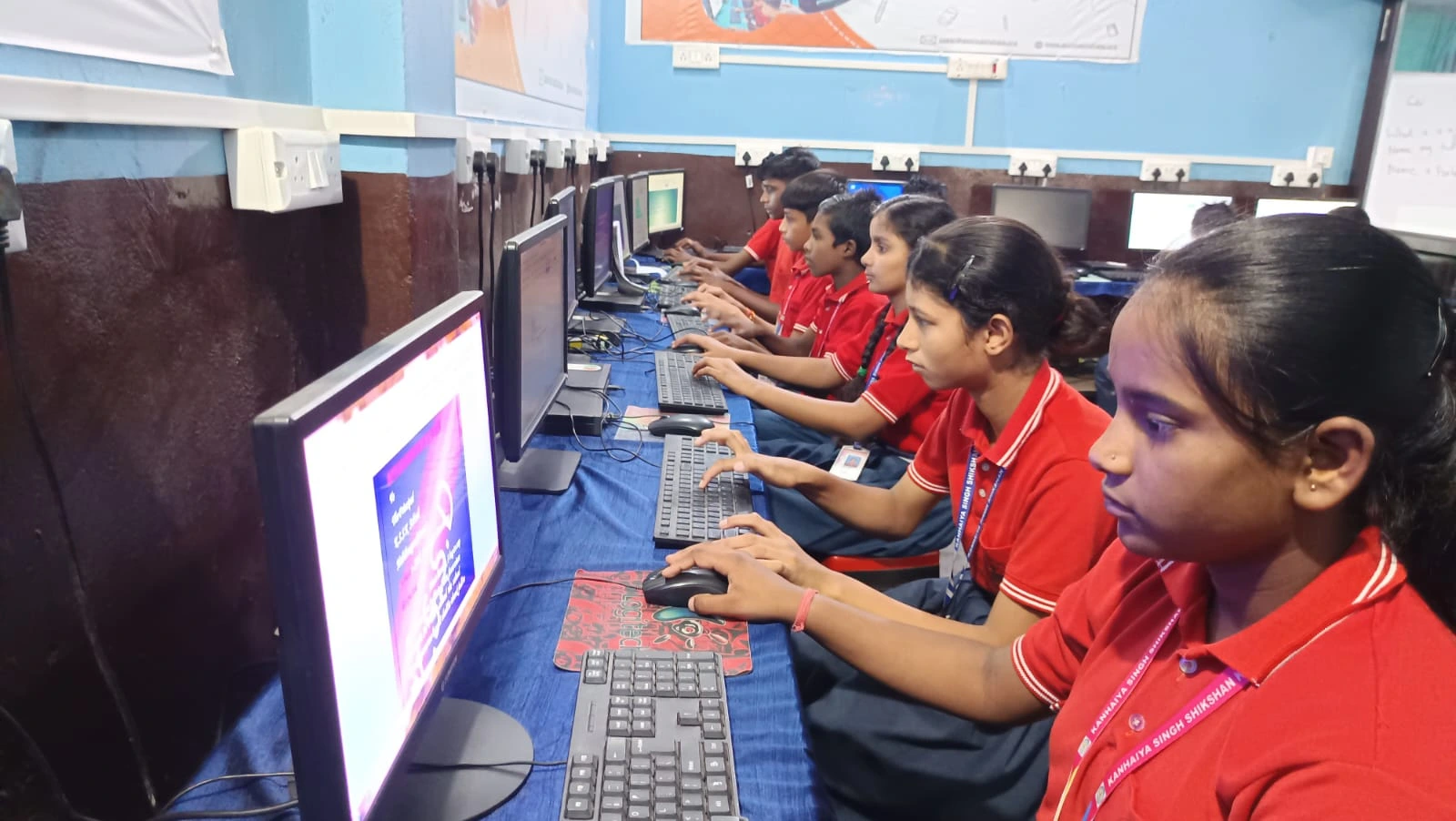
The challenge isnt just tracking usage, its doing it in a way thats simple and non-intrusive. Your monitoring system should integrate smoothly with your existing computers and software. Teachers shouldn’t need advanced technical skills to generate reports or set usage rules.
This is where purpose-built educational computers make a real difference. Unlike generic computers, educational computers come pre-loaded with monitoring tools designed specifically for learning centres. Organisations like Apni Pathshala have shown how proper computer setup with monitoring can transform learning outcomes across Indian schools.
You get built-in student monitoring software that tracks activity without creating extra work for your staff.
Look for systems that let you set time limits for different applications. You might allow unlimited access to coding platforms and educational content, but restrict gaming and social media during class hours. The system should generate easy-to-understand reports that you can share with parents and use for your own planning.
Implementing Computer Usage Tracking in Your Centre
Start by being transparent with students and parents about why you’re implementing monitoring. Explain that it’s to ensure quality learning and help each student succeed. Many students actually appreciate the structure and feedback that comes from tracked computer usage.
Set clear guidelines about what activities are allowed during different time slots. Communicate these rules in your student handbook and during orientation. Make sure teachers understand how to use the monitoring dashboard and how to interpret the data it provides.
Begin with basic metrics: total time spent on the computer, which applications were used, and how much time was spent on educational versus non-educational content. As you get comfortable with the system, you can dive deeper into analysing learning patterns and student progress.
The Right Tools Make Implementation Easier
Your school computer setup should support monitoring without slowing down performance or creating technical headaches. This means choosing reliable hardware with good specifications and pre-installed monitoring software that works seamlessly in the background.
Consider systems like those offered through a school computer lab solution. These systems come configured specifically for educational environments. They include built-in student monitoring, along with essential software like LibreOffice for productivity and Scratch for coding education.
When you choose computers designed for learning centres, you’re getting more than hardware. You’re getting a complete ecosystem that supports your teaching goals and makes monitoring straightforward. The software tracks usage automatically, so teachers can focus on instruction rather than technical setup.
Real Results from Learning Centres Using Monitoring
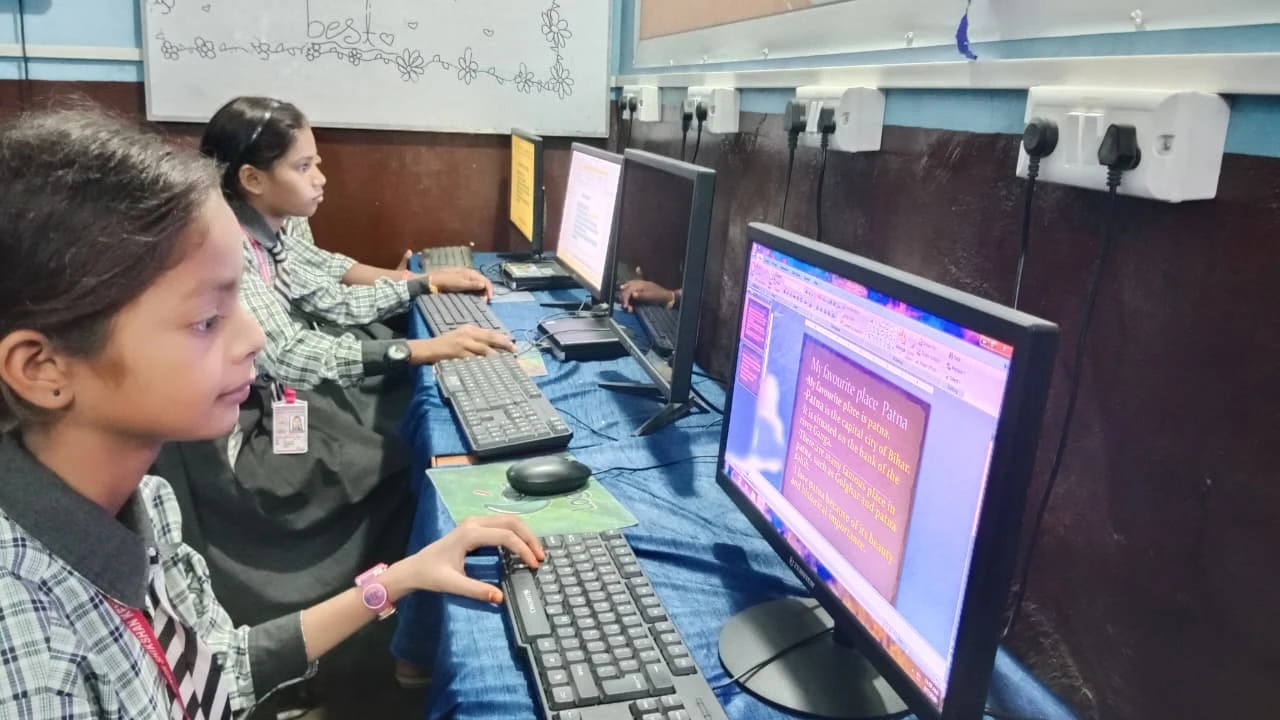
Learning centres across India that implemented computer usage tracking reported measurable improvements within the first month. Teachers noticed students spending more focused time on assignments. Parents felt more confident about the quality of instruction their children received.
One centre in Nagpur reduced off-task behaviour by 60 per cent after implementing monitoring. A learning centre in Lucknow used usage data to identify that their students learned coding best in 30-minute sessions with breaks, rather than 60-minute blocks. Data-driven insights like these help you continuously improve your programs.
The investment in monitoring technology typically pays for itself through improved student retention and parent satisfaction. When you can show concrete evidence of learning progress, parents are more likely to renew enrollment and recommend your centre to others.
Connecting with Larger Learning Initiatives
Your computer usage tracking efforts align with broader educational goals across India. Initiatives like the DIKSHA digital learning platform and the Indian Ministry of Education priorities emphasise the importance of digital literacy and monitored learning experiences. The Digital India initiative supports educational centres that adopt technology responsibly.
By implementing computer usage tracking, you’re positioning your learning centre as a modern, professional institution that takes student learning seriously. You’re also contributing to India’s broader digital education mission.
Making the Investment in Your Learning Centre
The cost of setting up a proper monitoring system is much lower than the cost of losing students to competing centres or dealing with parent complaints about wasted computer time. When you invest in quality educational computers with built-in monitoring, you’re investing in your centre’s reputation and long-term success.
Start small if you need to. You dont have to monitor every computer immediately. Begin with a few machines in your main learning lab, gather data, and show results to your team. As everyone gets comfortable with the system, expand to your full setup.
Your students deserve learning environments where their time is respected, and their progress is tracked. Your parents deserve transparency about what their children are learning. Your teachers deserve tools that make their jobs easier and more effective. Computer usage tracking delivers all three benefits.
The question isn’t whether you can afford to implement monitoring. It’s whether you can afford not to. Learning centres that track computer usage outperform those that dont, and the difference shows up in student outcomes and parent satisfaction. Visit apnapc.com to learn more.