


When a School Computer Lab Becomes a Classroom Ghost
Last year, we visited a government school in Nashik. The computer lab had 15 machines, all of them switched off. Dust covered the keyboards. A teacher told us the honest truth: “We don’t know how to teach coding. We don’t have the right software. Most importantly, our students touch a computer maybe once a month.”
This story repeats across hundreds of schools in Tier 2 and Tier 3 cities across India. Your school computer lab exists. But it’s not becoming what it should be: a space where students practice real skills every single day.
The problem isn’t the computers themselves. A personal computer is a powerful tool. The problem is that labs sit empty because teachers lack confidence, software costs money, and students don’t get enough hands-on time. A computer lab without daily practice is just expensive furniture.
Why School Computer Practice Changes Everything
Think about how your students learn math. They don’t attend one class and master calculus. They practice problems daily. Digital skills work exactly the same way. Your students need to sit at a keyboard multiple times every week, not once a semester.
When a computer lab becomes a practice space, something shifts. Students who struggle with English suddenly find confidence typing stories. Shy kids become vocal as they learn Scratch coding. Parents see their children excited about school again.
The research backs this up. Students who get daily computer practice score higher in problem-solving across all subjects. They’re more ready for college entrance exams. They’re prepared for jobs that require basic digital literacy. That’s not just about coding. It’s about your students’ futures.
Your school can transform a dusty lab into a thriving computer access learning infrastructure that works. You don’t need fancy equipment or expensive consultants. You need the right tools, the right software, and a simple plan.
Building Your School Computer Practice Space: A Real Plan
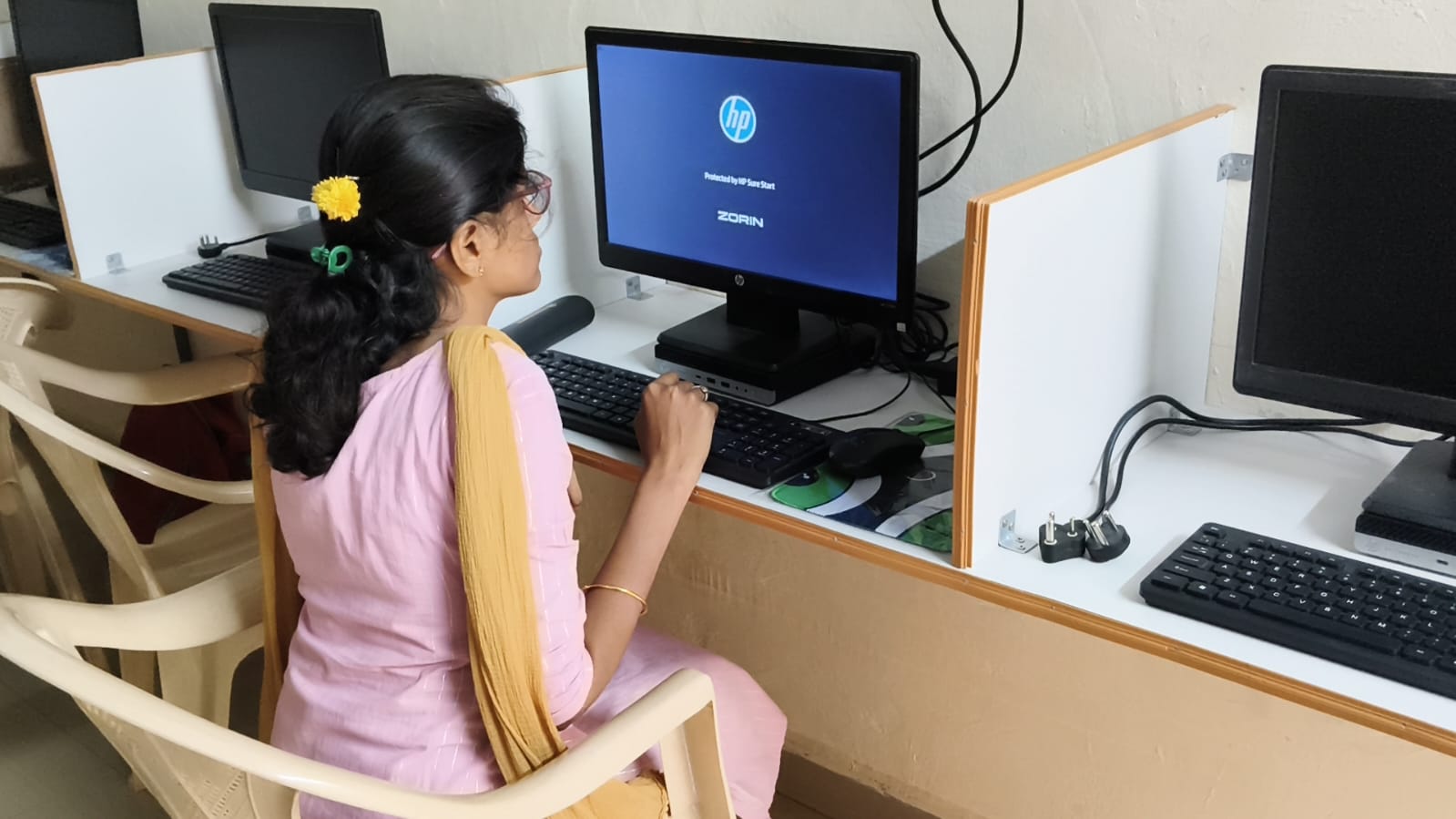
Start with an honest assessment. How many computers do you have? What’s their condition? What software is installed? Can your internet handle 20 students online at once? Write down what you actually have, not what you wish you had.
Next, pick three skills your students will practice:
- Digital Literacy: Using email, creating documents, basic online safety
- Problem-Solving: Learning visual coding through Scratch or similar tools
- Career Skills: Spreadsheets, presentations, basic design
Your computer lab schedule matters enormously. Don’t block it for one class per week. Instead, rotate small groups through the lab 3-4 times weekly. Twenty students practising for 45 minutes beats 100 students sitting idle for one hour.
Software selection is critical. Expensive proprietary tools won’t work in your budget. Open-source software is free, reliable, and powerful. Tools like LibreOffice, Scratch, and Zorin OS run smoothly on modest hardware. They’re what schools like yours actually need.
The Apna PC Solution for Your School
We built Apna PC for schools like yours. It’s a computer designed for education, priced at Rs.30,000 (shipping and GST excluded). Every unit comes pre-loaded with everything your students need.
Here’s what’s included:
- Zorin OS: A smooth, intuitive operating system that feels familiar but works better than older systems
- LibreOffice: Full office suite for documents, spreadsheets, and presentations
- Scratch: Visual coding platform where your students create games and animations while learning logic
- Apni Prerna: Teacher monitoring software so you see what students are doing, track progress, and catch problems early
- 8GB RAM and 128GB SSD: Fast enough for real work, reliable enough for daily use in a busy lab
You don’t waste time installing software. You don’t hunt for free tools scattered across the internet. You don’t wonder if something will work. Everything is ready on day one.
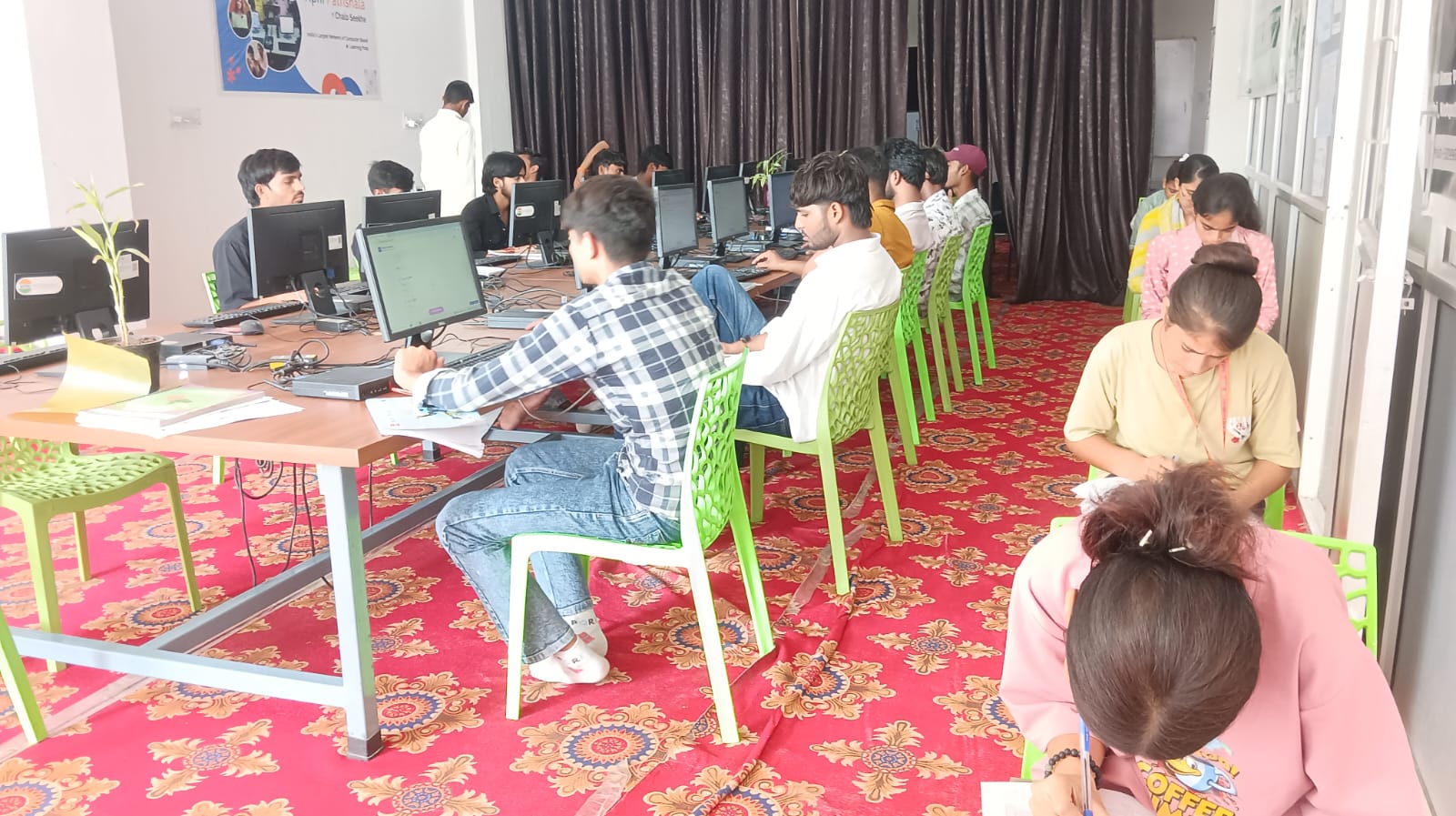
Schools like yours have transformed their labs with Apna PC. Teachers report students are engaged. Parents see real skill development. Most importantly, your computer lab becomes what it was meant to be: a space where every student practices every week.
Your First Steps This Month
Start small. You don’t need to replace your entire lab immediately. Buy 2-3 Apna PC units. Set up one corner of your lab as a pilot program. Run it for one month with one class. Track what works. Then expand.
Talk to your students about what they want to learn. Involve your teachers in planning the schedule. Get your principal’s support by showing how this connects to your school’s goals. Make it real, not theoretical.
Remember the school in Nashik? Six months after we visited, they started with five Apna PC units. Today, 60 students rotate through their lab every week. Teachers feel confident teaching digital skills. The lab isn’t a ghost space anymore. It’s the busiest room in the school.
Your school can be next. The barrier isn’t technology. It’s deciding your students deserve daily computer practice, then taking action.
The Digital India initiative has pushed schools toward digital learning. Your students are ready. What’s stopping your school from making a computer lab a real practice space is a decision, not a resource problem.
Start with a clear vision: students who are confident with technology, teachers who enjoy teaching digital skills, and a lab that’s full every single day. Then choose tools that make that vision real. Apna PC is built for exactly this purpose. It’s affordable. It’s ready. It works in your school’s context.
Start daily computer practice for students at your school. Your students are waiting. Visit apnapc.com to learn more.