


Meera’s Discovery: One Computer for Students Changed Everything
Meera runs a small learning centre in Indore with 45 students and a dream that felt impossible. She had three old computers that crashed every other week, leaving most kids idle while they waited for their turn. Her heart sank when parents asked why their children weren’t getting hands-on computer education. Then she discovered that one affordable, well-designed computer for students could transform her entire space.
Today, her centre runs smoothly with shared learning stations where students rotate through computer activities. What changed? She invested in the right tool: a computer built for classrooms, not just offices. This isn’t just her story. Across Tier 2 and Tier 3 cities, learning centre owners and educators are discovering how to stretch their budgets while giving every child real access to computers.
Why Your Learning Space Needs a Shared Computer for Students
You don’t need one computer per child to teach computer skills effectively. Smart scheduling and the right device can serve 15-20 students daily. A shared computer for students reduces your capital costs by 70-80% compared to buying individual machines for each learner.
The real magic happens when your student computer is designed for education. It needs to be stable, fast enough for multiple users, and come pre-loaded with learning software. Downtime costs you money and student motivation. When your device works reliably, your students learn consistently.
- Cost efficiency: One quality device replaces five broken machines
- Better focus: Students rotate through structured sessions instead of waiting randomly
- Teacher control: Monitor what each child does with built-in educational software
- Skill progression: Track individual progress even on a shared device
The Apna PC Solution: Computer for Students That Actually Works
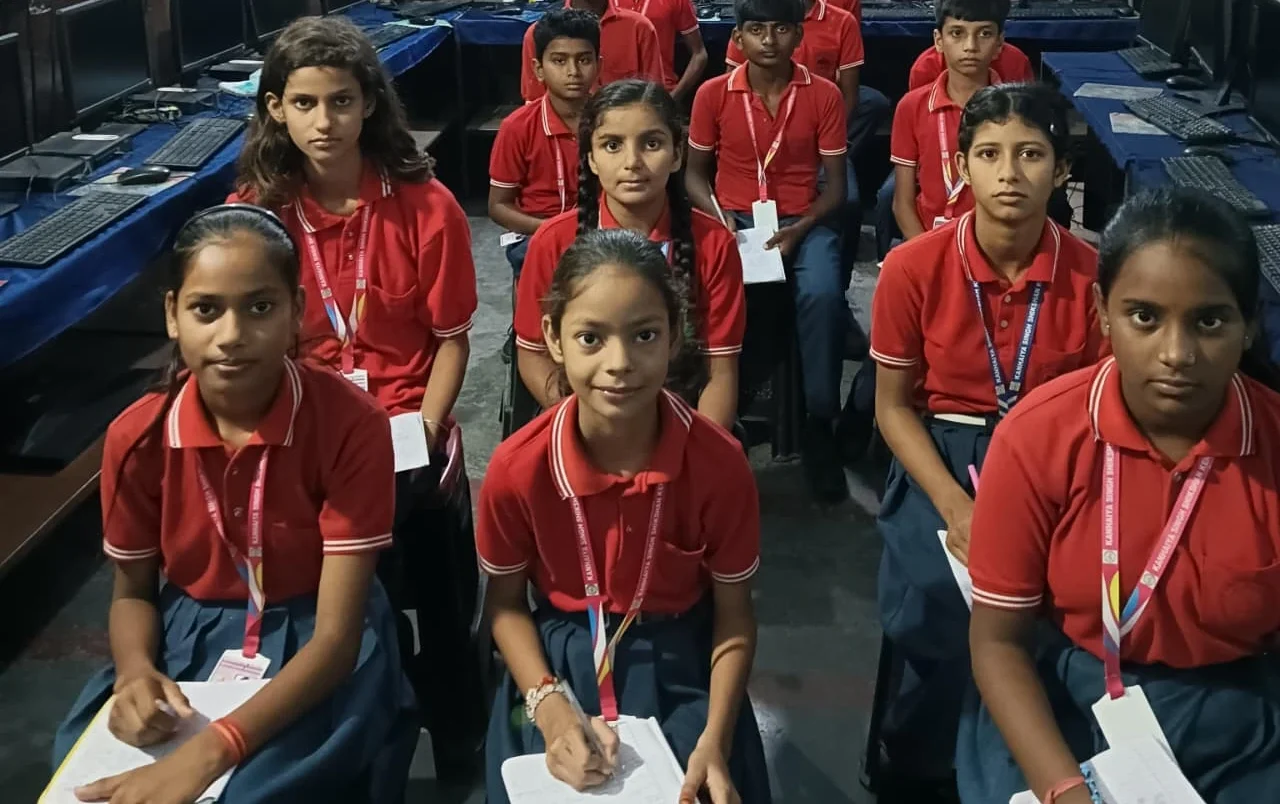
Apna PC is built specifically for learning spaces like yours. At Rs. 30,000 (before shipping and GST), it costs less than three old secondhand machines but performs like equipment worth three times the price. It comes with 8GB RAM and a 128GB SSD, so it handles multiple students and educational software without slowing down.
Here’s what makes it different. It runs Zorin OS, an operating system designed for education. It comes pre-loaded with Apni Prerna, which lets you monitor each student’s progress individually, even though they’re sharing the same device. You get LibreOffice for document creation and Scratch for coding. No expensive licenses. No complicated setup.
Your computer for students arrives ready to teach on day one. You don’t need an IT specialist to configure it. Teachers in Nagpur, Lucknow, and Surat are already using it to run computer literacy classes, coding workshops, and digital skill training.
How One Computer for Students Serves Your Entire Batch
Let’s say you have 20 students and one Apna PC. You create a rotation schedule: Group A gets 45 minutes on the computer while Group B works on worksheets or other activities. By the end of the week, every child has spent quality time learning on a reliable device.
The Apni Prerna monitoring software tracks what each student accomplished during their session. You see who completed coding exercises, who struggled with typing, and who’s ready for the next level. This data helps you personalise teaching, even in a shared learning environment.
Students move from homework to skill building naturally. They’re not just using computers to complete assignments. They’re developing real digital literacy that employers value. When your student computers come with Scratch pre-installed, kids learn programming logic while having fun.
Real Results from Learning Centres Like Yours
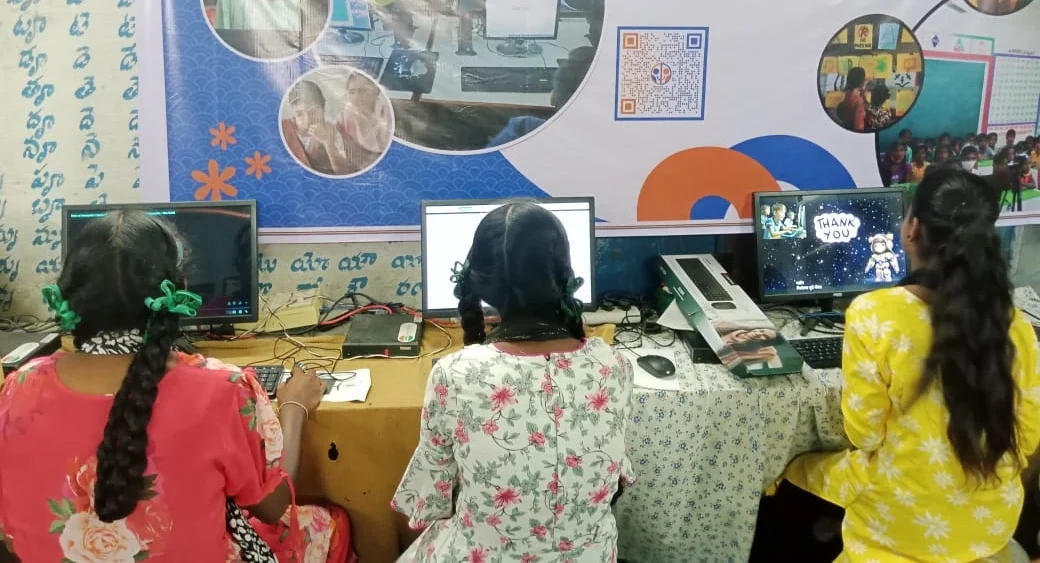
Priya runs a centre in Nashik with 35 students. Before Apna PC, she could only teach basic computer awareness because her devices were too slow. Now she runs coding batches, digital literacy courses, and even teaches basic video editing. Her revenue increased by 40% because she could offer more specialised courses.
Rajesh in Guwahati uses one computer for students to teach kids from economically weaker backgrounds. These children would never have touched a computer otherwise. With Apna PC’s affordability and reliability, he’s given 200+ kids their first real computer experience. That’s the power of smart investment.
Your computer for students doesn’t need to be the fanciest machine. It needs to be reliable, educationally focused, and affordable. Apna PC checks all three boxes.
Getting Started with Your Computer for Students Today
You don’t need to overhaul your entire learning space immediately. Start with one Apna PC and see how it transforms your operations. Many centre owners add a second or third device after seeing the results.
Consider your current bottleneck. Are students waiting too long for computer time? Are your devices crashing during important lessons? Is monitoring individual progress impossible with your current setup? One good computer for students solves these problems.
The Digital India initiative has shown that access to technology transforms learning outcomes. But access means nothing without reliability. Your computer for students must work when you need it, every single time.
You can also explore how project-based learning at home extends the impact of your computer education. When students have access to similar tools at home, their learning accelerates exponentially.
Why Education Centres Are Choosing Apna PC for Students
The choice is clear when you compare options. Expensive corporate computers come with bloated software and licensing costs. Used machines are unreliable and come without support. Apna PC is the middle ground that fits your budget and your students’ needs.
Educators designed it with your challenges in mind. The pre-loaded software isn’t random. Every tool serves a specific learning outcome. Zorin OS is intuitive for students new to computers. Scratch teaches programming logic. LibreOffice teaches productivity skills. Apni Prerna gives you visibility into what’s actually happening.
For students, your computer is an investment in your learning centre’s future. It’s also an investment in your students’ futures. In a world where Education in India is rapidly evolving, computer skills are no longer optional.
One quality device can serve dozens of students if you plan smartly. You’ll see improved learning outcomes, better student engagement, and the ability to offer new courses. Your computer for students becomes the foundation for growth.
Don’t let budget constraints stop you from giving your students real computer education. One Apna PC can change your entire learning centre’s trajectory. Visit apnapc.com to learn more.