


Priya’s Late Night Study Problem
Priya sits at her desk at 10 PM, squinting at her laptop screen. Her eyes hurt. Her head throbs. She’s been studying for her engineering entrance exam for three hours, and the only light in her room comes from her computer monitor. Her mother keeps telling her the lighting is too dim, but Priya doesn’t know how to fix it. She just wants to study without this constant eye strain. Sound familiar? You’re not alone. Thousands of Indian students face the same problem every single day.
The right study lighting setup isn’t just about comfort. It’s about protecting your eyes, staying focused, and actually retaining what you learn. Poor desk light and bad room lighting can cause headaches, reduce concentration, and damage your eyesight over time. If you’re studying on a computer for hours like Priya, you need proper eye comfort from the start.
Why Study Lighting Matters for Your Eyes
Your eyes are working overtime when you’re studying on a computer. The screen emits blue light that strains your eyes. If your room lighting is inadequate, your eyes work even harder to see both the screen and your notes. This combination creates what experts call digital eye strain.
According to the DIKSHA digital learning platform, students need adequate lighting to avoid fatigue during long study sessions. Most Indian homes fall short. A typical ceiling bulb gives you maybe 200 lux if you’re lucky. Thats why a dedicated desk light is essential.
When your lighting is poor, your body releases more cortisol (stress hormone). This makes you tired faster. Your concentration drops. You remember less. So investing in proper desk light isn’t wasteful. It’s an investment in your grades and your health.
The Perfect Study Lighting Setup for Computer Work
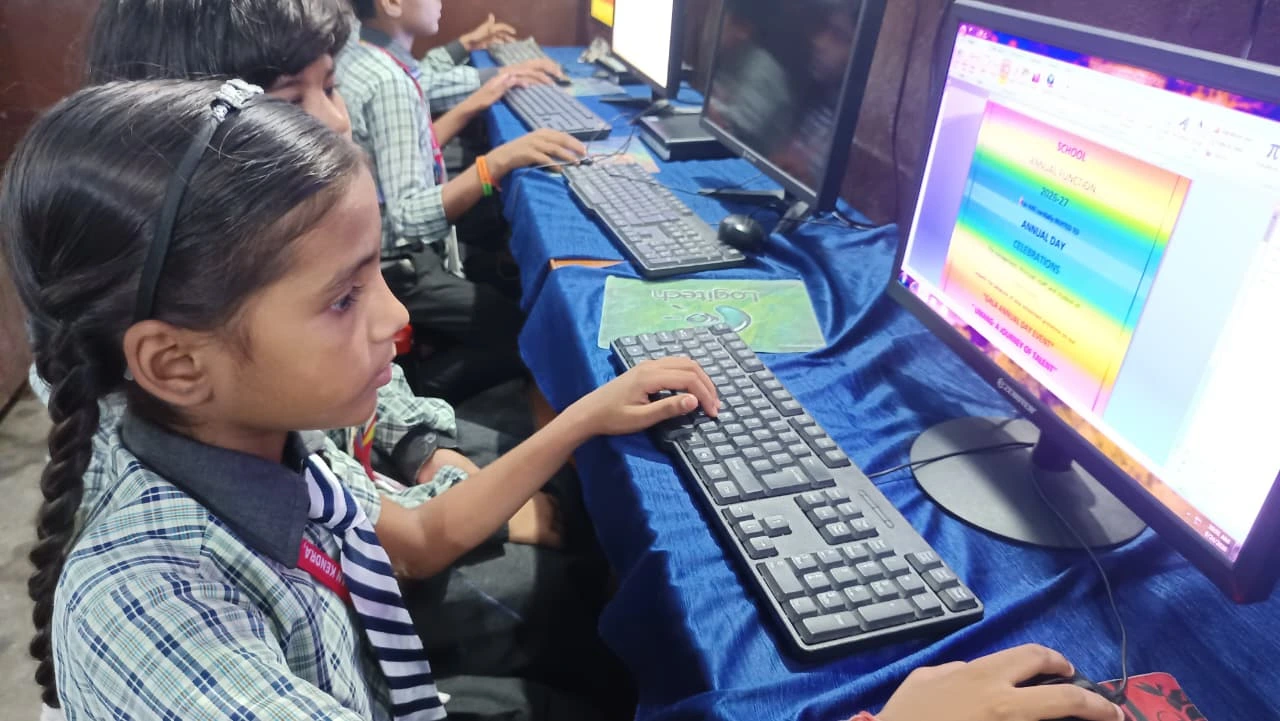
Here’s what you need for optimal eye comfort while studying on a computer:
- Primary light source: A good desk light positioned to your left (if you’re right-handed) or right (if you’re left-handed). This prevents shadows on your work.
- Ambient room lighting: Soft background light from ceiling fixtures or wall lamps. This reduces the contrast between your screen and surroundings.
- Screen position: Keep your monitor an arm’s length away, with the top at eye level. This reduces neck strain and eye fatigue.
- Colour temperature: Use warm white light (2700-3000K) in the evenings and cooler light (4000-5000K) during day study sessions.
- No glare: Position your desk light so it doesn’t create reflections on your screen.
The key is layered lighting. Dont rely on just one light source. Your room needs both general lighting and focused desk light working together.
Choosing the Right Desk Light
Not all desk lights are created equal. When shopping for a study light, look for these features:
- LED technology (uses less power, lasts longer, generates less heat)
- Adjustable brightness levels
- Flexible neck that lets you direct light exactly where you need it
- Warm to cool colour temperature options
- Flicker-free technology to reduce eye strain
A good desk light costs between Rs. 800 and Rs. 3000 depending on features. It’s money well spent if it means studying without headaches and eye pain.
Setting Up Your Study Room Lighting
Your entire room lighting strategy matters, not just your desk light. Start by checking your current setup. Do you have shadows on your study table? Can you see your laptop screen clearly? Are you squinting? These are signs your room needs improvement.
Combine your desk light with good ceiling fixtures or wall lamps. Use warm white bulbs in the evening to avoid disrupting your sleep cycle. During daytime study sessions, natural light from windows is excellent, but supplement it with your desk light to avoid shadows.
If you’re setting up a complete study space, check out our guide on study room ideas for comprehensive tips. You can also learn how to organise your workspace in our article on the best study table setup.
Your Computer Setup Matters Too
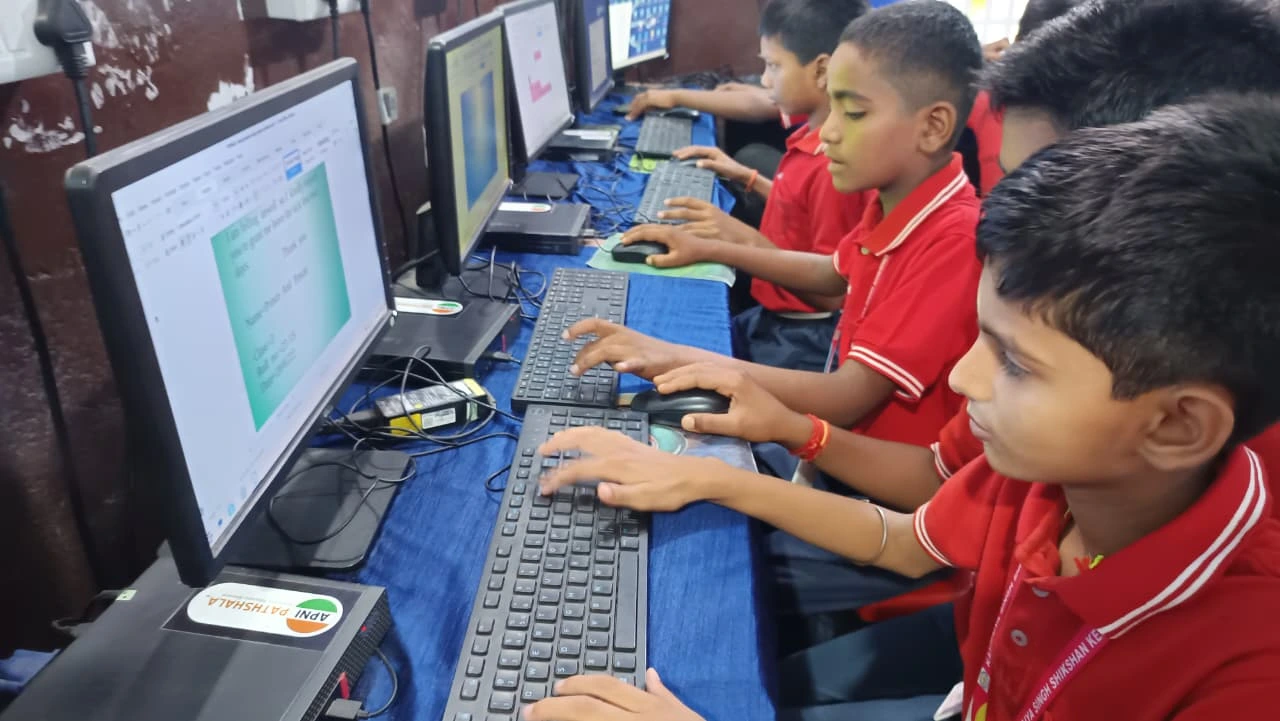
Good study lighting works best when paired with the right computer. Many students study on old laptops with dim screens or poor colour accuracy. This forces your eyes to work harder even with perfect lighting.
The Apna PC is designed specifically for students like you. With its 128GB SSD and 8GB RAM, it handles multiple browser tabs, research documents, and video classes smoothly. The screen quality is optimised for extended study sessions, reducing eye strain compared to older computers. At Rs. 30,000 (plus shipping and GST), it’s affordable for most Indian families.
Apna PC comes pre-loaded with Zorin OS, LibreOffice for documents, and Scratch for coding. There’s also Apni Prerna for tracking your study progress. When you’re studying on a quality computer with proper lighting, everything just works better. Your eyes stay comfortable. Your focus stays sharp. Your retention improves.
The 20-20-20 Rule for Eye Comfort
Even with good study lighting, your eyes need breaks. Follow the 20-20-20 rule: every 20 minutes, look at something 20 feet away for 20 seconds. This relaxes your eye muscles and prevents strain. For more tips on student wellness, check student health resources that cover daily habits protecting your vision long term.
Combine this habit with proper desk light and ambient room lighting, and you’ll notice the difference within days. Your headaches will decrease. Your study sessions will feel less exhausting. You’ll actually remember more of what you study.
The right study lighting setup isn’t complicated or expensive. It just requires understanding what your eyes need and making small changes to your study space. Start with a good desk light today, and you’ll wonder how you ever studied without it. Visit apnapc.com to learn more.