

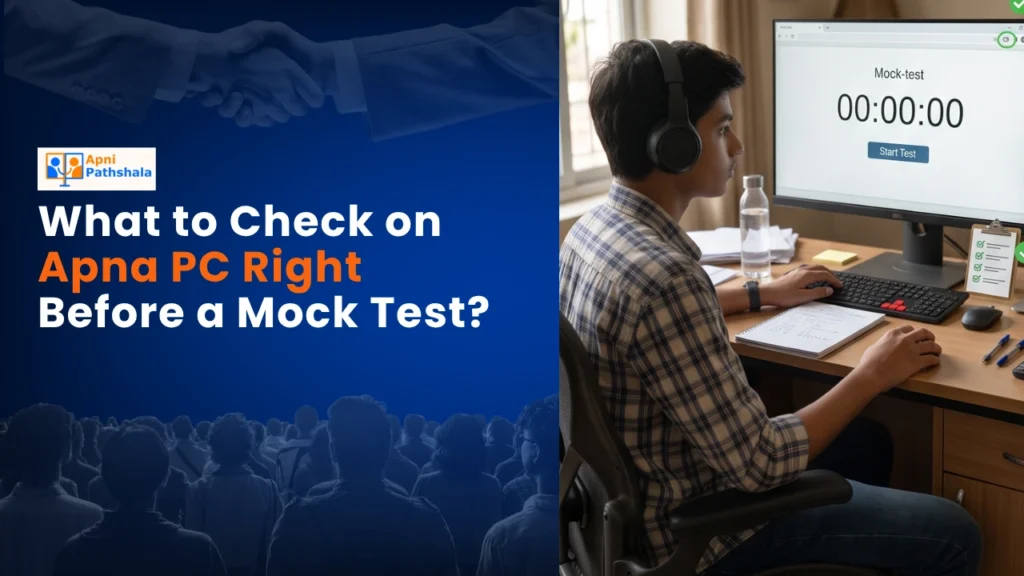
Rajesh’s Worry at 11 PM the Night Before the Test
Rajesh sat in his small flat in Indore, staring at his son Aditya’s computer screen. The mock test was at 9 AM tomorrow. Aditya had studied for three weeks, solved hundreds of problems, and was ready. But Rajesh kept thinking: what if the computer freezes? What if the internet cuts out? What if Aditya can’t log in? These worries are real for thousands of parents in Tier-2 and Tier-3 cities across India. Your child’s performance on a mock test doesn’t just depend on their knowledge. It depends on whether their device is ready, whether the software works, and whether they can focus without technical stress.
That’s why checking your computer before test day isn’t just smart. It’s essential. A few minutes of preparation can help prevent your child from panicking and performing poorly.
Why Your Exam Setup Matters More Than You Think
A practice test is preparation for the real exam. It teaches your child time management, builds confidence, and shows you where they need more study. But if your computer isn’t ready, the exam becomes stressful instead of useful. Your child’s mind will be preoccupied with the device instead of focusing on the questions.
Parents often overlook this. They assume that because the computer worked yesterday, it’ll work today. That’s not always true. Software updates happen. Files get corrupted. The battery dies at the wrong moment. The Digital India initiative has pushed technology into every home, but technology also needs care.
The Essential Mock Test Checklist Before Exam Day
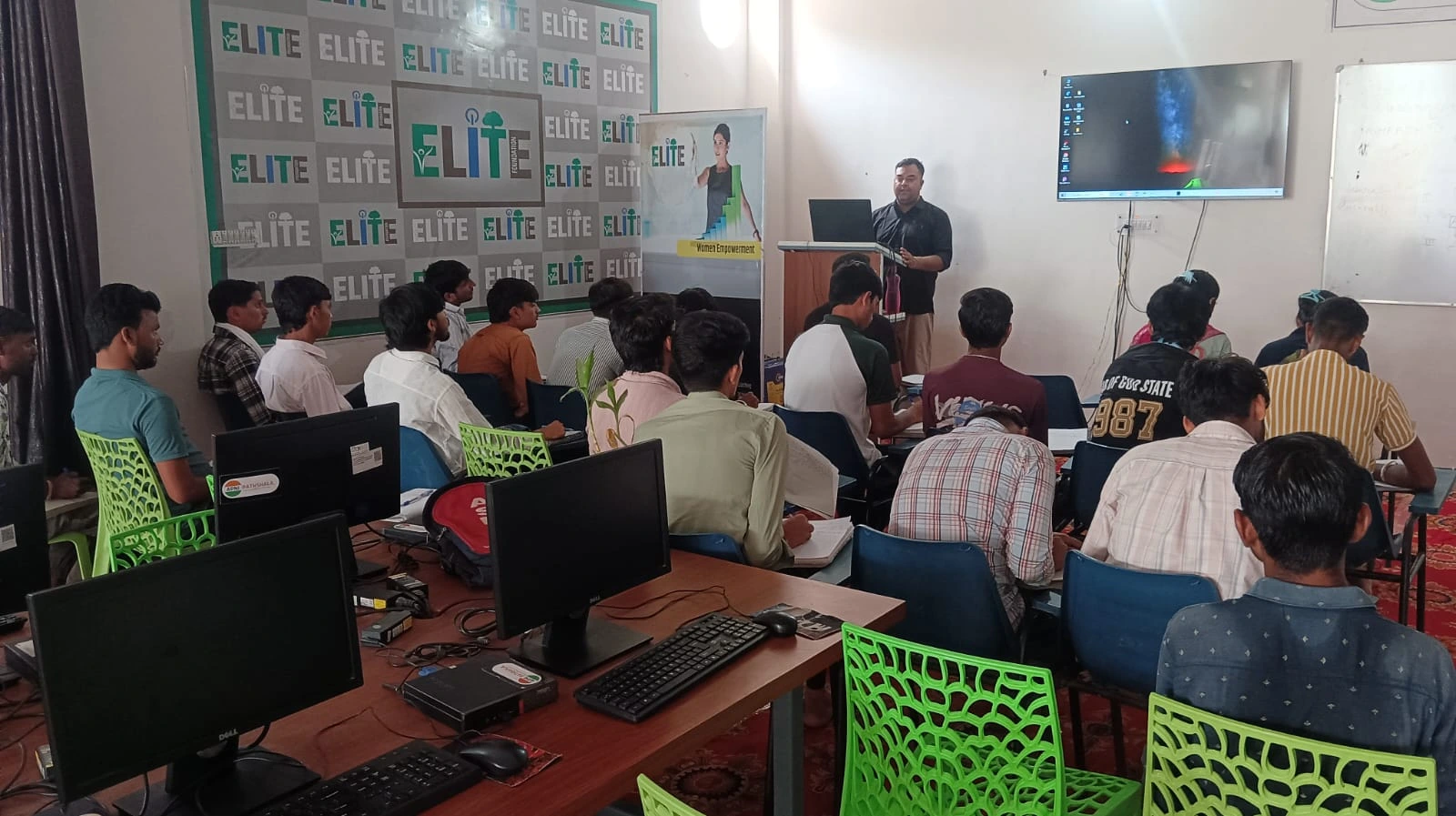
Here’s what you should check on your computer the night before, or two hours before the test:
- Battery and Power: Charge your device fully. Don’t rely on battery percentage alone. Plug it in and let it charge for at least 30 minutes. If you’re using a laptop, keep the charger plugged in during the exam. A dead battery mid-test is a disaster you can prevent.
- Internet Connection: Test your WiFi or broadband connection. Open a website, watch a 30-second video, and check the speed. If your internet is slow or unstable, consider restarting your router 10 minutes before the test. A stable connection is non-negotiable for online exams.
- Browser and Login: Open the platform where your child’s exam will happen. Log in with their credentials right now. Make sure the password works. Make sure the test portal loads properly. Don’t wait until test time to discover login problems.
- Screen and Sound: Check that the monitor brightness is comfortable. Test the speakers or headphones if the exam includes audio questions. Make sure your keyboard and mouse are working. A faulty key or unresponsive mouse can cost your child time and marks.
- Software and Updates: If your child uses Apna PC or any educational computer, check that all required software is installed. Apna PC comes pre-loaded with Zorin OS, LibreOffice, and Scratch, so you won’t face compatibility issues. But if you’re using a different device, verify that your browser is up to date and that any required plugins are installed.
- Distraction-Free Environment: Close all unnecessary programs and browser tabs. Turn off notifications on your phone and your child’s phone. Tell family members not to disturb during the exam. A quiet, clean desk with just the test platform open will help your child concentrate.
Special Tips for Apna PC Users
If you’ve invested in an Apna PC for your child’s education, you’re already ahead. This device is built for students. It has 8GB RAM and 128GB SSD, which means it runs smoothly even when multiple programs are open. Zorin OS is stable and rarely crashes. The Apni Prerna monitoring system lets you track your child’s progress without adding stress.
On Apna PC, just verify that your internet connection is strong, the screen is clean, and the keyboard is responsive. The device itself is designed to handle exams without hiccups. You’ve already eliminated most technical risks by choosing reliable hardware.
The Night Before: Your Parent’s Checklist
The evening before the exam, sit down with your child and go through this together:
- Confirm the exact time and date of the test. Write it down. Set a phone alarm.
- Check the test duration. Know exactly how long your child will be at the computer.
- Review the exam revision materials your child has prepared. This builds confidence.
- Discuss the use of retrieval practice during the exam, which means recalling what they’ve learned rather than re-reading notes.
- Have a light dinner. Your child should sleep well, not stay up late studying.
- Keep water and a light snack ready for after the exam.
On Test Day Morning: 30 Minutes Before
Wake up early. Have breakfast together. This calms both you and your child. About 30 minutes before the exam, do a final check: restart the computer, test the internet one more time, and make sure your child has used the bathroom. Your child should sit at the desk, open the test platform, and be ready to start exactly on time.
According to UNESCO global education research, students perform better when they feel prepared and supported. Your checklist isn’t just about technology. It’s about showing your child that you care and that you’ve done everything possible to set them up for success.
Why This Mock Test Preparation Matters for Your Child’s Future
Practice exams build your child’s confidence for the real thing. When the actual board exam or entrance test comes, your child will already know what to expect. They won’t be nervous about the computer or the format. They’ll focus on the questions. This is how preparation leads to success.
Parents in Tier 2 and Tier 3 cities are often worried about whether their children have access to the same quality of resources as students in big cities. The truth is, you do. With the right device, preparation, and mindset, your child can perform just as well. A test-day checklist is your small way of ensuring nothing is left to chance.
Don’t wait for problems to happen. Check your setup today. Your child’s next exam will be smooth, stress-free, and productive. Visit apnapc.com to learn more.