

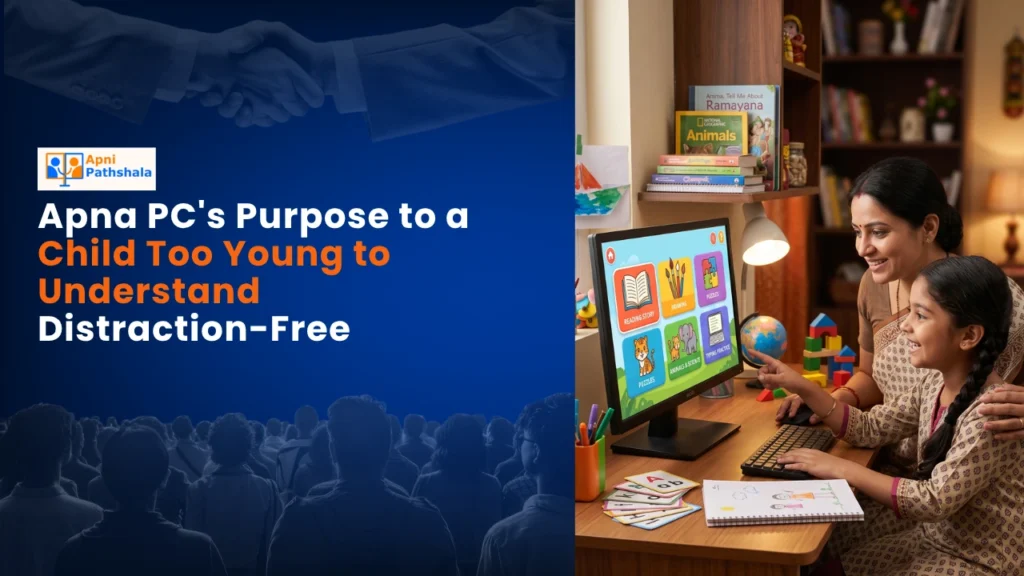
To explain a distraction-free computer to a young child, keep it simple: phones and tablets are made to keep them watching, while their learning computer is made to help them build, think and finish what they start. Compare it to the difference between playing in a busy market and reading in a quiet library.
A five-year-old may ask why they cannot play games on your phone like a friend does. That moment is a good chance to explain what their own computer is for.
What does a young child really need in a learning computer?
A young child needs a clean space to focus on one thing at a time. A child’s brain soaks up everything around it, including the constant notifications, ads and suggestions on phones and tablets.
A learning computer designed for children removes those distractions. Apna PC, built by Apni Pathshala, comes with educational software like Scratch, which teaches children how computers work rather than just how to tap buttons. It has what they need and nothing they do not.
Why does distraction-free matter for young learners?
Young children’s attention spans are still developing. When they are learning to read, count or solve problems, every notification, flashy ad or “suggested next video” pulls their attention away.
On a regular tablet or phone, maths practice can turn into cartoons within seconds, without the child noticing how it happened. That is not the child’s fault. Those devices are built to keep people engaged for as long as possible, not to help them learn.
Apna PC works the opposite way. Your child can sit down, work on a lesson and actually finish it. The experience is calmer and more focused.
How can you explain its purpose to a child who is too young to understand?
Use simple comparisons and short sentences. Young children do not need the word “distraction” to understand the idea. These explanations often work:
- The library idea: “Your computer is like a quiet library, and a phone is like a busy market.”
- The builder idea: “On your computer you make things, like games in Scratch. On a phone you mostly watch.”
- The finishing idea: “Your computer helps you finish what you start, so you can show me what you made.”
Keep repeating the same simple message. Over time your child will connect the computer with making and learning.
What is the difference between active learning and passive screen time?
Passive screen time is watching. Active learning is creating, and that is where real growth happens. When your child uses Scratch, they are building, thinking and solving problems.
| Passive screen time | Active learning |
|---|---|
| Watching videos one after another | Building a project in Scratch |
| Tapping what the app suggests | Choosing what to make next |
| Ends when attention runs out | Ends when the task is finished |
Our guide on active learning vs passive screen use explains this in more detail.
What does Apna PC include for young learners?
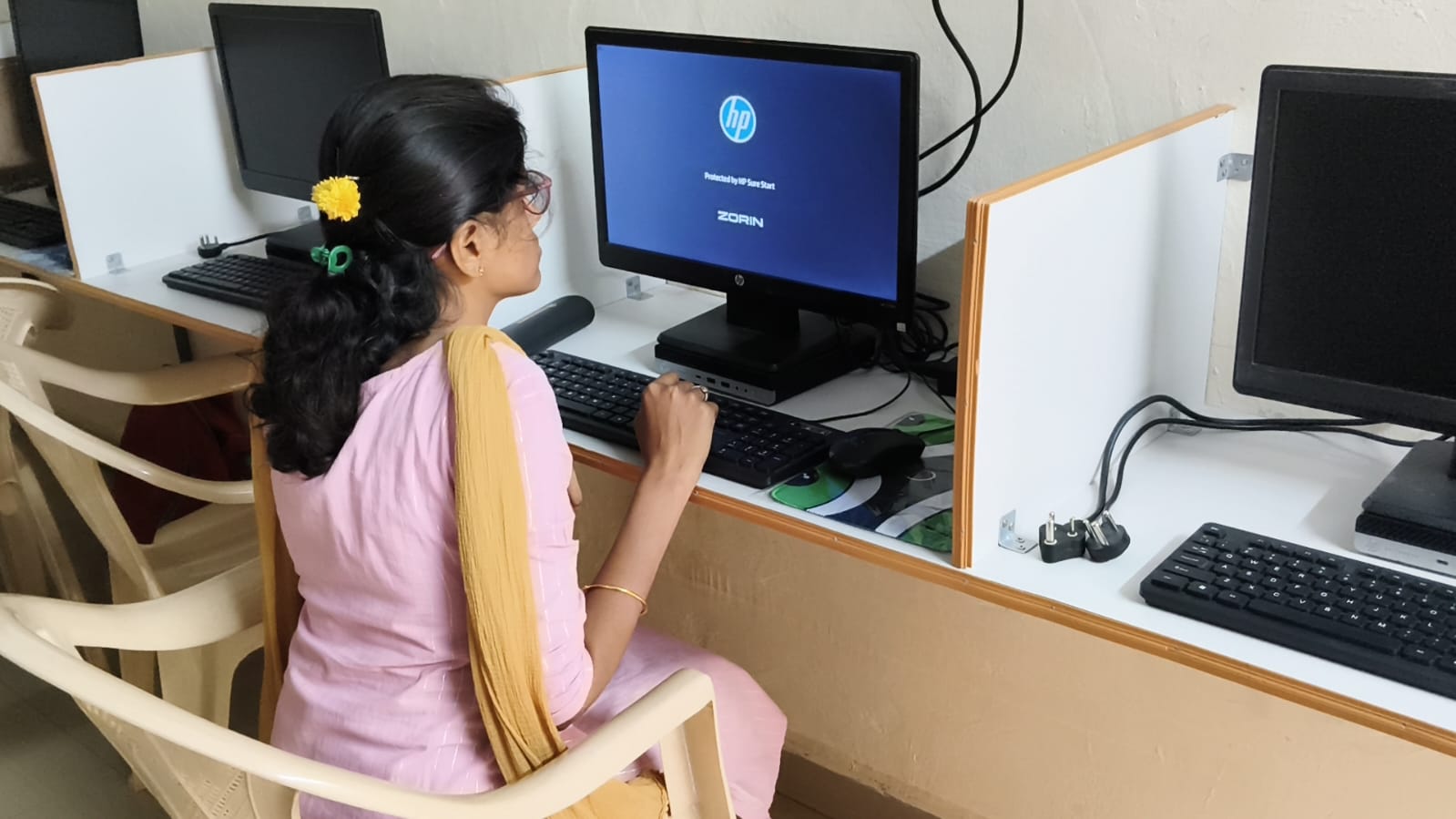
Apna PC is a complete learning environment built on Zorin OS, which is clean, safe and easy for young children to use. Its 8GB of RAM and 128GB SSD keep it running smoothly, so your child is not left waiting.
LibreOffice helps children learn to write and create documents, Scratch teaches coding in a fun, visual way, and Apni Prerna lets you see what your child is doing and how they are progressing. At Rs. 30,000 (excluding shipping and GST), you are buying a focused space for your child to build real computer skills.
How does Apna PC keep young children safe online?
The device has parental controls, so you decide what your child can access. You are in charge rather than hoping for the best.
Our guide on teaching your child internet safety with Apna PC walks you through setting boundaries, monitoring activity and teaching responsible use.
Why build real computer skills early?
Starting early helps your child learn to type properly, understand how software works and solve problems through coding. These habits matter more than button-tapping.
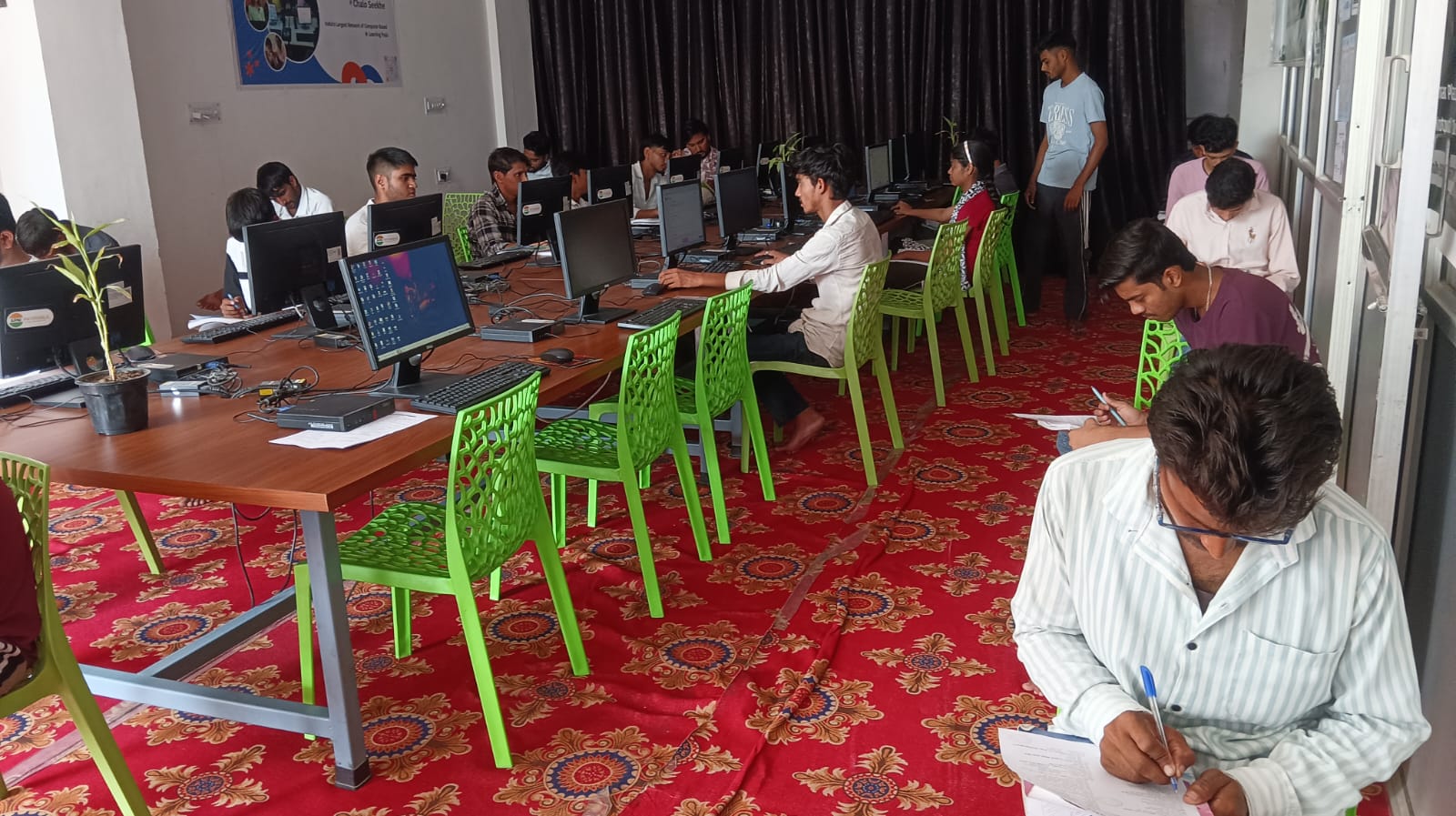
Schools across India increasingly expect basic computer literacy, so an early start makes school easier later. A child’s first computer can also shape habits for years, as our post on how a first computer shapes digital habits explains.
Frequently Asked Questions
Is my young child too little for a computer?
Not if the computer is set up for learning and you stay nearby. Young children can start with simple creative tools like Scratch and short sessions with you. The aim is to build good habits early, focusing on making things rather than watching endless videos.
What if my child still asks for phone games?
That is natural, so stay calm and consistent. Offer Scratch as a way to make their own games, and explain that the phone is for calls while the computer is for making and learning. Repeating the same simple rule helps young children accept it.
Should I sit with my young child while they use the computer?
Yes, especially at the start. Sitting together helps them learn the basics, keeps them safe online and lets you praise what they create. As they grow more confident, you can step back and use Apni Prerna to keep an eye on their progress.
You know your child best: curious, energetic and able to learn amazing things in the right environment. Visit Apna PC to learn more.