

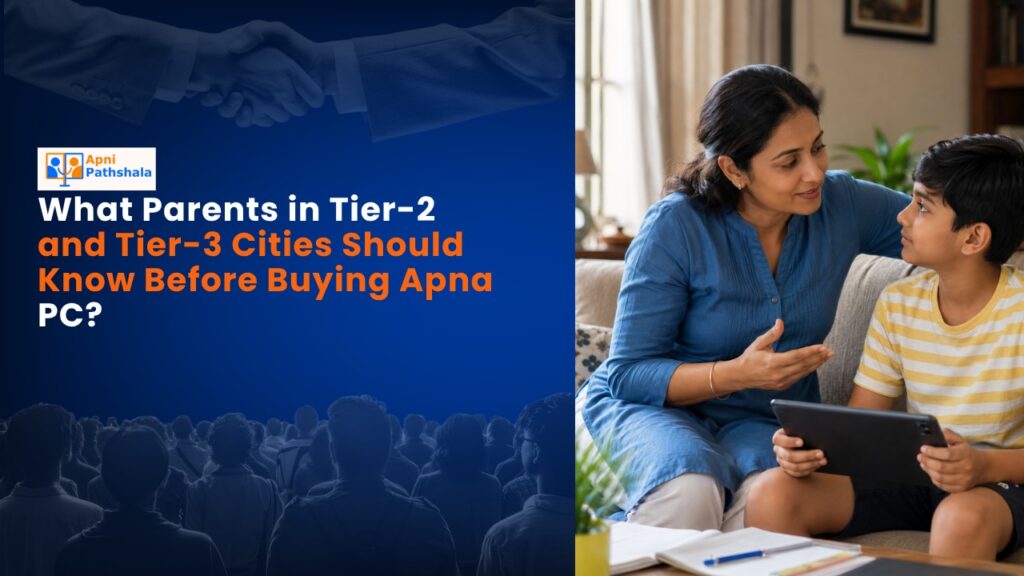
Before buying an affordable computer, parents in Tier 2 and Tier 3 cities should check three things: whether it has enough RAM and fast SSD storage for schoolwork, whether learning software comes pre-loaded, and whether it includes parental monitoring. A purpose-built study computer like Apna PC covers all three at a fraction of big-brand laptop prices.
For example, a parent who receives a school notice saying every student needs a computer for online classes and coding may find big-brand laptops costing 60,000 rupees or more. This guide explains what to look for instead.
What should you look for in an affordable student computer?
Look at purpose as well as specs. Apna PC has 8GB of RAM and a 128GB SSD, which is plenty for schoolwork, online classes and creative projects, and it costs Rs. 30,000 (excluding shipping and GST).
The bigger difference is what comes pre-loaded. There is no bloatware. Instead you get:
- Zorin OS: a user-friendly, secure and stable operating system
- LibreOffice: word processing, spreadsheets and presentations without paying for Microsoft Office
- Scratch: for coding and creative thinking
- Apni Prerna: a student monitoring system for screen time and learning activity
It is built by Apni Pathshala, an organisation focused on Indian students, so you pay for function and learning support rather than a brand name. Our budget computer buying guide lists more points to check.
Does a budget computer mean compromising on quality?
No. An affordable computer can be reliable and long-lasting when it is designed for a clear purpose.
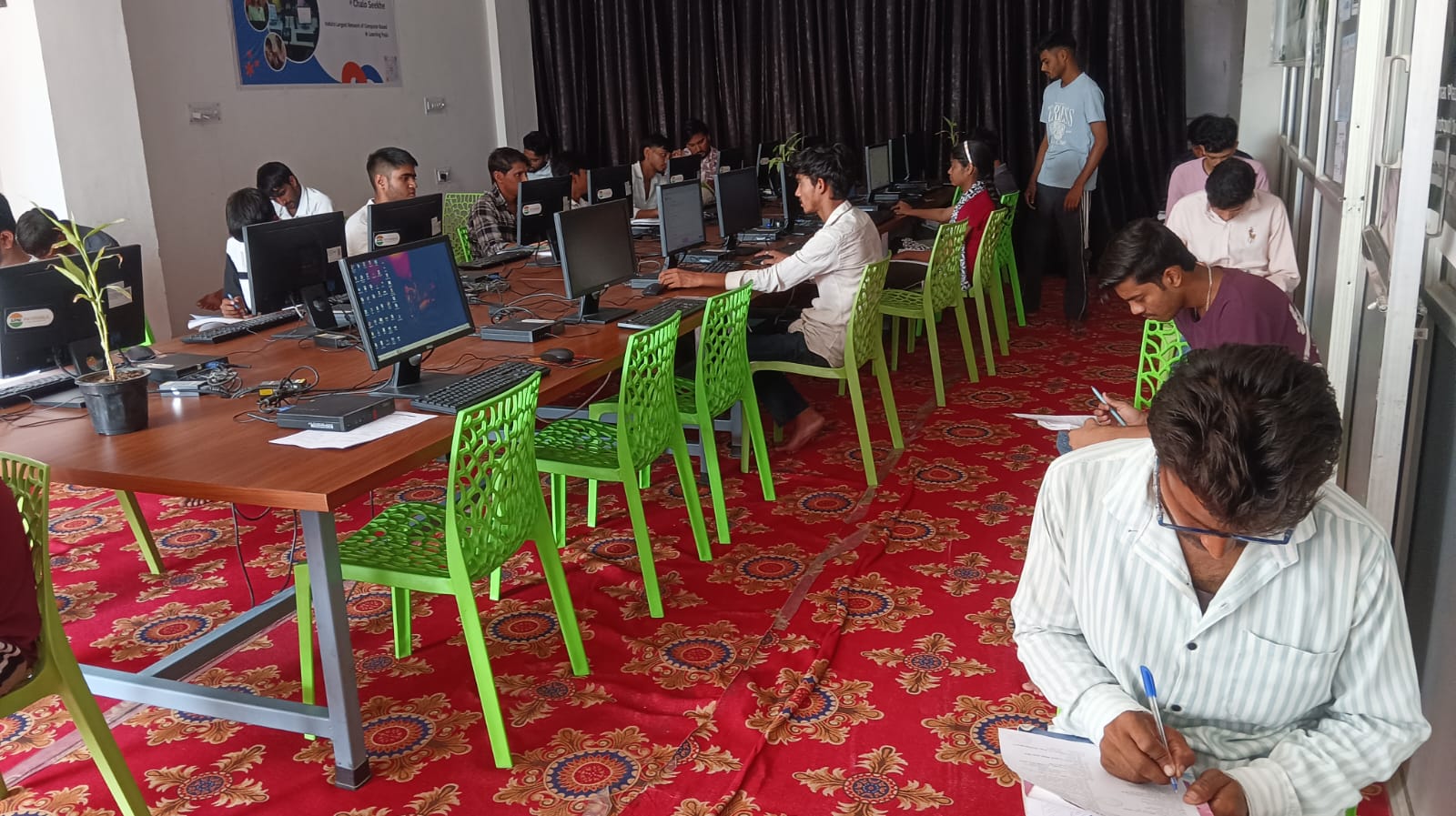
The 128GB SSD gives faster boot times than older hard drives, so study time is not lost waiting for files. 8GB RAM handles several browser tabs, video calls and document editing at once. Ask what your child really needs: gaming performance is rarely needed for studies, but a computer that starts quickly and runs smoothly is.
What is the real cost of owning a student computer?
The real cost includes software and upkeep, not just the price tag. Rs. 30,000 is a significant amount for most families, but mainstream laptops can cost 60,000 or 80,000 rupees, so you may save 50,000 rupees or more for tuition, books or other needs.
Software is the hidden cost. Microsoft Office licences and antivirus subscriptions add up, while Apna PC includes the learning tools your child needs. When your child eventually outgrows it, our guide on what refurbished actually means helps with your next choice. See also the three-year cost of a student computer.
How do built-in parental controls help?
Built-in controls let you see what your child does online without extra software. Apni Prerna shows how much time goes to different activities and which websites are visited.
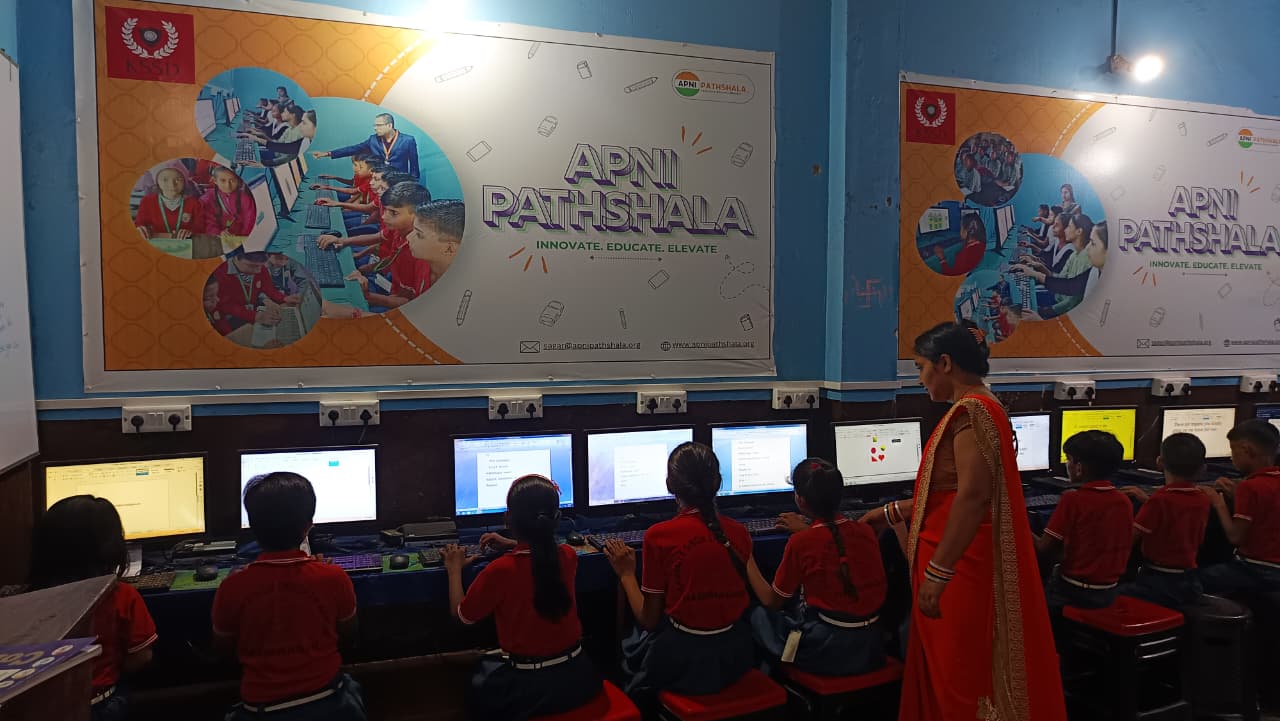
This is not about spying. It is about keeping your child safe and building healthy digital habits, without buying expensive third-party software or fighting complicated settings.
Why does a home computer matter for your child’s future?
School curricula are moving towards digital learning, so a computer at home prepares your child for a future where digital literacy is expected. India’s Digital India initiative is pushing technology into classrooms and homes.
A personal computer is a device designed for individual use, and having one of their own means your child can practise every day instead of waiting for a turn.
Why do parents rely on word of mouth when choosing?
In smaller cities, parents trust what works for families they know. Parents talk, teachers recommend, and when a neighbour’s child does well with a budget PC, others take notice.
Why parents trust word of mouth explains how real experiences guide buying decisions. Ask other parents and teachers what they use before you decide.
Which option should you choose?
Ask yourself three questions. Does your child need a computer for school? Is Rs.30,000 more comfortable than 60,000 or 80,000? Do you want a computer designed for Indian students with built-in learning support? If the answer to all three is yes, Apna PC is worth serious consideration.
Frequently Asked Questions
Will an affordable computer handle online classes?
Yes. Zorin OS is stable and runs video conferencing apps without issues, and 8GB RAM lets your child keep a class, notes and browser tabs open together. For online classes, a stable connection and enough memory matter far more than gaming-level performance or a premium brand name.
Can my child learn coding on a budget computer?
Yes. Scratch comes pre-installed and suits beginners, and your child can install other programming tools as they progress. Learning to code does not need an expensive machine. It needs a reliable computer, regular practice and the freedom to experiment with small projects.
Is it suitable for a child who has never used a computer?
Yes. Zorin OS has a clean, simple interface that children pick up quickly, and most become productive within the first few hours. If something breaks, Apni Pathshala provides support, and repairs do not carry the premium prices that big-brand computers often charge.
Your child’s education should not be limited by budget. An affordable, thoughtfully designed computer can open doors just as wide as an expensive one. Visit Apna PC to learn more.