

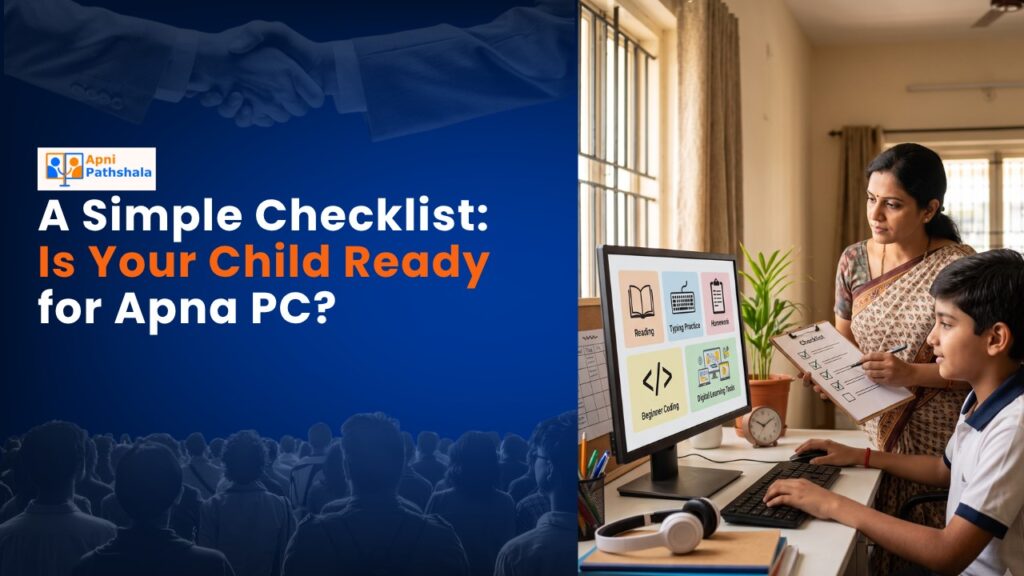
Rajesh’s Dilemma: When Should His Daughter Get Her First Kids Computer?
Rajesh sat in his small flat in Indore, watching his 8-year-old daughter Priya struggle with her online classes. She shared a laptop with her older brother, and they fought every evening over screen time. Her teacher had suggested she needed her own device for coding practice. But Rajesh worried: Is she ready? Will she waste time on games? How do I know if my child is ready for a proper kids computer?
If you’re asking yourself the same questions, you’re not alone. Parents across Tier 2 and Tier 3 cities are making this decision right now. Your child’s readiness for a personal computer isn’t just about age. It’s about maturity, interest, and having the right tool. Apna PC is designed specifically for Indian students, but first, let’s check if your child is truly ready.
The Readiness Checklist: Five Signs Your Child Needs a Kids Computer
Before you invest in a kids computer, ask yourself these honest questions about your child:
- Does your child sit still during online classes? If she can focus for 30-45 minutes without constant reminders, that’s a green flag. A dedicated device removes distractions and helps her concentrate.
- Is she showing curiosity about how things work? Does your child ask questions about apps, games, or coding? That hunger to learn is the best indicator that she’ll use a computer for education, not just entertainment.
- Can she follow basic instructions without adult supervision? Opening folders, saving files, and turning it on and off properly. These basic computer skills show she’s ready to handle her own device responsibly.
- Does she have specific learning goals? Maybe it’s learning to code through Scratch, creating digital art, or improving typing speed. Clear goals keep her motivated and purposeful.
- Is your family ready to set boundaries? This is crucial. Your child’s readiness depends partly on your willingness to enforce recommended screen time for students and monitor what she’s doing.
If you’ve checked three or more boxes, your child is likely ready for her own computer.
Why a Regular Laptop Isn’t Enough for Your Child
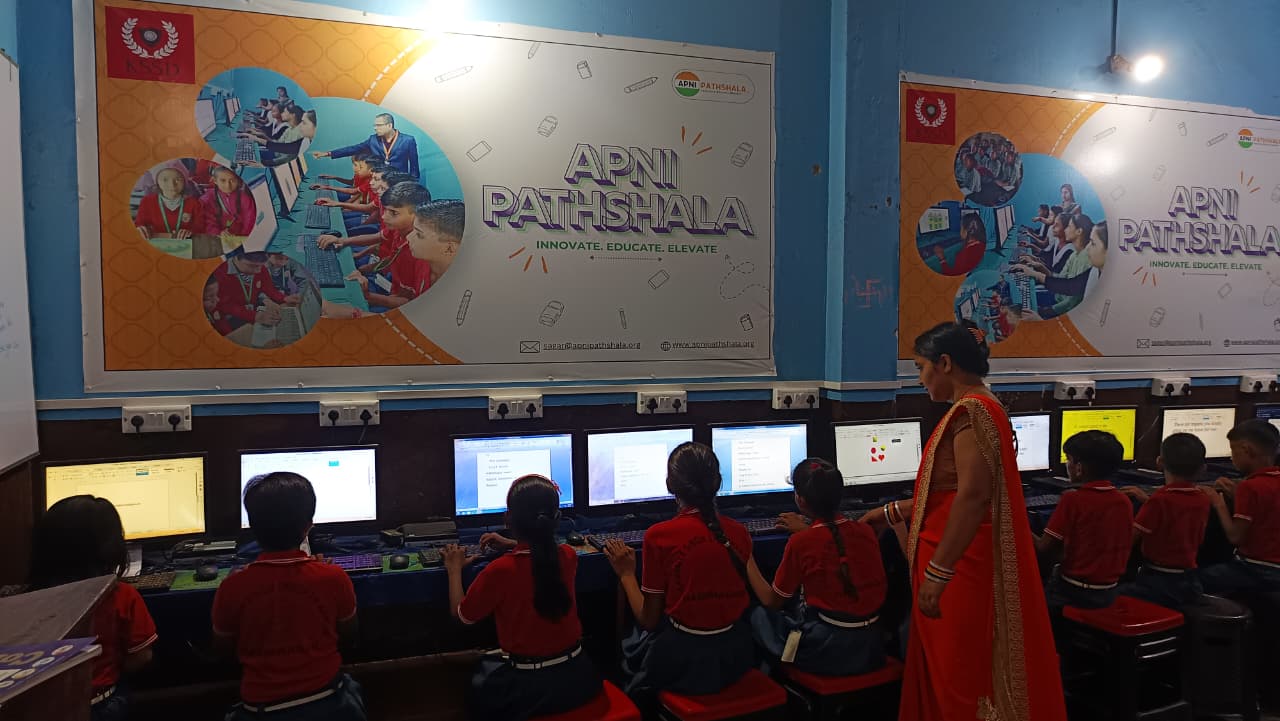
You might think: why not just buy any cheap laptop? The answer is simple. Regular computers come loaded with distractions. Games, social media, and endless YouTube videos are just one click away. Your child needs a device built for learning.
A personal computer designed for kids is different. It comes with parental controls, pre-loaded educational software, and an operating system that prioritises focus. Apna PC, for example, runs Zorin OS and includes Apni Prerna, which lets you monitor your child’s activity. It comes with LibreOffice for document work and Scratch for learning coding. No bloatware. No distractions.
The specs matter too. 8GB of RAM and a 128GB SSD mean your child won’t experience lag or freezing during classes or projects. For Rs. 30,000 (shipping and GST excluded), you’re getting a tool built for Indian classrooms and students.
What Your Child Will Actually Learn
When you give your child a proper kids computer, learning goes beyond what happens in class. Your child develops real digital literacy. She learns to type faster, organise files, use productivity software, and solve problems independently.
On Apna PC specifically, your child can explore the skills students learn on Apna PC platform. From basic computer navigation to coding fundamentals, the journey is structured and age-appropriate. She’s not just consuming content. She’s creating, building, and thinking.
This aligns with India’s Digital India initiative, which recognises that digital skills are essential for every child’s future. By starting early with the right device, you’re investing in her confidence and capability.
The Age Question: How Old Should Your Child Be?
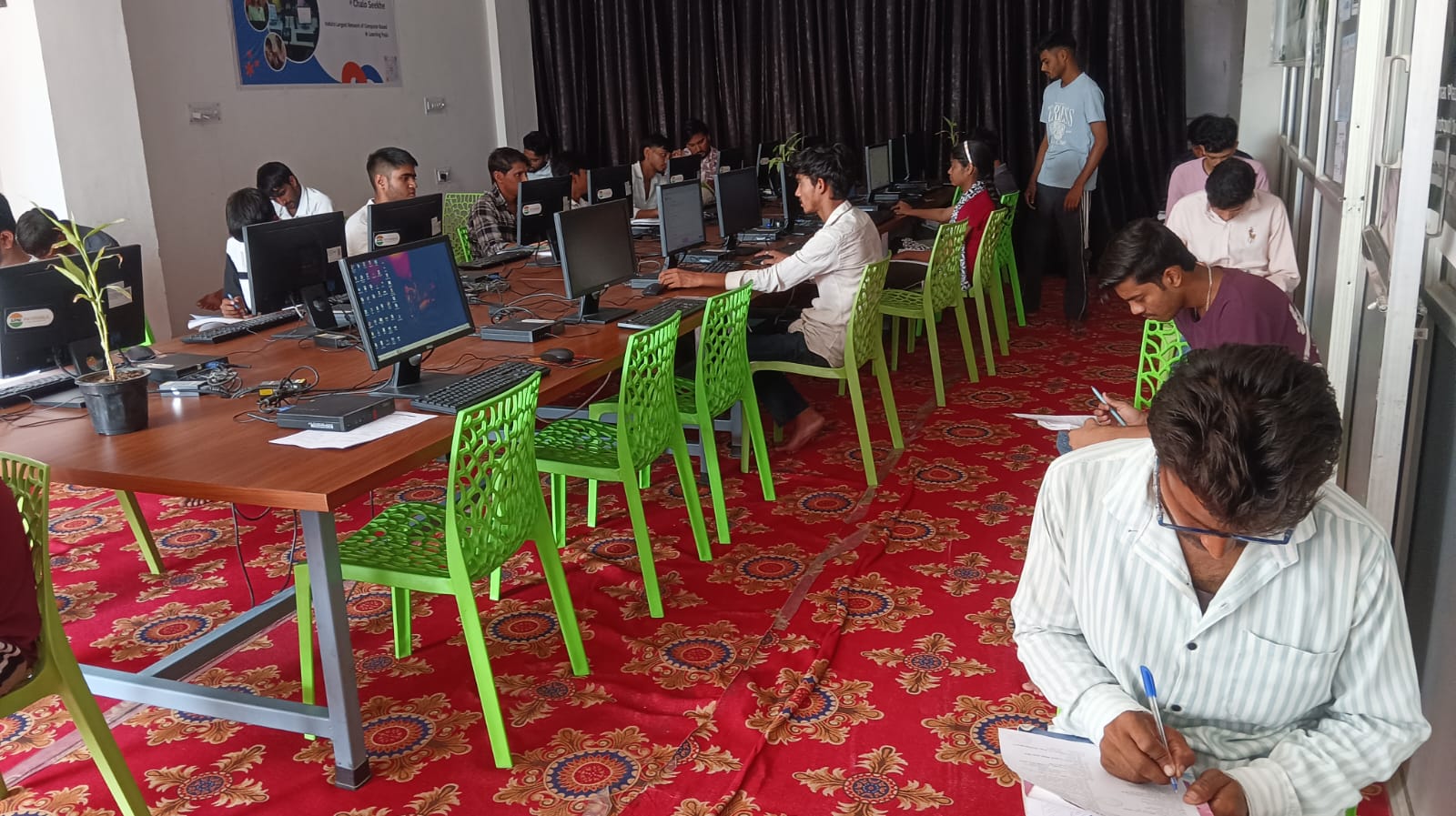
There’s no magic age. Some 7-year-olds are ready. Some 10-year-olds aren’t. What matters is maturity and interest, not just the number of birthdays.
That said, most child development experts suggest 8 years old is a reasonable starting point. By this age, most children can understand cause and effect, follow multi-step instructions, and sit for focused work. They’re also starting to need their own space for schoolwork as homework becomes more demanding.
If your child is younger but shows exceptional interest and focus, don’t wait for a specific age. If your child is older but struggles with concentration, work on that first before introducing a computer.
The Responsibility Talk: Setting Expectations
Before you bring Apna PC home, have a conversation with your child. Explain that this isn’t a toy. It’s a tool for learning, just like a pencil or notebook. Set clear rules: when she can use it, for how long, and what she can do on it.
Make her part of the responsibility. Maybe she helps you unbox it. Maybe you let her decorate a corner of her study space for her new computer. When children feel a sense of ownership, they’re more careful and respectful.
Explain that you’ll be checking in on her progress through Apni Prerna. This isn’t spying. It’s caring. Frame it as your way of helping her stay on track and celebrating her wins.
One More Thing: Your Role as a Parent
Don’t just hand over the device and hope for the best. Your involvement matters. Sit with your child during the first week. Learn what she’s learning. Ask her questions. Show genuine interest in her projects.
This connection makes the computer experience richer and keeps you aware of how she’s using the device. It also builds her confidence knowing you’re interested in her learning journey.
Is your child ready for Apna PC? Go through this checklist honestly. If the answer is yes, you’re making an investment in her future. Visit apnapc.com to learn more.