

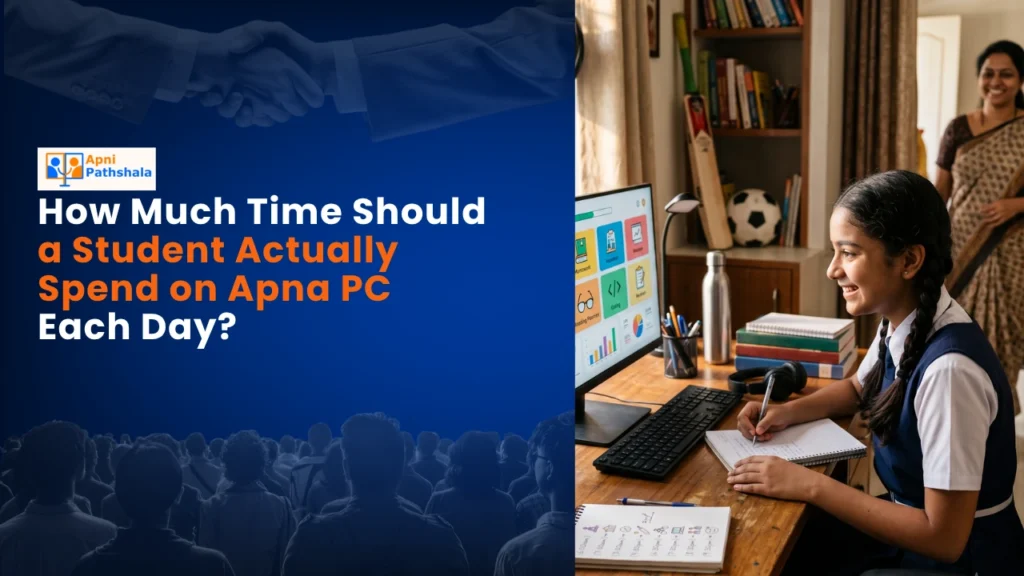
The Story of Arjun and His New Learning Computer
Last month, Priya sat in her small living room in Indore, watching her 12-year-old son Arjun stare at his phone for the fourth hour straight. He was watching YouTube tutorials on coding, his eyes tired but determined. She worried. How much screen time was too much? What is the recommended screen time for students who genuinely need computers to learn? Priya did not have answers, and neither did her neighbors in this Tier 2 city where good educational resources felt out of reach.
You are not alone if you are asking this question. The balance between digital learning and healthy screen time is real, and it matters for your child.
Why Screen Time Matters for Students
Your child’s brain is still developing. Screen time is not inherently bad, but quality and quantity both matter deeply. When Arjun uses his computer for structured learning, his brain engages differently than when he scrolls social media. The key difference is purpose.
Educational activities build neural connections. Passive scrolling drains focus and energy. According to learning research, students who use devices for deliberate practice show measurable improvements in subject mastery. But the same students suffer when screen time becomes undirected.
India’s Digital India initiative recognises this. The government promotes digital literacy because technology, when used effectively, transforms education in cities where quality coaching centres are lacking.
Recommended Screen Time Guidelines for Students
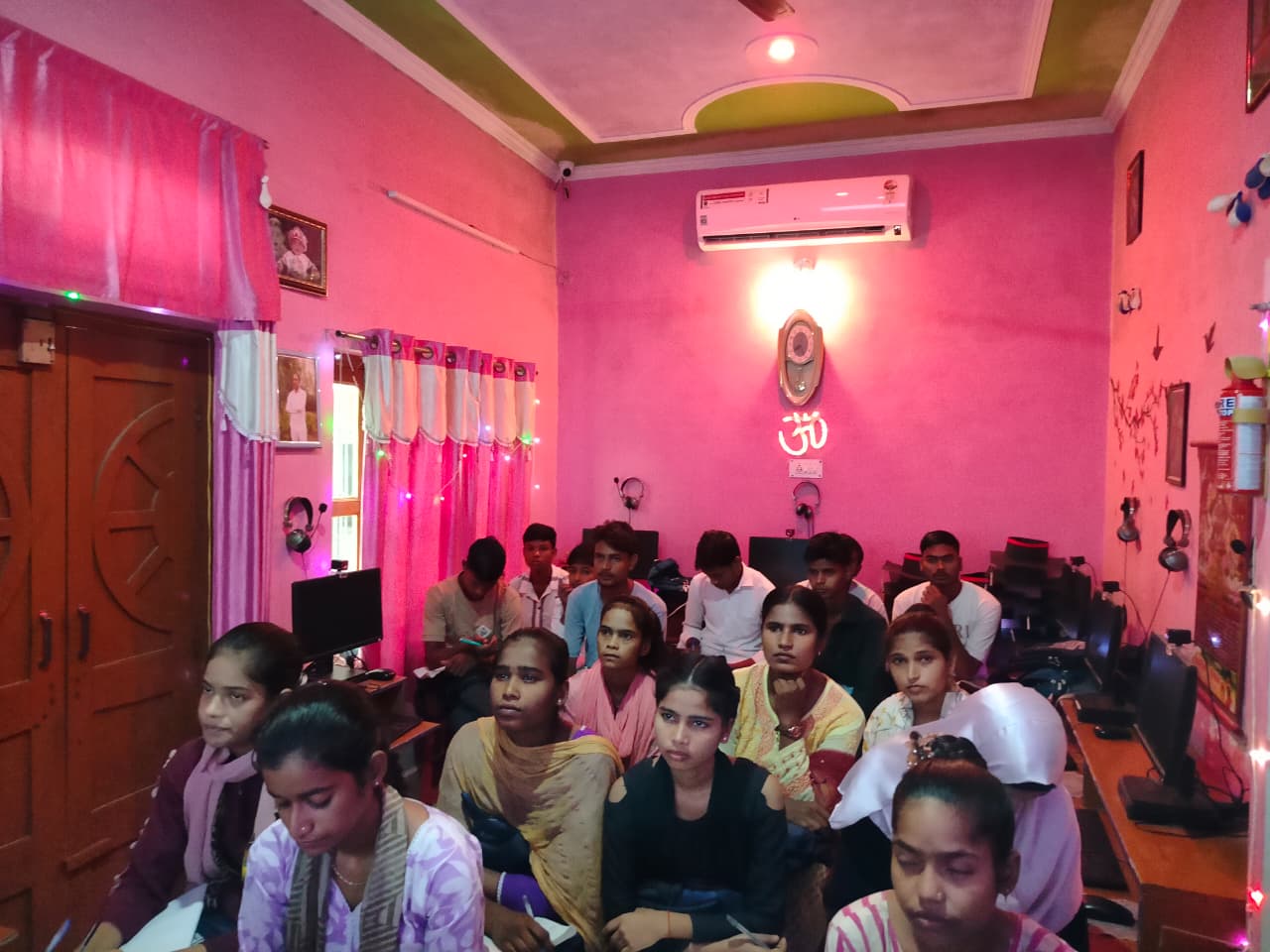
Here is what experts suggest for different age groups:
- Ages 6-9: Maximum 90 minutes daily for educational content only. Younger brains tire quickly.
- Ages 10-13: Up to 2 hours daily, split into focused sessions of 25-30 minutes each. This is Arjun’s age group.
- Ages 14-18: Up to 3 hours daily, but only for genuine schoolwork and skill-building. Social media does not count toward this.
These numbers assume your child’s screen time is structured, purposeful, and interrupted by breaks. Passive watching YouTube for 3 hours is not the same as 3 hours of coding practice or math problem-solving. The recommended screen time for students depends heavily on what they are actually doing during those hours.
The quality of your device matters too. A proper educational computer like Apna PC, with its Zorin OS and Apni Prerna student monitoring system, helps parents track what their children actually do online. You are not just buying hardware; you are getting peace of mind and structure.
Breaking Screen Time Into Focused Sessions
Your child’s attention span has limits. Studies show that students focus best in 25-30-minute blocks, followed by 5-10-minute breaks. This is the Pomodoro Technique, and it works for building student productivity.
Imagine Arjun’s daily routine: 30 minutes of math practice on his computer, 10 minutes of walking around the house, 30 minutes of coding in Scratch (preloaded on Apna PC), 15 minutes eating a snack, 30 minutes of an online class, then play outside. That is 2 hours of quality screen time spread throughout the day, with built-in movement and rest. This is healthy screen time in action.
Without structure, screen time balloons. With it, your child learns more and feels better. Learn more about study time versus screen time on our detailed guide.
Signs Your Child’s Screen Time Is Unhealthy
Watch for these red flags in your student:
- Difficulty sleeping or irregular sleep patterns
- Complaining of headaches or eye strain after screen use
- Neglecting outdoor play, books, or face-to-face friendships
- Becoming irritable when screens are taken away
- Declining grades despite spending more time studying
- Poor posture or neck pain from hunching over devices
If you see three or more of these, your child’s screen time needs to be adjusted. It is not about the device being bad; it is about the loss of balance. Understanding the recommended screen time for students helps you spot problems early.
Recommended Screen Time Habits for Students
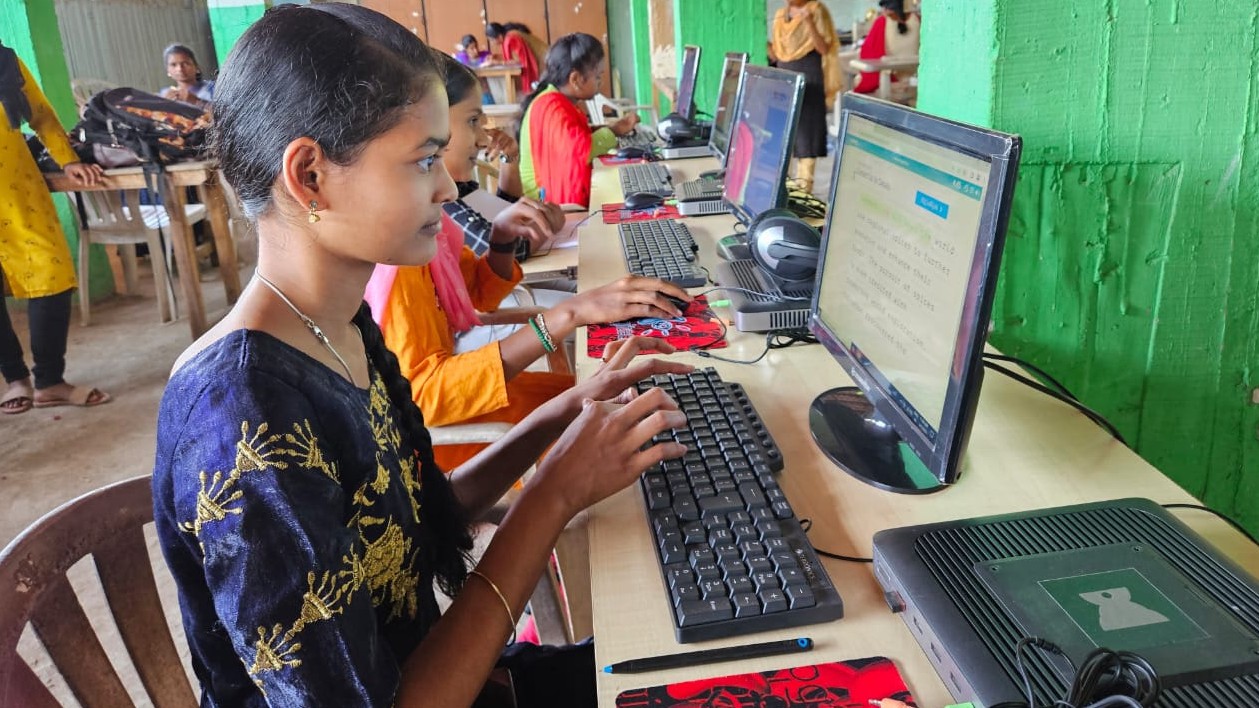
Start with rules your child helps create. When Arjun and Priya sat down together, they agreed: no screens one hour before bed, no screens during meals, and outdoor time before computer time on weekends. Arjun felt heard, not controlled.
Set up your home’s physical space too. A proper desk with good lighting reduces eye strain. An educational computer positioned at eye level prevents posture problems. Apna PC’s 8GB RAM and 128GB SSD handle multiple applications smoothly, so your child does not waste time waiting for programs to load and frustration builds up.
Use monitoring tools wisely. Apni Prerna, built into Apna PC, lets you see what your child accesses without being invasive. You are not spying; you are staying informed and guiding digital learning habits in the right direction.
Read our guide on setting healthy screen time limits for more practical strategies tailored to Indian households.
Recommended Screen Time for Students: Quality Over Quantity
You do not want your child staring mindlessly at screens. But you also do not want them left behind due to a lack of digital skills. The goal is not minimum screen time; it is maximum learning per minute spent online.
Arjun now spends 1.5 to 2 hours daily on his Apna PC, learning to code in Scratch, completing math assignments, and watching educational videos. His grades improved. His eyes do not hurt. He still plays cricket with friends. The difference? His screen time became intentional. Finding the right recommended screen time for students is about purpose, not just counting hours.
Your student can have the same balance. It takes planning, the right tools, and honest conversations about what learning really means.
Apna PC at Rs.30,000 (shipping and GST excluded) gives your child a dedicated learning device, not a distraction machine. Visit apnapc.com to learn more.