

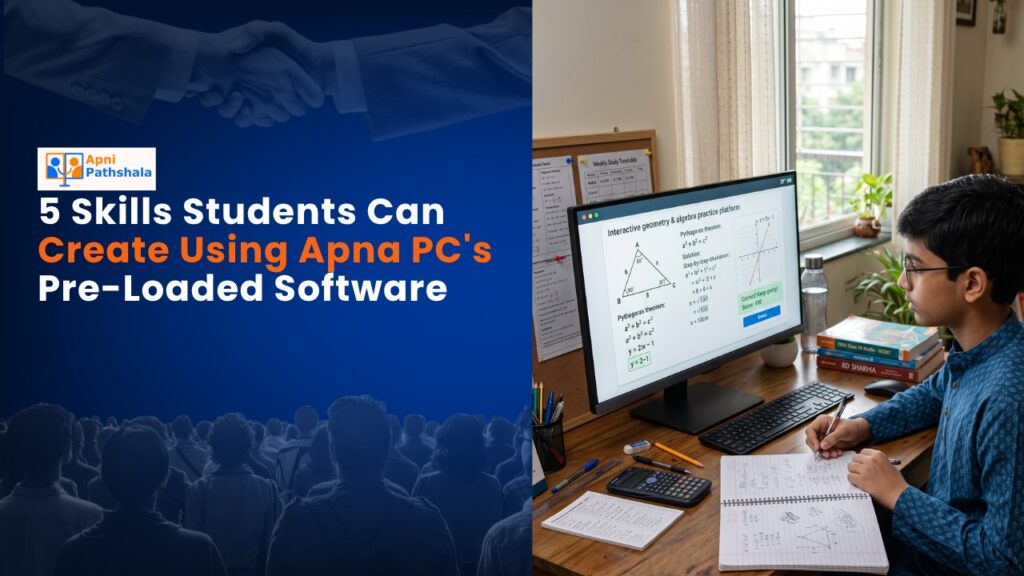
Your child can build five real student computer skills without expensive subscriptions or complicated setup. Apna PC at Rs.30,000 comes pre-loaded with everything needed: coding tools, office software, creative applications, and digital safety monitoring. Within weeks of getting a computer, most students go from unfamiliar to genuinely capable.
- Scratch coding: computational thinking through creative projects
- LibreOffice: documents, spreadsheets, and presentations
- Apni Prerna: digital safety and responsible computer use
- Multimedia tools: photos, animations, and presentations
- Self-directed learning: curiosity, exploration, and problem-solving
These skills go beyond school assignments. Coding teaches logical thinking. Document creation builds professional habits. Digital literacy protects your child online. Each skill built on Apna PC’s pre-loaded software has lasting value. Here are the five skills your child can start building from day one.
Skill 1: Coding and Computational Thinking With Scratch
Scratch is included with every Apna PC. It is a visual coding tool where students drag colourful blocks to create animations, games, and interactive stories. No prior coding knowledge needed. The power of Scratch is what happens underneath: students learn to break problems into steps, test solutions, and fix errors. These habits (called computational thinking) apply to every subject, not just computer science.
Many schools now include Scratch in their technology curriculum. DIKSHA, India’s national digital learning platform, has Scratch-compatible learning paths for Class 6 and above. A student who starts coding at home arrives at school already ahead.
Skill 2: Document Creation and Office Skills With LibreOffice
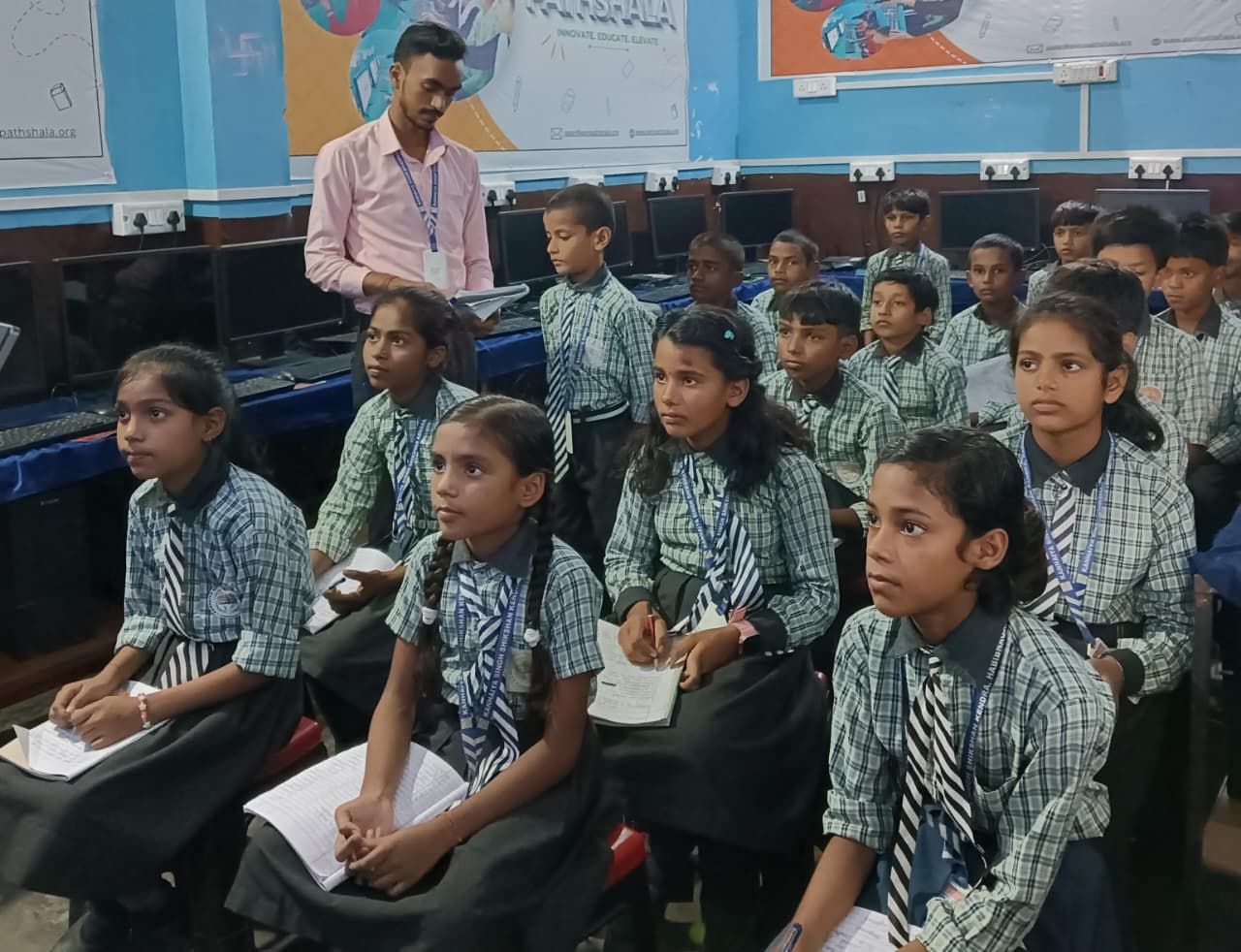
LibreOffice is a complete, free office suite installed on every Apna PC. It includes Writer (documents), Calc (spreadsheets), and Impress (presentations). Your child can write formatted project reports, build spreadsheets, and create slide presentations, all without a Microsoft Office subscription.
These are professional tools used by adults in every field. A student who can write a well-formatted document and present information clearly has a genuine advantage. LibreOffice is straightforward and quick to learn, so your child can start creating immediately. The 8GB RAM and 128GB SSD on Apna PC ensure it all runs smoothly with no frustrating delays.
Skill 3: Digital Literacy and Safe Computer Use
Apna PC includes Apni Prerna, a student monitoring system built into the operating system. This creates a safe digital environment where your child can explore technology responsibly. Students develop digital literacy: how to use computers safely, recognise online risks, and build good habits that last a lifetime.
Digital literacy is as important as reading literacy in today’s world. Schools increasingly assess it. When children learn responsible computer use at home, they carry those habits into school and beyond. The monitoring tools give parents visibility without removing the student’s independence to explore and learn.
Skill 4: Creative Expression Through Multimedia Projects
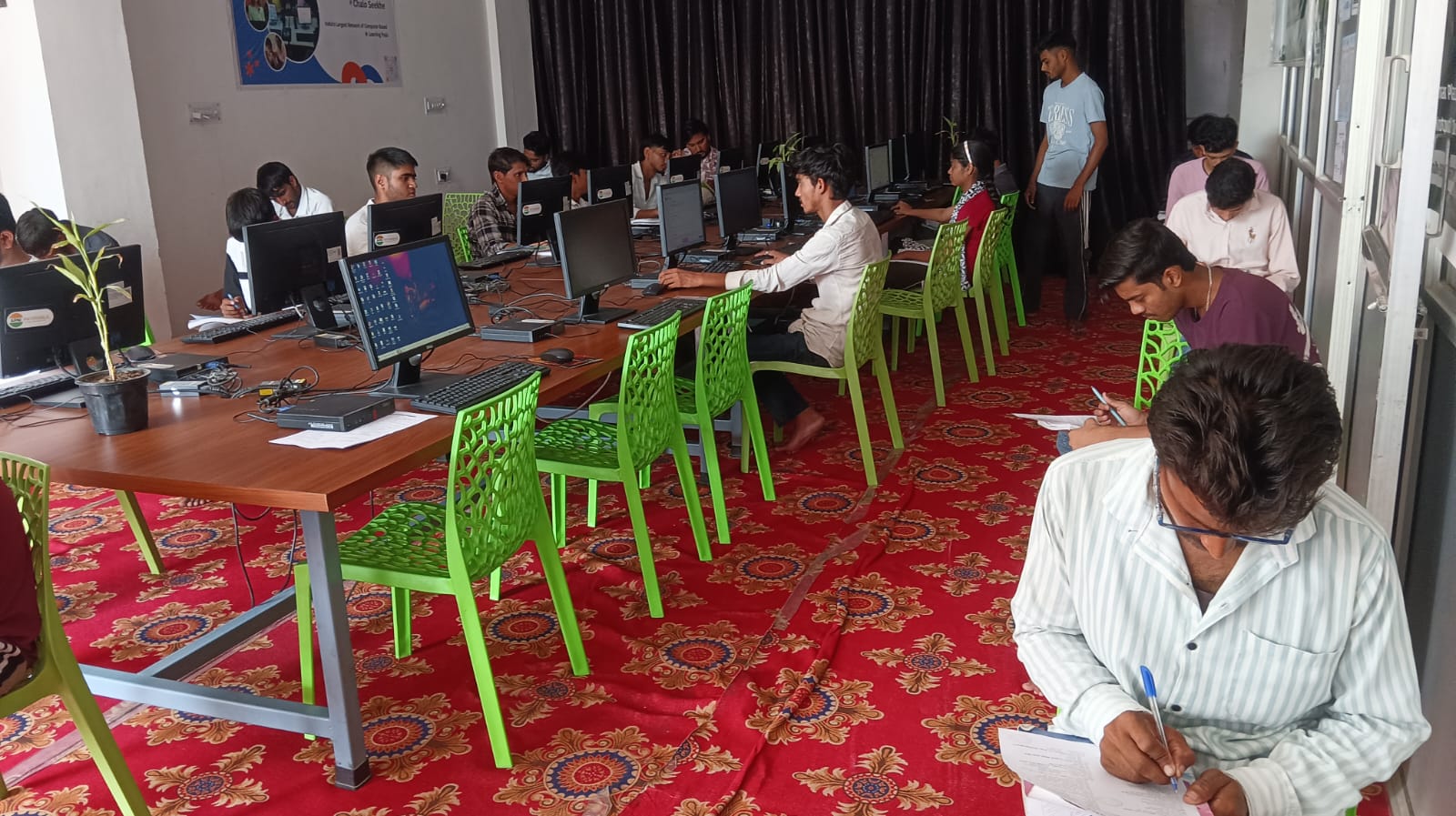
Your child’s creative thinking should not be limited by tools they cannot access. With Apna PC’s pre-loaded software, students can build photo presentations, create simple animations, and document school projects with multimedia elements. A science project becomes a video. A history assignment becomes an illustrated presentation. These outputs impress teachers and develop communication skills that matter in every career.
This is about more than art. Students who create with technology learn to tell stories, organise information visually, and present ideas with clarity. These are the same skills demanded in every professional setting.
Skill 5: Self-Directed Learning and Problem-Solving
When a student has the right tools and permission to explore, something changes. They start experimenting. They ask questions they would not have asked before. They try something, break it, and figure out how to fix it. This self-directed learning habit is one of the most valuable outcomes of a home computer.
A student might start with a simple Scratch project and end up learning how animations are built. They might need a table in LibreOffice and discover how formatting works. Each small discovery builds curiosity and confidence that extends far beyond the screen. See how to use AI the right way on your Apna PC as your child’s skills develop. And see how a computer changes family learning for the bigger picture. Find more about how a personal computer helps students grow over time. Visit apnapc.com to learn more.
Why Pre-Loaded Software Matters for Your Family
You do not need to be a tech expert to help your child learn. Apna PC arrives ready to use, with every tool already installed and working. No downloads, no compatibility issues, no subscriptions. The personal computer remains one of the most powerful learning tools ever created, and Apna PC at Rs.30,000 makes that available to every Indian family.
Frequently Asked Questions
What is Scratch and why is it included with Apna PC?
Scratch is a free visual coding program developed by MIT. It teaches programming concepts through drag-and-drop blocks, making it accessible to children from Class 3 onwards. It is included with Apna PC because it builds computational thinking, logical reasoning, and creative problem-solving: skills that benefit every student regardless of career direction.
Can a student use LibreOffice instead of Microsoft Office for school?
Yes. LibreOffice creates and reads Microsoft Office file formats including .docx and .pptx. School assignments done in LibreOffice open correctly in Microsoft Office and vice versa. Many students use LibreOffice throughout school and university without any compatibility issues. It is free, regularly updated, and handles all typical student document and presentation tasks.
How does Apni Prerna help parents and students?
Apni Prerna is a monitoring system built into Apna PC’s operating system. It lets parents see what apps their child uses and set limits on non-educational software during study time. For students, it creates a focused learning environment with fewer distractions. For parents, it provides visibility without requiring technical expertise to configure.
These five student computer skills give your child a head start in school and beyond. Visit apnapc.com to learn more about Apna PC.