

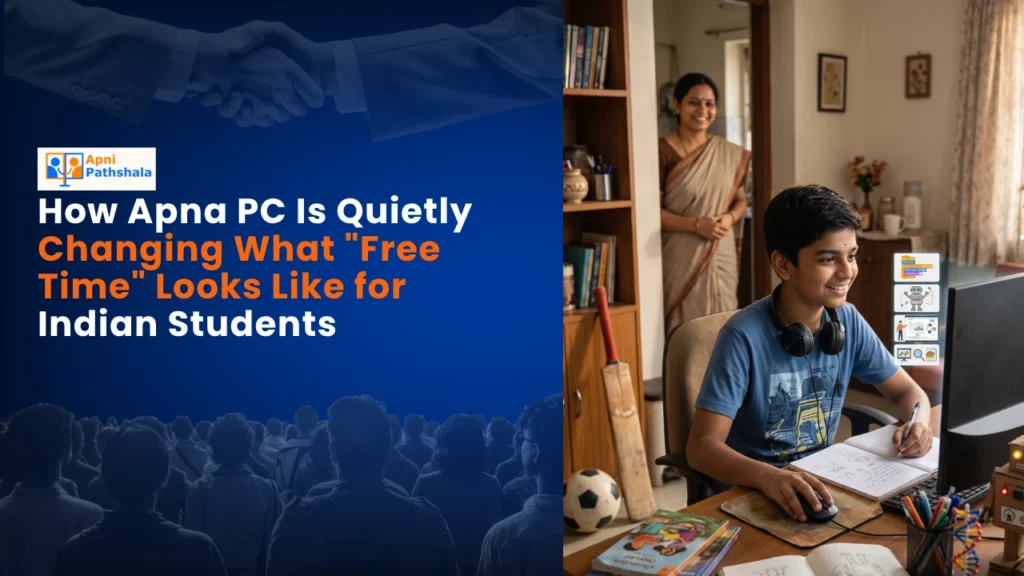
An educational PC turns a student’s free time into productive screen time: coding a game in Scratch, making digital art, researching a project or building a presentation instead of scrolling on a phone. Because it is built for learning, free time on it naturally becomes skill-building and curiosity rather than wasted hours.
At Rs.30,000, Apna PC makes this possible for families across India who want their children to do well in a digital world.
What makes an educational PC different from a regular computer?
An educational PC is purpose-built for learning, while a standard computer can just as easily become a distraction machine. It comes preloaded with learning content, parental controls and an interface designed for young learners.
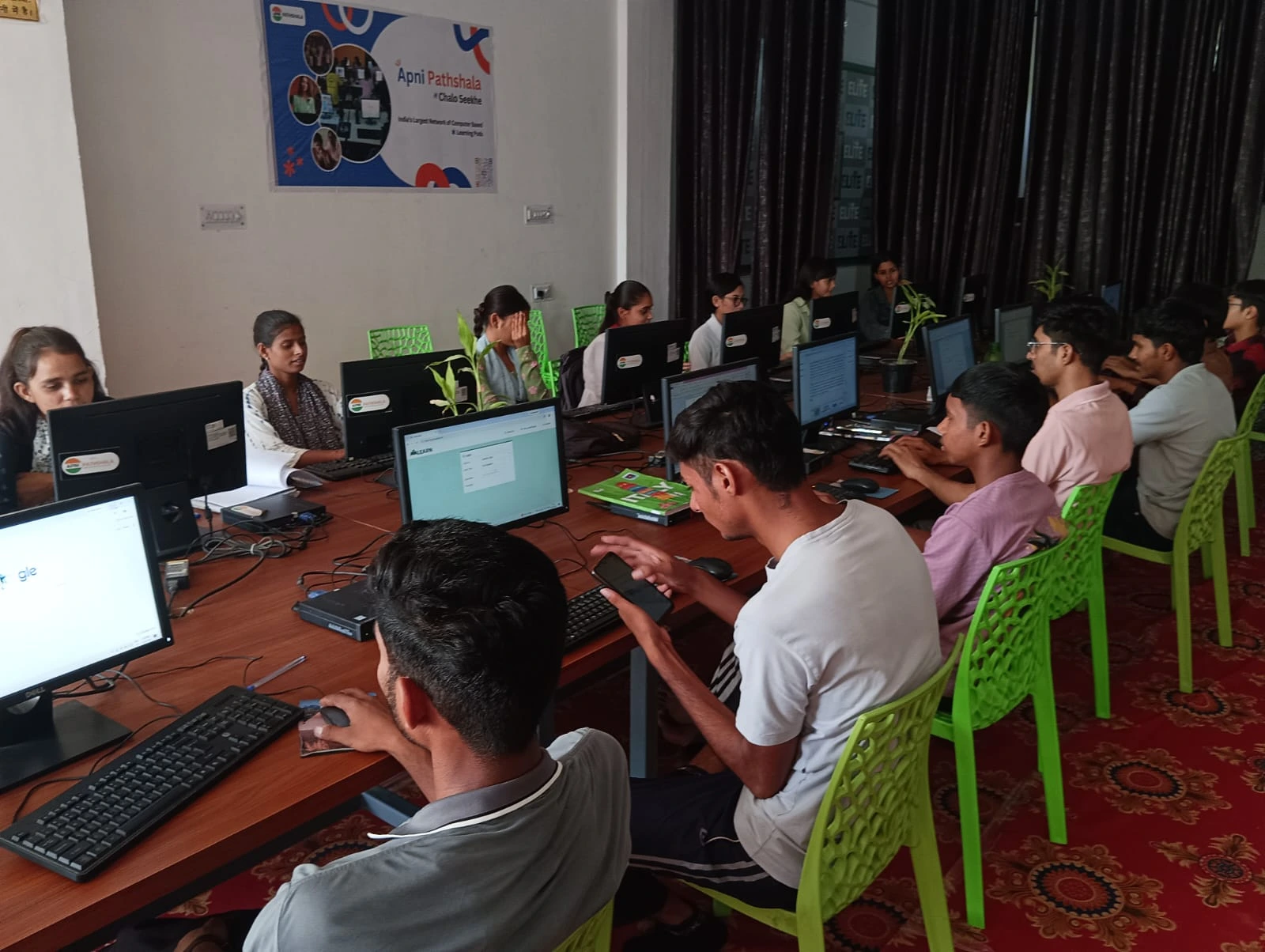
Unlike tablets or smartphones, it also offers a proper workspace. Your child sits upright, uses a keyboard and mouse, and builds real computer literacy, skills the India Ministry of Education increasingly emphasises.
What does productive screen time look like?
Productive screen time is about what happens on the screen, not only how many hours. Parents’ worry about screen time is valid, but an hour of creating is very different from an hour of scrolling.
| Passive screen time | Productive screen time |
|---|---|
| Scrolling social media on a phone | Building a simple game in Scratch |
| Watching random videos | Learning the basics of Python |
| Endless notifications | Making a multimedia project for a history assignment |
The Digital India initiative treats digital literacy as foundational, and an affordable learning computer helps close the gap between aspiration and access.
Which free-time learning activities do children enjoy?
Children enjoy activities that match their own interests. With a proper learning computer, they tend to drift toward these on their own.
- A child interested in science can watch interactive tutorials, try virtual lab simulations or follow step-by-step coding projects.
- A budding writer can use proper writing tools and share their work.
- A creative child can make digital art or presentations.
These are not forced learning moments but self-directed exploration, which usually sticks better than passive watching. For more ideas, see how students can explore new hobbies on a PC.
How do you set up a home space for focused free time?
Give the computer a dedicated, distraction-free spot where your child can settle in. Our guide on home study computer focus offers practical tips for setting up a learning space that keeps distractions low.
Is an affordable educational PC good enough?
Yes, for what students actually need. Cost has long been the biggest barrier to digital access in India, and premium laptops put computer skills out of reach for many capable students.
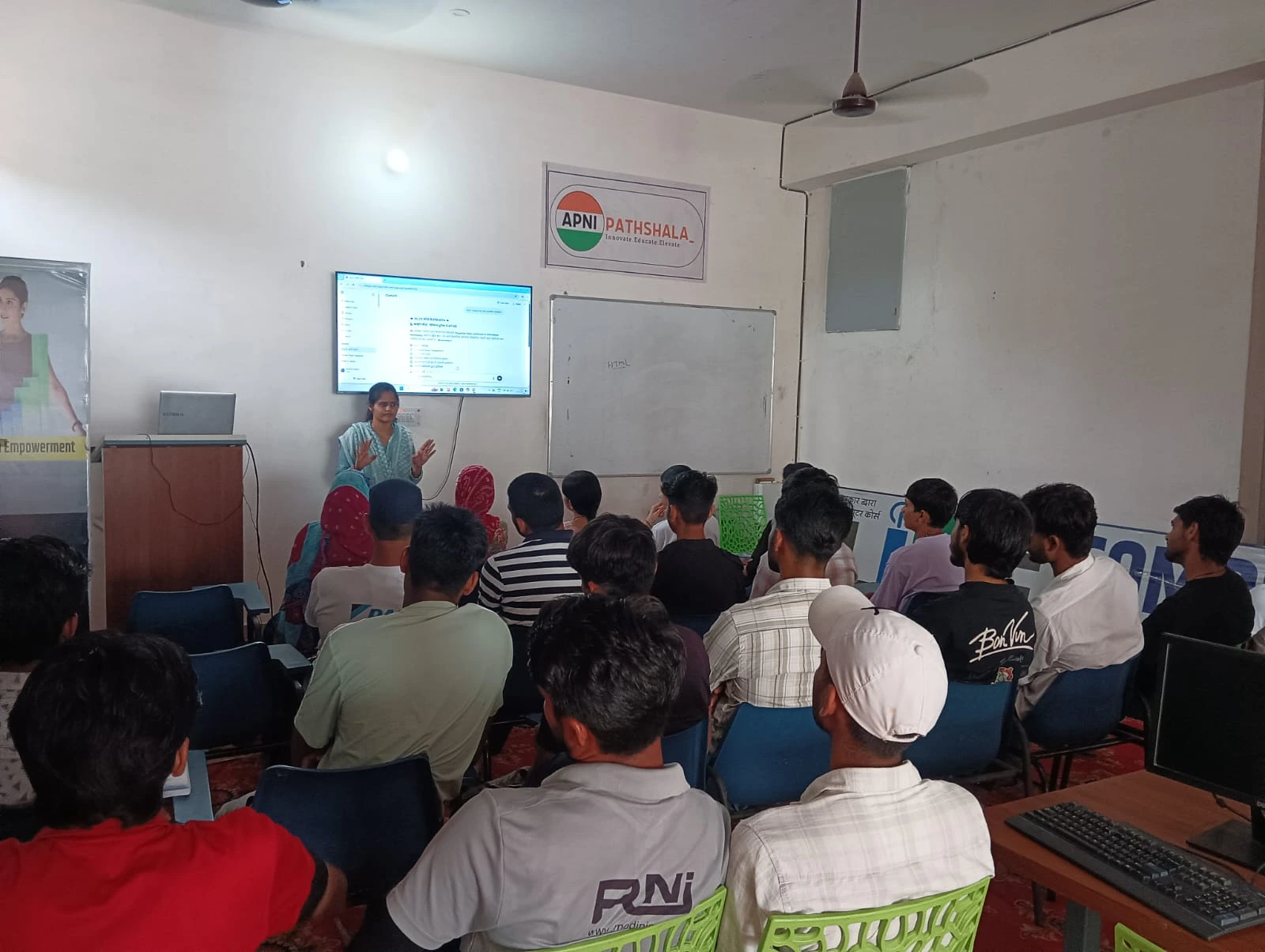
At Rs.30,000, Apna PC sits between a smartphone and a traditional laptop in price while offering the functionality of a computer. The focus is on reliable performance and software that supports learning without unnecessary bloat.
How does having their own PC build a child’s confidence?
A child who is trusted with a real tool grows in independence. They solve problems on their own, learn to move through digital spaces safely and gain confidence in their technical abilities.
These skills, such as self-reliance, digital citizenship and creative problem-solving, matter as much as marks. If you are weighing this up, our resources for families looking for a child learning device can help.
Frequently Asked Questions
Should I limit my child’s free time on the computer?
Some limits are sensible, but the bigger question is what your child does during that time. An hour building a Scratch game or a school project builds skills, while an hour of scrolling does not. An educational PC with parental controls makes it easier to keep free time productive.
What can my child do on Apna PC in their free time?
Your child can build simple games in Scratch, learn basic Python, create digital art, research topics that interest them and make presentations or multimedia projects. These activities are creative and active, and many of them tie directly back to schoolwork and projects.
Is a learning computer better than a tablet for free time?
For skill-building, usually yes. A tablet is designed mostly for watching and tapping, while a learning computer gives a proper workspace with a keyboard and mouse. That setup encourages creating rather than consuming and builds real computer literacy along the way.
Free time does not have to mean wasted time. Visit Apna PC to see how your child can turn screen time into real skill-building.