

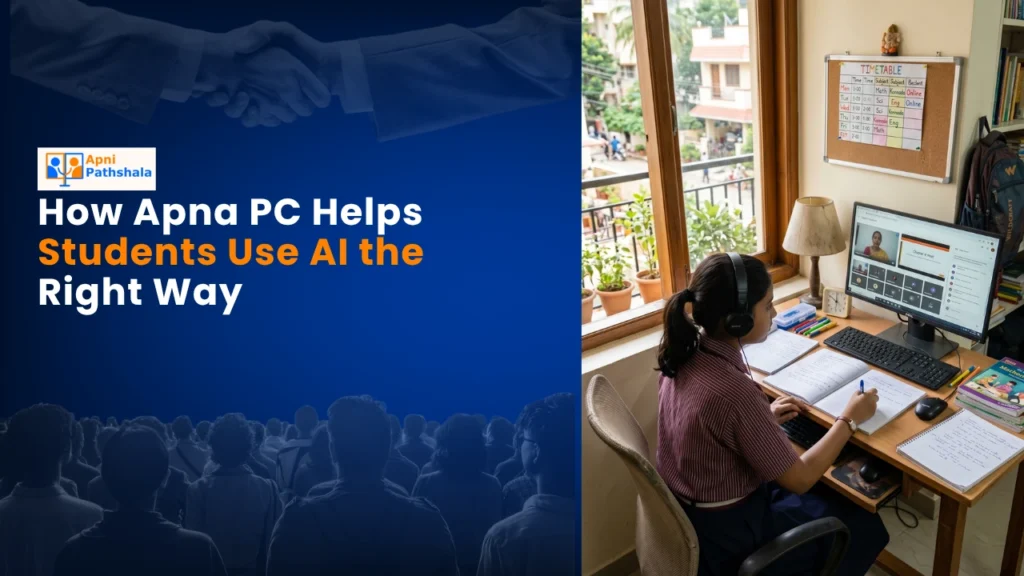
Students use AI the right way when they first learn the logic behind it, through hands-on problem-solving, inside a structured study setup with sensible parental limits. Apna PC supports this with Scratch for building algorithmic thinking, Apni Prerna for parent monitoring and a clean system with no distracting apps or ads.
For example, a child may say they are “learning AI” while scrolling random videos on an old laptop, and a parent cannot tell if it is true. Structure solves that doubt.
What does “learning AI” actually mean for a young student?
For a 10- or 12-year-old, learning AI means understanding logic, problem-solving and how computers follow instructions. It does not mean complex neural networks.
AI comes up at school and in the news, so many parents in Tier 2 and Tier 3 cities feel unsure how to guide their child. The right starting point is building things, not just watching content about AI. For a deeper look at healthy use, read about AI-assisted learning vs AI dependence.
How does Scratch teach the foundations of AI?
Scratch teaches algorithmic thinking, which is the foundation of AI, by letting children drag blocks together to make programs. They build games, animations and interactive stories and see results immediately.
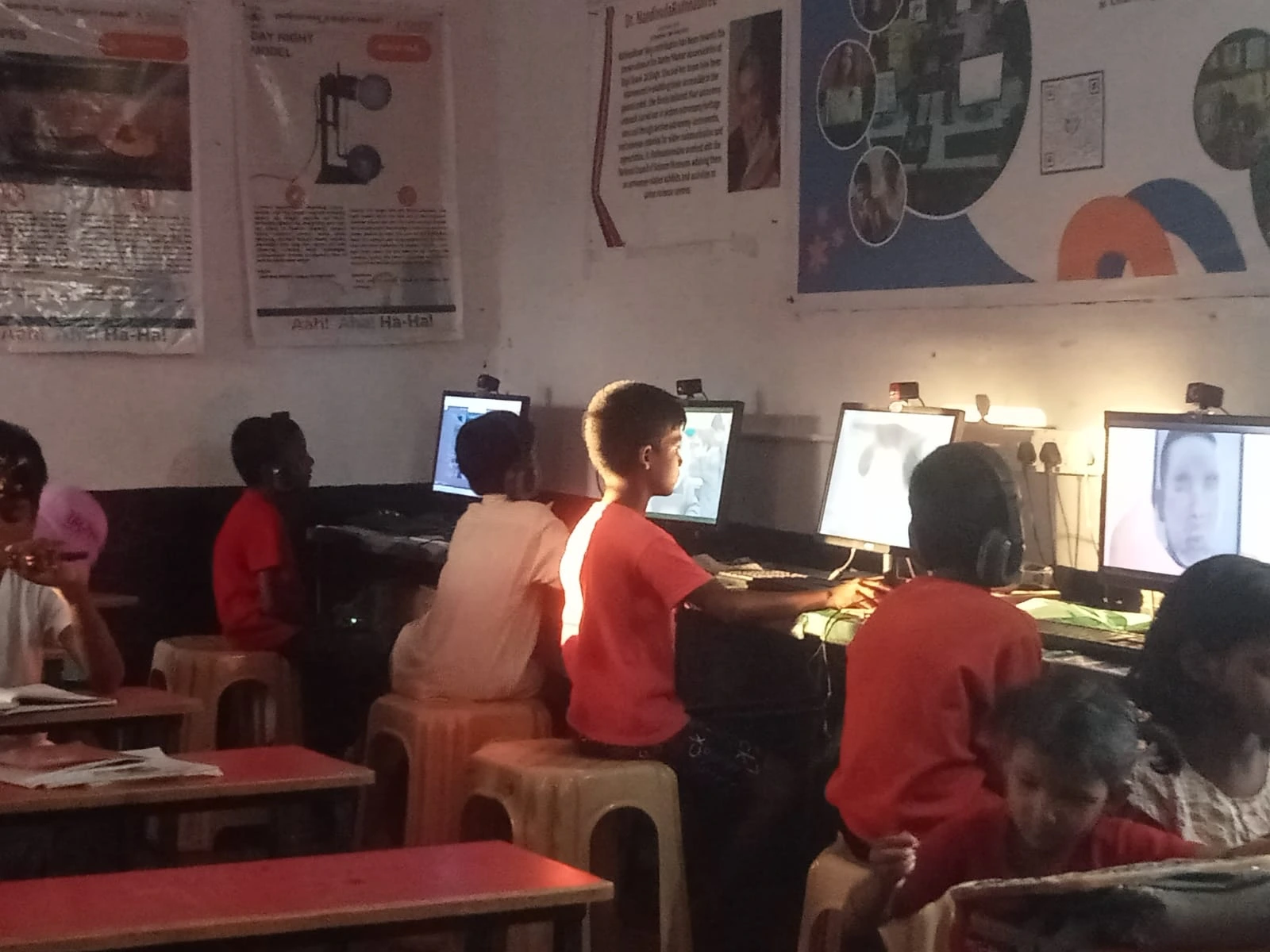
Each project is hands-on, not theoretical. The computer’s learning focus fits the goals of the Digital India initiative, so your child is building skills that matter, not just playing around.
What makes Apna PC a good student computer for AI learning?
Apna PC is built by Apni Pathshala for learning, priced at Rs.30,000 (plus shipping and GST), with 8GB RAM and 128GB SSD for real schoolwork without lag.
- Zorin OS: a clean, fast Linux-based system with no bloatware and no ads popping up during homework.
- Apni Prerna: parental monitoring to set time limits, block harmful websites and track progress.
- LibreOffice: word processing and spreadsheets for real assignments.
- Scratch: a visual coding language for beginners, teaching logic without complex syntax.
Unlike a regular family laptop that anyone can change, it is set up for one purpose: helping your child learn the right way.
How do parental controls keep AI use on track?
They let you set study hours, block distracting websites and see which applications your child uses, without spying. Apni Prerna handles this in the background.
Our parental permissions guide shows how to set it up, which takes about 10 minutes. When your child knows the rules are there, they stay focused. Like a classroom schedule, it is about structure, not punishment.
How can parents see real learning progress?
You can track your child’s learning progress through the Apni Prerna dashboard: which applications they use, how long they spend on each and which educational resources they open most.
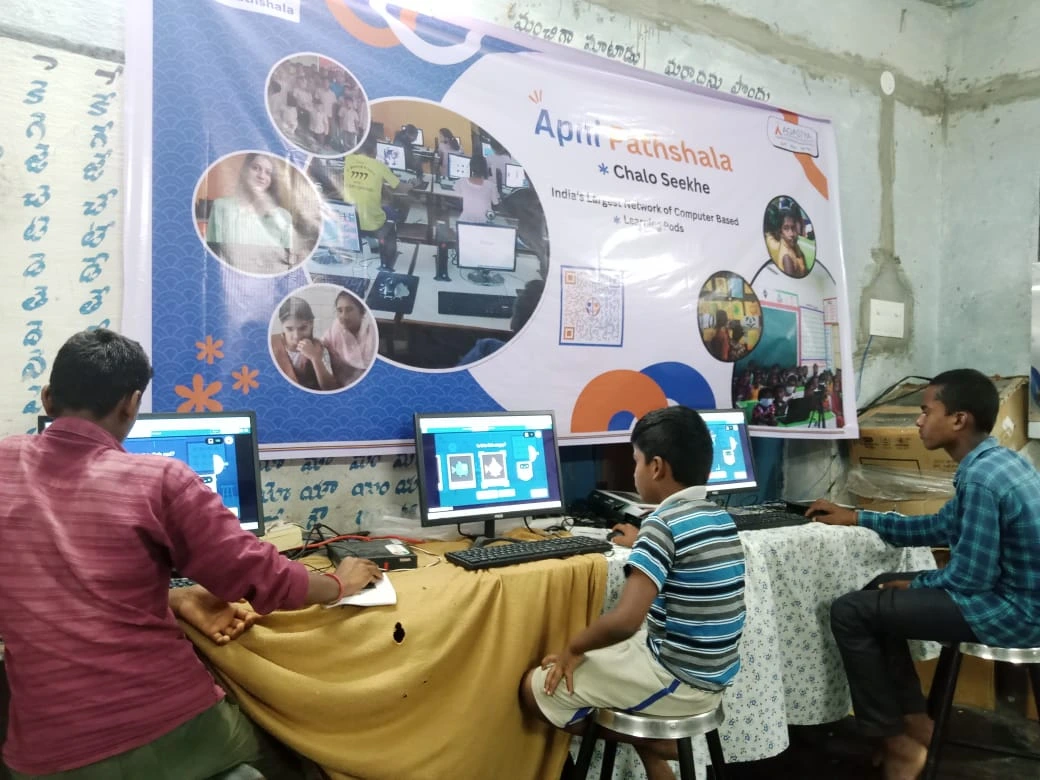
Signs of real progress include your child showing you a game they coded in Scratch, or finishing homework faster because there are no distracting tabs. It is not magic, just the right tool: a personal computer designed for learning.
Why does your family need a structured study computer now?
Because good tech support and coding classes can be hard to find in smaller cities. With Apna PC, your child has a complete learning system at home: reliable hardware, educational software and a fair price.
That gives your child the same tools and structure as peers in bigger cities, and the same chance to learn AI and coding properly.
Frequently Asked Questions
Is my child too young to learn about AI?
No, if it starts with the basics. Young students can learn logic and problem-solving through visual coding in Scratch, which is the foundation of how AI works. They do not need complex programming or neural networks to begin building the right kind of thinking.
How do I know if my child is really learning on the computer?
Look at what they create. A child who shows you a game or animation they built is learning. The Apni Prerna dashboard also shows which applications they use and for how long, so you can see whether time goes to learning tools or something else.
Can I block distracting websites on Apna PC?
Yes. Apni Prerna lets you block distracting or harmful websites, set study hours and see which applications your child uses. Setting it up takes about 10 minutes using the parental permissions guide, and then the rules work in the background.
Apna PC gives your child the right student computer with the right tools built in. Visit apnapc.com to learn more.