


To set up a computer for a child with learning differences, start with a clean, distraction-free desktop, turn on text-to-speech and other accessibility tools, and use progress tracking to see where your child gets stuck. Apna PC comes ready with a simple operating system, learning tools and Apni Prerna monitoring for this.
For example, a young child with dyslexia and mild attention difficulties may struggle on tablets full of games and notifications. A calm, focused computer setup can make learning feel less stressful.
Which learning differences can the right computer setup help with?
A well set up computer can support children with dyslexia, dyscalculia, ADHD or processing delays. These children often find standard devices overwhelming rather than helpful.
Many parents in Tier 2 and Tier 3 Indian cities face this challenge. Schools often lack resources, tutors are expensive, and tablets come loaded with games and social media. Reading about how learning works can help you understand that your child simply learns in a different way.
Why do standard computers not work well for learning differences?
Most devices are built for everyone and so suit no one in particular. Endless notifications, YouTube recommendations and apps pull attention in different directions, and for a child with ADHD or processing difficulties, the screen becomes a source of stress.
Standard devices also hide accessibility tools. Text-to-speech is buried in settings, screen readers are not pre-configured, and there is no monitoring to show where your child is struggling. Parents end up buying software separately and installing it themselves. Our guide to accessibility features on student computers explains what to look for.
What does Apna PC include for children who learn differently?
Apna PC is an educational computer built by Apni Pathshala, priced at Rs.30,000 (shipping and GST excluded). It is designed for focused learning, which suits children with learning disabilities and special education needs.
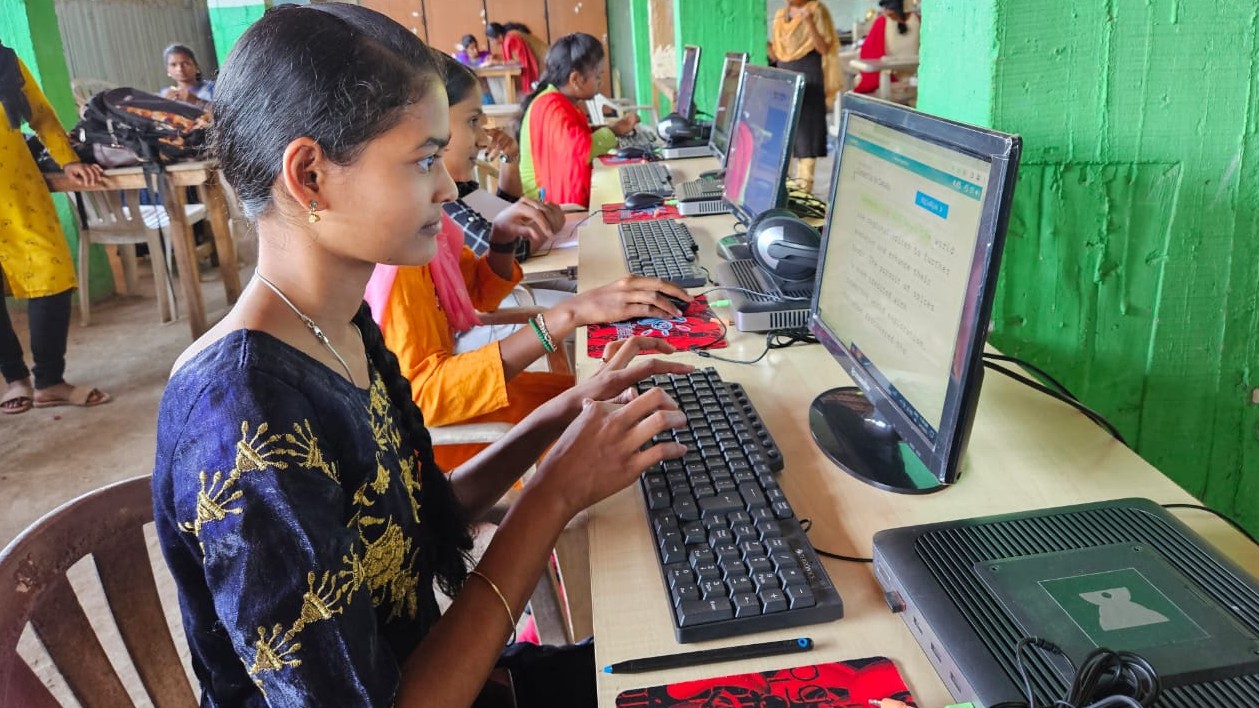
| Feature | How it helps a child with learning differences |
|---|---|
| Zorin OS | A clean operating system without clutter, so your child sees only what they need |
| 8GB RAM and 128GB SSD | Fast enough to avoid frustrating lag |
| Apni Prerna | Shows where your child is learning and where they are stuck, without feeling invasive |
| LibreOffice Suite | Free tools for writing, maths and presentations, with no subscription |
| Scratch | Visual coding that builds confidence and logical thinking |
Just as important is what is missing: no ads, no games and no social media, only learning.
How do you set up the computer for special education at home?
Set it up to stay calm, readable and easy to follow. These steps help:
- Keep the desktop clean so it does not overwhelm your child.
- Turn on the built-in text-to-speech features so reading takes less strain.
- Use Apni Prerna to see which lessons your child understood and which need more time.
- Keep study sessions in a quiet corner with the same routine each day.
When the technology works for your child instead of against them, anxiety around learning can ease. Apna PC gives your child:
- A distraction-free learning environment where focus is possible
- Built-in accessibility tools for children with visual, auditory or processing difficulties
- Parental insights through Apni Prerna to guide your support
- Quality educational content without premium paywalls
- A platform that grows with your child from primary school through high school
How does the computer fit with school and tutoring?
It works alongside them, not instead of them. Use it for homework, for practising weak subjects and for building confidence through coding and creative projects.
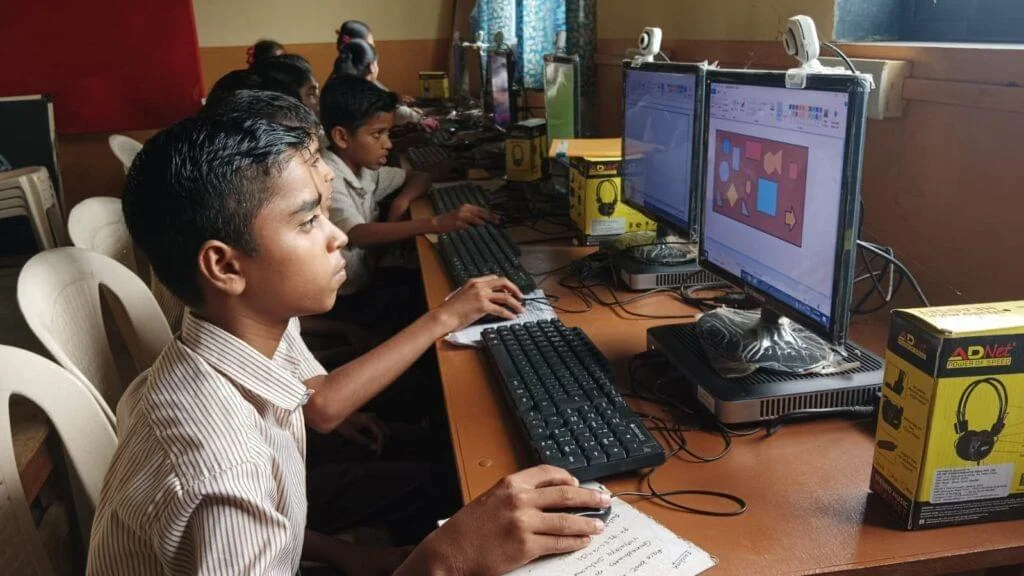
If you have more than one child with different needs, see how Apna PC supports multiple children, so each can have their own setup. You can also use the DIKSHA digital learning platform, which offers free educational videos in multiple languages.
Why does inclusive learning matter for your child’s future?
With the right tools, children with learning differences stop seeing themselves as “slow” and start seeing themselves as learners who think differently. That confidence carries into their teenage years and careers.
Inclusive learning does not mean lowering standards. It means meeting your child where they are and helping them reach their potential.
Frequently Asked Questions
Can a computer replace therapy or special educators?
No. A computer is a support tool, not a replacement for professional help. It works best alongside your child’s school, special educator or therapist, giving extra practice at home, reducing distractions and helping you see where your child needs more support between sessions.
How do I turn on text-to-speech for my child?
Text-to-speech is available in the system’s accessibility settings on Apna PC. Turn it on once and show your child how to use it on their reading material. Sit with them for the first few sessions until they feel comfortable using it on their own.
Should my child with ADHD use a computer at all?
Yes, if it is set up carefully. A computer without games, ads or social media removes many of the distractions that make screens hard for children with ADHD. Short, structured study sessions with clear goals usually work better than long unplanned time on the device.
Your child’s learning differences are different ways of learning, not obstacles. Give them a computer that supports them instead of frustrating them. Visit Apna PC to learn more.