

When Rajesh’s Laptop Crashed, His Daughter Lost a Year of Learning
Rajesh sat in his small electronics shop in Indore, staring at his daughter Priya’s old laptop. The screen flickered once, then went black. It was 2:47 PM on a Tuesday, and Priya had her online class in thirteen minutes. His wife called from the back room: “Kya hua? Is it the virus again?” Rajesh didn’t have an answer. He knew his daughter needed a computer that wouldn’t fail her during board exam season, but he also knew most computers came with confusing software that needed constant fixing. That’s when he discovered Apna PC and learned something that changed everything: good software updates mean your computer actually gets better, not more complicated.
Your computer is like a living thing. It needs care, attention, and regular check-ups. When you buy Apna PC for Rs.30,000, you’re not just getting a machine. You’re getting a system that grows smarter with you. But here’s what most parents don’t understand: software updates aren’t just about adding new features. They’re about keeping your child safe, protecting your data, and making sure your computer runs faster, not slower.
What Are Software Updates and Why Should You Care?
A software update is when the makers of your computer’s operating system release improvements. Think of it like when your child’s school updates its curriculum. The basics stay the same, but new information gets added, old problems get fixed, and everything becomes better organised.
Apna PC comes with Zorin OS, which is built for Indian students and families. When you receive a system update, three things happen:
- Security patches arrive. These close holes that hackers could use to steal your personal information or your child’s school projects.
- Your computer runs faster. Updates fix bugs that slow down your machine, making everything smoother.
- New features get added. Sometimes updates bring tools that help you work better, study better, and stay organised.
In Priya’s case, if her old laptop had received regular security updates, it wouldn’t have caught the virus that crashed it. Her parents learned this lesson too late.
How Often Do You Need System Updates?
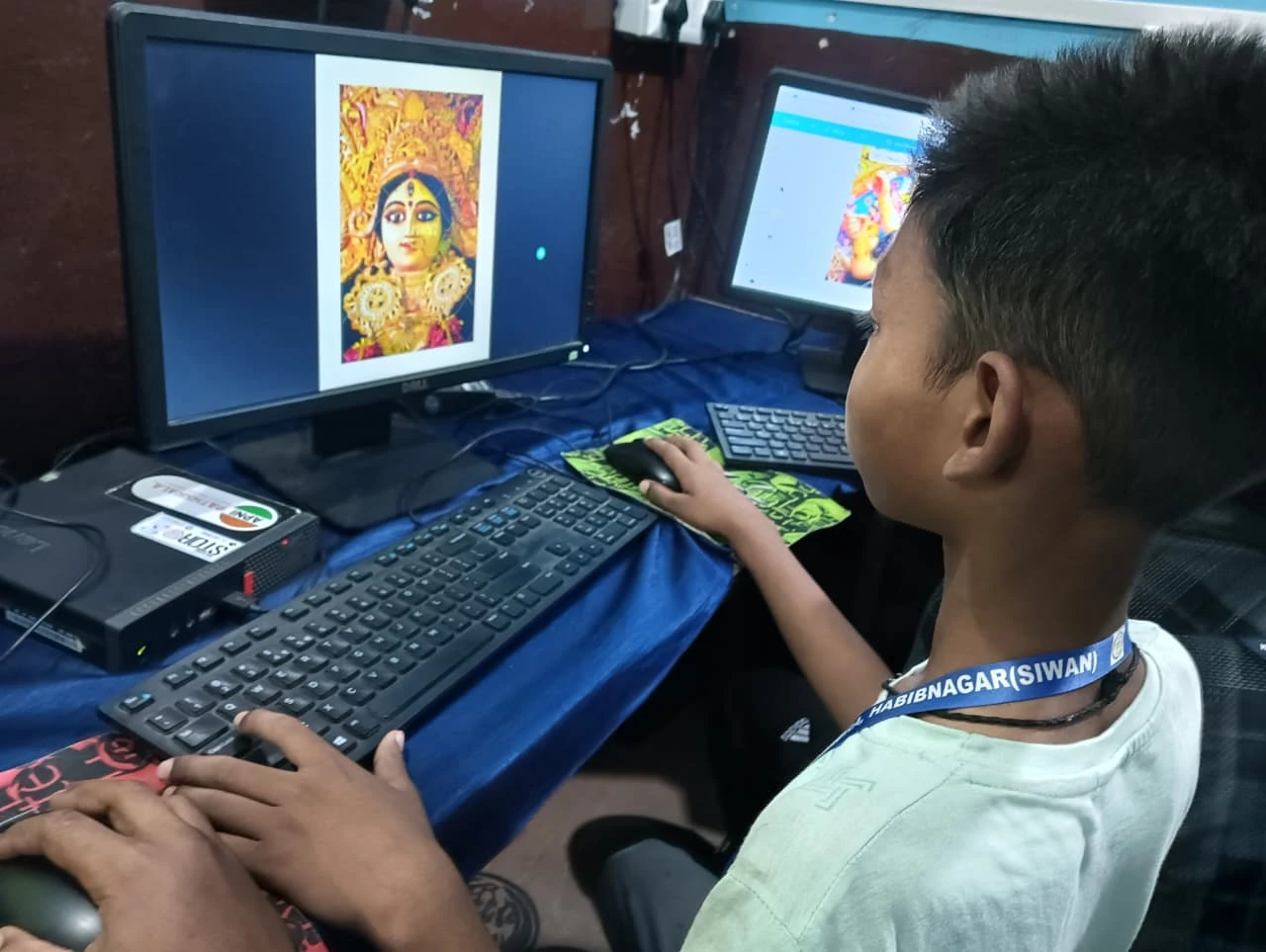
Your Apna PC will notify you when updates are available. You don’t have to hunt for them or worry about missing something important. Zorin OS typically releases system updates every few weeks, and security updates come out whenever threats are discovered.
Here’s what you should do: when your computer shows an update notification, don’t ignore it. Don’t close the message and keep working. Updates usually take 10 to 30 minutes, and your computer might restart. The best time to update is at night, after your child has finished homework and submitted all assignments.
You’ll see three types of updates on your Apna PC:
- Security updates come first. These are urgent. They protect your child from hackers and malware.
- System updates improve how your computer works. They fix slowdowns and crashes.
- Application updates improve the programs your child uses, like LibreOffice or Scratch, which come pre-loaded on Apna PC.
Will Updates Slow Down Your Apna PC?
This is the question Rajesh asked when he first heard about Apna PC. He’d heard horror stories about computers getting slower after updates. That’s usually because older computers have weak processors or too little RAM. Your Apna PC has 8GB RAM and 128GB SSD storage, which means it can handle updates without choking.
After an update, your computer should actually feel faster, not slower. If it doesn’t, something is wrong, and that’s when you reach out to warranty and support from Apni Pathshala. They’ll help you figure out what’s happening.
Priya’s school computer teacher told her parents: “Updates are like taking your child to the doctor for a checkup. It takes time, but it keeps them healthy.” Your computer is the same way.
What’s Inside Apna PC That Makes Updates Safe?
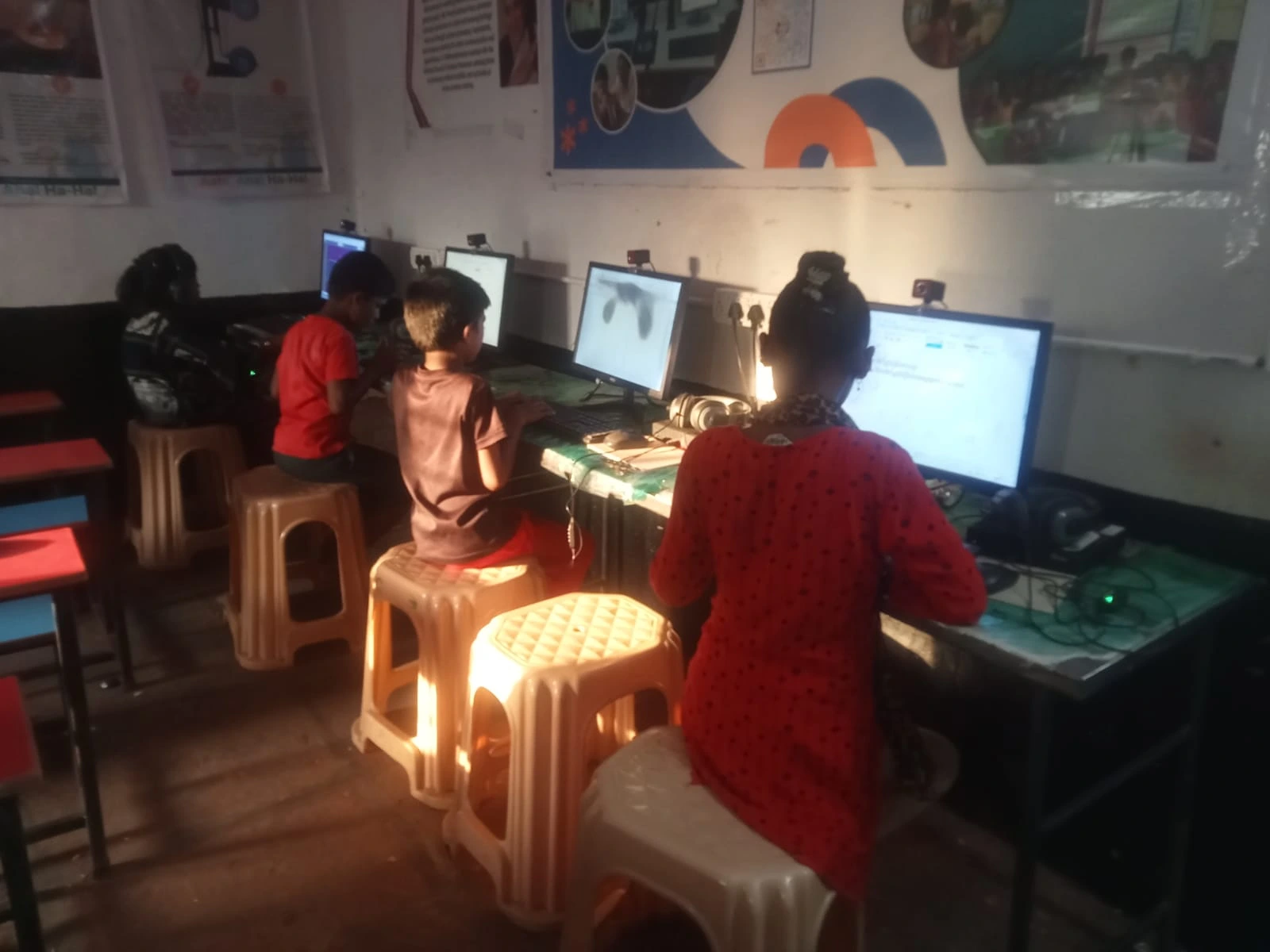
When you open the box of your new Apna PC, you’ll find a computer that’s already set up for Indian students. It comes with Zorin OS, Apni Prerna for student monitoring, LibreOffice for schoolwork, and Scratch for coding. Everything is pre-loaded and ready to go. But behind the scenes, there’s a system built to receive updates safely.
To understand what makes Apna PC special, check out what’s inside Apna PC. You’ll see how the hardware and software work together. The 128GB SSD means updates download quickly. The 8GB RAM means your child can keep working while updates install in the background.
Zorin OS is designed by people who understand that Indian families need reliable computers. It’s not Windows, so it doesn’t get the same viruses. It’s not Mac, so it’s affordable. It’s built for you.
When Should You Schedule Updates?
Don’t update during exam season if your child has a big test the next morning. Don’t update right before an important online class. Plan updates for weekends or holidays when there’s time to restart the computer if needed.
Your Apna PC will remind you when updates are available. You can choose to update immediately or wait for a better time. This control is important. You’re not forced into updates at bad moments.
Rajesh now schedules Priya’s updates every second Sunday evening. She knows it’s happening, so she saves her work early. By Monday morning, her computer is faster and safer. Her school projects are protected by better security. She hasn’t lost a single assignment since they got Apna PC.
Why Security Updates Matter Most?
Security updates are different from other updates. They’re not optional. They’re not something you can skip because you’re busy. Security updates fix holes that real hackers are trying to exploit right now, today, in your city.
According to India’s Ministry of Education, cybersecurity is becoming a bigger concern for students and families. Your child’s school projects, your family photos, your bank details, your Aadhaar information- all of it could be at risk if your computer isn’t updated.
When a security update arrives on your Apna PC, treat it like an urgent message from school. Don’t delay. Install it as soon as you can.
Computer Maintenance Beyond Updates
Updates are just one part of keeping your Apna PC healthy. You also need to restart your computer regularly, delete old files you don’t need, and keep your desk clean so dust doesn’t block the vents. These simple habits, combined with regular updates, mean your Rs.30,000 investment will last for years.
Priya’s computer runs perfectly now. Her mother says she’s never seen a machine this reliable. Rajesh tells everyone in his shop about Apna PC. He tells them about software updates, about security, about how a computer that gets updated is a computer that protects your child’s future.
Your Apna PC is ready to grow with your child through school, college, and beyond. All you need to do is accept the updates when they arrive and give your computer time to install them. That’s it. That’s how you keep your family safe and your investment strong. Visit apnapc.com to learn more.