

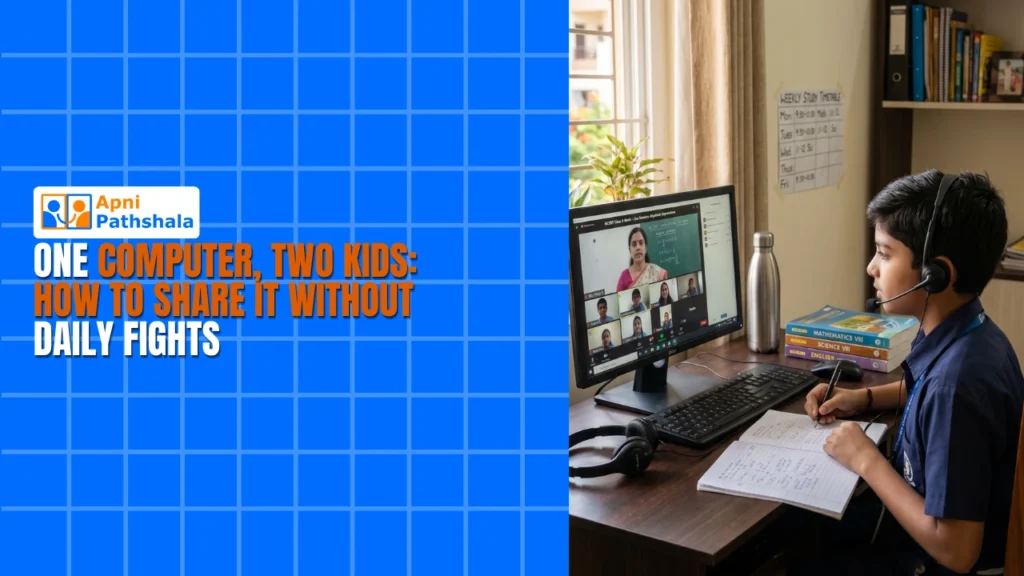
The Morning Chaos at the Sharma Household
It’s 8:45 AM on a Tuesday in Indore. Priya, 12, needs the family’s one computer to submit her science project. Her brother Arjun, 10, has an online exam starting in fifteen minutes. Their mother, Sneha, stands between them as they argue, knowing that one of them will miss their deadline.
This scene plays out in thousands of homes across Tier 2 and Tier 3 Indian cities where a single computer for two kids isn’t a luxury, it’s the reality. If you’re facing this daily battle, you’re not alone. Finding the right computer for two kids at home requires planning, the right device, and smart scheduling to keep everyone learning without the fights.
This scene plays out in thousands of homes across Tier 2 and Tier 3 Indian cities where a single computer for two kids isn’t a luxury, it’s the reality. If you’re facing this daily battle, you’re not alone. Finding the right computer for two kids at home requires planning, the right device, and smart scheduling to keep everyone learning without the fights.
Why One Computer for Two Kids Creates Conflict?
When you have a computer for kids sharing one machine, time becomes the enemy. Both children have different school schedules, different exam dates, and different learning needs. Arjun needs it for his coding class while Priya’s preparing for her board exams. Your home-learning computer becomes a contested resource that nobody’s happy with.
Beyond just the schedule clash, there’s another problem. Kids fight over who gets to use it, when they get to use it, and for how long. Screen time arguments turn into real family tension. You end up playing referee instead of focusing on their actual learning.
The Real Cost of Sharing One Old Computer
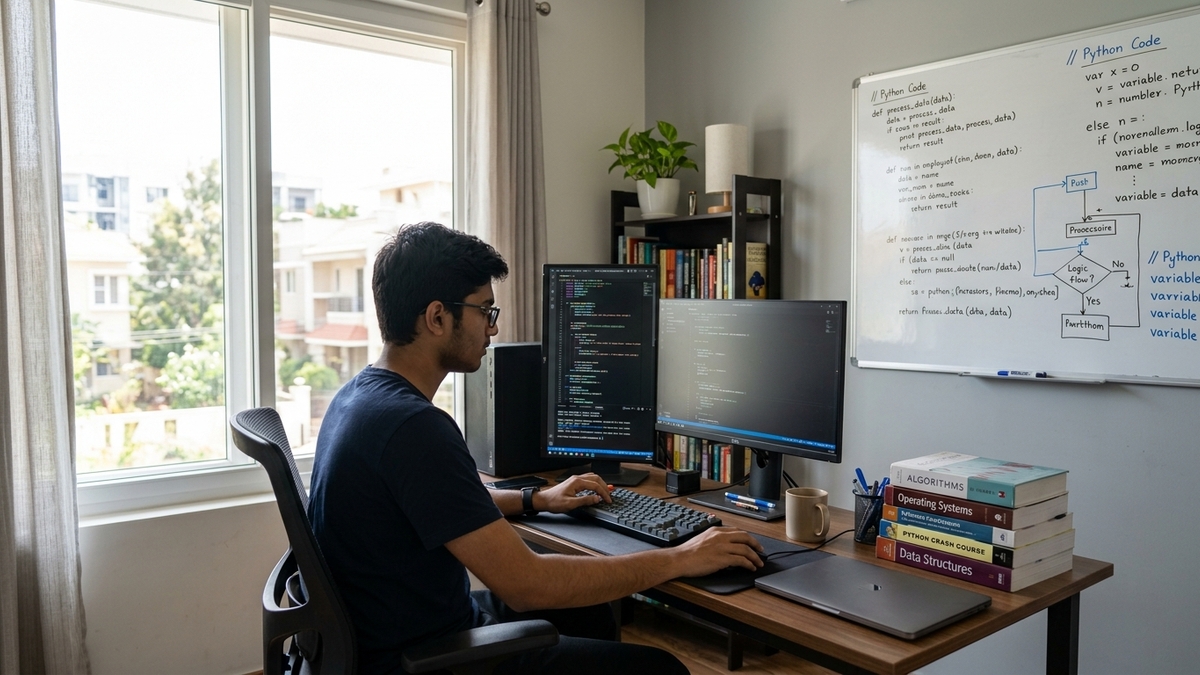
Many parents try to stretch an old, slow computer across two kids. The machine lags, programs crash, and suddenly what should take 20 minutes takes an hour. Your kids get frustrated. Their learning suffers. You’re spending money on repairs instead of investing in something that actually works.
An older computer also can’t handle modern educational software smoothly. Video calls for online classes stutter. Coding programs freeze. Your computer for exam preparation becomes a liability rather than a tool.
How to Set Up a Sharing Schedule That Actually Works
Start by mapping out each child’s non-negotiable computer time. When does Priya have her online classes? When does Arjun’s tuition happen? Write it down. Create a visible schedule on your wall so both kids see it’s fair, not random.
Build in buffer time. Don’t schedule Priya from 4 to 5 PM and Arjun from 5 to 6 PM back-to-back. Leave 15 minutes between slots for transitions, saving work, and reducing stress. You’ll find the fighting drops significantly when kids know exactly when their turn comes.
Use the non-computer time productively. While one child uses the computer for students, the other can read, do math problems on paper, or work on projects that don’t need a screen. This keeps both kids learning without competing.
The Device That Changes Everything
What if you didn’t have to choose between your kids? What if you had a computer built specifically for Indian students that could reliably handle their needs?
Apna PC is designed exactly for families like yours. At just Rs.21,000, it’s affordable enough to consider as a serious solution for your home learning computer. It comes preloaded with everything your kids need: LibreOffice for assignments, Scratch for coding, and Zorin OS, which runs smoothly without lag.
The 8GB RAM and 128GB SSD mean your computer for kids won’t slow down when they’re doing homework, watching educational videos, or taking online exams simultaneously across two devices if you eventually get two. The Apni Prerna monitoring system lets you track what they’re learning without being intrusive. You can set up a learning routine at home that actually works for both children.
Making the Most of Your Shared Computer
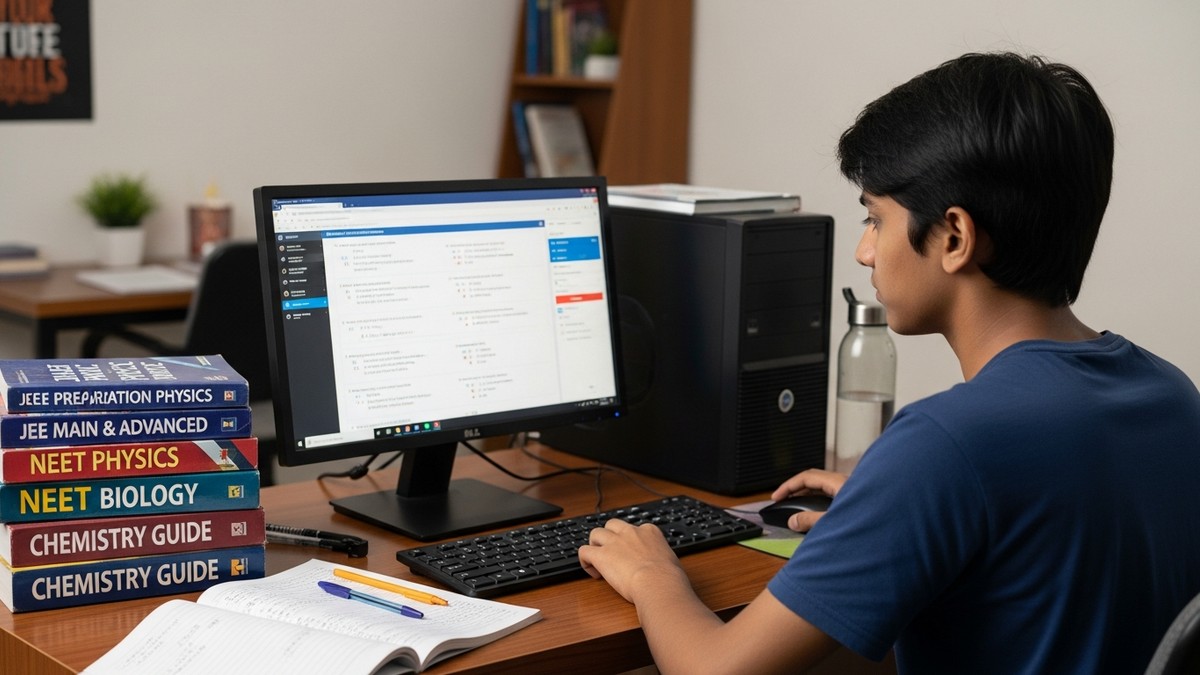
Once you have a reliable device, the real work starts. Create separate user accounts for each child. This isn’t just about privacy, it’s about teaching them responsibility. Each child sees their own files and settings and understands that this is their space on the shared computer.
Use the monitoring features wisely. You’re not spying on them. You’re understanding what they’re learning, what websites they’re visiting, and whether they need help. This helps you bridge the gap between school and home learning.
Teach them about digital literacy while they share the device. When kids understand why taking turns matters, why saving their work properly matters, and why not downloading random files matters, they become better digital citizens. This aligns with the Digital India initiative, which is pushing technology into every Indian home.
Beyond the Schedule: Real Family Solutions
The computer for two kids at home isn’t just a device—it’s a teaching moment. When Priya and Arjun see that sharing works because they have a system, because the device is reliable, and because you’re fair about it, they learn something valuable about cooperation.
Set house rules together. No interrupting during someone’s exam time. No eating near the keyboard. Save work every 10 minutes. When kids help create the rules, they follow them better. The fighting drops. The learning improves.
The Investment That Pays Back
Yes, Rs.21,000 is money. But compare it to the cost of constant fighting, missed deadlines, and your stress as a parent. Compare it to buying a new computer every two years because the old one’s broken down. A quality computer for students pays for itself in peace and productivity.
Your kids are in their crucial years of learning. Priya’s preparing for exams that shape her future. Arjun’s building foundations in coding and digital skills. They both deserve a tool that works reliably, not a device that frustrates them into giving up.
The morning chaos at the Sharma household doesn’t have to be your reality. With the right computer for kids, a fair schedule, and clear expectations, sharing becomes possible. Your two kids can both learn, both grow, and both reach their potential without daily fights over the keyboard. Visit apnapc.com to learn more.