

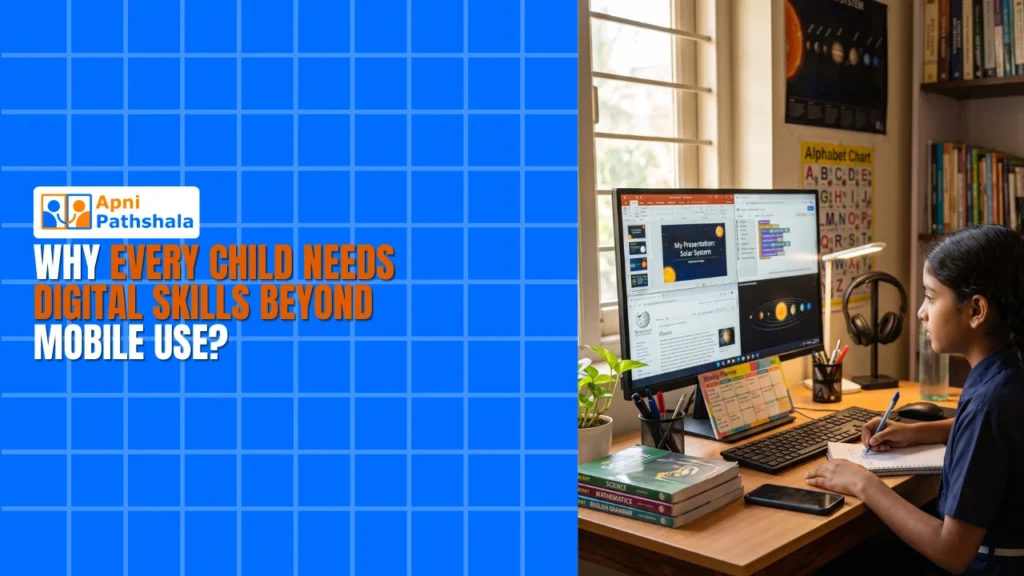
Every child needs digital skills beyond mobile use because school and future work depend on computer skills that phones do not teach, such as typing, file management, spreadsheets and coding. A phone trains fingers to tap and scroll; a computer teaches a child to organise, create and understand how technology actually works.
For example, a primary school child who uses a tablet comfortably may still freeze in an online class on spreadsheets and ask, “Where do I click?” Swiping and tapping are not the same as computer skills.
Why aren’t mobile skills enough for your child’s future?
Mobile skills are not enough because school subjects now expect basic computer knowledge. Maths teachers assign spreadsheet projects, science classes ask for presentations in LibreOffice, and history teachers want proper research in a browser, not just YouTube searches.
Phones also create a false sense of digital literacy. A child may scroll Instagram easily but not know how to create a document or write a simple program.
What is the difference between using a phone and using a computer?
On a phone, a child uses one app at a time; on a computer, they learn to manage several windows, organise files and understand how an operating system works. That is the difference between consuming and creating.
Organisations such as UNESCO work on digital skills in education worldwide, and early computer use helps children practise logic and follow multi-step instructions. These are life skills as well as tech skills.
Which computer skills should every child learn?
Every child should learn five core computer skills that a phone cannot fully teach:
- File management: organising documents, folders and projects instead of losing everything in a cluttered downloads folder.
- Real typing: keyboard skills are faster and more precise, so assignments are completed quicker and better formatted.
- Coding and logic: Scratch teaches how computers think, not just how to use them.
- Office skills: LibreOffice documents, spreadsheets and presentations are tools for college and work.
- Digital citizenship: cybersecurity, safe browsing and responsible use.
Future employers will not care how well your child uses social media apps; they will care about these skills. Our guide to keyboard skills for school students explains where to start.
What is the cost of waiting to give your child a computer?
Waiting means your child falls further behind each year. In tier-2 and tier-3 cities, computer access is still limited: government schools often lack devices, and private schools assume students have computers at home.
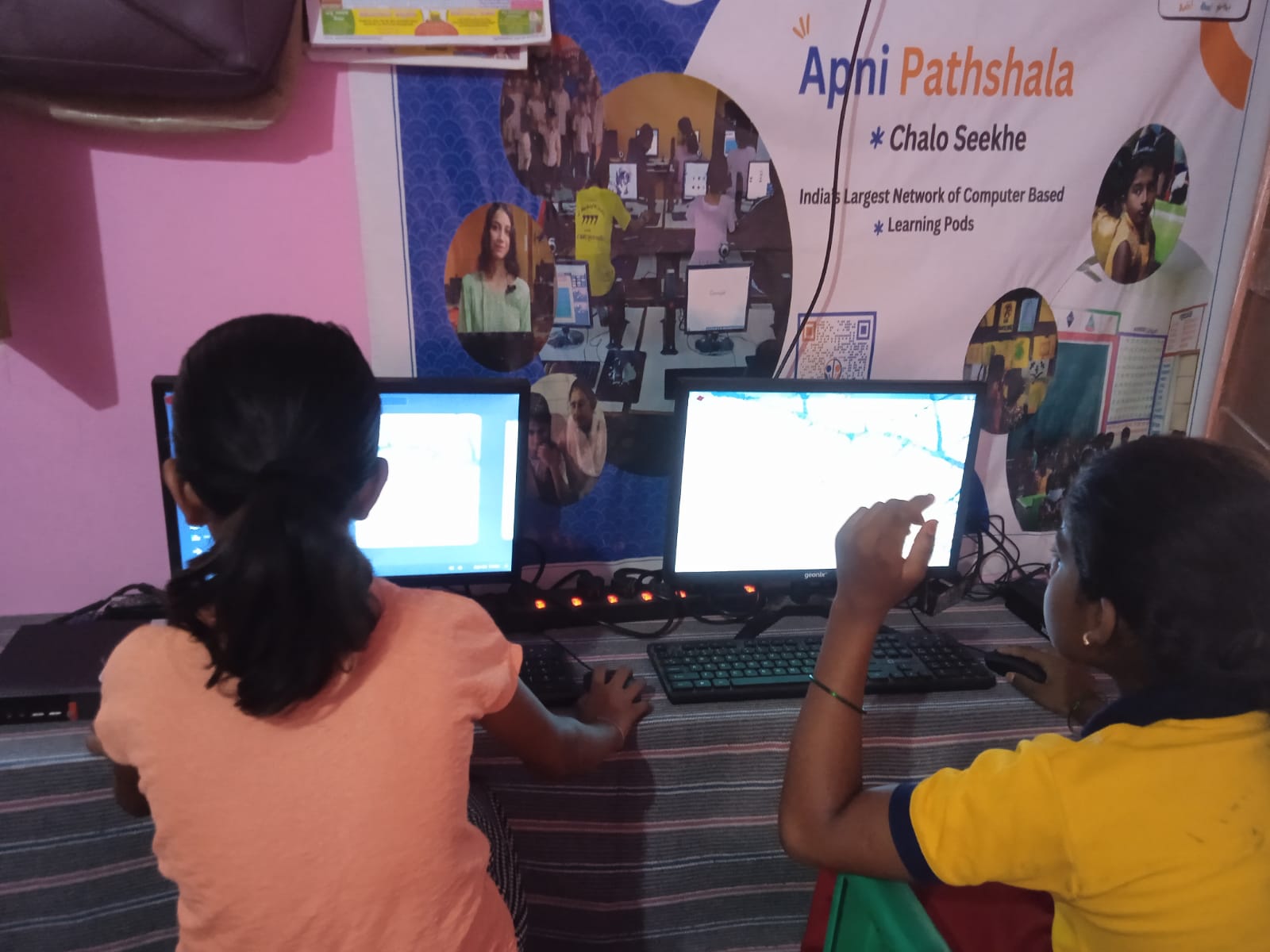
A child who first meets a computer in college sits beside classmates who have used one for years. They struggle with basics, feel embarrassed asking about keyboard shortcuts and spend time catching up. Confidence drops, career options narrow, and families may end up paying for coaching just to teach computer basics.
Why does your child need a dedicated learning computer?
Your child needs a computer of their own where they can explore and make mistakes without risking your work files. A parent’s work laptop is for work, not for learning.
Apna PC is built for students. At Rs. 30,000 (excluding shipping and GST), it comes pre-loaded with Zorin OS (a beginner-friendly operating system), LibreOffice, Scratch and Apni Prerna so you can follow your child’s progress. The 8GB RAM and 128GB SSD handle school projects, coding practice and platforms like the DIKSHA digital learning platform.
Learn more about why students need a computer for thinking, not just watching, and how a first computer shapes lifelong learning habits.
How can your child start building digital skills at home?
Start at home now instead of waiting for school lab time. With their own computer, a child can move from basic typing to spreadsheets and their first Scratch game at their own pace.
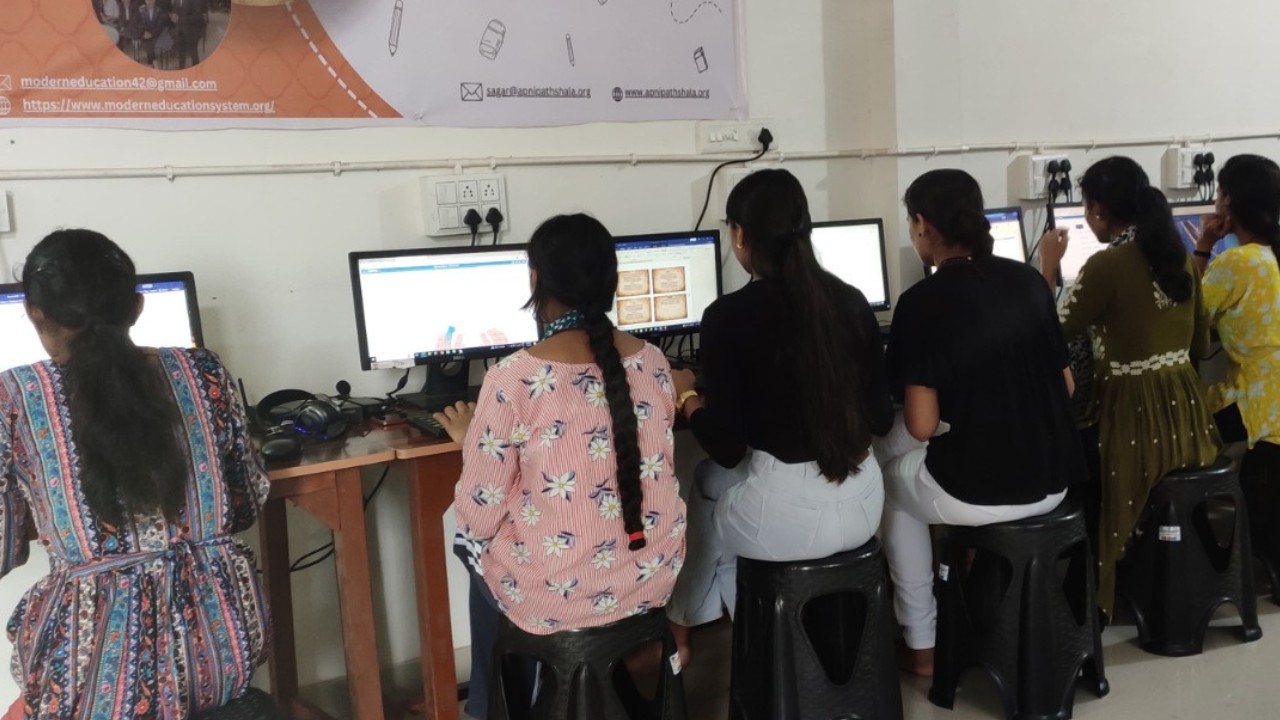
Children often surprise their parents: before long, they may be the ones explaining spreadsheets at home. They stop only using technology and start understanding and creating with it. Digital literacy is no longer optional; it is foundational.
Frequently Asked Questions
Is a tablet good enough to learn computer skills?
Not fully. A tablet is good for reading and watching lessons, but it does not teach proper typing, file management or working across several windows. Spreadsheets, documents and coding are much easier with a keyboard, mouse and full operating system, which is what school projects and future jobs expect.
Which computer skill should my child learn first?
Typing and basic file management are good first steps. Once your child can type comfortably and save work in folders, they can move on to documents, spreadsheets and presentations, then try simple coding in Scratch. Each skill builds on the last, so steady practice matters more than speed.
Can my child learn computer skills without classes?
Yes, many children learn well at home with a computer and some guidance. Pre-loaded tools like LibreOffice and Scratch let them practise by doing, and free platforms such as DIKSHA add structured lessons. Short, regular sessions build skills steadily without the cost of extra coaching.
Your child needs more than mobile skills. To give them a computer built for learning, visit Apna PC.