

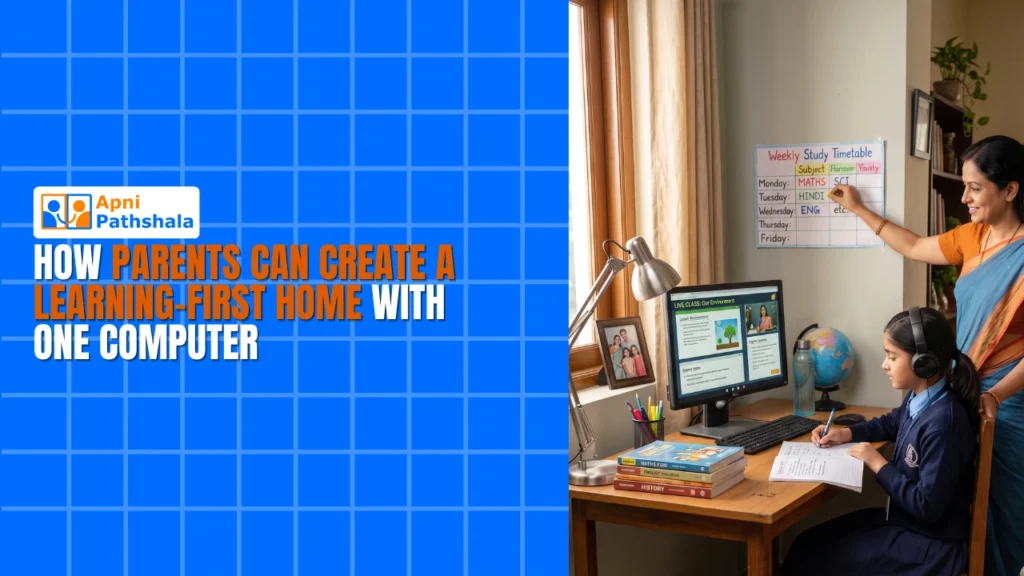
Ravi’s Story: Why One Computer Changed Everything
Ravi Kumar sits in his small flat in Indore, watching his two children fight over the family’s old laptop. His daughter Priya needs it for her online classes, while his son Arjun wants to practice coding. Ravi earns a decent salary as a supervisor at a factory, but buying two computers feels impossible. Like many parents in Tier 2 cities, he’s caught between wanting to support his children’s education and the harsh reality of his budget. He doesn’t know much about computers, but he knows his kids’ future depends on having the right tools at home. This is where building a learning-first home becomes real, not just something he reads about in parenting articles.
What Does a Learning First Home Actually Mean?
A learning-first setup isn’t about having the fanciest gadgets or the biggest desk. It’s about creating a space where education is the priority, where your children can learn without fighting over resources, and where you, as a parent, can actually monitor what they’re doing online. When you build this kind of environment, you’re saying that your family’s growth matters more than entertainment or endless scrolling.
The foundation starts with one simple thing: a dedicated computer for studies. Not a shared family laptop that everyone fights over, but a machine set up specifically for learning. This doesn’t mean it has to be expensive or complicated. What it means is that your child has a reliable tool, just like they have a proper desk and good lighting.
A learning-first home gives your child the consistency they need. Think about how children learn effectively by reviewing research on how they learn. Children need consistency, a distraction-free space, and the right tools. When your home is organised around studies first, everything else follows naturally.
The Three Pillars of Setting Up Your Home Learning Space
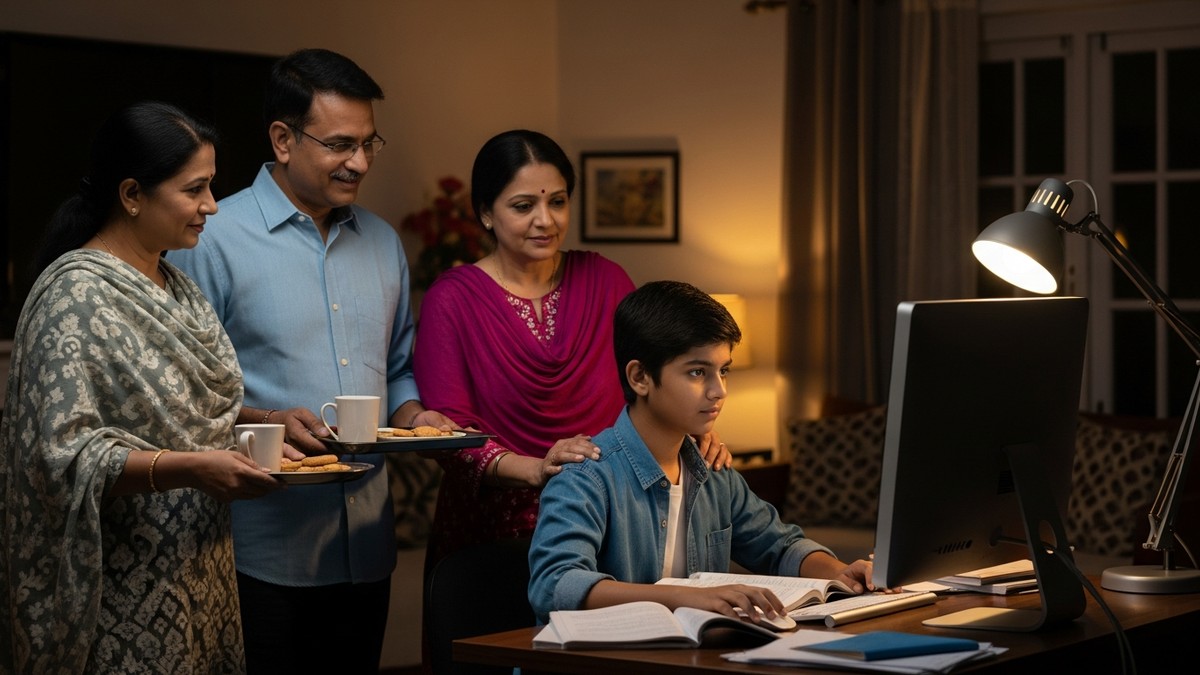
Building a proper home learning environment rests on three key pillars that every parent should understand:
- A dedicated study computer that’s built for education, not gaming or heavy entertainment
- A proper physical space where your child can sit comfortably and focus for hours
- Parental oversight tools that let you know what your child is doing without being intrusive
When all three work together, you’ve created an environment where learning happens naturally. Your child isn’t distracted by games or social media because the computer itself is designed for studies. You’re not stressed about what they’re accessing because you have simple tools to monitor their activity. And they have a comfortable, dedicated space that says “this is where I grow.”
Why One Computer Is Enough (When It’s the Right One)
You might think one computer isn’t enough for a family with multiple children. But the truth is, when you’re setting up study infrastructure at home, one well-chosen computer can serve your entire family’s learning needs. Here’s why: most educational work happens one student at a time. Your daughter does her online class from 2 to 3 PM, then your son uses the computer from 4 to 5 PM for his coding practice.
The Apna PC is designed specifically for this situation. At Rs.21,000, it’s affordable for families like Ravi’s, but it’s not a cheap, slow machine that frustrates your kids. It comes with 8GB of RAM and a 128GB SSD, so it can handle multiple browser tabs, educational software, and even video calls without slowing down. Your child won’t waste time staring at a loading screen.
What makes it truly special for home learning is what’s already installed on it. The Apni Prerna monitoring tool lets you see what your child is doing without needing to hover over their shoulder. LibreOffice comes pre-loaded so they can write essays and create presentations. Scratch is there for coding practice. Everything your child needs for school is already there, waiting.
Creating the Right Environment for Focus
Having the right computer is only half the battle. The other half is creating a physical and digital environment where your child actually wants to study. This means giving students a private space for digital practice, away from the TV and household noise.
Here’s what you can do with just one computer:
- Set up a small desk in a corner of a bedroom or living room, away from distractions.
- Use the Apni Prerna tool to set study schedules and monitor usage.
- Keep the computer free from games and entertainment apps.
- Make it a rule that study time is sacred time, no interruptions.
- Use resources like the DIKSHA digital learning platform for supplementary learning materials.
When your child sits down at this computer, they know it’s for learning. There’s no temptation to open a game or watch videos because those things aren’t there. The computer itself reinforces good habits.
How Apna PC Fits Into Your Learning First Home
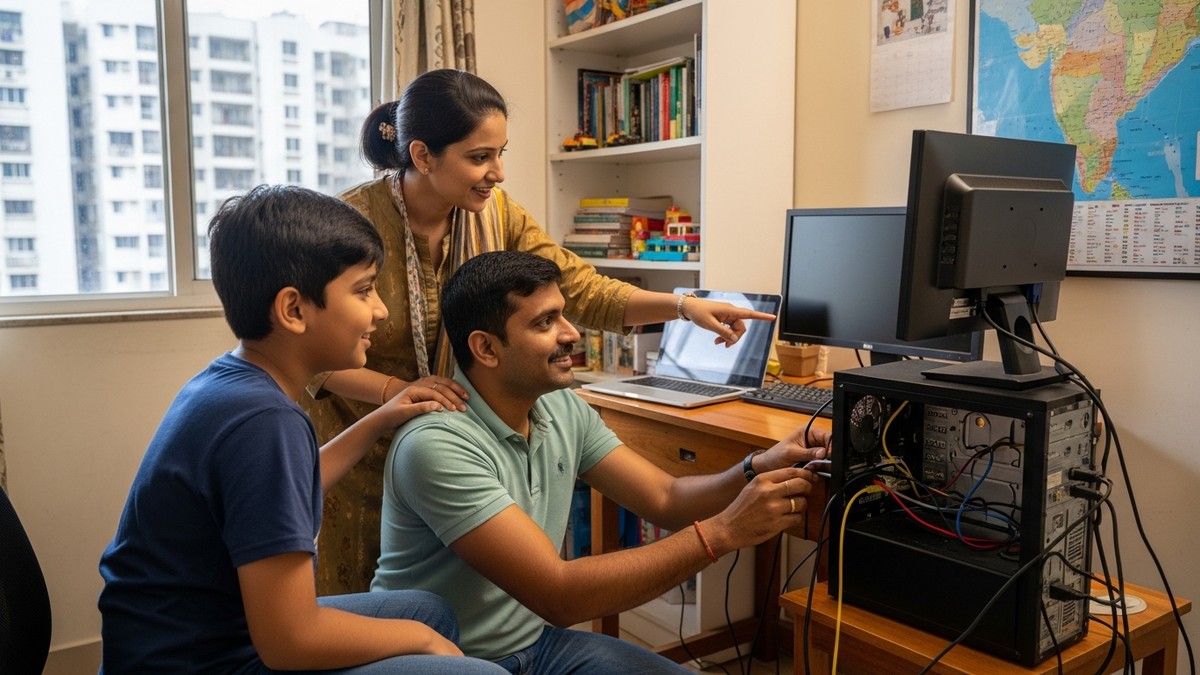
The Apna PC isn’t just any computer. It’s built by Apni Pathshala, an organisation that understands what Indian families actually need. It runs Zorin OS, which is fast, safe, and easy to use even if you’re not tech-savvy. You don’t need to be a computer expert to set it up or help your child use it.
For parents who worry about screen time and safety, the Apni Prerna monitoring system is a game-changer. You can see what your child is doing, set time limits, and get reports on their learning progress. It’s not about spying on them; it’s about being involved in their education in a practical way.
The 128GB SSD means your child can store years’ worth of school projects, notes, and study materials without the computer slowing down. The 8GB RAM means they can have multiple windows open while watching an online class and taking notes at the same time. It’s designed for real student work, not just basic browsing.
Making It Work for Multiple Children
If you have two or three children, you might worry that one computer isn’t enough. But with a schedule and the right tools, it absolutely is. Your daughter can have her study time from 2 to 4 PM, your son from 4 to 6 PM, and your younger child from 6 to 7:30 PM. Each child gets dedicated, distraction-free time on a computer that’s set up just for learning.
The Apni Prerna system lets you create different user profiles for each child, with different monitoring settings and study schedules. Your 10-year-old’s profile will be different from your 16-year-old’s profile. Everyone gets the right level of oversight and independence.
The Real Cost of Not Having a Study Computer at Home
Think about the hidden costs of not having a proper setup. Your children fighting over the old laptop. Them falling behind because they can’t access online classes on time. You feeling helpless because you don’t know what they’re doing online. Them getting distracted by games and social media instead of focusing on studies. These costs add up in ways that go far beyond money.
A dedicated study computer prevents all of this. It’s an investment in your child’s future, in your peace of mind, and in the kind of family environment where education thrives. When you walk into your home, you see a space that says “we believe in learning here.” Your children feel it. They study better. They focus better. They grow better.
Your Next Step
Creating a learning-first home starts with one decision: to prioritise your child’s education by giving them the right tools. The Apna PC at Rs.21,000 (plus shipping and GST) is an affordable way to make that happen. It’s not the most expensive computer on the market, but it’s built specifically for Indian students and Indian parents who want to do right by their children’s education. Visit apnapc.com to learn more.