

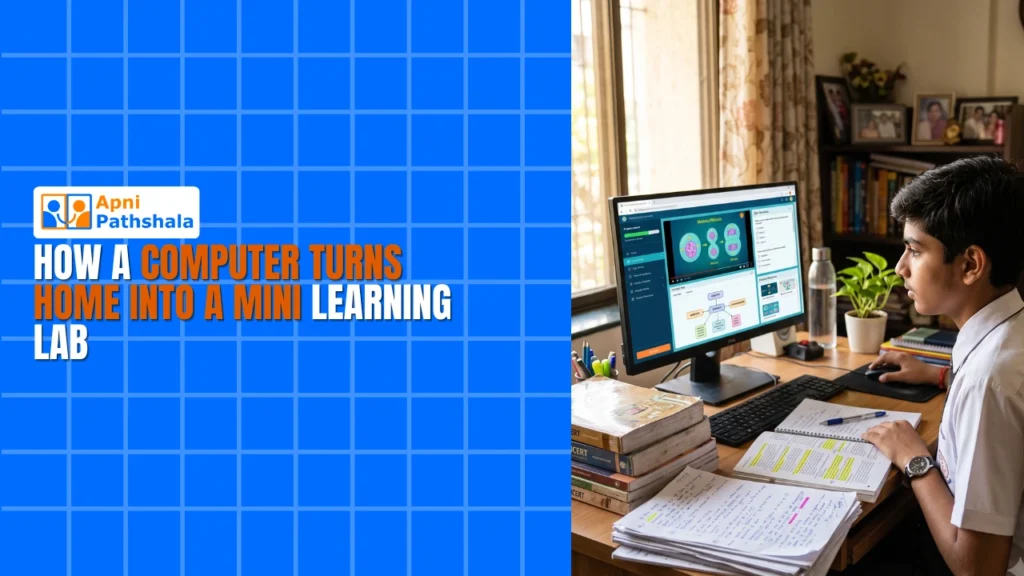
Ravi’s mother sat at the kitchen table, watching her son stare blankly at his math textbook. It was 2 PM on a Tuesday, and he’d been struggling with fractions for twenty minutes. She thought about her own school days. Limited resources, no computers, just books and a tired teacher. But this was 2024, and Ravi deserved better. That’s when she discovered how a computer could turn their small two-room home into a learning lab, transforming the way her son studied and learned.
You don’t need a fancy school building or expensive tuition centre to create an effective learning lab at home. A well-equipped computer designed specifically for students can do the job. With the right tools and setup, your home study space becomes a place where your child can explore, experiment, and grow at their own pace.
Why Your Home Needs a Learning Lab?
The shift toward digital learning is real, especially after what families experienced during lockdowns. Your child spends hours on screens anyway, so why not make those hours count? A dedicated learning lab at home gives your student access to educational resources, coding tools, and interactive content without distractions of internet cafes or crowded computer centres.
Many parents in Tier 2 and Tier 3 cities face a challenge: good schools are far away, tuition is expensive, and quality computer education is hard to find. A student computer at home bridges that gap. Your child can learn programming, digital literacy, and subject-specific content on their own schedule.
The government’s Digital India initiative has pushed educational technology into every corner of the country. Your family should be part of this movement.
What Makes Apna PC the Right Choice for Your Home Study Setup?
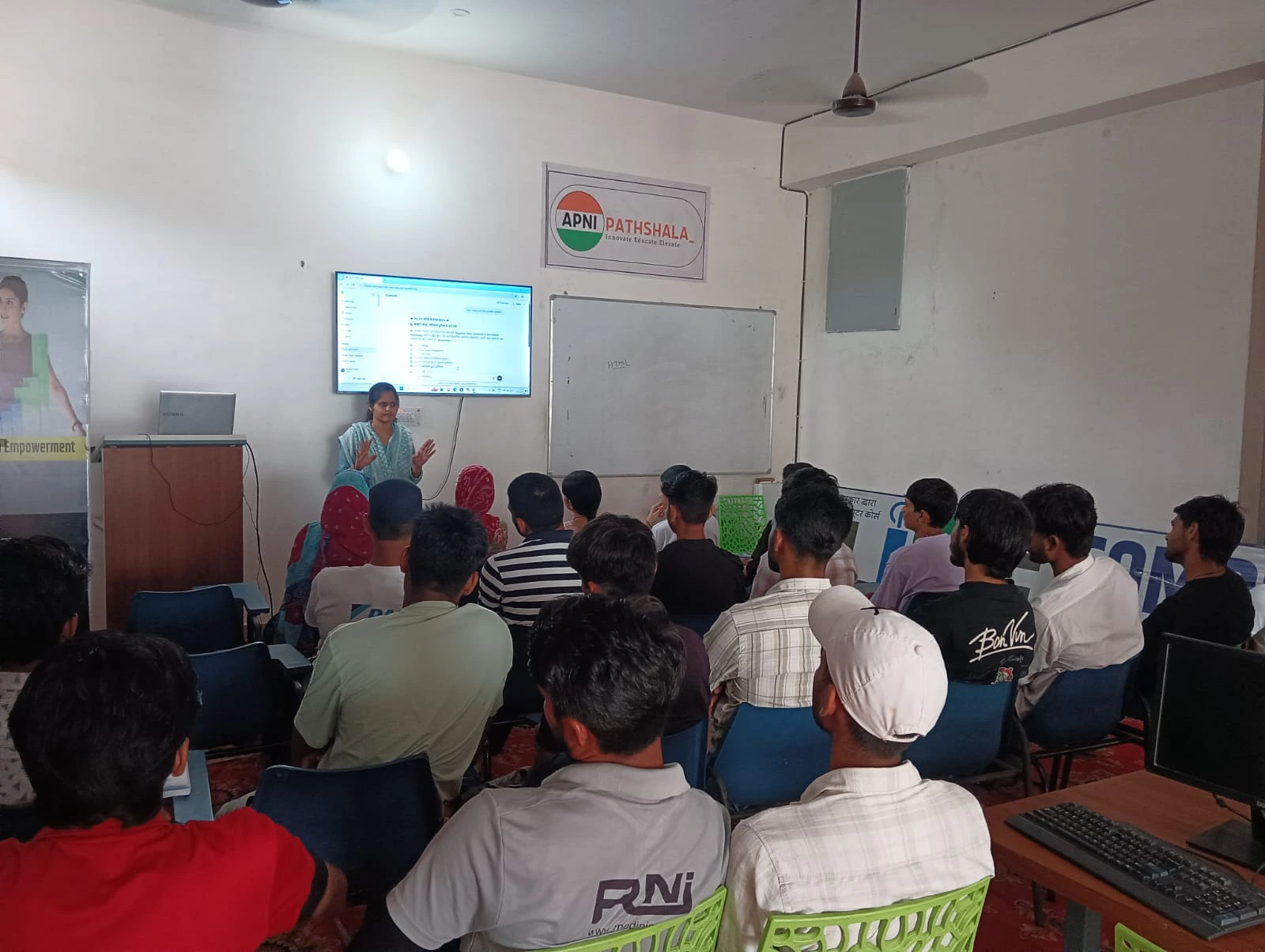
Apna PC is built for Indian students by Apni Pathshala, a team that understands your needs. At Rs. 21,000 (excluding shipping and GST), it’s affordable without cutting corners. The computer comes pre-loaded with tools that actually matter for learning.
Here’s what you get inside the box:
- Zorin OS: A user-friendly operating system that’s safe and free from viruses
- Apni Prerna: Student monitoring software so you can track progress without hovering
- LibreOffice: For documents, spreadsheets, and presentations your child needs for school
- Scratch: A visual programming tool that teaches coding logic to beginners
- 8GB RAM and 128GB SSD: Enough power to run multiple programs smoothly without lag
Unlike a regular personal computer, this one comes ready for learning. You don’t waste time installing software or dealing with bloatware. Your student can start learning on day one.
Ravi’s mother plugged in the Apna PC, and within an hour, Ravi was working through fraction problems on Khan Academy. His younger sister was learning basic coding with Scratch. Their home had become a learning lab.
How a Learning Lab at Home Builds Real Skills
When your child has a dedicated computer for learning, something shifts. They’re no longer just consuming content. They’re creating, experimenting, and problem-solving. Scratch teaches them to think logically. LibreOffice helps them organise their thoughts. Apni Prerna lets you see what they’re working on without being intrusive.
Your student can pause a lesson, rewind, and replay it as many times as needed. They can’t do that in a classroom. This flexibility is powerful, especially for kids who learn at their own pace. You can help them build self-study discipline without forcing them.
The learning lab at home also removes the pressure of a crowded tuition centre. Your child isn’t competing with thirty other kids for the teacher’s attention. They’re learning in a comfortable, familiar space where mistakes are part of the process.
Coding skills, digital literacy, and independent learning are no longer luxuries for kids in big cities. Your child in a Tier 2 or Tier 3 city can develop these skills, right from home.
Creating the Right Environment for Your Learning Lab
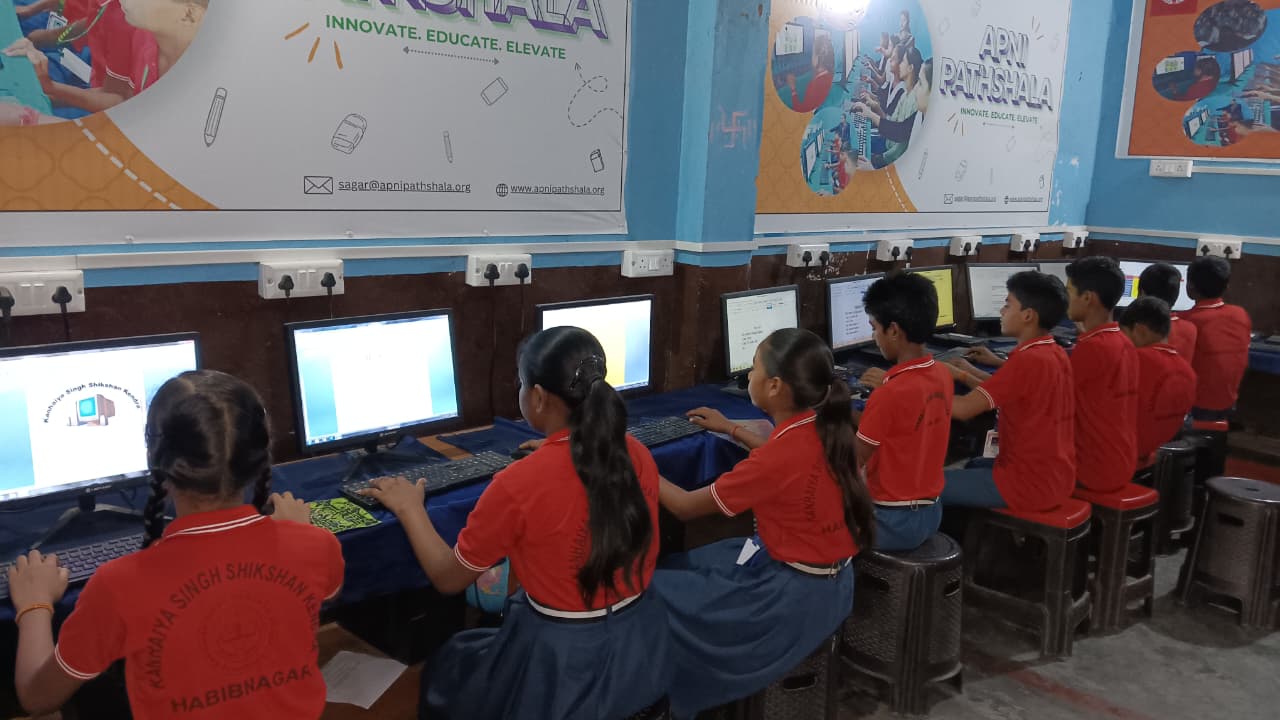
A learning lab isn’t just about having a computer. It’s about creating the right environment. Set up a quiet corner with a desk, chair, and good lighting. Keep the computer away from distractions like TVs and gaming consoles. Make it a space where your child associates the computer with learning rather than entertainment.
The Apni Prerna software helps you stay involved without micromanaging. You can see what your child is studying, how long they’re spending on each task, and where they might need help. This transparency builds trust and helps you understand your student’s learning patterns.
Establish simple rules: no social media, no random browsing during study time, and regular breaks. These habits, built in a home learning lab, will serve your child throughout their education.
Affordable Quality Education for Every Indian Family
You don’t need to be wealthy to give your child access to quality educational tools. At Rs. 21,000, Apna PC costs less than a month’s tuition at most coaching centres. You’re making a one-time investment that will serve your child for years.
When you compare the cost to the benefits, the math is clear. Your child gets coding education, digital literacy, and a platform for independent learning. You get peace of mind knowing they’re learning safely and productively. You can also boost student confidence by letting them explore technology in a structured way.
Many families in your city are already making this choice. Their children are learning skills that will matter in college and beyond. Your family can be next. A home learning lab powered by Apna PC isn’t a luxury. It’s an investment in your child’s future. It transforms your living room into a space where curiosity is encouraged, skills are built, and learning happens at your child’s pace. Visit apnapc.com to learn more.